Veo 3.1 · Seedance 2.0 · Sora 2 · Happy Horse
AI Ad Generator That Starts From Your Product Shot
You already own the shot. Upload it and animx turns it into a finished spot — 9:16, 16:9 or 1:1, up to 15 seconds, with native audio on the models that support it. Every example on this page was made on animx.
What an AI ad generator actually does
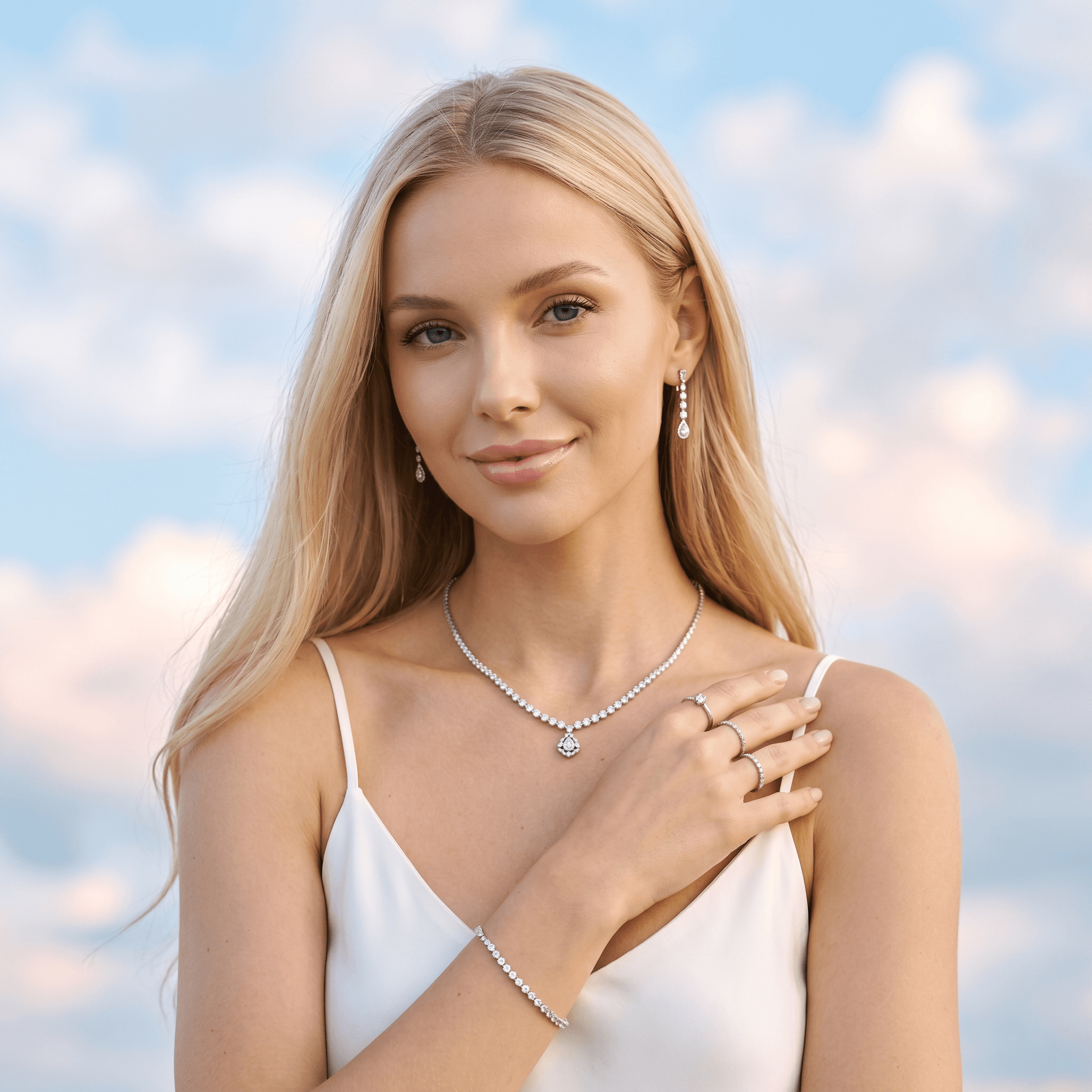
An AI ad generator turns an asset you already own into a finished commercial. You bring the product shot, the packshot, the packaging render or the model photography; it comes back as a moving spot with a camera move, a scene and a pace. No crew, no studio day, no shoot to schedule.
animx does it two ways, and the difference matters. You can start from a prompt alone and describe the ad you want, or you can lock a reference image and let the model build the shot around the product that is actually in it — which is how you keep a real logo, a real label and a real silhouette instead of an approximation. The comparisons on this page are the second kind: the still that went in, the spot that came out of the same generation.
How to make an ad
- 01
Upload your product asset
A packshot, a render, a lifestyle still or model photography. PNG, JPG or WebP. Locking it as a reference image is what keeps the product itself faithful across the shot.
- 02
Describe the spot
Say what the ad is: the format (9:16 for stories, 16:9 for YouTube, 1:1 for feed), the length, the camera move and the mood. One paragraph is enough — “slow 360 around the bottle, hard rim light, dark slate, no text”.
- 03
Pick a model and render
Veo 3.1 and Happy Horse add native audio, Sora 2 handles multi-shot sequences, Seedance 2.0 holds consistent motion for up to 15 seconds. Run two models on the same brief and keep the one that lands.
Choose your ad model
Four video models, one subscription. The right pick depends on whether the spot needs audio, several shots, or length.
Veo 3.1
Photoreal spots with native synced audio — dialogue and sound in one pass
Seedance 2.0
Shots up to 15 seconds with consistent product and character motion
Sora 2
Multi-shot sequences with world-model physics for narrative ads
Happy Horse
Native audio and multilingual lip-sync for talking-head ads
UGC-style ads
The handheld, self-shot look that outperforms polished studio footage on paid social. Describe the person, the product and the moment, and the model shoots it.
Product macro
Slow rotation, tight detail, hard rim light on a dark surface — the classic hero shot, rendered in seconds instead of a studio day.
Every placement
9:16 for stories and Reels, 16:9 for YouTube and CTV, 1:1 for feed. Same product, same brief, each format rendered at its own aspect ratio.
Product-locked consistency
Lock your packshot as a reference image and the label, logo and silhouette stay yours across every shot — the thing a prompt alone cannot guarantee.
Ads with sound
Veo 3.1 and Happy Horse generate audio natively, so a voiceover or a spoken line comes out of the same pass as the picture. Happy Horse lip-syncs across languages.
Property and vehicle spots
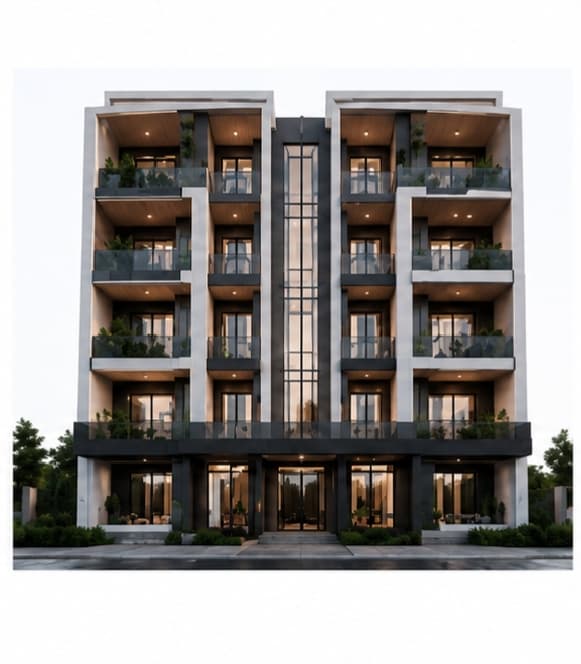
Building renders, product photography and 3D stills all work as inputs — a render becomes a 30-second vertical promo without a crew on site.
Ads made on animx
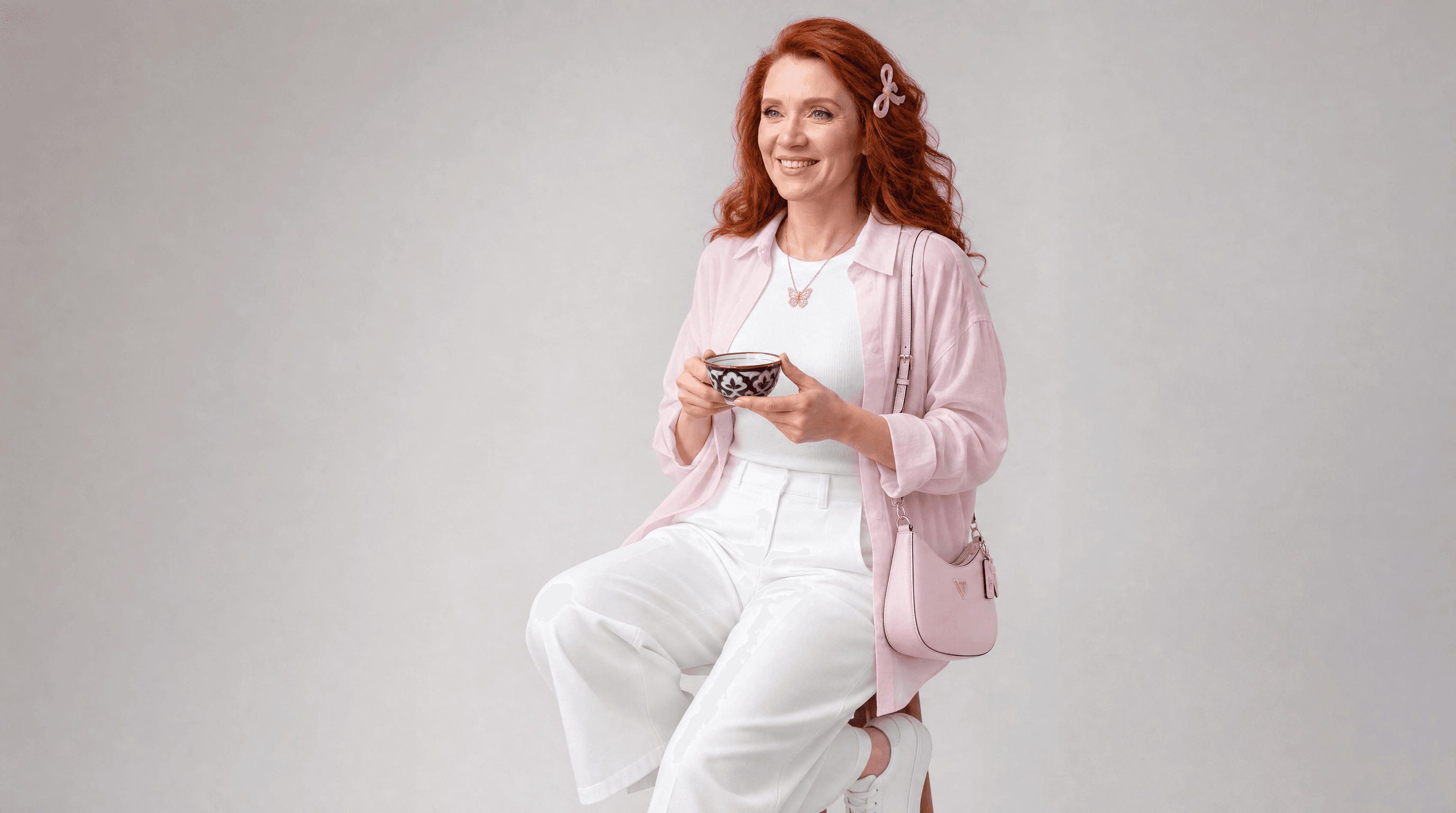
Real outputs, not mock-ups. The comparisons show the still that went in and the spot that came out of the same generation; the rest are finished ads rendered from a brief.
Frequently asked questions
- Can I use the ads commercially?
- Yes. Outputs on a paid plan are yours to run as paid or organic creative, subject to the standard animx terms. Product shots, brand campaigns and client work are all covered.
- Will my product look right in the ad?
- That depends on how you start. Prompt-only generation invents the product, so logos and labels come back as approximations. Locking your own still as a reference image is what keeps the real packaging, silhouette and branding — that is how the comparisons on this page were made.
- What formats and lengths can I get?
- Aspect ratios 9:16, 16:9, 1:1, 4:3, 3:4 and 21:9 depending on the model. Seedance 2.0 and 2.5 run 4 to 15 seconds (2.5 up to 30), Veo 3.1 up to 8. Anything longer is several shots cut together in your editor.
- Do the ads have sound?
- Veo 3.1 and Happy Horse generate audio in the same pass as the picture, including dialogue and multilingual lip-sync on Happy Horse. Sora 2, Seedance and the rest render silent footage — add a track in your editor, or use a model with native audio.
- Do I need a separate subscription per model?
- No. Every model on this page is included in your animx plan. Run the same brief on two or three, compare the outputs, and keep the one that works — no per-model billing, no re-uploading.
- Can I make an ad without filming anything?
- Yes — that is the point. The input is an asset you already have: a packshot from a supplier, a 3D render, a product photo from your own site, or nothing but a description. No camera, no talent, no location.
Turn your product shot into an ad
Upload the asset you already own, describe the spot, and render it across the top video models. Free to start.