Continue the action
The new take starts on your last frame, so the subject, the light and the framing carry over.
Make any clip longer, from its last frame
Upload the last frame of your video and describe what happens next. animx generates a continuation of up to 30 seconds — same subject, same light, same camera move — that you join to the original clip.
last_frame.png
Last frame of your clip · the extension starts here
≈600
credits
 OriginalLast frame
 +10 s
 +20 s
+30 s
per extension in one take
Last frame
is the start of the new take
End frame
optional, to land on a set image
1080p
16:9, 9:16 and 1:1
300
credits per 5 s with Wan 3.0
An AI video extender makes a clip longer by generating what happens after it ends. On animx the new take starts from the last frame of your video: you upload that frame, describe the next action and the camera move, and the model continues the shot. You then join the original and the extension in any editor. Repeat the step to keep going — each take adds up to 30 seconds.
The new take starts on your last frame, so the subject, the light and the framing carry over.
Extend footage from animx, another AI model or a camera. All you need is the final frame as an image.
With Seedance 2.5, Kling 4.0 and Wan 3.0 you can also set the image the extension should finish on.
Use the last frame of each new take to start the next one and build a longer scene.
The extension is a new clip that begins where yours ends; animx does not edit the original file. Export the last frame from your editor or player, then join the two clips after generating.
01
Save the final frame of your clip as an image and add it as the start frame.
02
Say what the subject does and how the camera moves. Ask for the same speed, light and style.
03
Pick the length, generate the take and place it after the original in your editor.
Each example shows a last frame, the continuation prompt, the model and an estimated cost at 720p.
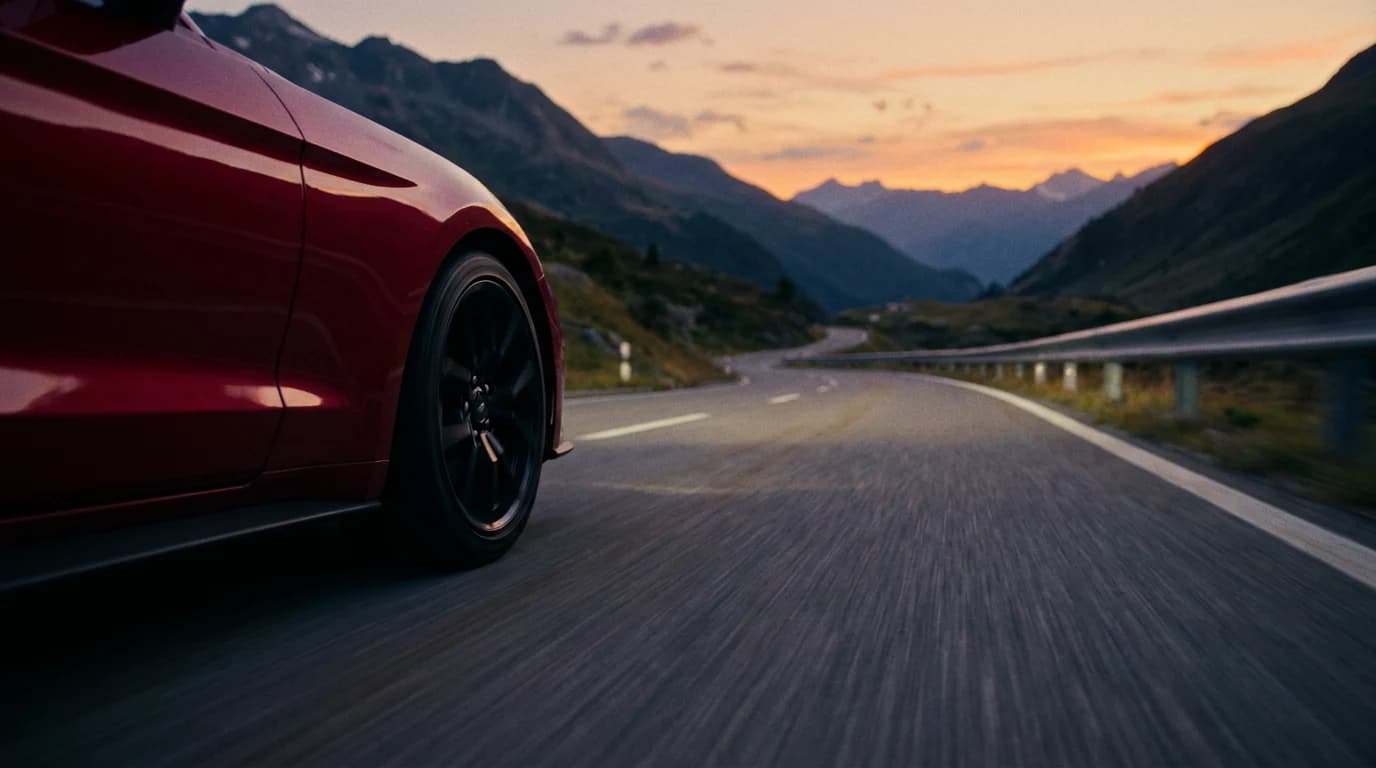
Tracking shotWan 3.0 · 10 sPrompt
Continue the shot: the camera stays low beside the front wheel as the red car follows the curve of the mountain road, then rises to show the valley at dusk. Same speed, same light.
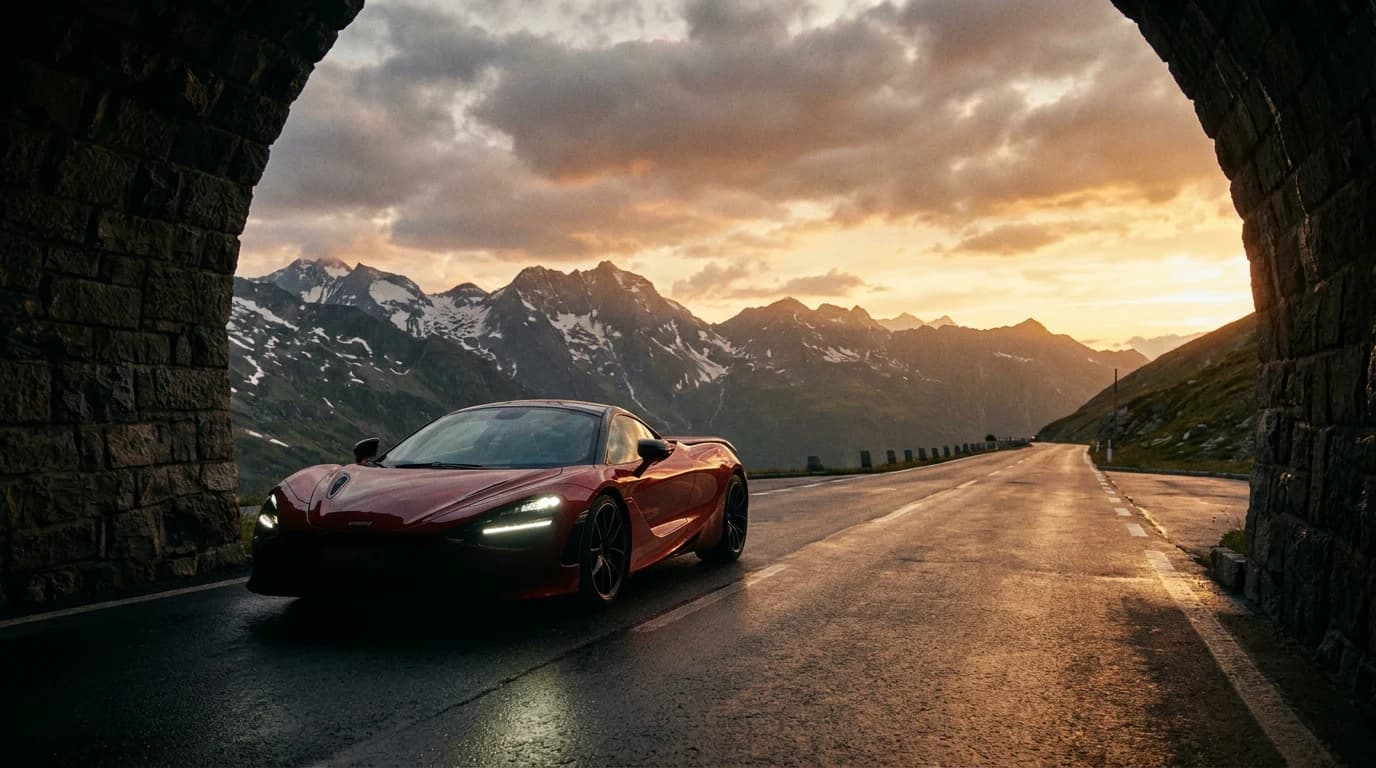
Come to a stopSeedance 2.5 · 10 sPrompt
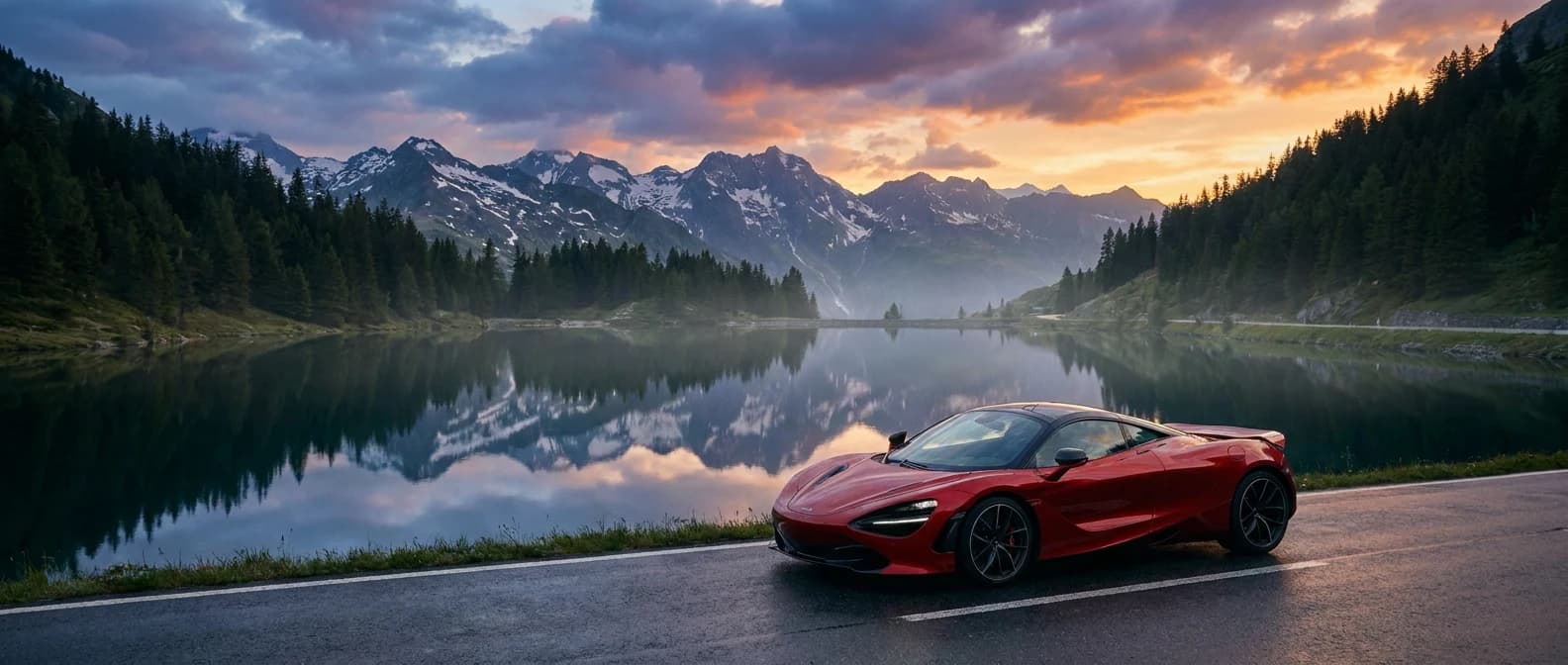
Continue from this frame: the red car slows and stops by the lake; the camera keeps drifting right until the mountains fill the frame. No cut, same golden light.
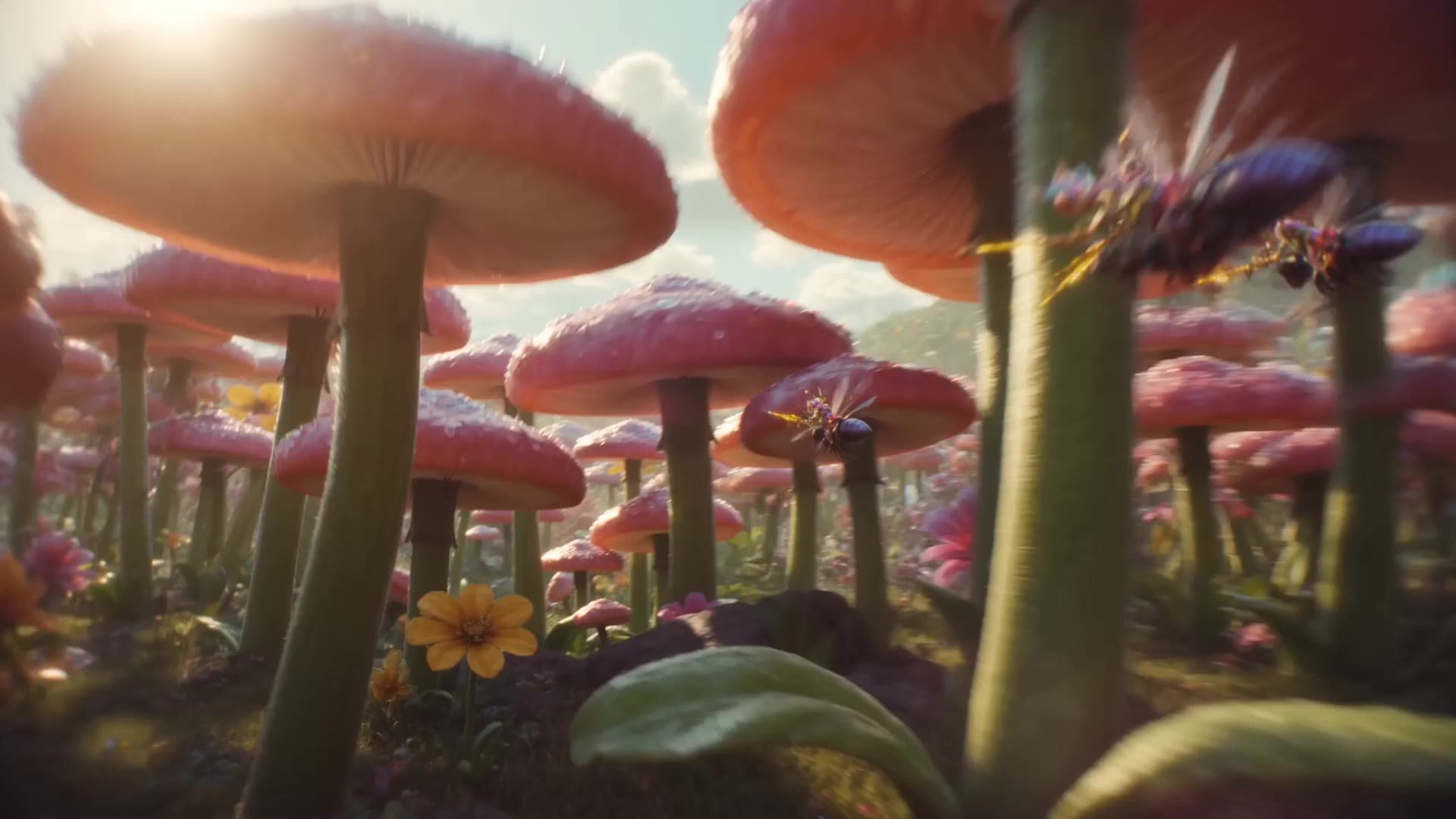
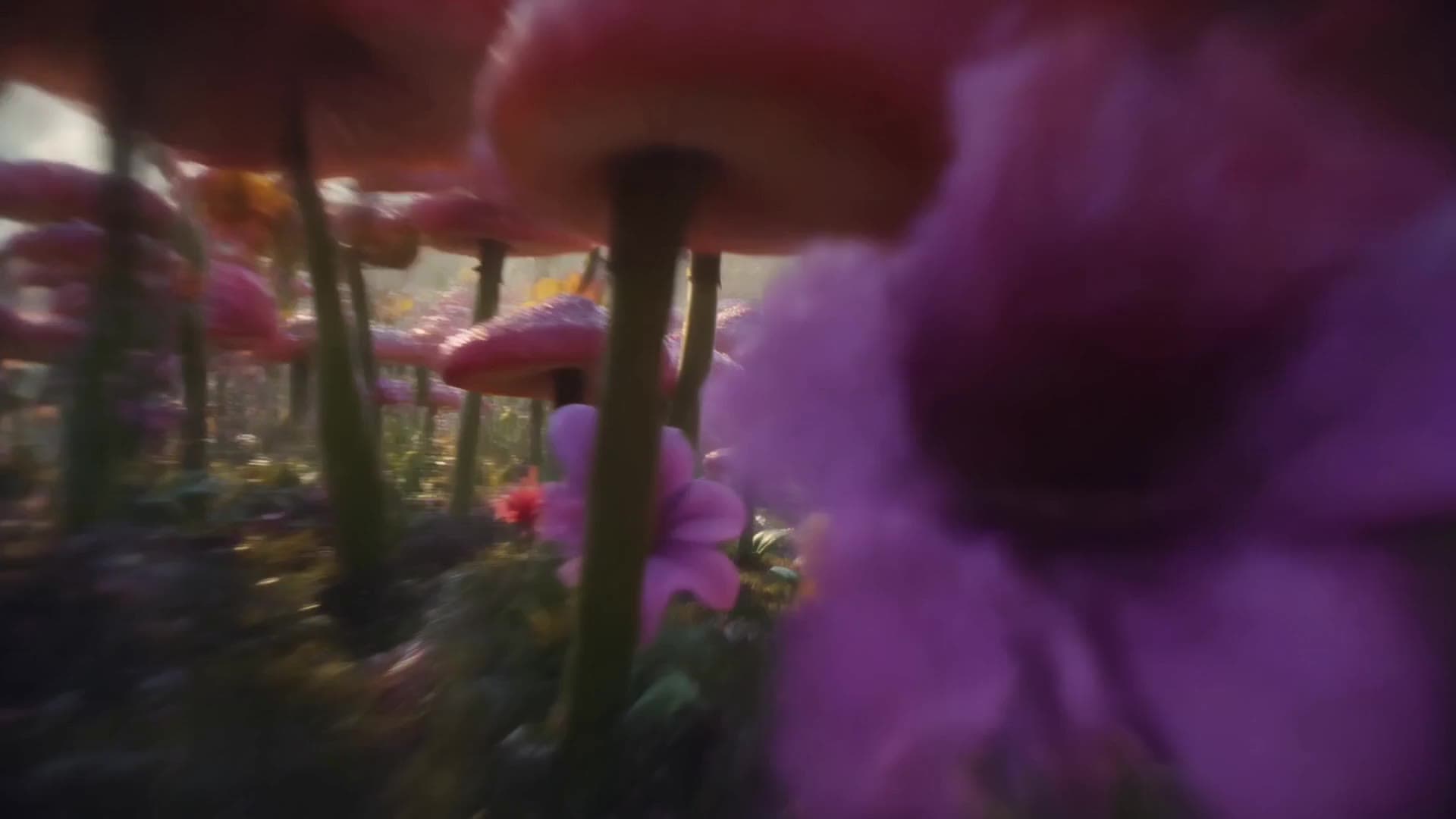
FPV flightSeedance 2.5 · 5 sPrompt
Continue the FPV flight between giant mushrooms: dive lower, pass under a cap and skim over the flowers. Same speed and motion blur.
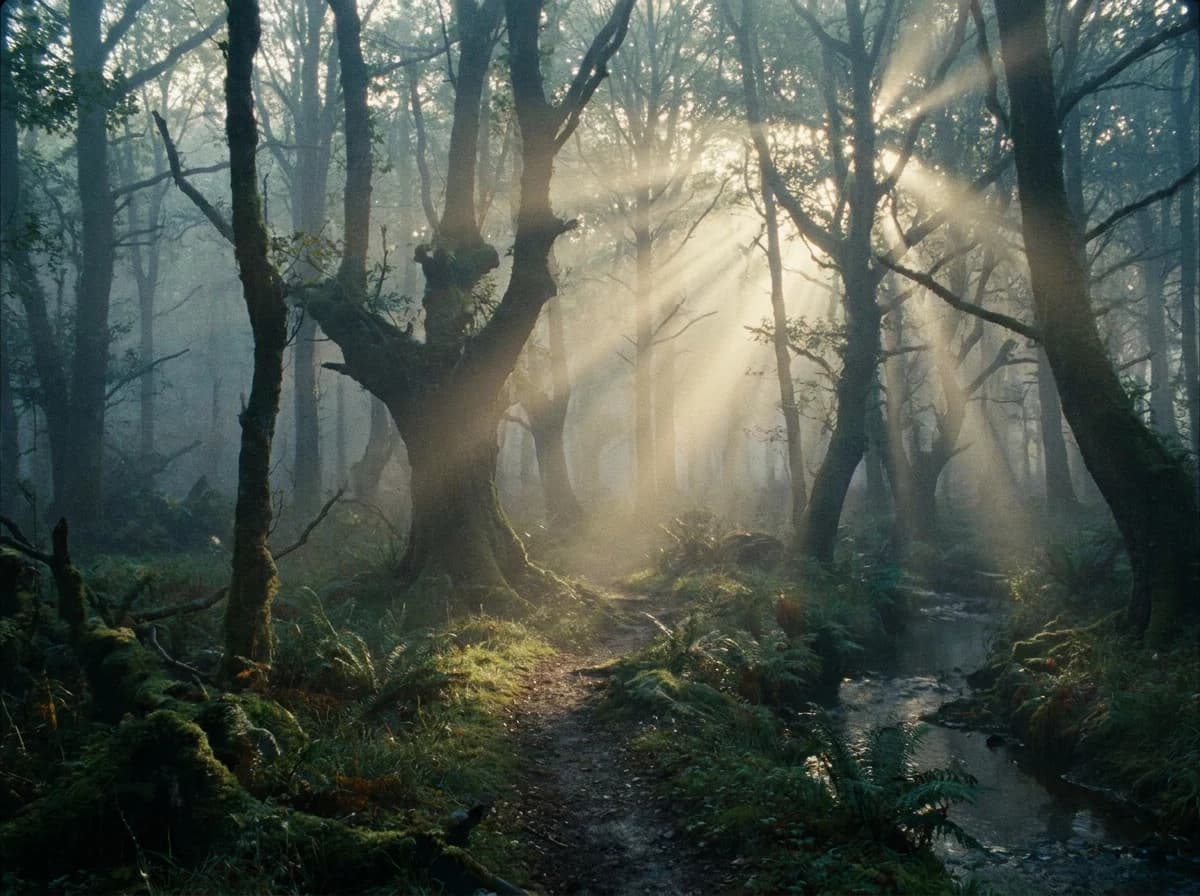 Slow driftWan 3.0 · 15 s
Prompt
Keep drifting forward through the misty forest for 15 more seconds; light beams move slowly across the trunks. No new objects, no cut.
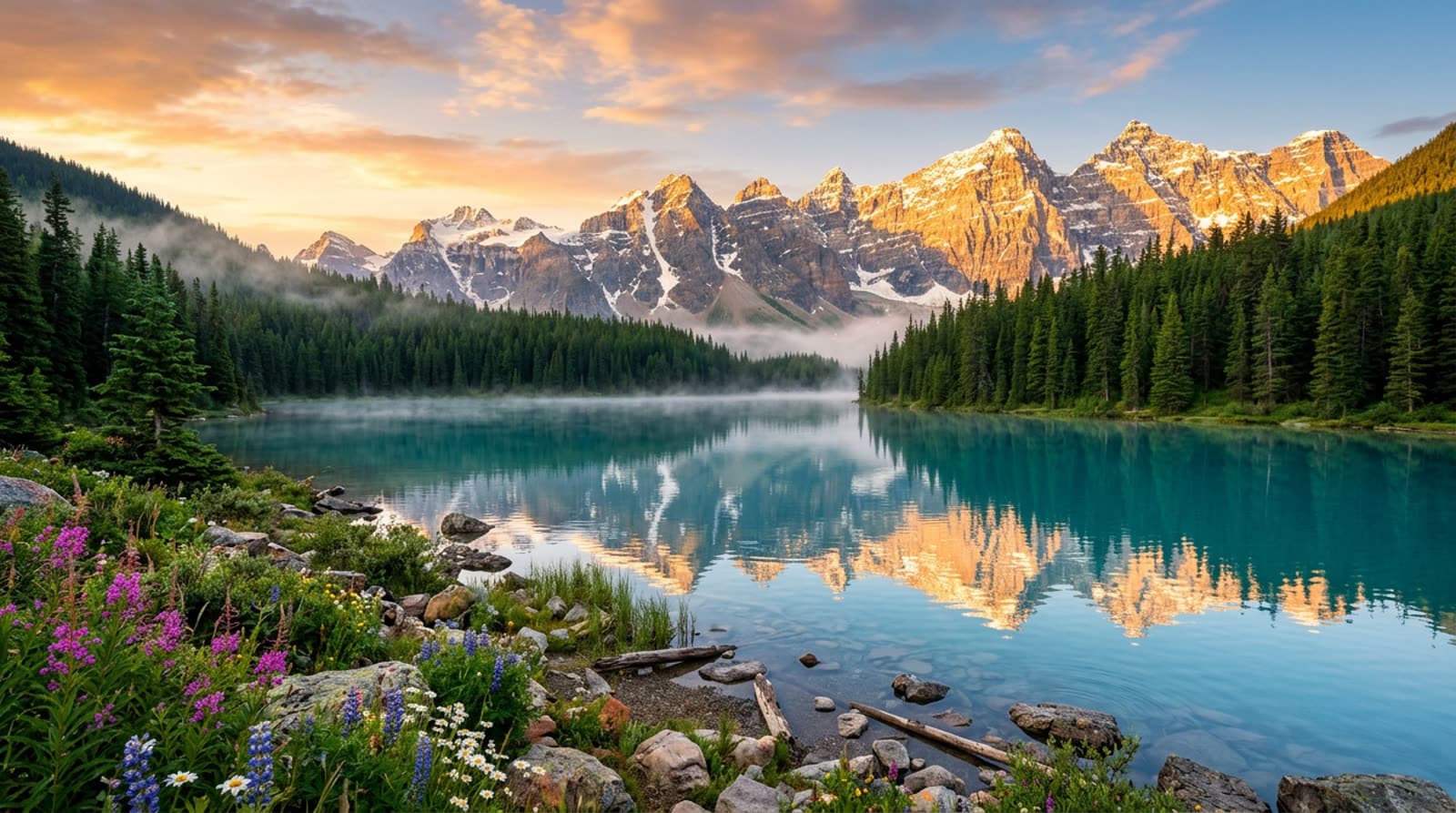
Crane upKling 4.0 · 10 sPrompt
Continue the slow crane up over the lake as the sun rises; mist lifts off the water and the peaks turn gold. Hold the last second still for an end title.
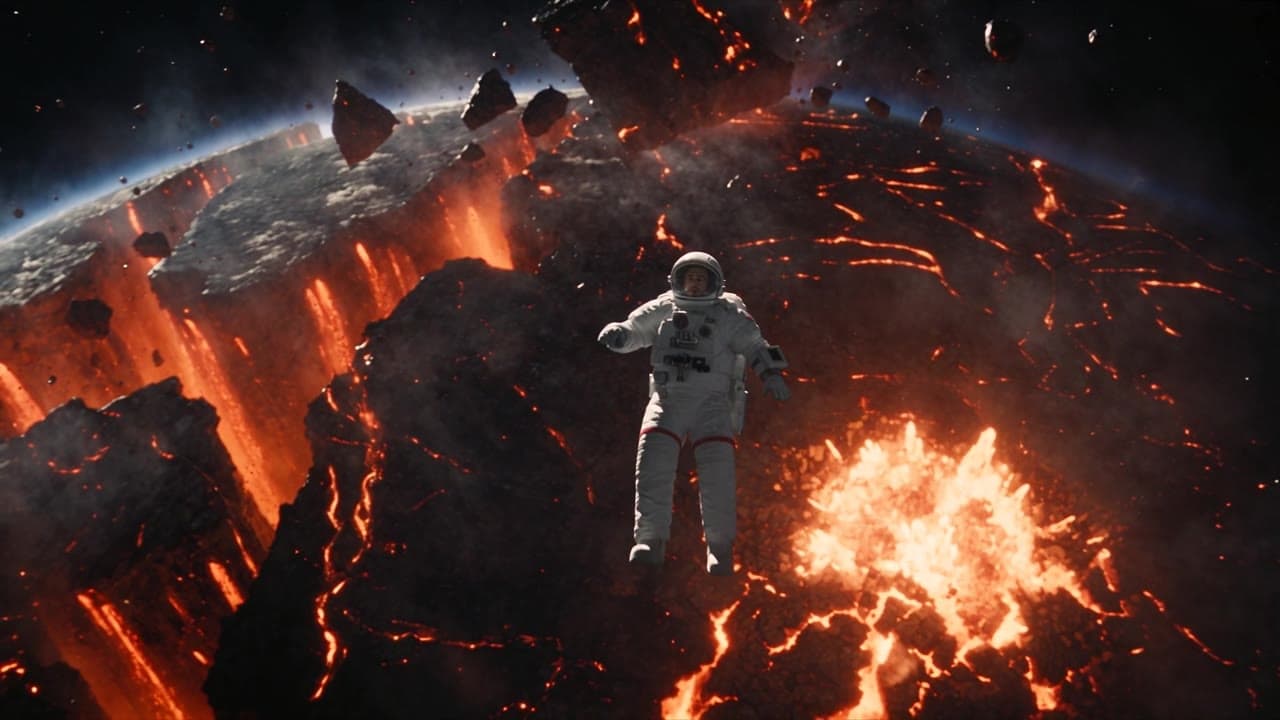 Space driftGrok Imagine · 5 s
Prompt
Continue: the astronaut keeps drifting toward the glowing planet, debris turning slowly past the camera. Same direction, same pace.
Credits from the animx price list, November 2026. Longer takes and higher resolutions cost more; the exact cost shows next to Generate.
Clip too short?
Start with one 10-second extension in Wan 3.0, check the join, then chain the next take from its last frame.
Extend a videoGood fit
Keep in mind
Per-5-second prices at 720p: Grok Imagine 210, Wan 3.0 300, Kling 4.0 471 credits. Longer takes are estimated in proportion. The exact cost shows before you generate.
$39 / month, billed yearly
$49 month to month
New here? 200 free credits on sign-up, no card needed. Need more? Ultra: 30.000 credits for $99 a month billed yearly.
It is a tool that makes a clip longer by generating new footage that continues from where the clip ends.
Save the last frame of your clip as an image, upload it as the start frame, describe what happens next and generate. Then place the new take after the original in an editor.
Yes. The extension starts from an image, so it works with clips from any AI model, a phone or a camera.
Up to 30 seconds per take with Wan 3.0, Seedance 2.5 and Kling 4.0, and up to 15 seconds with Grok Imagine. Chain takes from each new last frame to go further.
The new take begins on the same frame, so the picture matches. Motion can shift slightly on fast action; ask for the same speed and direction in the prompt and regenerate if needed.
+5 seconds costs 210 credits on Grok Imagine; +10 seconds ≈600 on Wan 3.0; +30 seconds ≈1,800 on Wan 3.0. Exact costs show before you generate.
Upload the last frame, describe what happens next and generate the extension.
Continue the shot: the car follows the curve of the road, the camera rises to show the valley. Same speed, same light.
Extend a videoRuns on animx credits · 200 free credits on sign-up · Commercial use on paid plans