AI Wallpaper Generator
Wallpapers from words,
in every style
Describe a scene and get a custom wallpaper up to 4K — phone, desktop or tablet. Anime, photoreal, minimal, space. Turn it into a live wallpaper with one click.
The style stage
Six styles. One sentence each.
Every wallpaper below is one prompt on one model. Pick a style — that's the whole tutorial.
“anime-style night city street after rain, glowing neon, wet reflections”
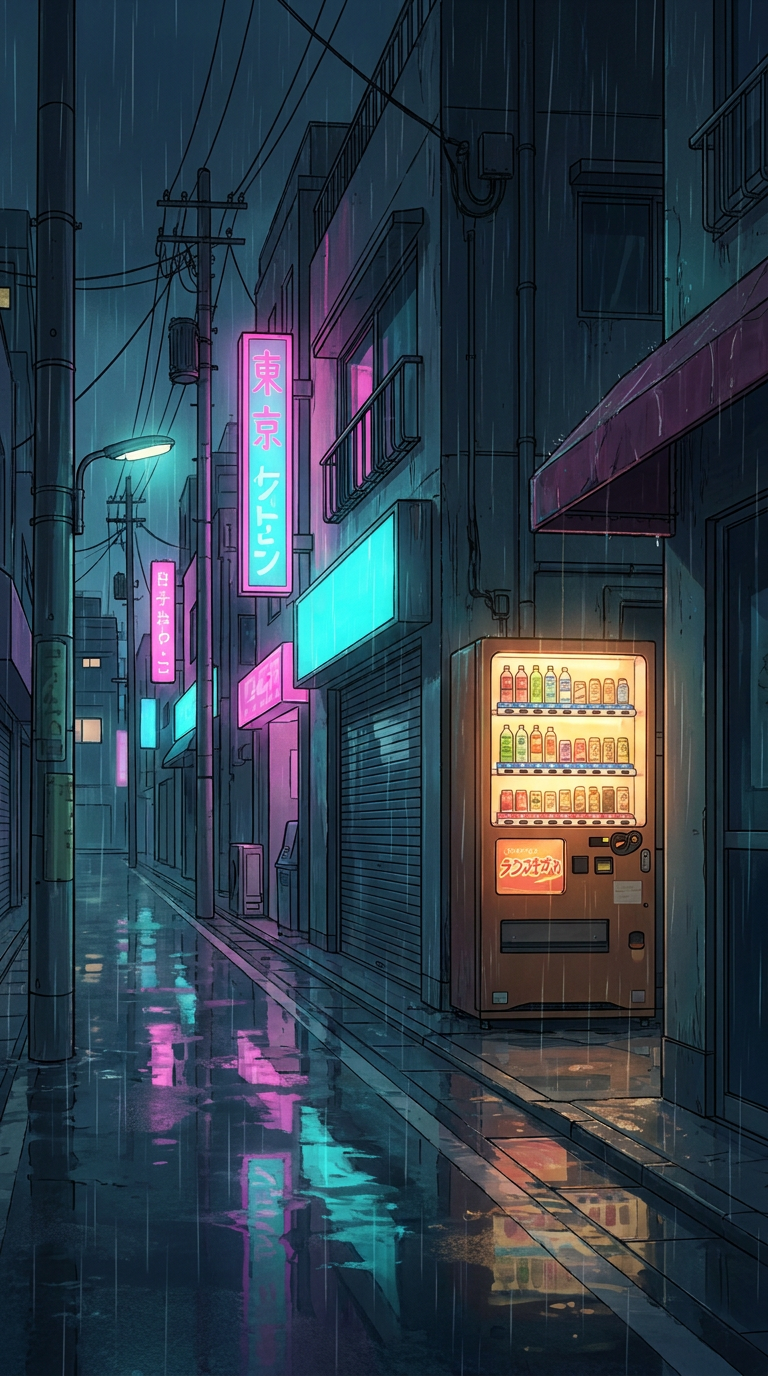
9:16 · made with animx
Every screen you own
Generate once. Fit everything.
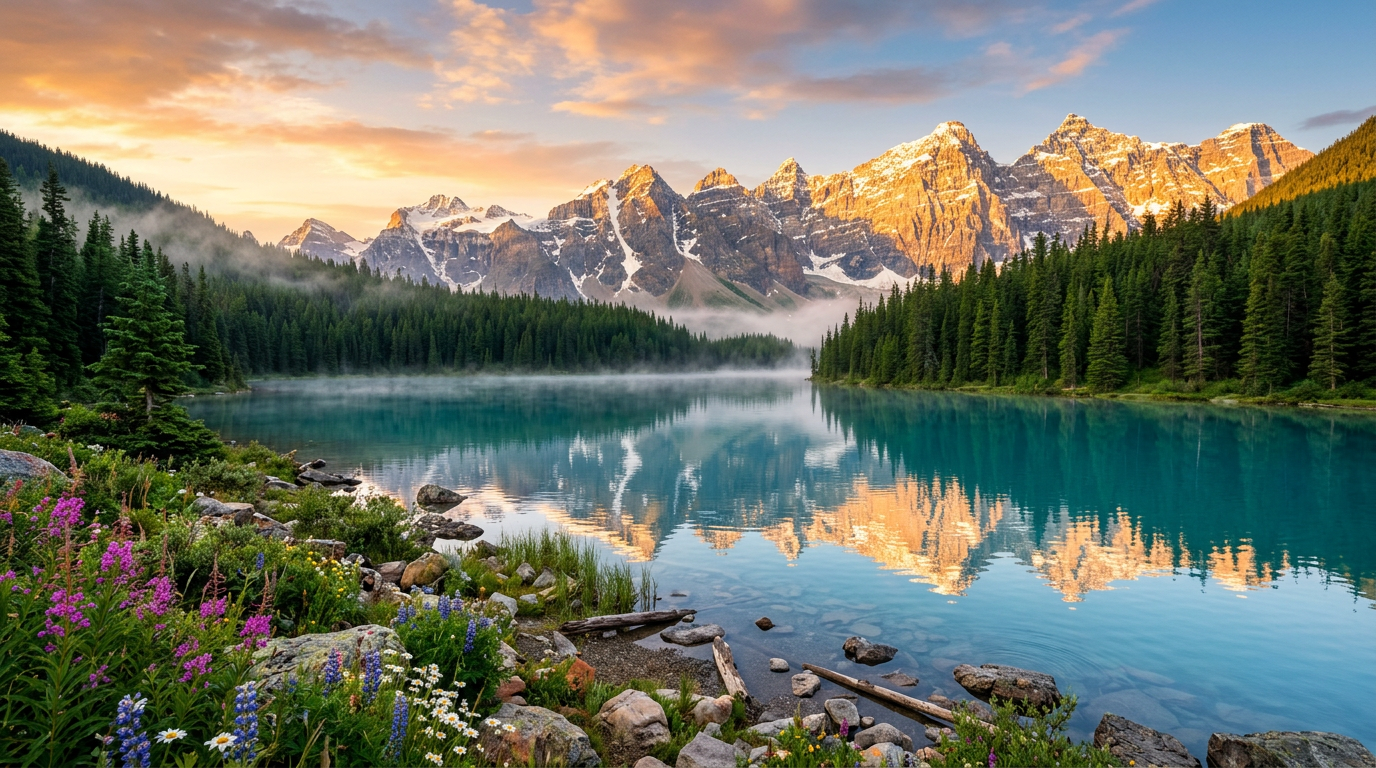
Phone · 9:16
Desktop · 16:9
Tablet · 4:3
Live wallpapers
Make it move
Any wallpaper can become a live one: send it to image-to-video and the scene starts breathing — drifting dust, moving light, rolling clouds. Loop it in your phone's live-wallpaper app.
Made with animx
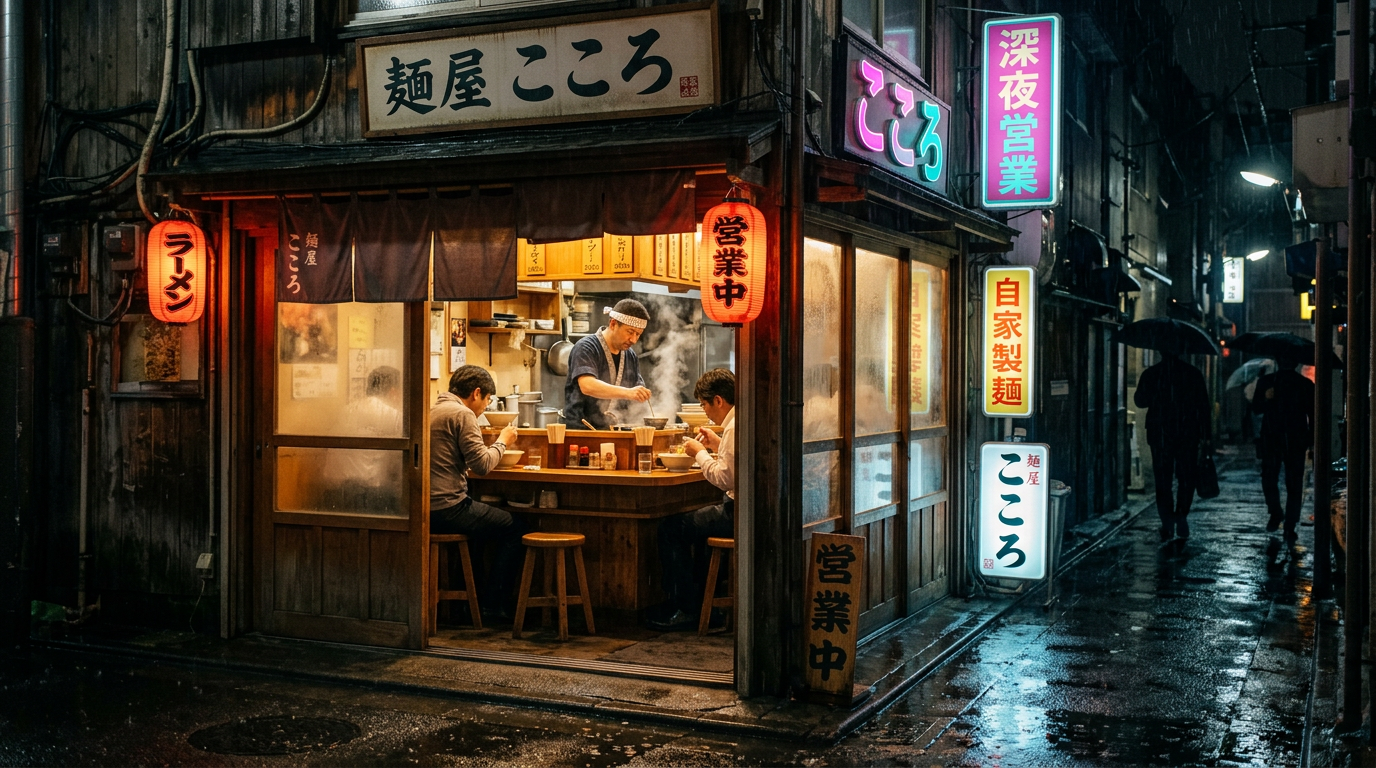
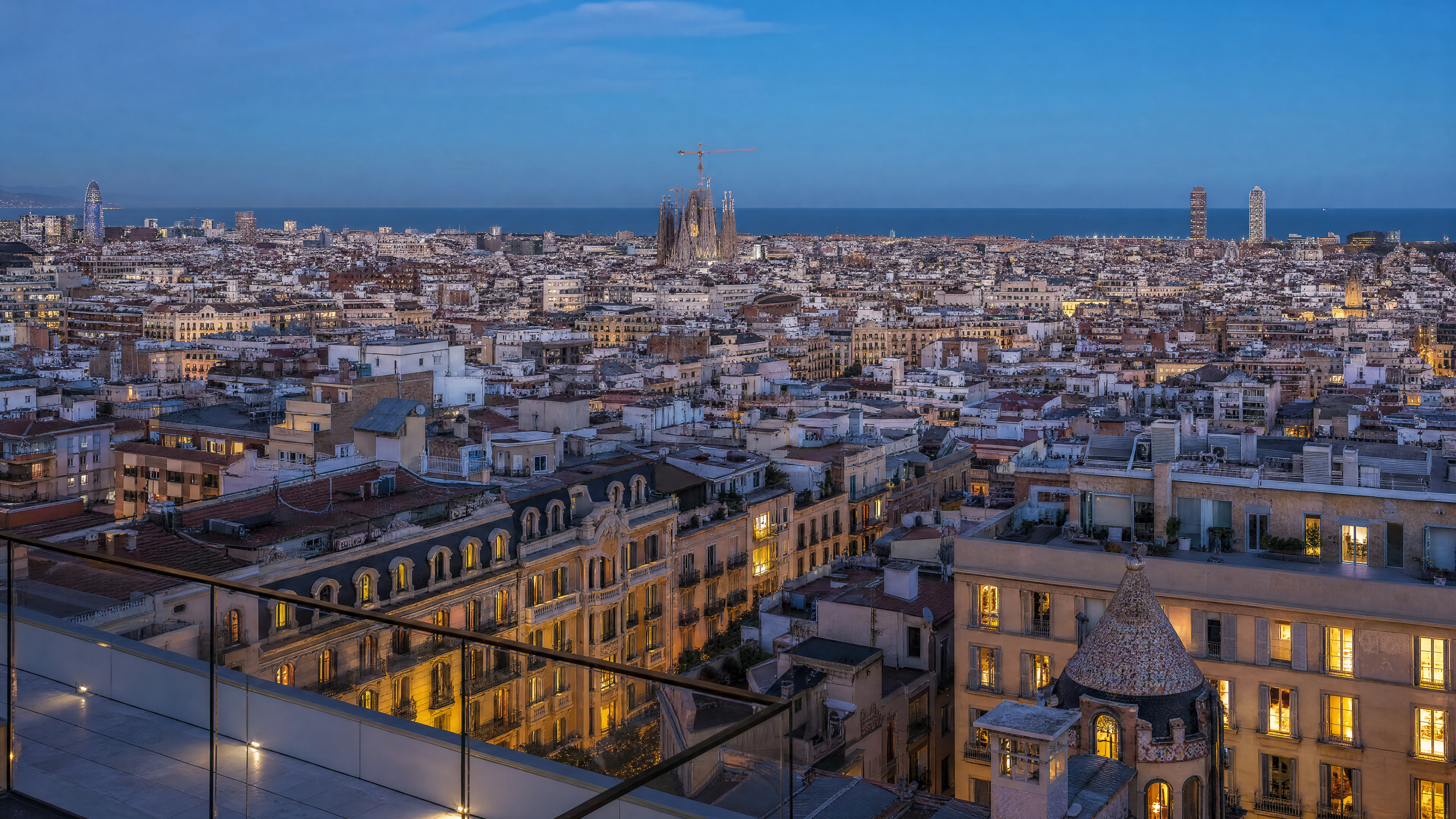
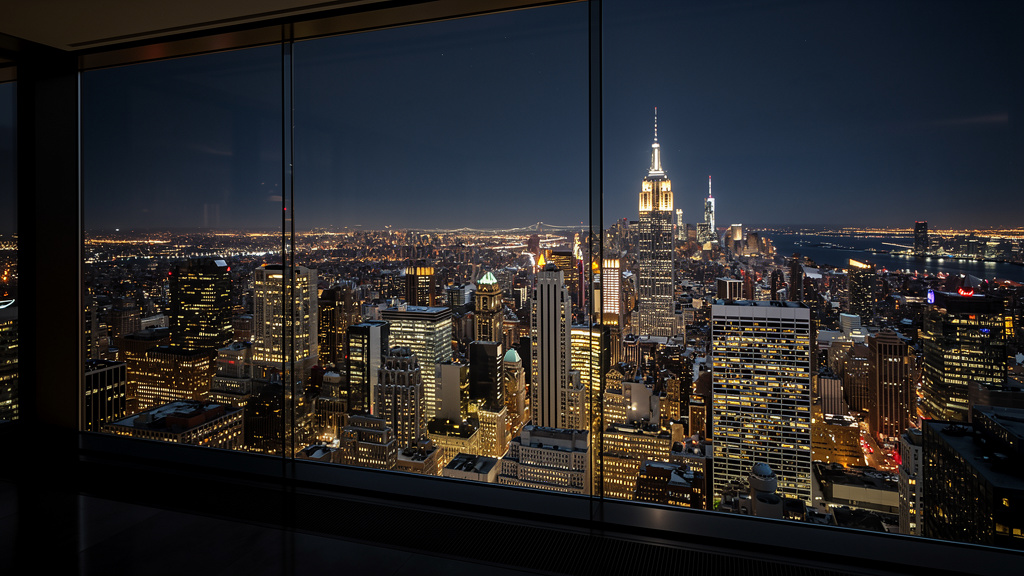
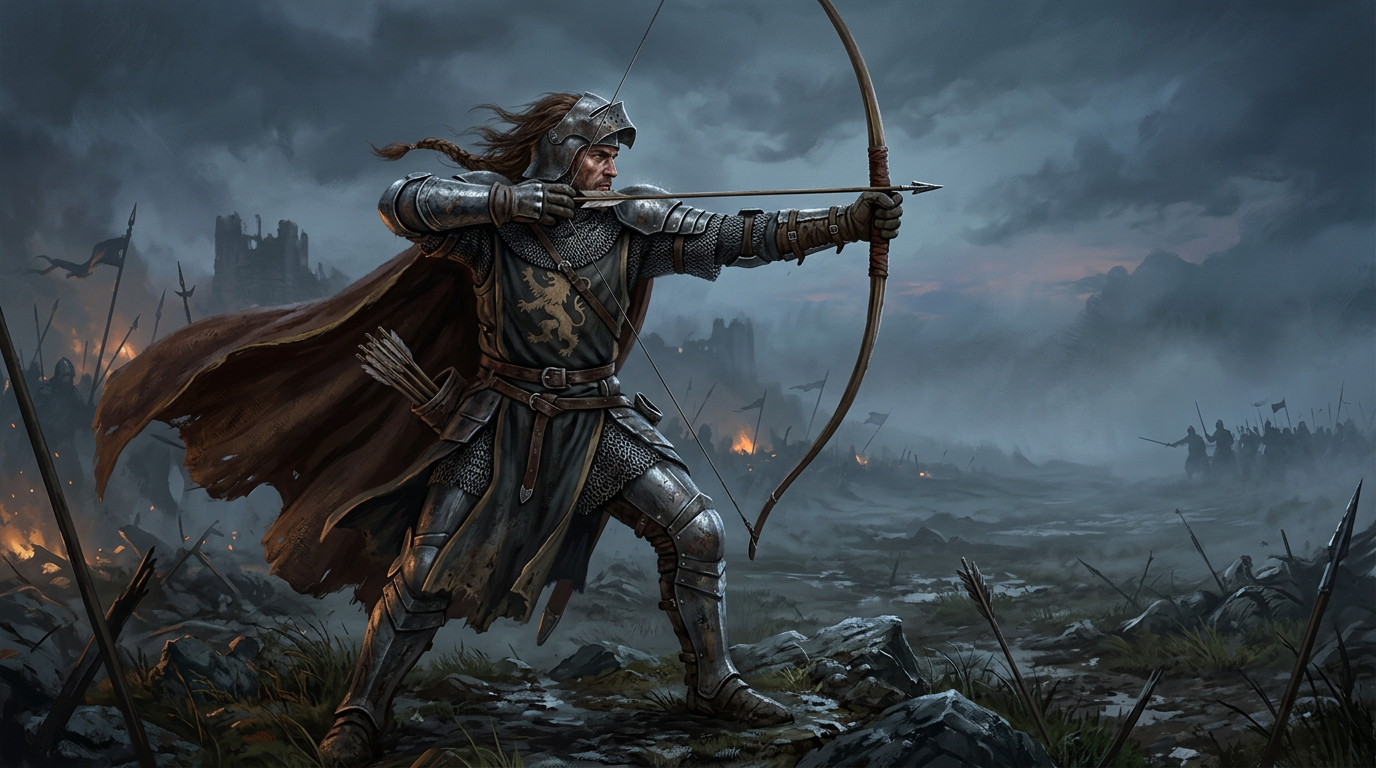
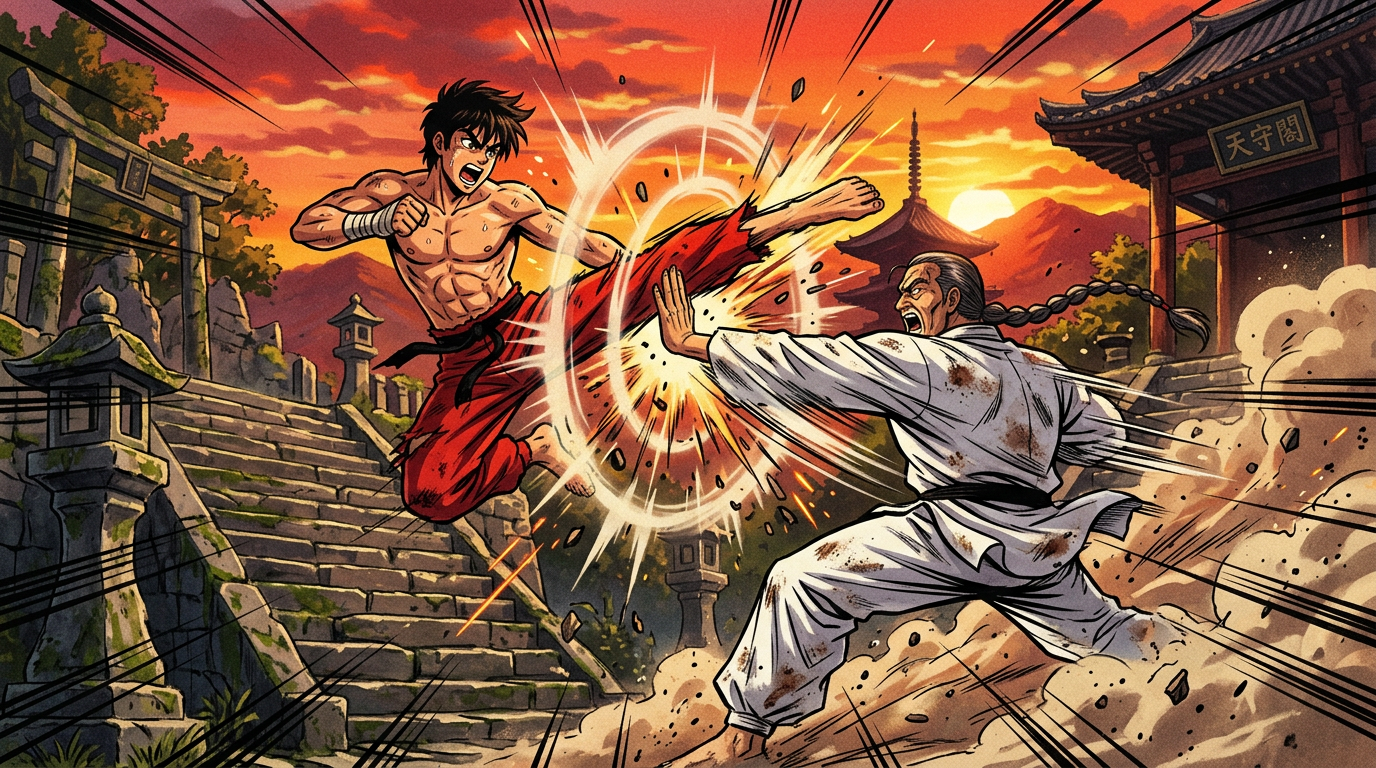
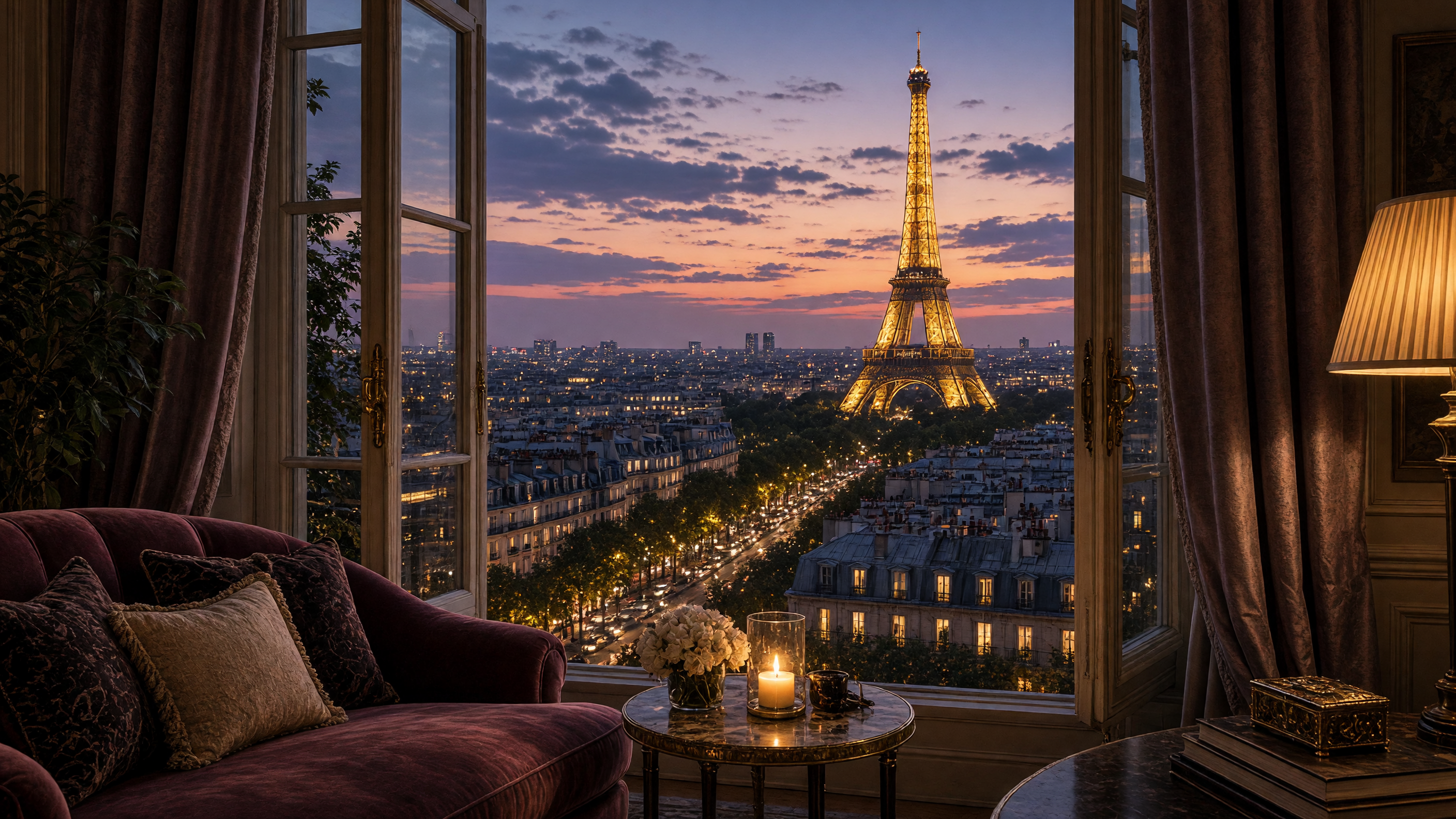
Wallpapers by the community
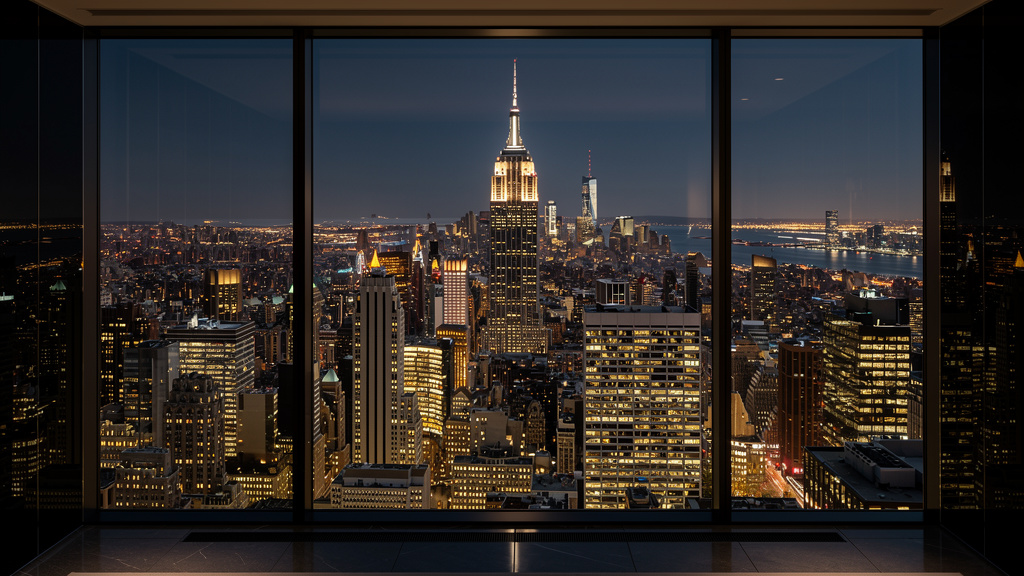
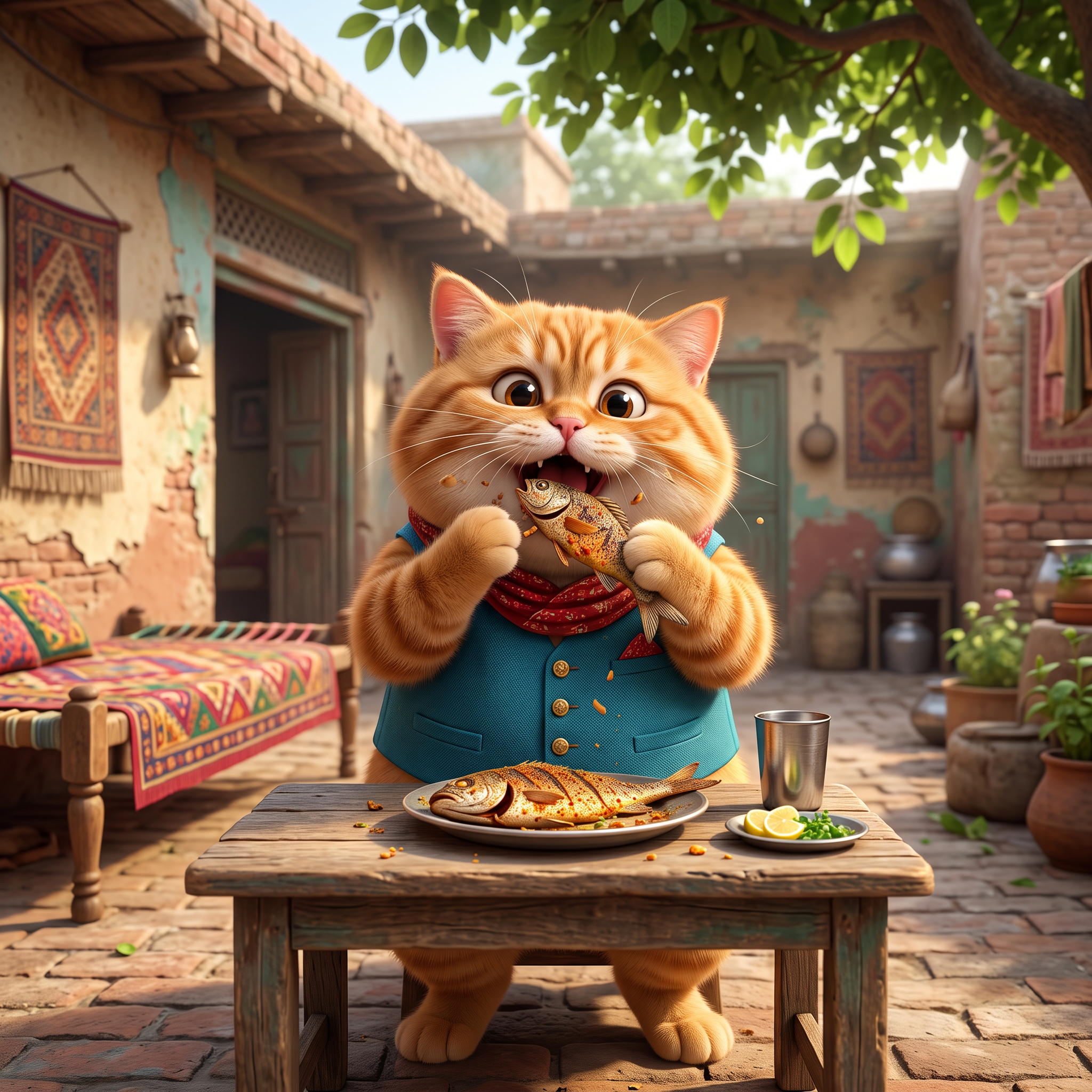

How to make an AI wallpaper
Describe the scene
Mountains at sunrise, a neon alley, a minimal gradient — mood, colors, style. One sentence is enough.
Pick your screen
9:16 for phones, 16:9 for desktop, 4:3 for tablets — and up to 4K on Nano Banana Pro.
Download and set it
Renders in seconds. Download the PNG, set it as your wallpaper — or animate it into a live one.
Every top image model, one subscription
Switch between them on the same prompt and keep the best wallpaper.
AI wallpaper FAQ
What is the best AI wallpaper generator?+
One that does your style at your screen's exact shape. On animx, 20+ image models generate wallpapers up to 4K in any aspect ratio — anime, photoreal landscapes, minimal gradients, space — and you switch between them on the same prompt.
How do I make a wallpaper with AI?+
Describe the scene and mood, pick a model and your screen's aspect ratio (9:16 phone, 16:9 desktop), and generate. It renders in seconds — download it and set it as your wallpaper.
Can it make 4K wallpapers for my PC?+
Yes — Nano Banana Pro renders up to 4K, enough for 4K and ultrawide desktop monitors. Standard tiers cover 1080p and 2K cleanly.
Do the wallpapers work for iPhone and Android?+
Yes — pick 9:16 and the wallpaper covers both. Portrait renders come out sharp on lock screens and home screens alike.
Can I animate a wallpaper (live wallpaper)?+
Yes — send the finished wallpaper to image-to-video and it becomes a living loop: drifting clouds, moving neon reflections, falling snow. Loop the mp4 in your phone's live-wallpaper app.
Are AI wallpapers free to generate?+
New accounts start with 200 free credits — enough for a set of wallpapers. Paid plans start at $5 a month, and every wallpaper shows its credit cost before you generate.
Can I use AI wallpapers commercially?+
Yes — paid plans include commercial rights to everything you generate, so wallpapers for apps, streams and devices are covered.
Which styles can it generate?+
Anything you can describe: anime, photoreal landscapes, minimal gradients, space and nebulae, cyberpunk cities, watercolor, pixel art — the model follows the style words in your prompt.
Your screen deserves better
Describe it once — get it in every size, up to 4K. Every top image model in one workspace.