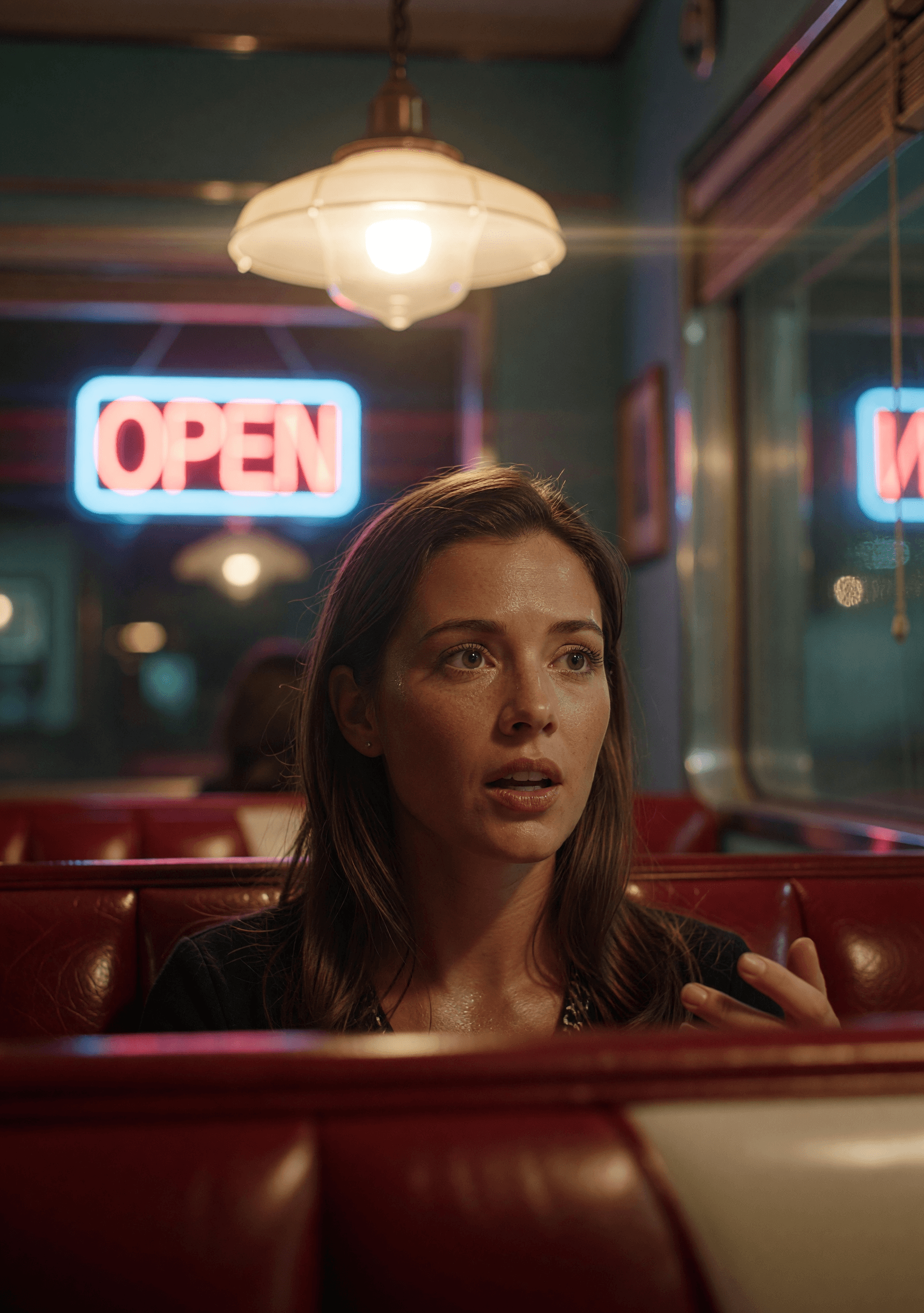
Kling O1: fotorealistische AI-afbeeldingsgenerator
Kling O1 is het beeldmodel van Kuaishou — de still-generatiekant van de Kling-familie die bekendstaat om cinematisch realisme. Tekst-naar-afbeelding plus native bewerken, afgestemd op dezelfde geloofwaardige look die Kling's videowerk deed opvallen.
Wat is Kling O1?
Kling O1 is het beeldmodel van Kuaishou — de stilstaand-beeld-tegenhanger van hun bekende Kling-videowerk. Dezelfde merk-DNA (fotorealistisch, cinematisch, grounded), toegepast op tekst-naar-afbeelding en bewerken op pixelniveau.
Op animx gebruik je Kling O1 direct in de browser — geen apart Kuaishou-abonnement. Kies het model, schrijf een prompt (of upload een still + bewerkingsinstructie) en exporteer. Kling O1 zit in je abonnement naast Nano Banana, Flux, Seedream en elk top-videomodel.
Wat maakt Kling O1 anders
Fotorealistische kwaliteit
Hetzelfde cinematische realisme dat Kling's videowerk deed opvallen, toegepast op still-generatie. Sterk in huid, belichting, materialen en grounded productshots.
Native bewerkings-endpoint
Tekst-naar-afbeelding ÉN afbeelding-naar-afbeelding op één model. Upload een still en beschrijf de wijziging — Kling O1's bewerkingspad doet achtergrondwissels, retouches en restyles zonder de werkplek te verlaten.
Snelle prijs per afbeelding
Geprijsd voor regelmatig gebruik — genereer heroshots en varianten zonder het creditgewicht van premium 4K-tiers.
Ontdek wat Kling O1 kan maken
Hoe Kling O1 werkt
- 01
Kies Kling O1
Open de animx beeldwerkplek en kies Kling O1 in de modelkiezer.
- 02
Prompt of upload
Tekst-naar-afbeelding? Beschrijf gewoon. Bewerken? Upload een still en beschrijf de wijziging. Kling O1's slimme routering stuurt het verzoek naar het juiste endpoint.
- 03
Genereer, bewerk of animeer
Render in seconden. Houd het resultaat, itereer, of stuur naar de videowerkplek om te animeren met Seedance, Veo, Kling 3.0 of Wan.
Laat je inspireren door Kling O1
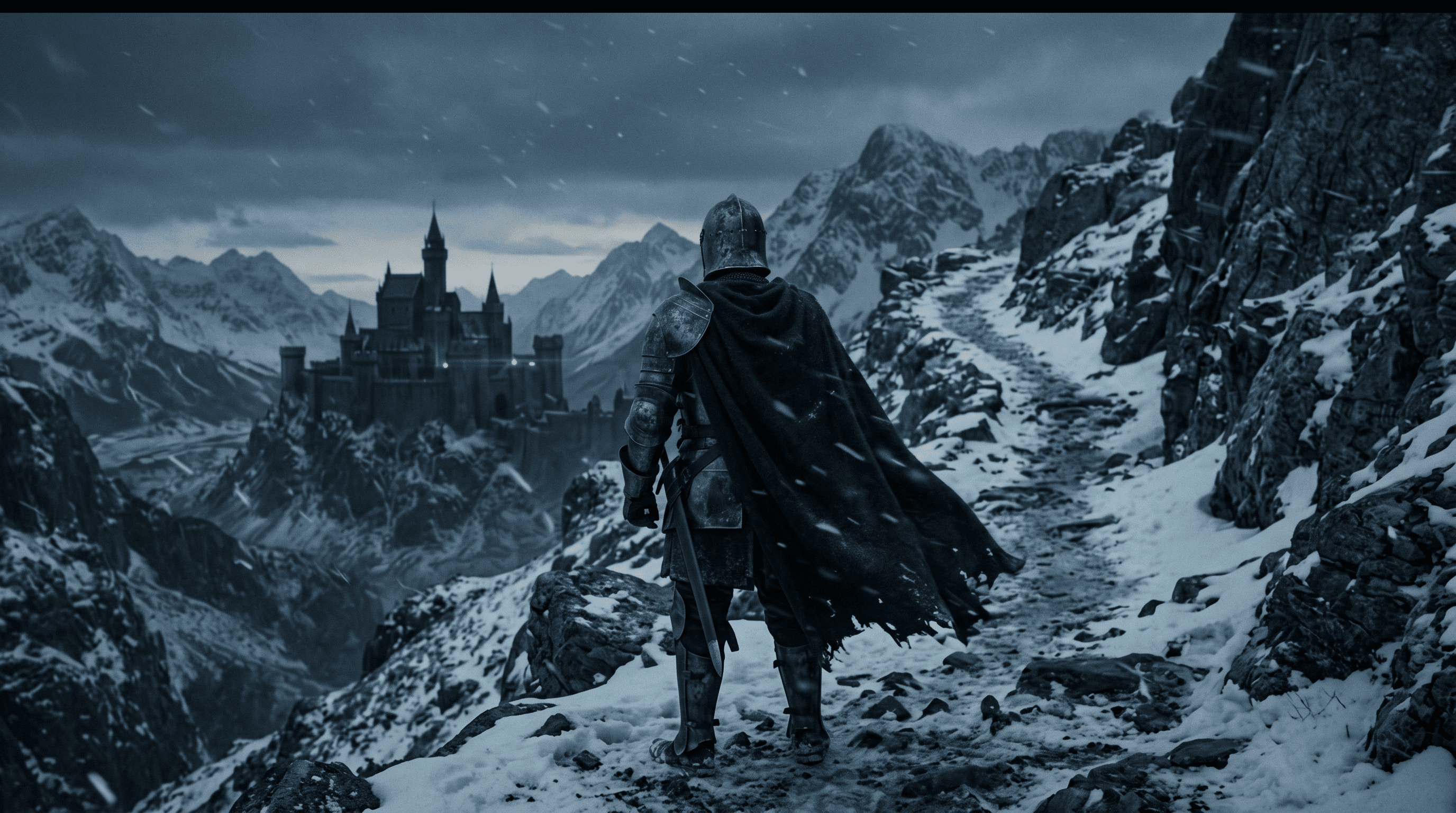
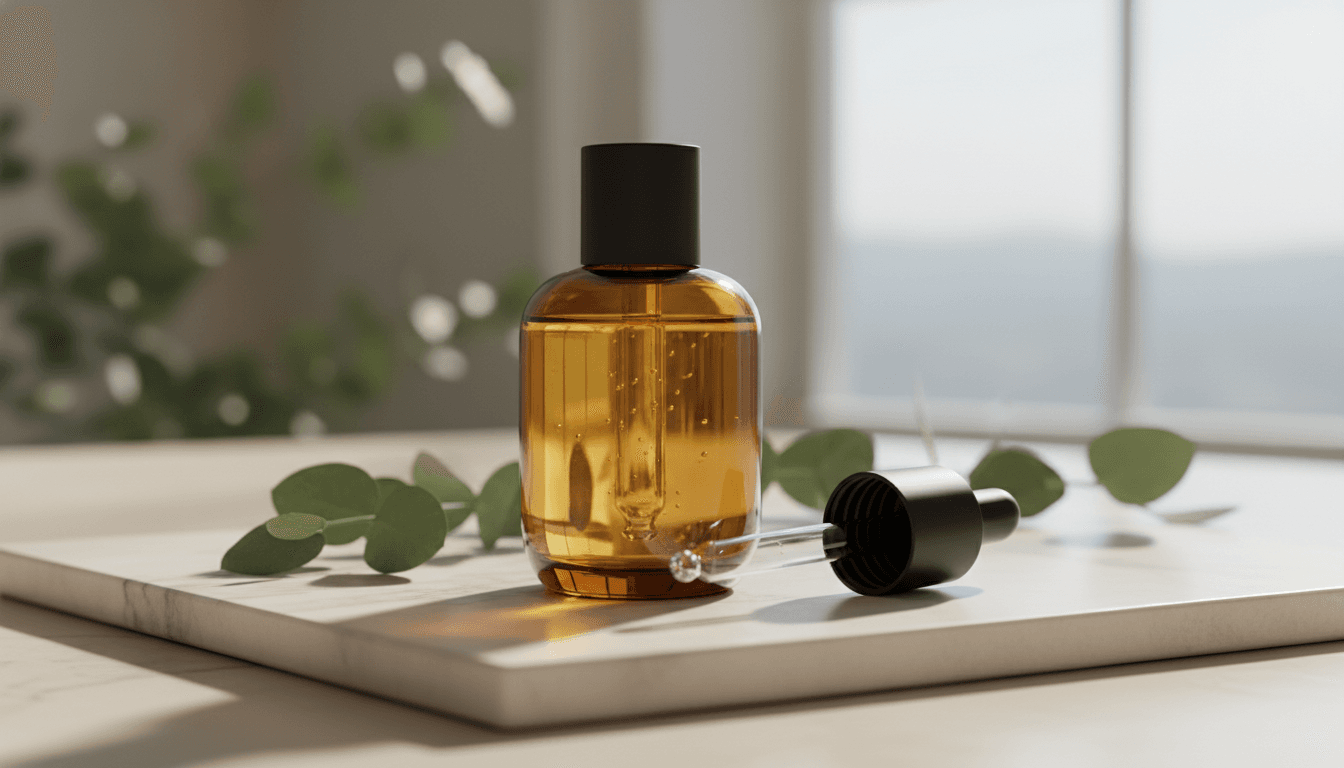
Echte uitvoer van Kling O1 — fotorealistische generatie en bewerkingswerk.


Voor wie Kling O1 gebouwd is
Van productfotografen tot portretmakers en lifestyle-ontwerpers — Kling O1 past bij elke workflow waarin fotorealistisch realisme de briefing is.
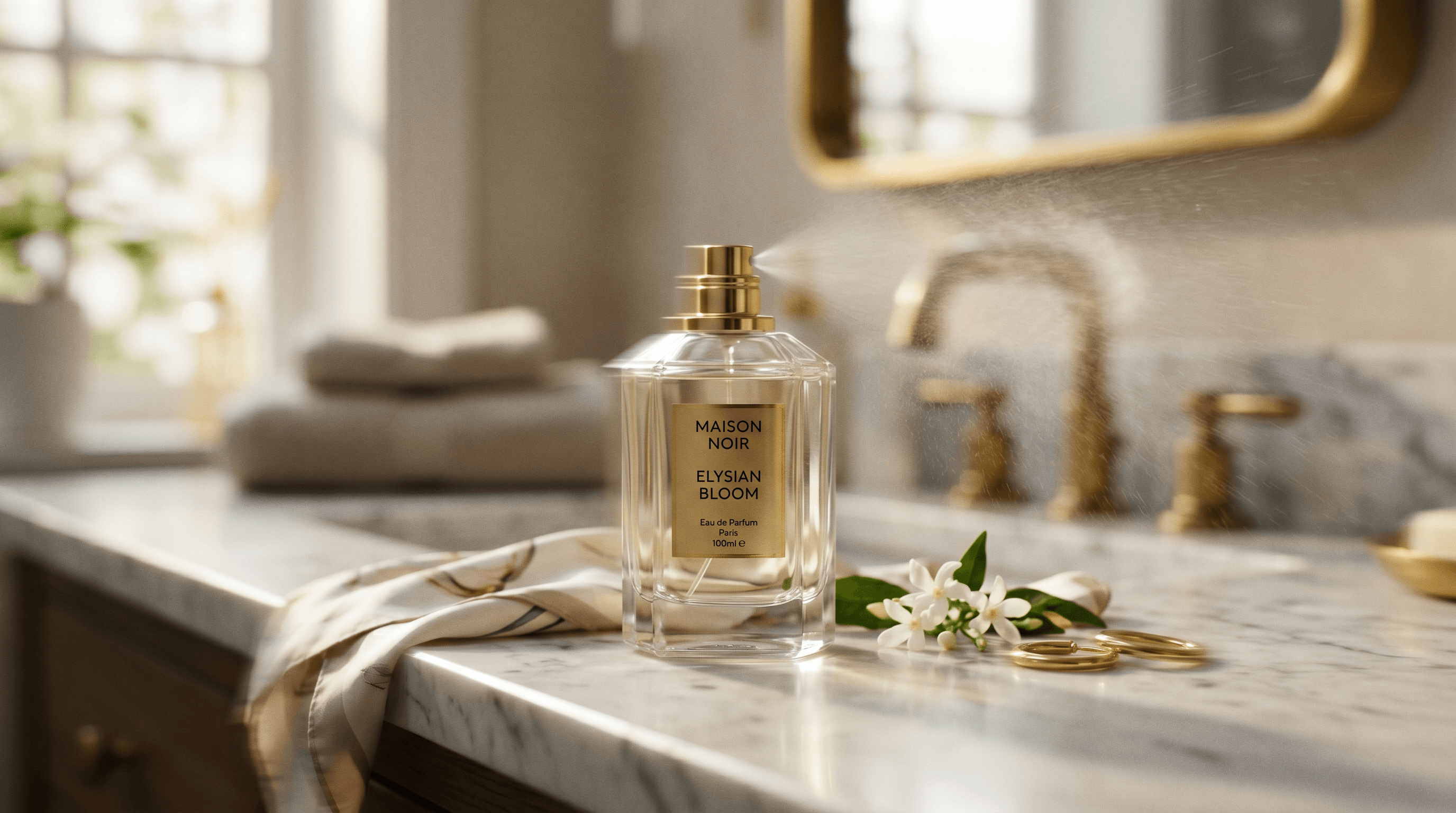
Productfotografen
Realistische productshots en lifestyle-afbeeldingen waarin belichtings- en materiaalgetrouwheid het frame dragen. Kling's grounded look vertaalt zich van hun videowerk naar still-generatie.

Portret- en personagemakers
Realisme van huid, haar en belichting voor heroshots en personagewerk. Dezelfde geloofwaardigheidslat als Kling's video-uitvoer.
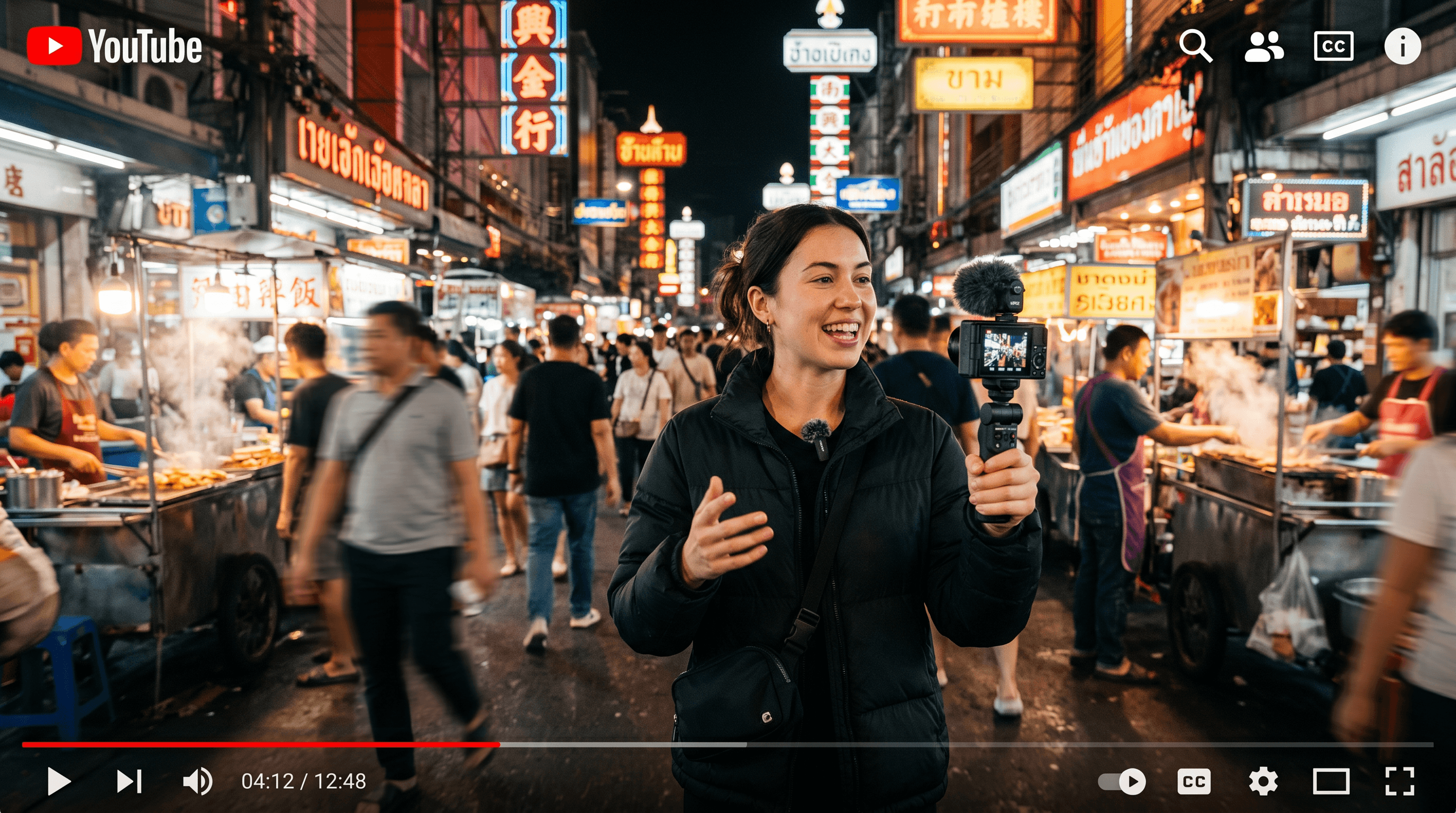
Editors en retoucheurs
Het native bewerkings-endpoint betekent dat je geen apart model nodig hebt voor achtergrondwissels, restyles of objectbewerkingen. Beschrijf de wijziging en Kling routeert het correct.
De opvallende functies van Kling O1
Alles wat Kling O1 toevoegt aan je beeldworkflow.
Tekst-naar-afbeelding + native bewerken
Slim gerouteerd tussen create- en edit-endpoints, afhankelijk van of je een afbeelding toevoegt.
Fotorealistische uitvoer
Grounded realisme — huid, belichting, materialen, omgeving — de Kling-look op stills.
Snelle prijs per afbeelding
Geprijsd voor regelmatig gebruik in plaats van premiumtier-renders.
Meerdere beeldverhoudingen
Liggend, staand, vierkant, breed — kies het formaat dat je bestemming nodig heeft.
Overdracht naar video
Genereer een still en animeer die daarna met Seedance, Veo, Kling 3.0 of Wan in dezelfde werkplek.
Eén abonnement
Gebundeld met Nano Banana, Flux, Seedream, GPT Image 2 en elk top-videomodel — geen apart Kuaishou-abonnement.
Wanneer kies je Kling O1
Kies Kling O1 als fotorealistisch realisme telt en je create + edit op hetzelfde model wilt — productshots, portretten, lifestylewerk.
Grijp naar Nano Banana als 4K-uitvoer vereist is of promptgetrouwheid de topprioriteit is; naar Flux 2 Max voor chirurgisch detail per pixel; naar Seedream 4 voor compositie met meerdere referenties; naar Grok Imagine voor gestileerd bereik. Alle vijf wonen in één werkplek op animx.
Kling O1 + elk topmodel in één abonnement
Je hebt geen apart Kling O1-abonnement nodig — het is inbegrepen bij animx naast elk ander topmodel. Wissel tussen ze in één werkplek, op één plan.
Veelgestelde vragen
- Waar is Kling O1 het best in?
- Fotorealistische beeldgeneratie en bewerkingen met het grounded realisme dat Kling's videowerk deed opvallen. Sterk in product-, portret- en lifestylewerk.
- Heb ik een apart Kuaishou-abonnement voor Kling O1 nodig?
- Nee. Kling O1 zit in animx naast Nano Banana, Flux, Seedream en de rest van de top-beeldmodellen — één abonnement dekt alles.
- Kan ik bestaande afbeeldingen bewerken met Kling O1?
- Ja. Upload een still en beschrijf de wijziging — Kling O1 heeft een native bewerkings-endpoint dat achtergrondwissels, restyles en objectbewerkingen aankan. Automatisch gerouteerd op basis van of je een afbeelding toevoegt.
- Is dit hetzelfde als Kling 3.0?
- Nee. Kling 3.0 is het VIDEO-model op /models/kling-3. Kling O1 is de beeldkant van hetzelfde merk. Beide zitten in je animx-abonnement.
- Kan ik Kling O1-uitvoer commercieel gebruiken?
- Ja — je generaties zijn van jou, onder de standaard animx-voorwaarden (die commercieel gebruik op betaalde plannen dekken).
Begin met creëren met Kling O1
Gratis starten — Kling O1 plus elk ander topmodel in één abonnement.