Kling O1 — Photorealistic AI Image Generator by Kuaishou
Kling O1 is Kuaishou's image model — the still-generation side of the Kling family known for cinematic realism. Text-to-image plus native editing, tuned for the same believable look that made Kling's video work stand out.
什么是Kling O1?
Kling O1 is Kuaishou's image model — the still-image counterpart to their well-known Kling video work. Same brand DNA (photoreal, cinematic, grounded), applied to text-to-image and pixel-level editing.
On animx you use Kling O1 straight in the browser — no separate Kuaishou plan. Choose the model, write a prompt (or upload a still + edit instruction), and export. Kling O1 ships in your subscription alongside Nano Banana, Flux, Seedream and every top video model.
Kling O1的不同之处
Photorealistic quality
Same cinematic realism that made Kling's video work stand out, applied to still generation. Strong on skin, lighting, materials, and grounded product shots.
Native edit endpoint
Text-to-image AND image-to-image on one model. Upload a still and describe the change — Kling O1's edit path handles background swaps, retouches, and restyles without leaving the workspace.
Fast per-image pricing
Priced for regular use — generate hero shots and variants without the credit weight of premium 4K tiers.
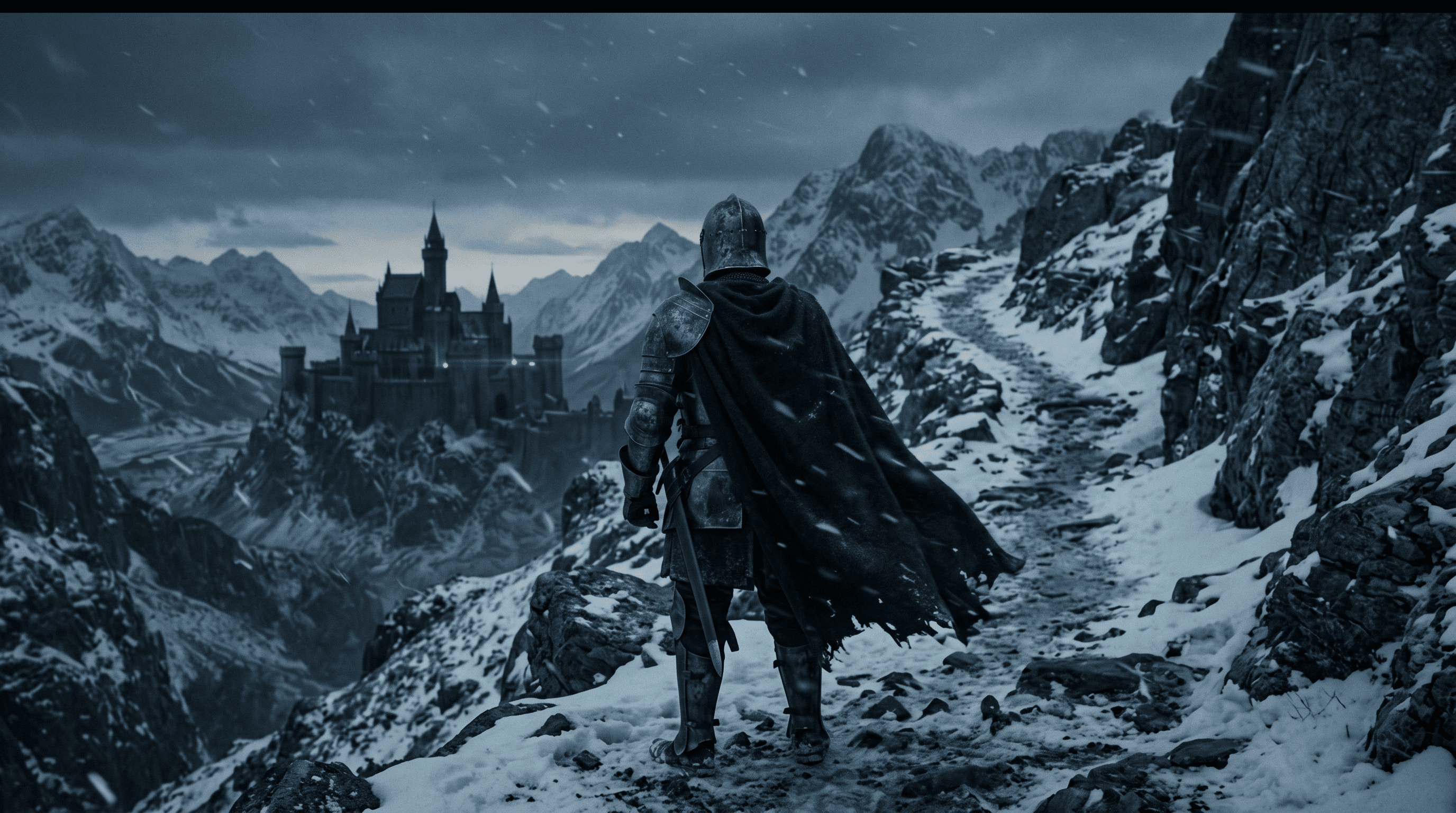
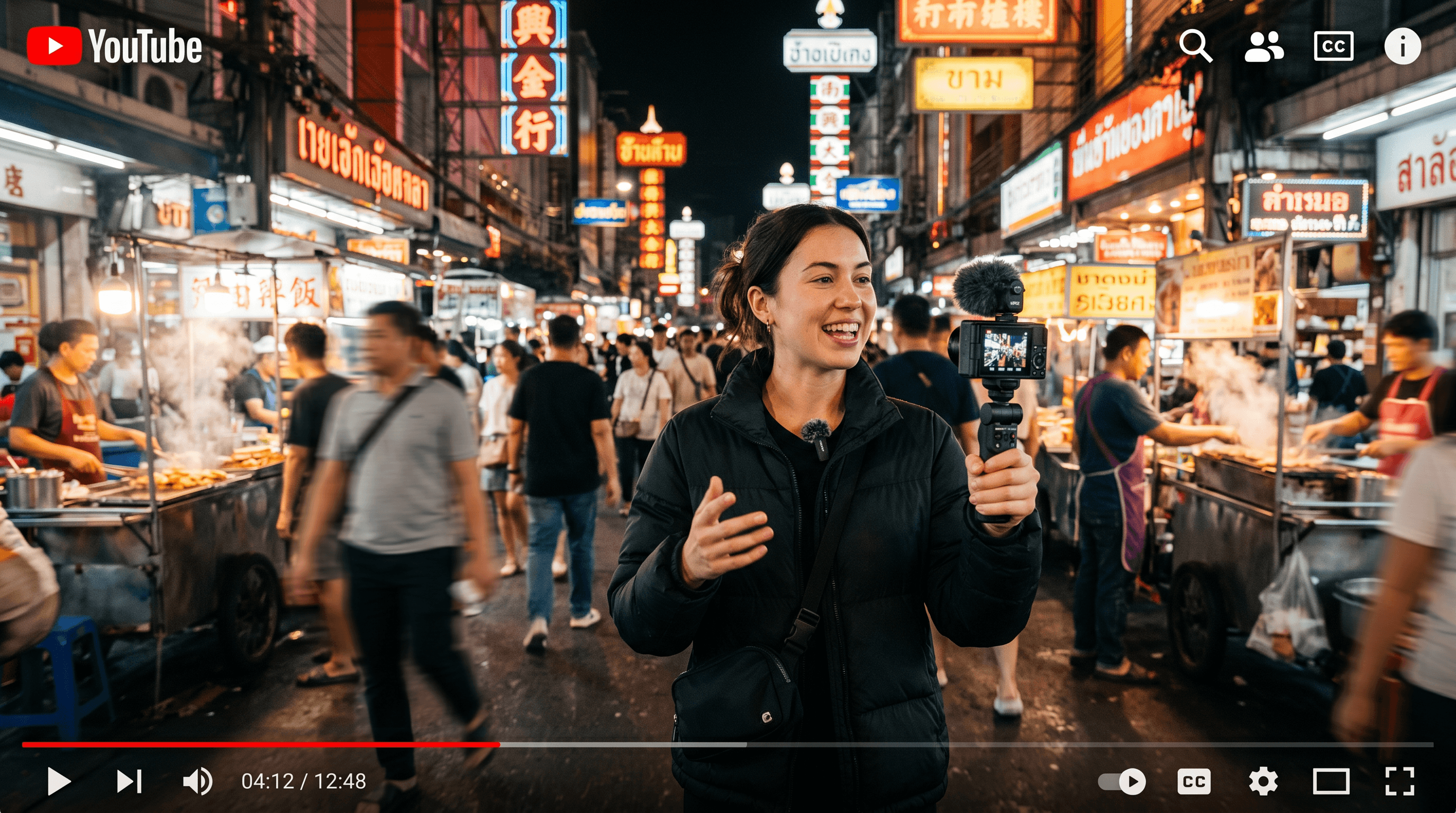
发现Kling O1可以创造什么

Kling O1如何工作
- 01
Choose Kling O1
Open the animx image workspace and pick Kling O1 in the model selector.
- 02
Prompt or upload
Text-to-image? Just describe. Editing? Upload a still and describe the change. Kling O1's smart-routing sends the request to the right endpoint.
- 03
Generate, edit, or animate
Render in seconds. Keep the result, iterate, or send to the video workspace to animate with Seedance, Veo, Kling 3.0, or Sora.


Kling O1为谁打造
From product photographers to portrait creators to lifestyle designers — Kling O1 fits any workflow where photoreal realism is the brief.

Product photographers
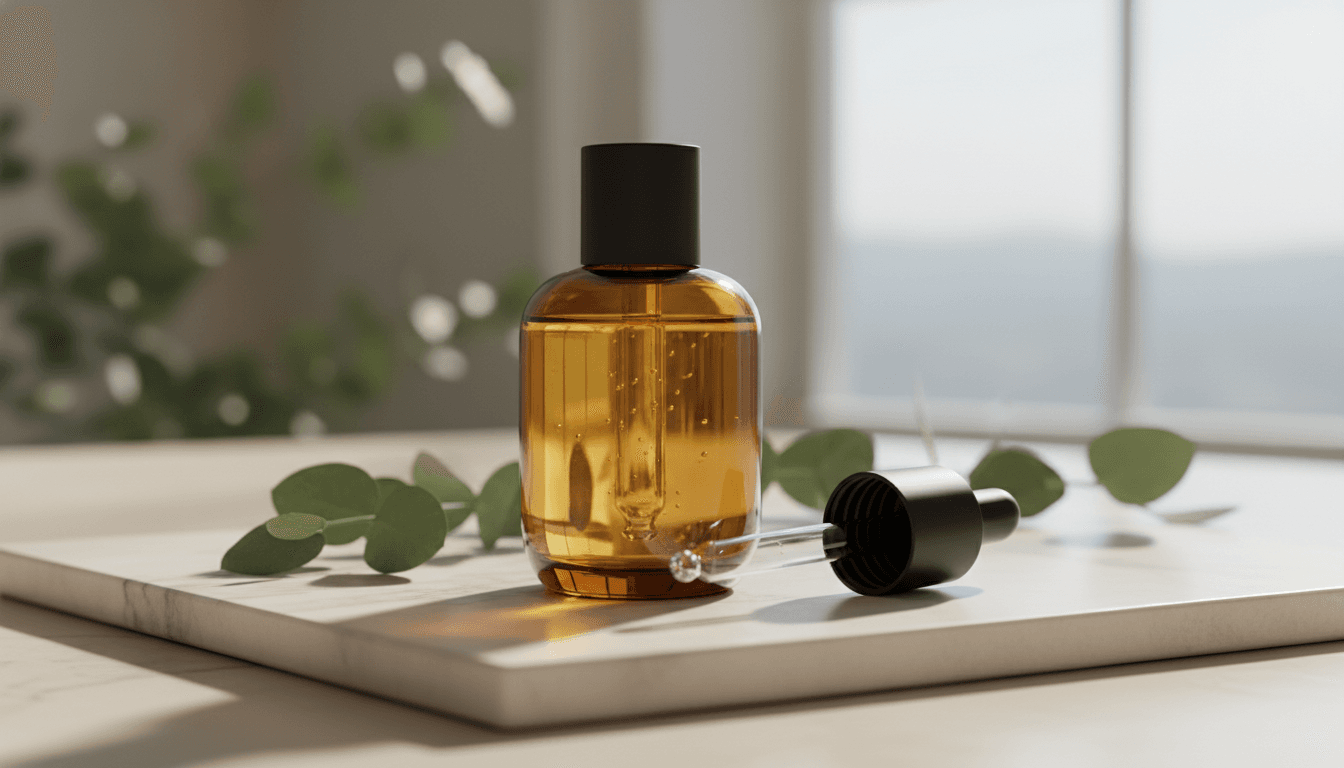
Realistic product shots and lifestyle images where lighting and material fidelity carry the frame. Kling's grounded look translates from their video work to still generation.

Portrait and character creators
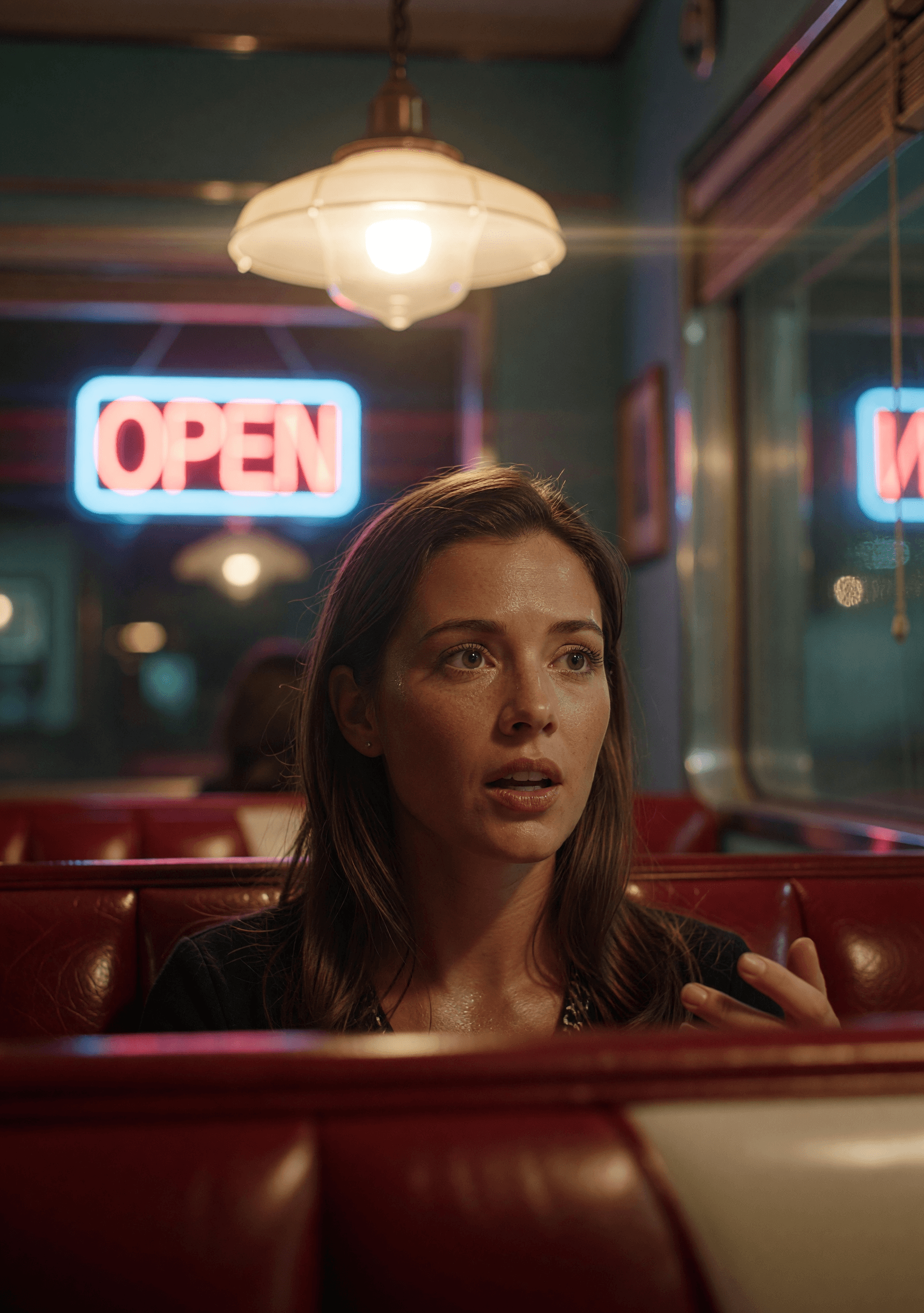
Skin, hair, and lighting realism for hero shots and character work. Same believability bar as Kling's video output.

Editors and retouchers
Native edit endpoint means you don't need a separate model for background swaps, restyles, or object edits. Describe the change and Kling routes it correctly.
Text-to-image + native edit
Smart-routed between create and edit endpoints based on whether you attach an image.
Photorealistic output
Grounded realism — skin, lighting, materials, environment — the Kling look on stills.
Fast per-image pricing
Priced for regular use rather than premium-tier renders.
Multi-format aspect ratios
Landscape, portrait, square, wide — pick the format your destination needs.
Hand-off to video
Generate a still, then animate with Seedance, Veo, Kling 3.0, or Sora in the same workspace.
One subscription
Bundled with Nano Banana, Flux, Seedream, GPT Image 2 and every top video model — no separate Kuaishou plan.
何时使用Kling O1
Pick Kling O1 when photoreal realism matters and you want create + edit on the same model — product shots, portraits, lifestyle work.
Reach for Nano Banana when 4K output is required or prompt fidelity is the top priority; Flux 2 Max for surgical per-pixel detail; Seedream 4 for multi-reference composition; Grok Imagine for stylized range. All five live in one workspace on animx.
Kling O1 + 一个订阅中的每个顶级模型
您不需要单独的Kling O1订阅 — 它与每个其他顶级模型一起包含在animx中。在一个工作区中切换它们,在一个套餐上。
常见问题
- What is Kling O1 best at?
- Photoreal image generation and edits with the grounded realism that made Kling's video work stand out. Strong on product, portrait, and lifestyle work.
- Do I need a separate Kuaishou subscription for Kling O1?
- No. Kling O1 is included in animx alongside Nano Banana, Flux, Seedream and the rest of the top image models — one plan covers everything.
- Can I edit existing images with Kling O1?
- Yes. Upload a still and describe the change — Kling O1 has a native edit endpoint that handles background swaps, restyles, and object edits. Smart-routed automatically based on whether you attach an image.
- Is this the same as Kling 3.0?
- No. Kling 3.0 is the VIDEO model at /models/kling-3. Kling O1 is the image side of the same brand. Both ship in your animx subscription.
- Can I use Kling O1 outputs commercially?
- Yes — your generations are yours to use, subject to the standard animx terms (which cover commercial use on paid plans).