Nano Banana Pro · Seedream 4.5 · FLUX Kontext · GPT Image 2
AI Image Editor That Changes Only What You Ask
Describe the edit in plain language. Recolour a jacket, remove a ring, restyle a shirt — and the rest of the frame comes back untouched. Seven edit models across four labs, in one workspace, on one subscription.
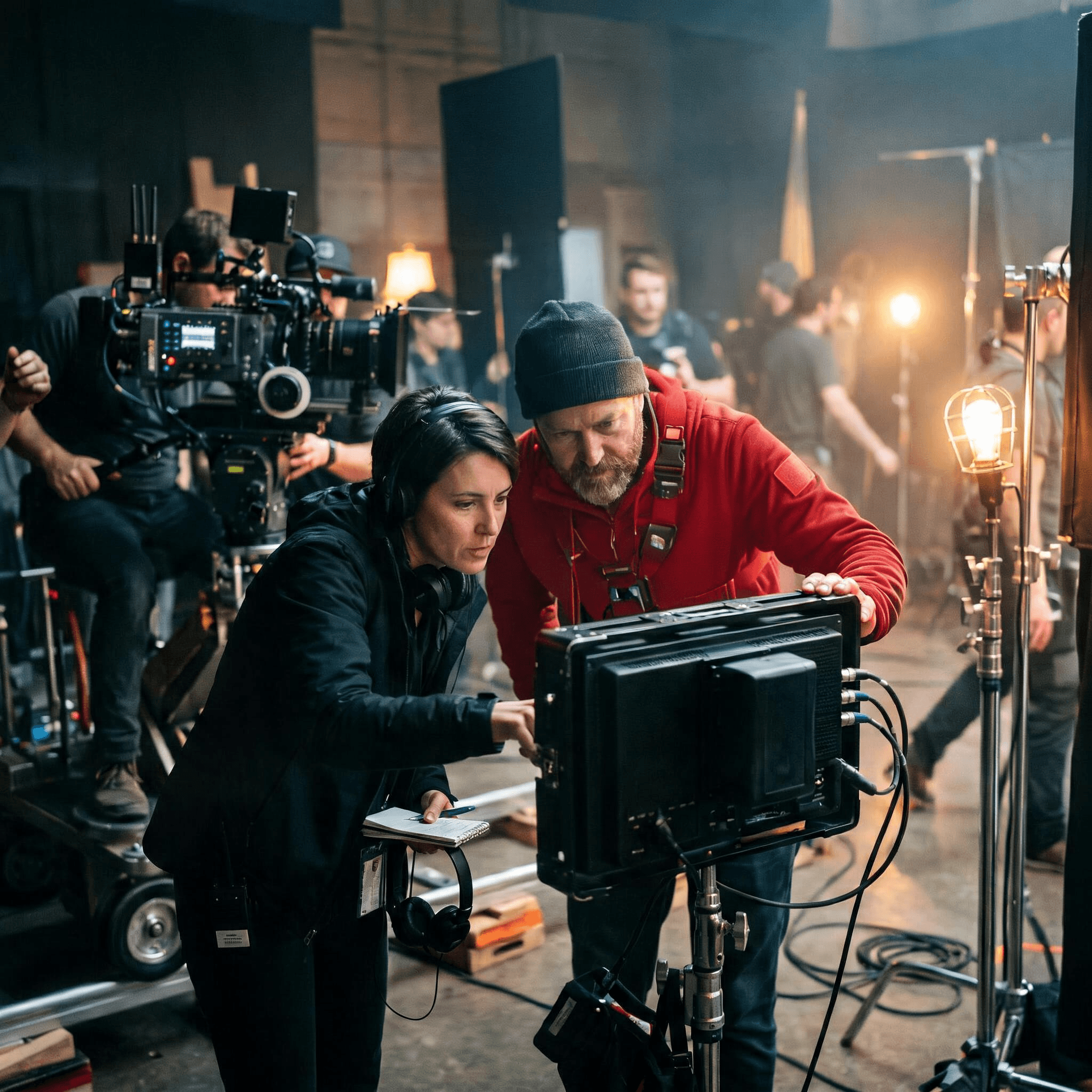 BeforeAfter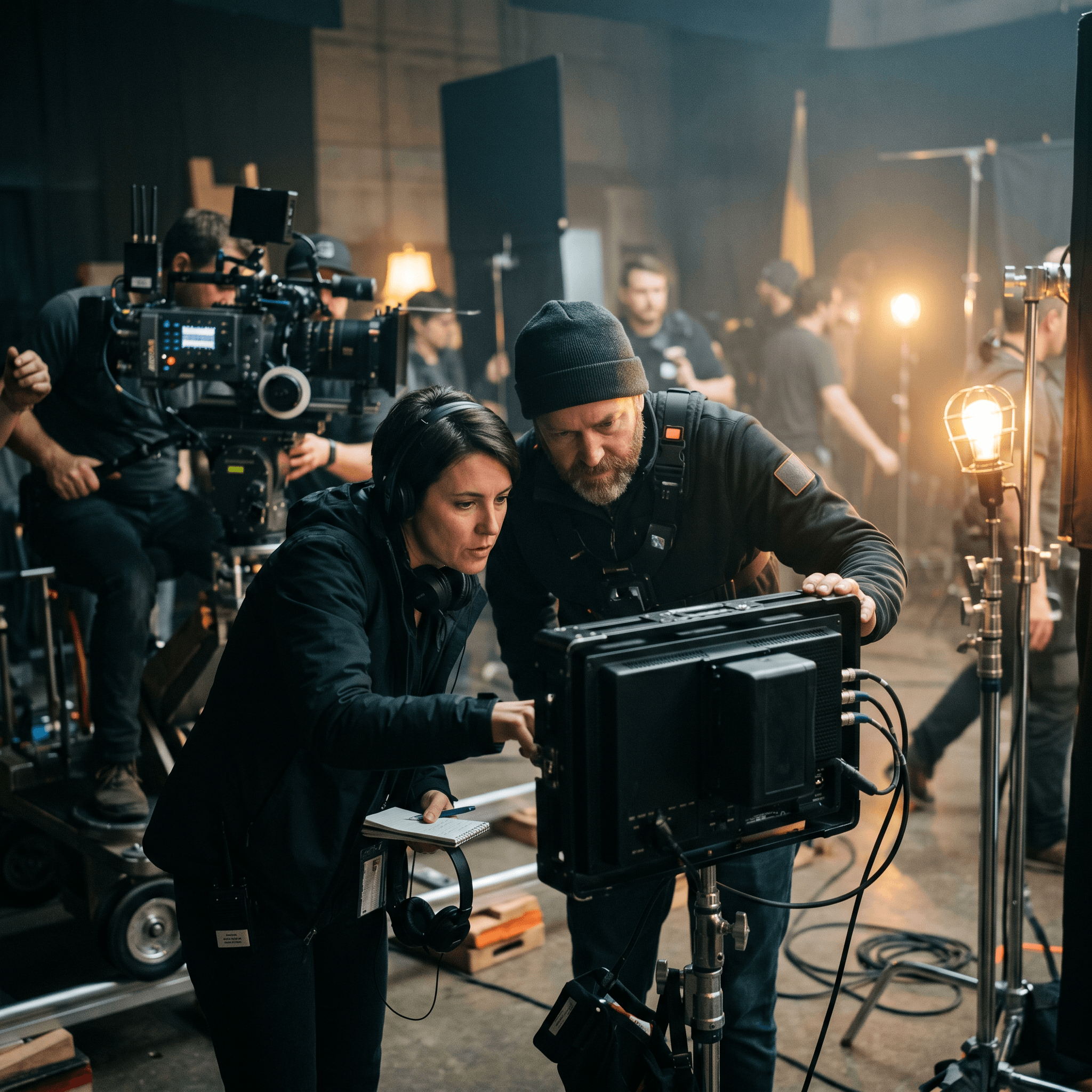
What an AI image editor actually does
An AI image editor changes part of a picture and leaves the rest alone. You upload a photo, describe the change in a sentence — “make the jacket red”, “remove the ring”, “put her in a red hoodie” — and the model returns the same frame with that one thing different. No layers, no masks, no lasso tool, no cloning out the edges by hand.
On animx the whole edit stack is in one subscription: Nano Banana Pro Edit for surgical photoreal work, Seedream 4.5 Edit for long multi-part instructions, FLUX Kontext Max for precise localised edits, and GPT Image 2 Edit when the result needs legible text inside it. Switch models on the same photo, compare the results, keep the one that reads right.
How to edit an image
- 01
Upload your photo
PNG, JPG or WebP. The image you upload becomes the base frame — the model edits it rather than generating something new. Seedream Edit accepts several reference images at once.
- 02
Describe the change
One sentence, in plain language. Name the thing and the change: “change the jacket to red”, “remove the septum ring”, “give her a torn shirt”. Everything you don’t mention should come back as it was.
- 03
Pick a model and apply
Choose the edit model whose strength matches the job — photoreal detail, complex instructions, localised precision, or text. Run two models on the same photo, then export in up to 4K.
Choose your edit model
Four labs, one workspace. Each model has a different strength — swap between them on the same photo without re-uploading or paying twice.
Nano Banana Pro
Surgical photoreal edits — the rest of the frame stays intact
Seedream 4.5
Flagship prompt adherence on complex, multi-part edits
FLUX Kontext Max
Precise localised edits with strong text handling
GPT Image 2
Native edits with legible text baked into the image
What you can change
Every edit below is a sentence, not a tool. If you can describe it, the model can usually do it.
Recolour anything
Swap a garment, a wall, a car or a background to a colour you name. The model keeps the original lighting and shadows, so the new colour sits inside the scene instead of on top of it.
Remove objects and blemishes
Delete a ring, a logo, a passer-by, a cable or a stray detail. The gap is rebuilt from the surrounding pixels rather than blurred over.
Replace and restyle
Change what something is made of or how it looks — a clean shirt to a torn one, a summer look to winter, a matte finish to chrome.
Edit the text in an image
Fix or replace words inside a photo, poster or product shot and keep the original typeface, kerning and perspective. GPT Image 2 Edit is the strongest here.
Multi-reference edits
Bring more than one image to a single edit — Seedream Edit takes an array of references, so you can say “put her in the jacket from this other shot”.
Iterate without starting over
Every result becomes the next base frame. Edit, refine, edit again — the chain further down this page is four passes on one upload, each building on the last.
Before and after, for real
Real edits made in animx — the input on the left, the model’s output on the right. Drag any frame to compare. Nothing here is a mock-up.
 BeforeAfter
 BeforeAfter
 BeforeAfter
 BeforeAfter
 BeforeAfter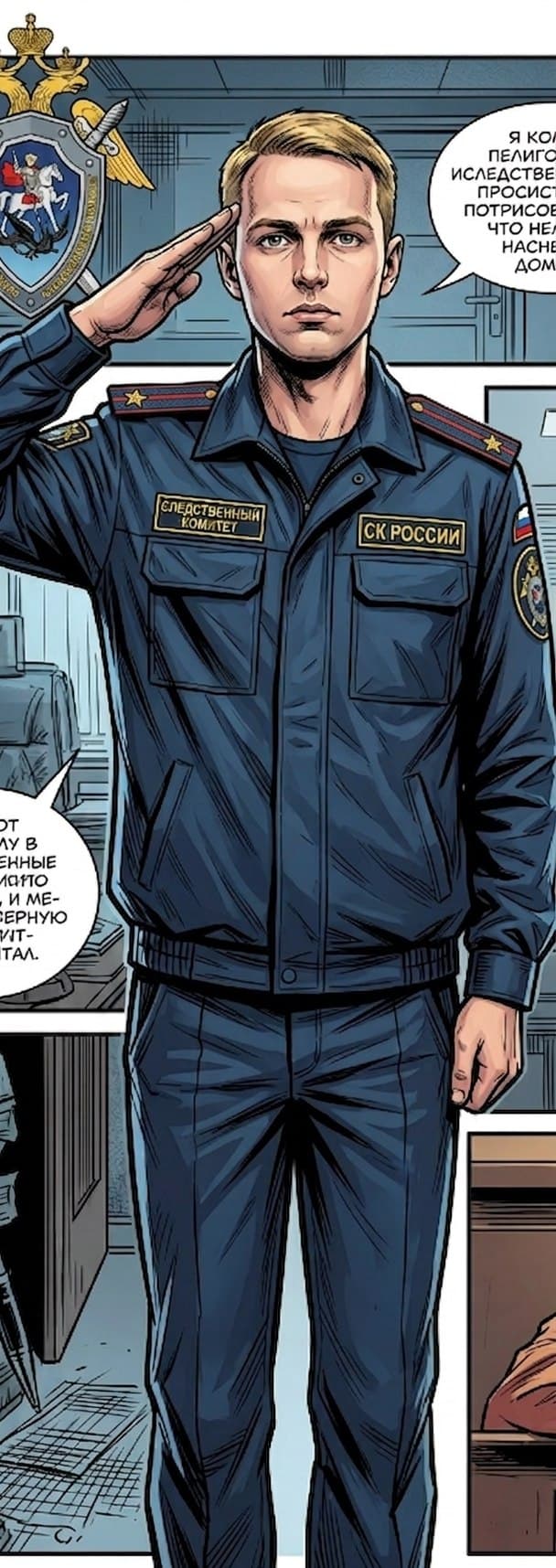
 BeforeAfter
 BeforeAfter
Frequently asked questions
- Does the edit change things I didn’t ask for?
- It shouldn’t — that’s the whole point of an edit model, and it’s what separates editing from generating. The framing, the lighting, the pose and everything you didn’t mention are meant to come back as they were. Complex instructions occasionally drift, which is why every edit is non-destructive: your original upload is untouched and you can re-run the same instruction on a different model.
- Which AI image editor is best?
- For surgical photoreal changes, Nano Banana Pro Edit. For long, complicated instructions, Seedream 4.5 Edit. For precise localised edits with text, FLUX Kontext Max. For legible text inside the image, GPT Image 2 Edit. All of them are in your animx plan, so the honest answer is to run the same instruction on two or three and keep the best.
- What file types and sizes can I upload?
- PNG, JPG and WebP. Uploads up to roughly 20MB work fine. Output resolution goes up to 4K depending on the model — Nano Banana Pro Edit charges 2× credits for a 4K output, the others bill flat per image.
- Can I use edited images commercially?
- Yes. Your uploads and your edits are yours to use, subject to the standard animx terms covering commercial use on paid plans. Product shots, ad creative, editorial and client work are all covered.
- Do I need a separate subscription for each edit model?
- No. Every edit model on this page is included in your animx plan. Switch between them on the same photo, compare the outputs side by side, with no per-model billing and no re-uploading.
Edit any photo — in your browser
Upload an image, describe the change, and run every top edit model on the same shot. Free to start.