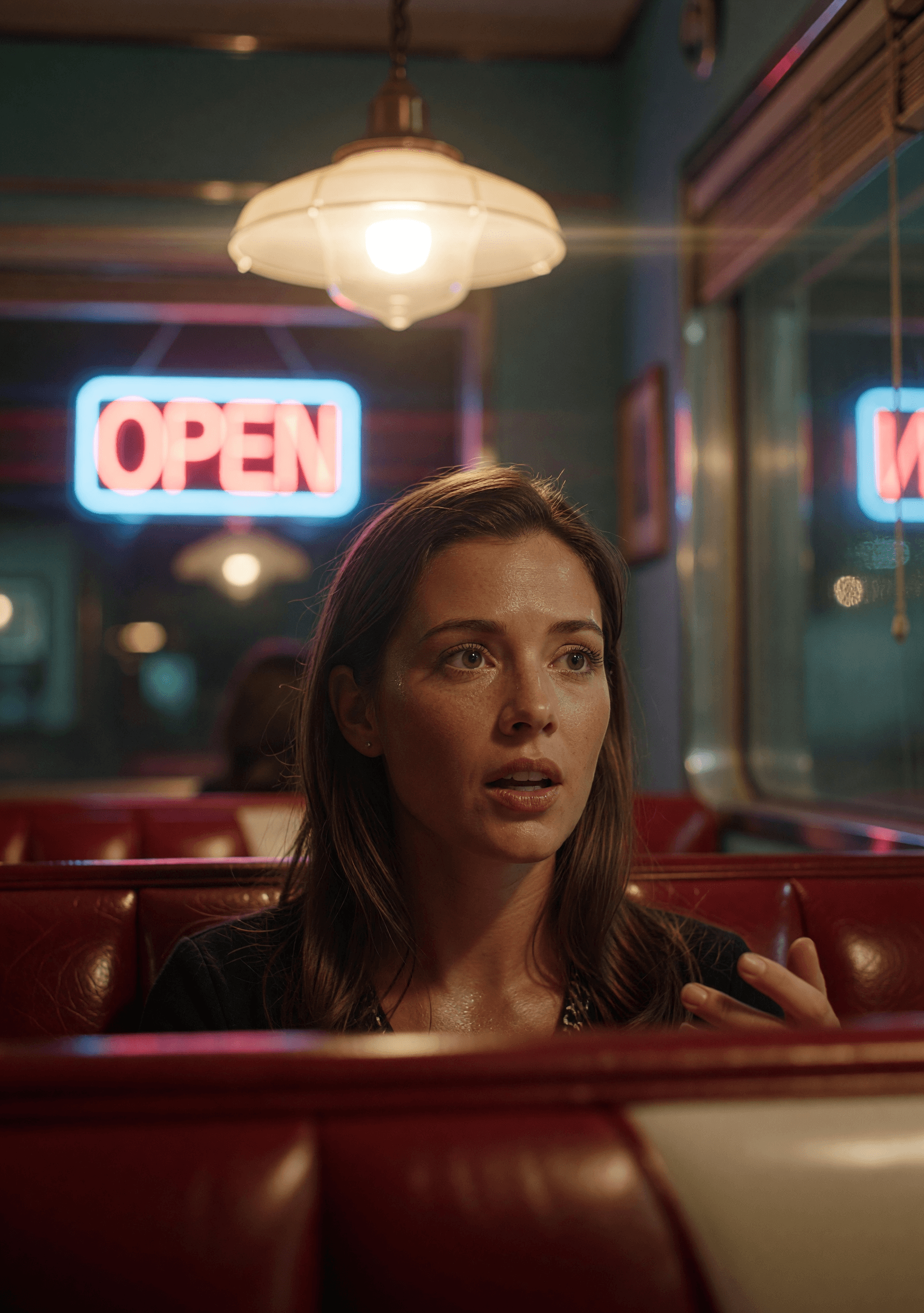
Kling O1 : générateur d'images IA photoréalistes
Kling O1 est le modèle d'image de Kuaishou — le versant génération d'images fixes de la famille Kling, connue pour son réalisme cinématographique. Texte vers image plus retouche native, réglé pour le même rendu crédible qui a fait ressortir le travail vidéo de Kling.
Qu'est-ce que Kling O1 ?
Kling O1 est le modèle d'image de Kuaishou — le pendant image fixe de leur travail vidéo Kling bien connu. Le même ADN de marque (photoréaliste, cinématographique, ancré dans le réel), appliqué au texte vers image et à la retouche au niveau du pixel.
Sur animx, vous utilisez Kling O1 directement dans le navigateur — sans offre Kuaishou séparée. Choisissez le modèle, écrivez un prompt (ou importez une image fixe + une instruction de retouche) et exportez. Kling O1 est inclus dans votre abonnement aux côtés de Nano Banana, Flux, Seedream et de tous les meilleurs modèles vidéo.
Ce qui rend Kling O1 différent
Qualité photoréaliste
Le même réalisme cinématographique qui a fait ressortir le travail vidéo de Kling, appliqué à la génération d'images fixes. Fort sur la peau, l'éclairage, les matières et les visuels produit ancrés dans le réel.
Endpoint de retouche natif
Texte vers image ET image vers image sur un seul modèle. Importez une image fixe et décrivez la modification — le chemin de retouche de Kling O1 gère les changements d'arrière-plan, les retouches et les restylages sans quitter l'espace de travail.
Tarif rapide par image
Tarifé pour un usage régulier — générez des visuels héros et des variantes sans le poids en crédits des paliers 4K premium.
Découvrez ce que Kling O1 peut créer
Comment fonctionne Kling O1
- 01
Choisissez Kling O1
Ouvrez l'espace de travail image d'animx et sélectionnez Kling O1 dans le sélecteur de modèle.
- 02
Prompt ou import
Texte vers image ? Décrivez simplement. Retouche ? Importez une image fixe et décrivez la modification. Le routage intelligent de Kling O1 envoie la requête au bon endpoint.
- 03
Générez, retouchez ou animez
Rendu en quelques secondes. Gardez le résultat, itérez, ou envoyez vers l'espace de travail vidéo pour l'animer avec Seedance, Veo, Kling 3.0 ou Wan.
Inspirez-vous avec Kling O1
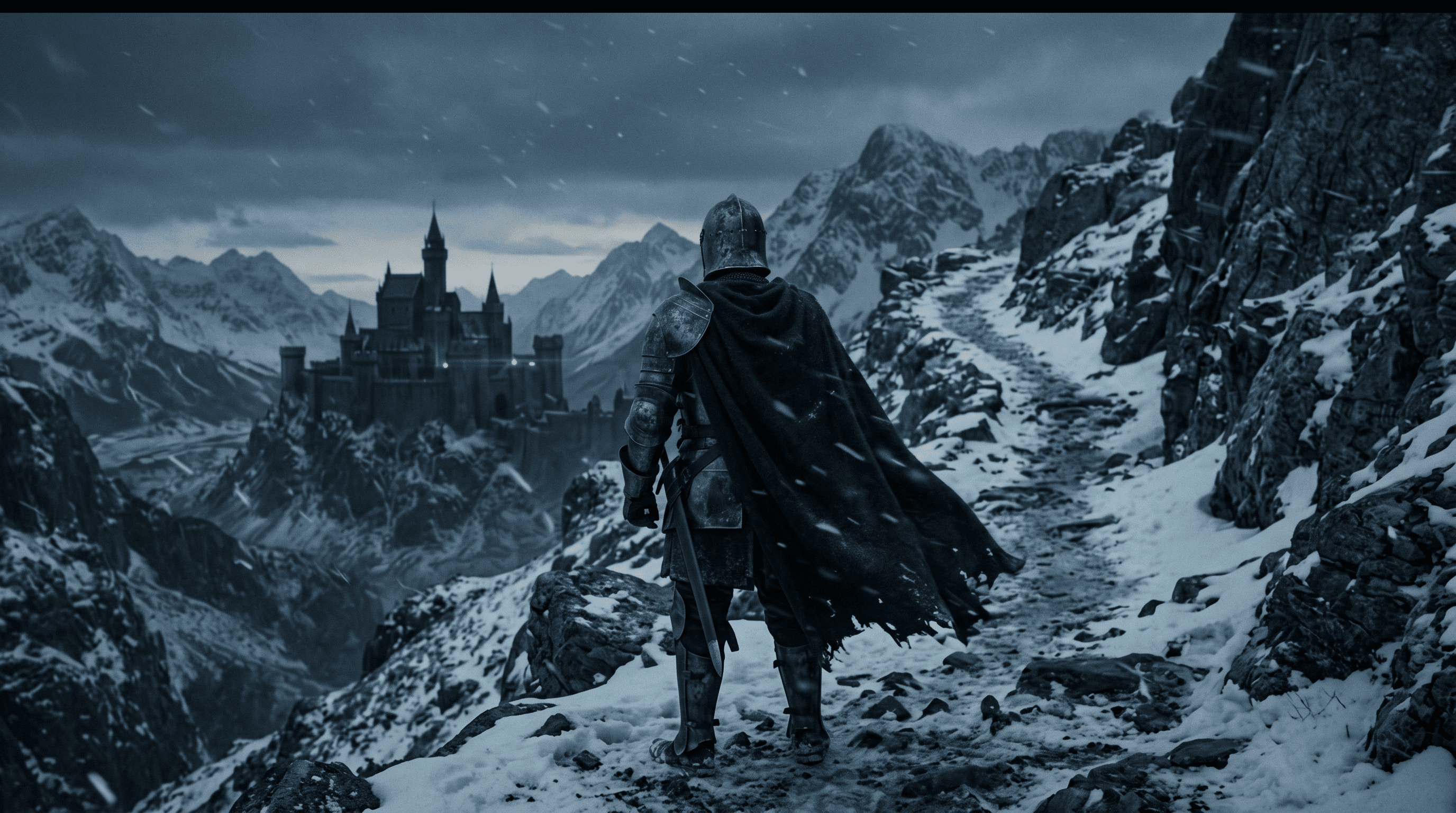
De vraies sorties de Kling O1 — génération photoréaliste et travail de retouche.


Pour qui Kling O1 est conçu
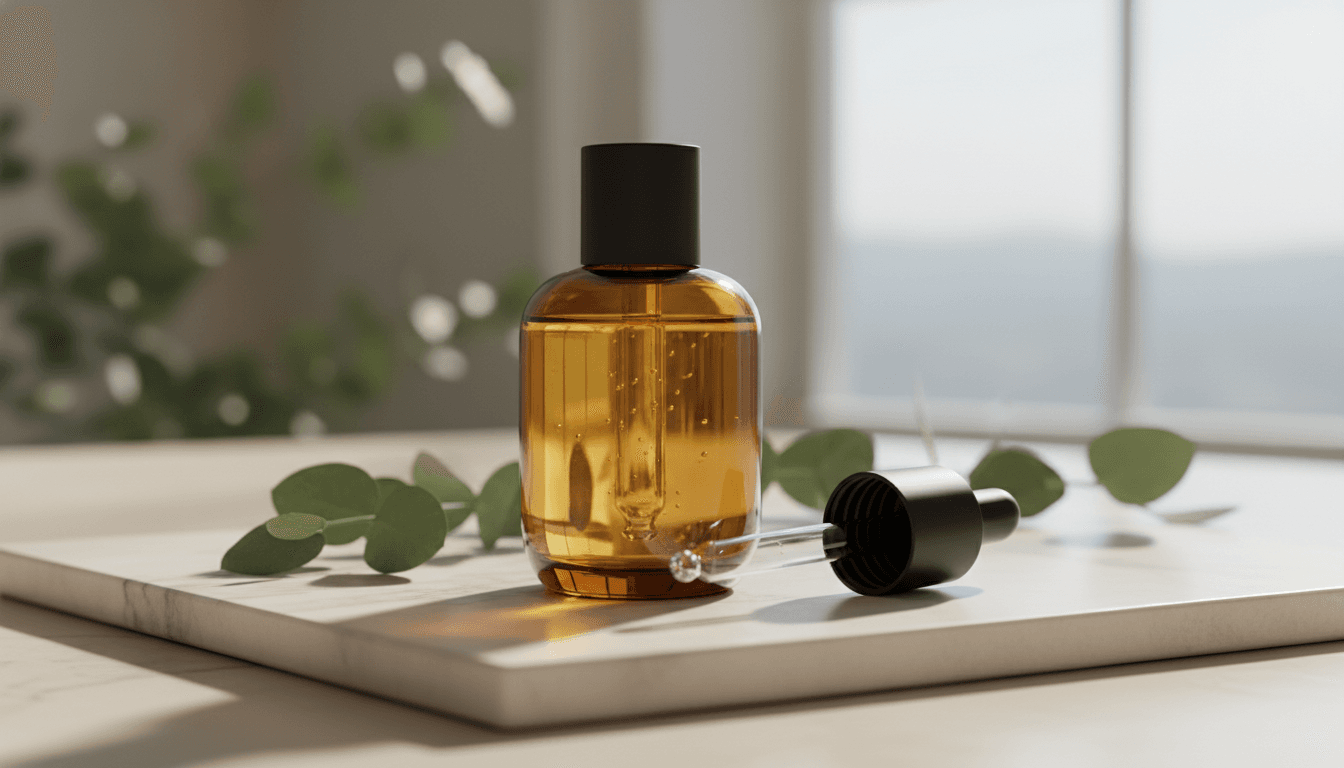
Des photographes produit aux créateurs de portraits et aux designers lifestyle — Kling O1 convient à tout flux où le réalisme photoréaliste est le brief.
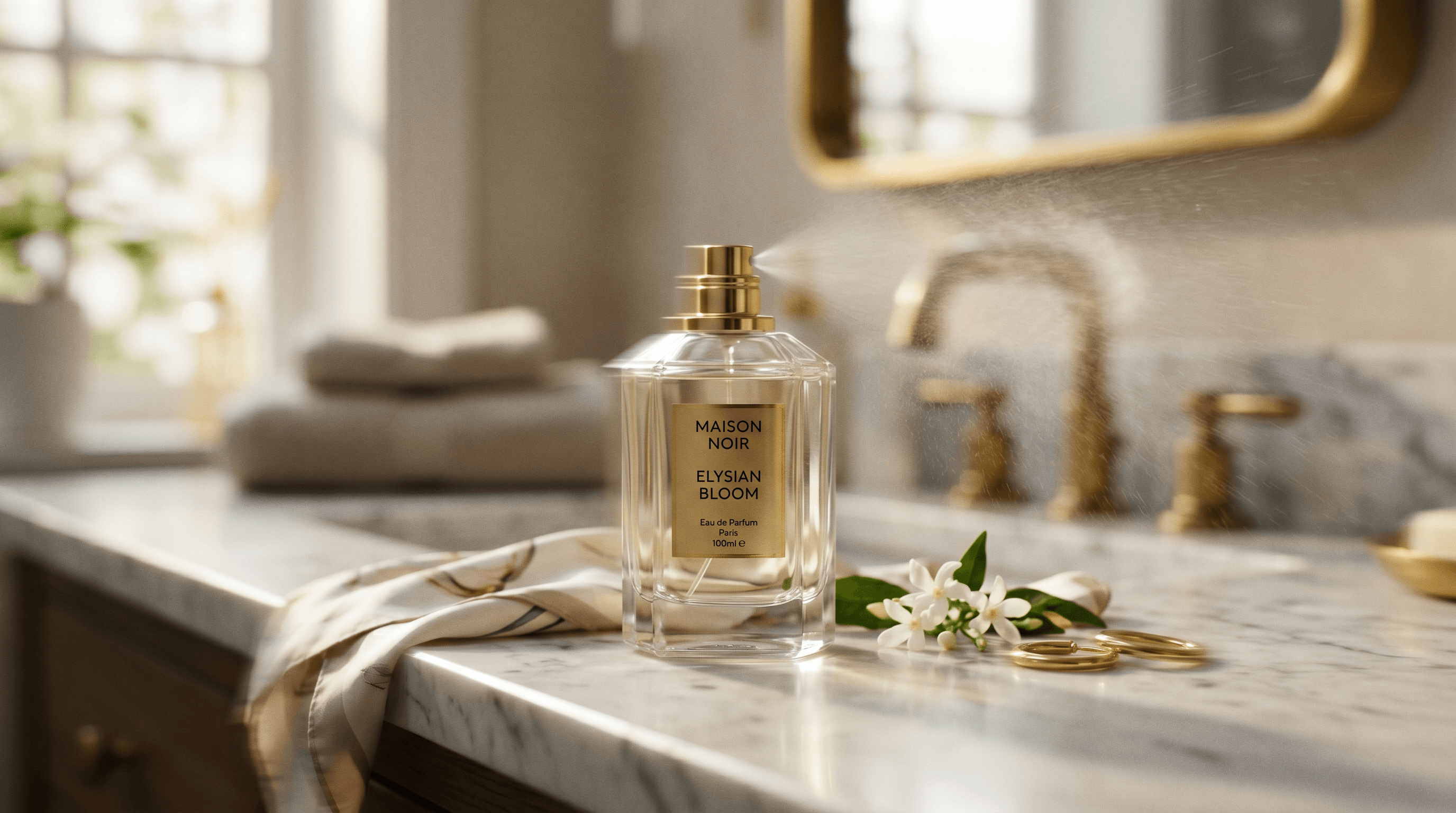
Photographes produit
Des visuels produit réalistes et des images lifestyle où la fidélité de l'éclairage et des matières porte le cadre. Le rendu ancré de Kling se transpose de leur travail vidéo à la génération d'images fixes.

Créateurs de portraits et de personnages
Du réalisme de peau, de cheveux et d'éclairage pour les visuels héros et le travail de personnage. La même barre de crédibilité que la sortie vidéo de Kling.
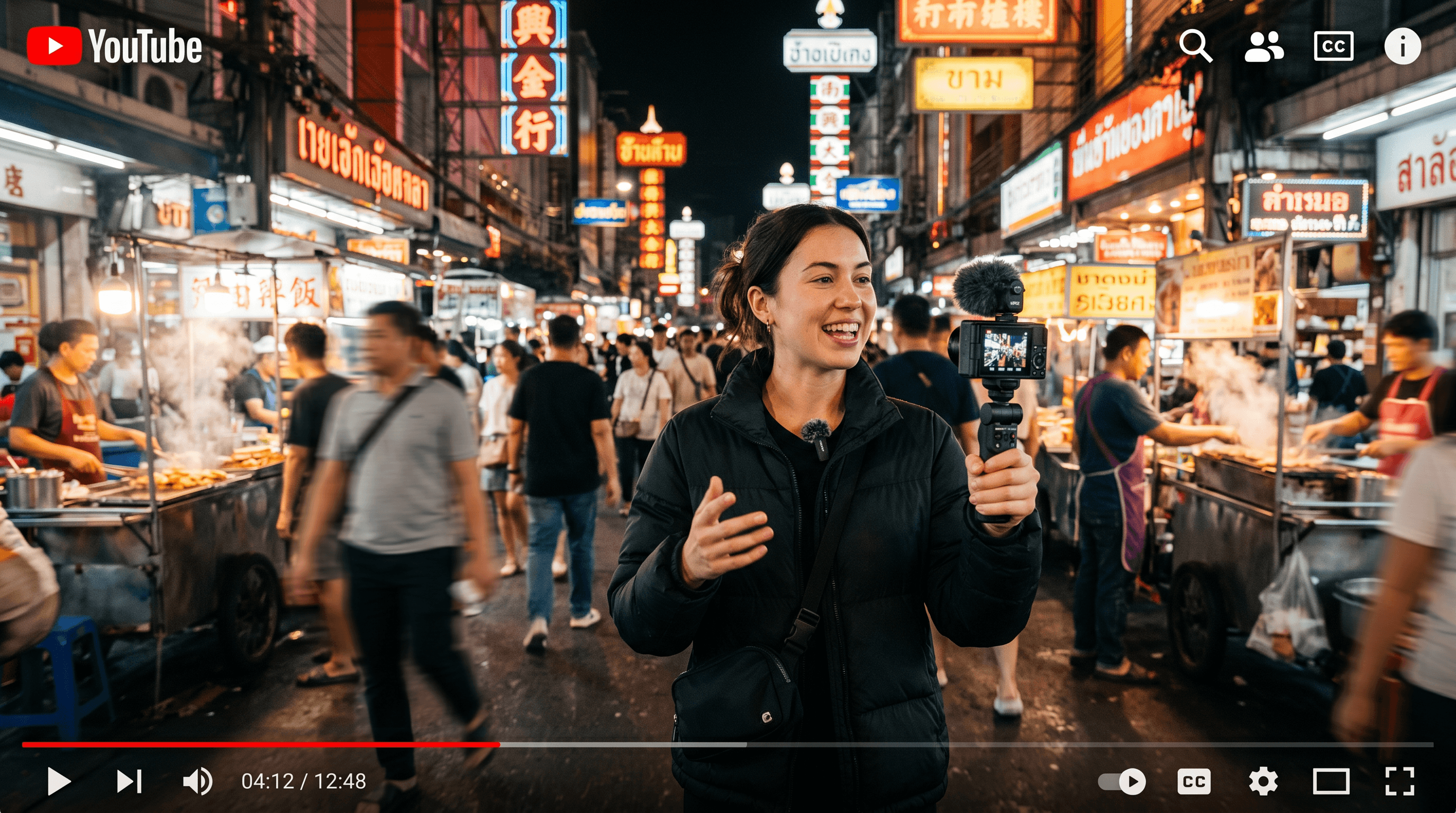
Éditeurs et retoucheurs
L'endpoint de retouche natif signifie que vous n'avez pas besoin d'un modèle séparé pour les changements d'arrière-plan, les restylages ou les retouches d'objets. Décrivez la modification et Kling l'achemine correctement.
Les fonctionnalités phares de Kling O1
Tout ce que Kling O1 apporte à votre flux de travail image.
Texte vers image + retouche native
Routage intelligent entre les endpoints de création et de retouche selon que vous joignez ou non une image.
Sortie photoréaliste
Réalisme ancré dans le réel — peau, éclairage, matières, environnement — le rendu Kling sur des images fixes.
Tarif rapide par image
Tarifé pour un usage régulier plutôt que pour des rendus de palier premium.
Ratios multi-formats
Paysage, portrait, carré, large — choisissez le format dont votre destination a besoin.
Passage vers la vidéo
Générez une image fixe, puis animez-la avec Seedance, Veo, Kling 3.0 ou Wan dans le même espace de travail.
Un seul abonnement
Inclus avec Nano Banana, Flux, Seedream, GPT Image 2 et tous les meilleurs modèles vidéo — sans offre Kuaishou séparée.
Quand utiliser Kling O1
Prenez Kling O1 quand le réalisme photoréaliste compte et que vous voulez création + retouche sur le même modèle — visuels produit, portraits, travail lifestyle.
Tournez-vous vers Nano Banana quand une sortie 4K est nécessaire ou que la fidélité au prompt est la priorité absolue ; vers Flux 2 Max pour un détail chirurgical pixel par pixel ; vers Seedream 4 pour la composition multi-références ; vers Grok Imagine pour l'étendue stylisée. Les cinq vivent dans un seul espace de travail sur animx.
Kling O1 + tous les meilleurs modèles dans un seul abonnement
Vous n'avez pas besoin d'un abonnement Kling O1 séparé — il est inclus dans animx aux côtés de tous les autres meilleurs modèles. Basculez entre eux dans un seul espace de travail, sur un seul plan.
Questions fréquentes
- En quoi Kling O1 est-il le meilleur ?
- La génération et la retouche d'images photoréalistes avec le réalisme ancré qui a fait ressortir le travail vidéo de Kling. Fort sur le produit, le portrait et le lifestyle.
- Faut-il un abonnement Kuaishou séparé pour Kling O1 ?
- Non. Kling O1 est inclus dans animx aux côtés de Nano Banana, Flux, Seedream et du reste des meilleurs modèles d'image — une seule offre couvre tout.
- Puis-je retoucher des images existantes avec Kling O1 ?
- Oui. Importez une image fixe et décrivez la modification — Kling O1 dispose d'un endpoint de retouche natif qui gère les changements d'arrière-plan, les restylages et les retouches d'objets. Routage automatique selon que vous joignez ou non une image.
- Est-ce la même chose que Kling 3.0 ?
- Non. Kling 3.0 est le modèle VIDÉO sur /models/kling-3. Kling O1 est le versant image de la même marque. Les deux sont inclus dans votre abonnement animx.
- Puis-je utiliser commercialement les sorties de Kling O1 ?
- Oui — vos générations vous appartiennent, dans le cadre des conditions standard d'animx (qui couvrent l'usage commercial sur les offres payantes).
Commencez à créer avec Kling O1
Gratuit pour commencer — Kling O1 plus tous les autres meilleurs modèles dans un seul abonnement.