
Seedream 4.5 : générateur d'images IA
Seedream 4.5 est le modèle d'image haut de gamme de ByteDance — la meilleure fidélité au prompt de la famille, une composition multi-références jusqu'à 10 images d'entrée et une large palette de styles, du photoréalisme à l'illustration. Le modèle vers lequel se tournent les créateurs quand un seul prompt doit honorer plusieurs références à la fois.
Qu'est-ce que Seedream 4.5 ?
Seedream 4.5 est le fer de lance de la famille Seedream de ByteDance — le successeur direct de Seedream 4.0 (qui reste disponible sur /models/seedream-4 pour sa plage de tailles plus large et son comportement d'édition avancé). La 4.5 relève le niveau en fidélité au prompt et en composition multi-références : jusqu'à 10 entrées fusionnées de façon cohérente en une seule génération, avec des sujets nommés qui restent cohérents d'une variante à l'autre.
Sur animx, vous utilisez Seedream 4.5 aux côtés de Nano Banana, Flux, GPT Image 2 et du reste des meilleurs modèles d'image dans le même espace de travail. Inclus avec tous les meilleurs modèles vidéo dans un seul abonnement — envoyez n'importe quelle image Seedream 4.5 directement vers Veo, Kling ou Seedance pour l'image vers vidéo, sans réimport.
Ce qui rend Seedream 4.5 différent
Fidélité au prompt haut de gamme
La 4.5 améliore le suivi de prompt déjà solide de la 4.0. Les prompts longs et structurés tiennent — relations spatiales, personnages nommés, positions des accessoires et indications de style s'appliquent au lieu de dériver entre les régénérations.
Composition multi-références
Jusqu'à 10 images d'entrée par génération, fusionnées de façon cohérente. Référence de sujet, de style, de décor, d'accessoire — Seedream 4.5 les compose en une seule scène où l'intention de chaque source transparaît.
Large palette de styles
Un prompt photoréaliste, le suivant illustration stylisée, le suivant proche de l'anime. Les indications de style dans le prompt orientent réellement le résultat au lieu de produire le même rendu générique.
Découvrez ce que Seedream 4.5 peut créer

Comment fonctionne Seedream 4.5
- 01
Choisissez Seedream 4.5
Ouvrez l'espace de travail image d'animx et sélectionnez Seedream 4.5 dans le sélecteur de modèle.
- 02
Joignez des références (facultatif) et écrivez le prompt
Déposez jusqu'à 10 images de référence — sujet, style, décor, accessoires. Décrivez ce que vous voulez dans le prompt ; référencez chaque image avec @ si vous voulez la diriger explicitement.
- 03
Générez, retouchez ou animez
Rendu en quelques secondes. Gardez l'image, affinez avec une autre référence, ou envoyez-la vers l'espace de travail vidéo pour l'animer.
Inspirez-vous avec Seedream 4.5
De vraies sorties de Seedream 4.5 — composition multi-références, palette de styles et la fidélité au prompt serrée qui sépare le fer de lance du palier lite.
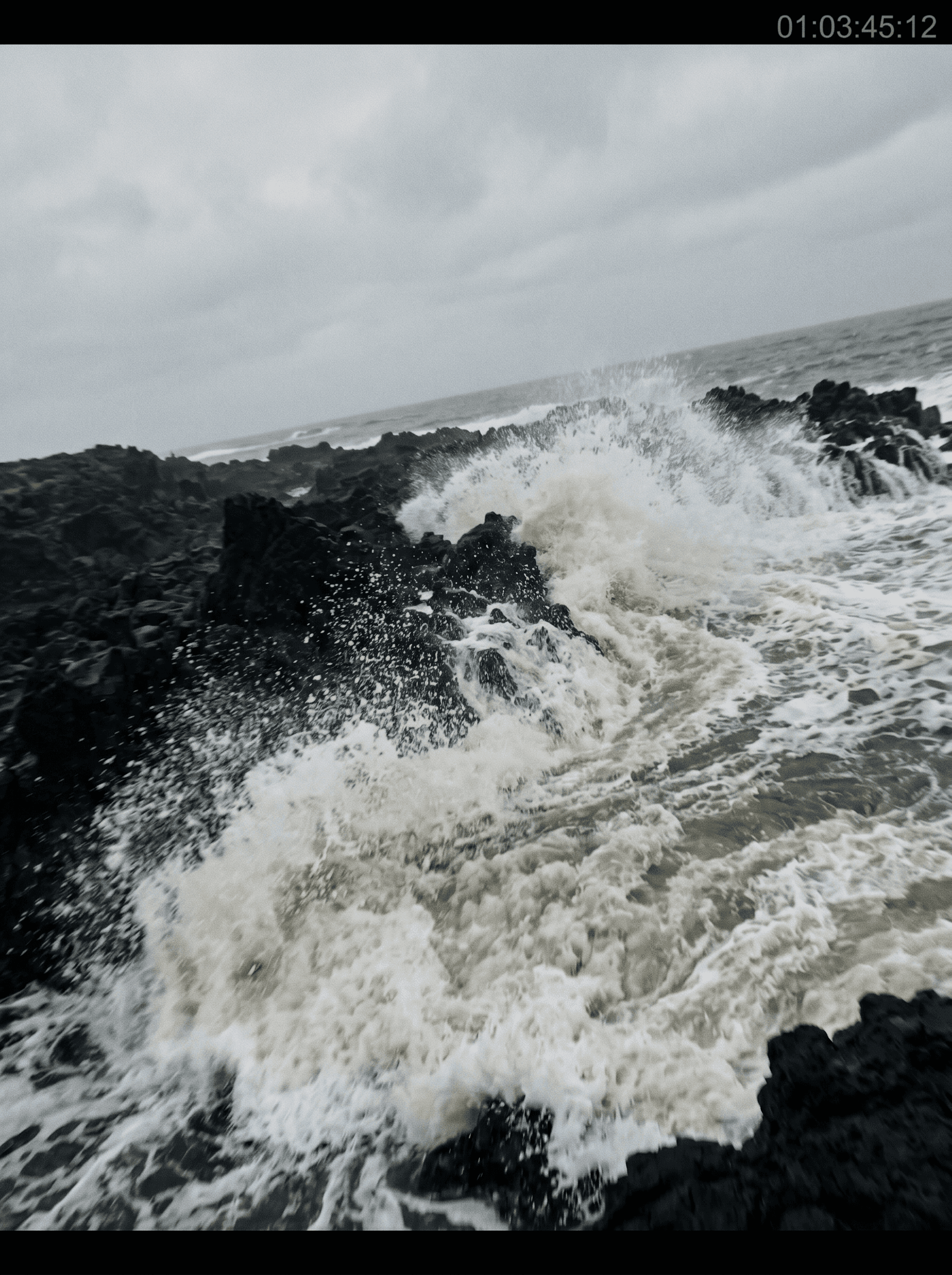



Pour qui Seedream 4.5 est conçu
Des éditeurs guidés par les références aux équipes de marque qui composent des séries de variantes et aux concept artists qui travaillent depuis des moodboards — Seedream 4.5 convient à tout flux où le brief arrive avec du matériel visuel.
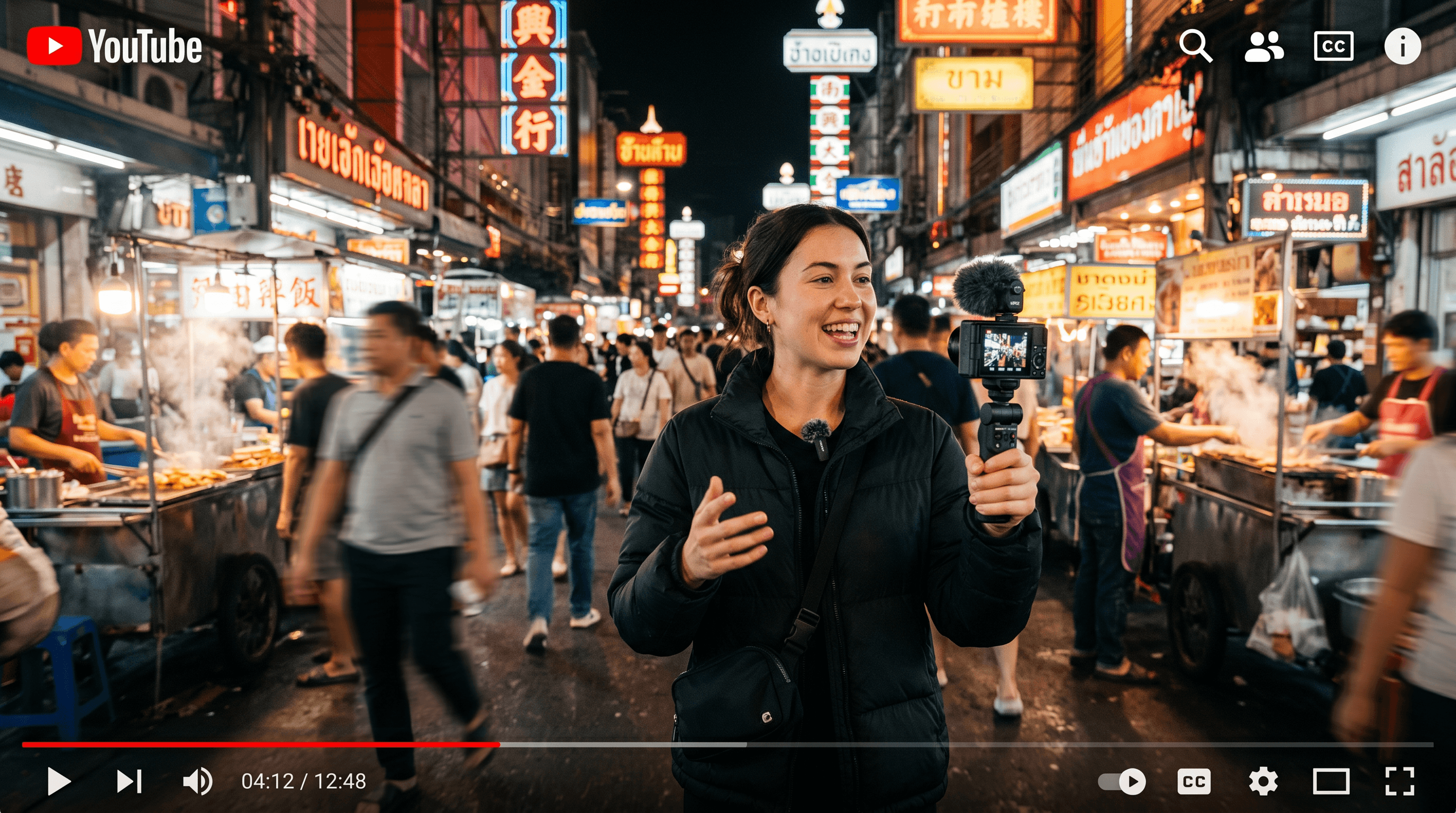
Éditeurs guidés par les références
Travaillez là où le brief arrive avec des images d'exemple — obtenez ce personnage, dans ce style, dans ce décor. La composition multi-entrées de Seedream 4.5 est faite pour ce flux.
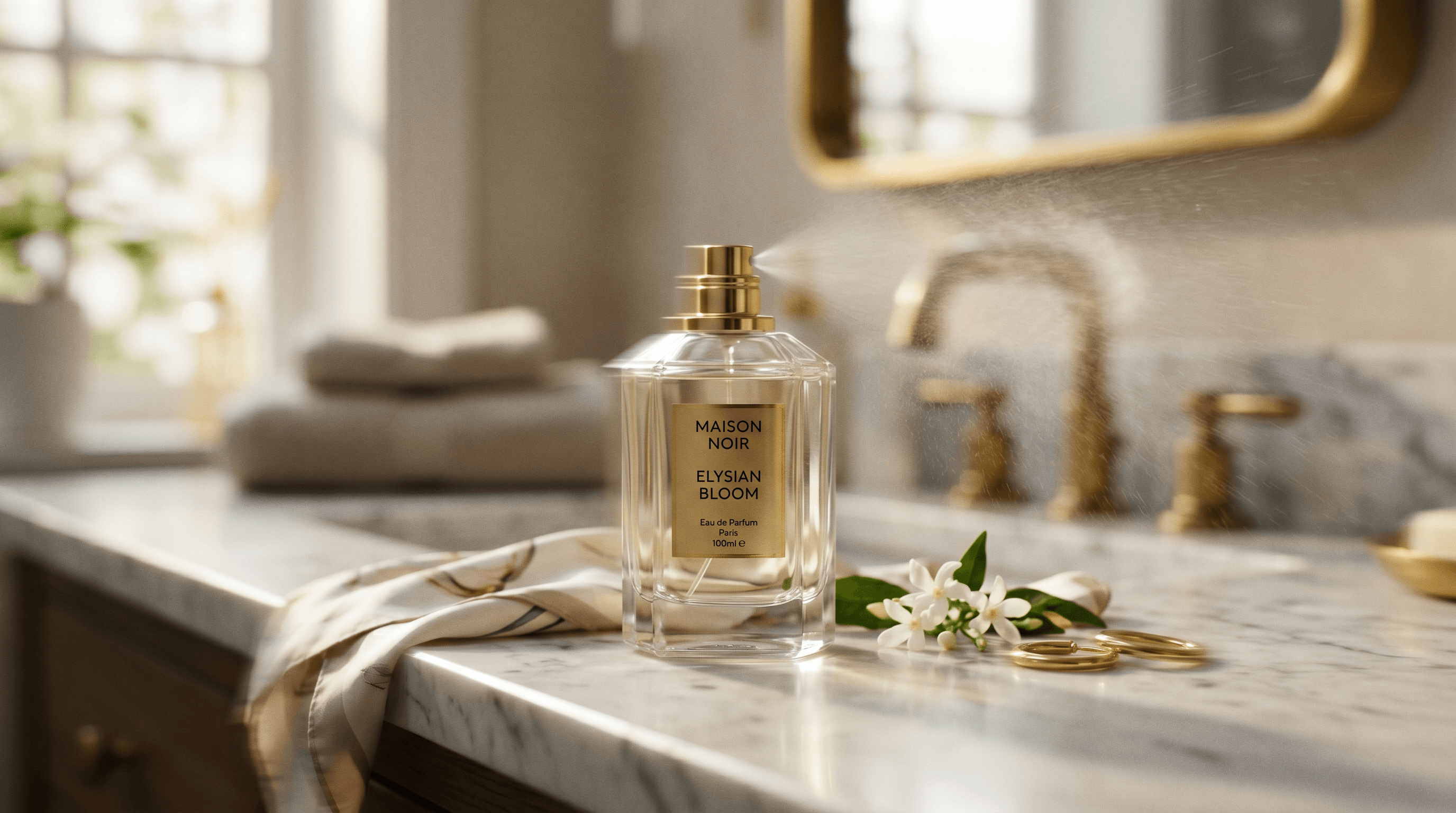
Équipes de marque qui construisent des séries de variantes
Un brief, beaucoup de variantes — le même personnage, d'autres arrière-plans ; le même produit, un autre éclairage. La composition guidée par références de Seedream 4.5 transforme « garde ceci identique, change seulement cela » en un seul prompt au lieu d'une boucle de régénération jusqu'à la correspondance.

Concept artists qui composent des scènes
Planches de storyboard, feuilles de personnage, variantes de lookbook où chaque cadre doit faire atterrir des éléments précis. Apportez une référence de sujet, une de style et une de décor — Seedream 4.5 compose la scène.
Les fonctionnalités phares de Seedream 4.5
Tout ce que Seedream 4.5 apporte à votre flux de travail image.
Jusqu'à 10 images de référence
Sujet, style, décor, accessoires — le tout composé en une seule génération.
La meilleure fidélité au prompt de la famille
Les prompts longs et structurés tiennent — les scènes à plusieurs sujets restent cohérentes.
Large palette de styles
Photoréaliste, stylisé, illustré, proche de l'anime — les indications de style orientent réellement le résultat.
Composition à plusieurs sujets
Les relations spatiales et les personnages nommés s'appliquent là où le prompt les place.
Passage vers la vidéo
Générez une image Seedream 4.5, puis animez-la avec Veo, Kling ou Seedance dans le même espace de travail.
Un seul abonnement
Inclus avec Nano Banana, Flux, GPT Image 2 et tous les meilleurs modèles vidéo — sans offre ByteDance séparée.
Quand utiliser Seedream 4.5
Prenez Seedream 4.5 quand le brief arrive avec des références et que la fidélité au prompt compte le plus — composition multi-entrées, cohérence des personnages entre variantes, scènes à plusieurs éléments où chaque pièce vient d'une image source différente.
Tournez-vous vers Seedream 4.0 quand il vous faut une plage de tailles plus large ou le comportement d'édition spécifique de l'endpoint v4 ; vers Seedream 5.0 lite pour une itération rapide et bon marché en volume ; vers Nano Banana pour une qualité photoréaliste en 4K ; vers Flux 2 Max pour un détail chirurgical pixel par pixel. Les cinq vivent dans un seul espace de travail sur animx.
Seedream 4.5 + tous les meilleurs modèles dans un seul abonnement
Vous n'avez pas besoin d'un abonnement Seedream 4.5 séparé — il est inclus dans animx aux côtés de tous les autres meilleurs modèles. Basculez entre eux dans un seul espace de travail, sur un seul plan.
Questions fréquentes
- En quoi Seedream 4.5 est-il le meilleur ?
- La composition multi-références et la fidélité au prompt. C'est le choix le plus solide de la famille Seedream quand vous construisez une image à partir de plusieurs entrées de référence et que chaque élément doit atterrir là où le prompt le place.
- Quelle différence entre Seedream 4.5 et Seedream 4.0 ?
- La 4.5 est le successeur fer de lance — fidélité au prompt plus serrée et composition multi-références améliorée. La 4.0 reste disponible pour sa plage de tailles plus large et son comportement d'édition spécifique ; les deux sont livrées dans animx.
- Combien d'images de référence puis-je joindre ?
- Jusqu'à 10. Chaque référence peut jouer un rôle différent — sujet, style, décor, accessoire — et Seedream 4.5 les compose ensemble en une seule scène.
- Faut-il un abonnement ByteDance ou Doubao séparé ?
- Non. Seedream 4.5 est inclus dans animx aux côtés de Nano Banana, Flux, GPT Image 2 et de tous les meilleurs modèles vidéo — une seule offre couvre tout.
- Puis-je transformer une image Seedream 4.5 en vidéo ?
- Oui — générez l'image, puis envoyez-la directement vers Veo, Kling ou Seedance pour l'image vers vidéo dans le même espace de travail animx. Sans réimport.
Commencez à créer avec Seedream 4.5
Gratuit pour commencer — Seedream 4.5 plus tous les autres meilleurs modèles dans un seul abonnement.