Products
Clean cut-outs for marketplaces, catalogs and ads, with or without a soft shadow.
Remove the background from any image
Upload a photo and get a clean cut-out with a transparent background — hair, fur and soft edges included. Then drop it on a color, a gradient or a new AI scene.
sneaker.jpg
JPG, PNG or WebP
≈6
credits
 WhiteColorGradientDark
1 click
no manual masking
PNG
with transparency
Full size
same resolution as the original
New scene
replace the background with AI
6
credits per image
An AI background remover finds the subject of a photo — a product, a person, a pet — and deletes everything behind it. You get a PNG with a transparent background that you can place on any color or scene. On animx the next step is one click away: replace the background with an AI-generated scene, or send the cut-out to the image editor or to video.
Clean cut-outs for marketplaces, catalogs and ads, with or without a soft shadow.

Portraits with loose hair and soft edges, ready for profile pictures and thumbnails.

Mascots, toys and animals for stickers, streams and designs.

Describe a background and the AI builds it around your cut-out, with matching light.
01
JPG, PNG or WebP. A subject with a clear edge works best.
02
One click. The subject is found and cut out automatically.
03
Save the transparent PNG, pick a color, or describe a new scene.
Cut-outs on a transparent background. Each costs 6 credits; a new AI background costs one image from the chosen model.
Result
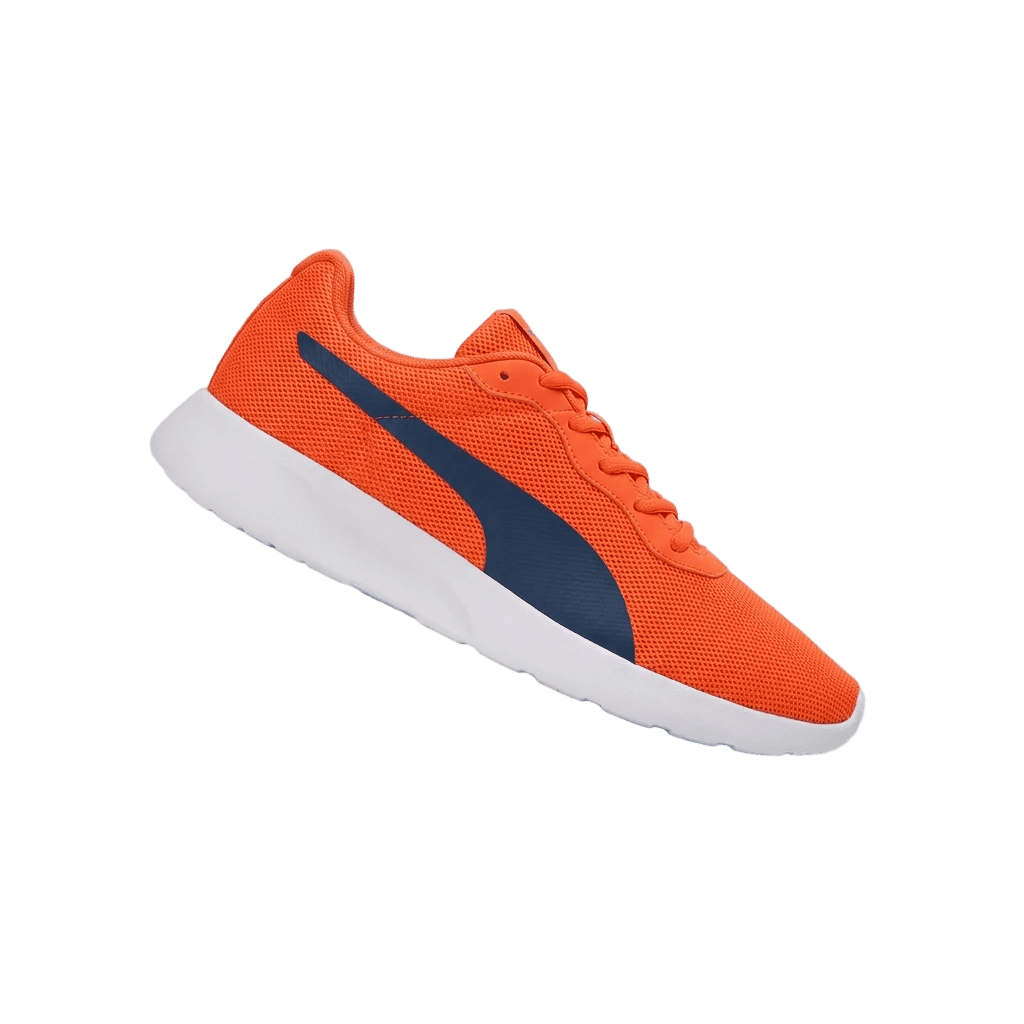
Remove the background and keep the shoe.
Result
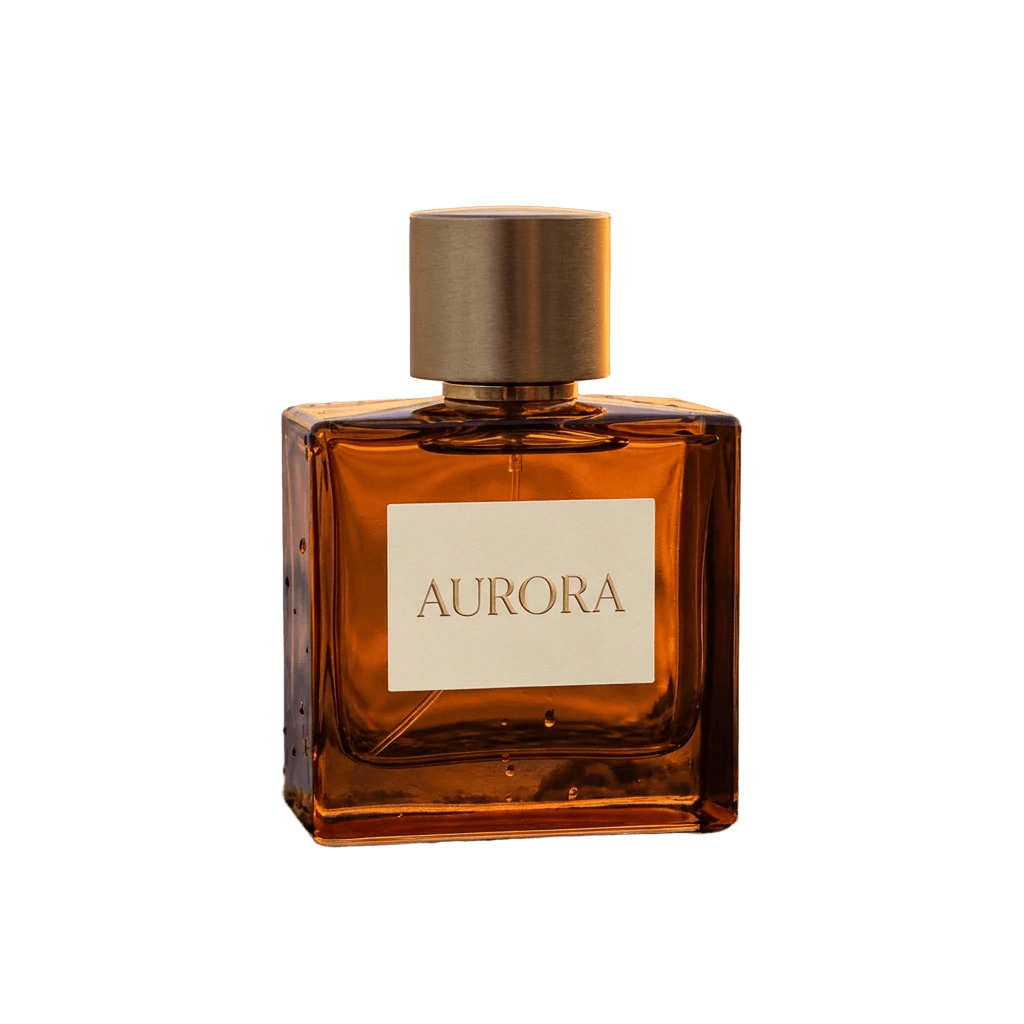
Remove the background, keep the bottle and the rock it stands on.
Result
Remove the background and keep loose strands of hair.
Result
Remove the background and keep the robot with its antennas.

Result
Remove the background and keep the cup and saucer.

Result
Remove the white background and keep the whale and the house.
The 6-credit cut-out price is a proposal; scene and video prices come from the animx price list, November 2026.
Have 50 product photos?
Cut out every product, then place them on the same background and shadow so the store looks consistent.
Remove a backgroundGood fit
Check the result on
New accounts get 200 free credits on sign-up — about 33 cut-outs. The exact cost shows before you start.
$39 / month, billed yearly
$49 month to month
New here? 200 free credits on sign-up, no card needed. Need more? Ultra: 30,000 credits for $99 a month billed yearly.
Upload the image and click Remove background. The AI finds the subject and returns a PNG with a transparent background.
New accounts get 200 free credits, enough for about 33 cut-outs. After that, each cut-out costs 6 credits.
A PNG with an alpha channel at the original resolution. The subject keeps soft edges, hair and fur.
Yes. The model is built for soft edges, so loose hair, fur and semi-transparent details survive the cut-out.
Yes. Pick a solid color, a gradient or an AI scene. The scene models generate a new background around the cut-out with matching light.
JPG, PNG or WebP up to 20 MB. A subject with a clear edge works best; glass and busy backgrounds can need a second pass.
Upload a photo and download a transparent PNG.
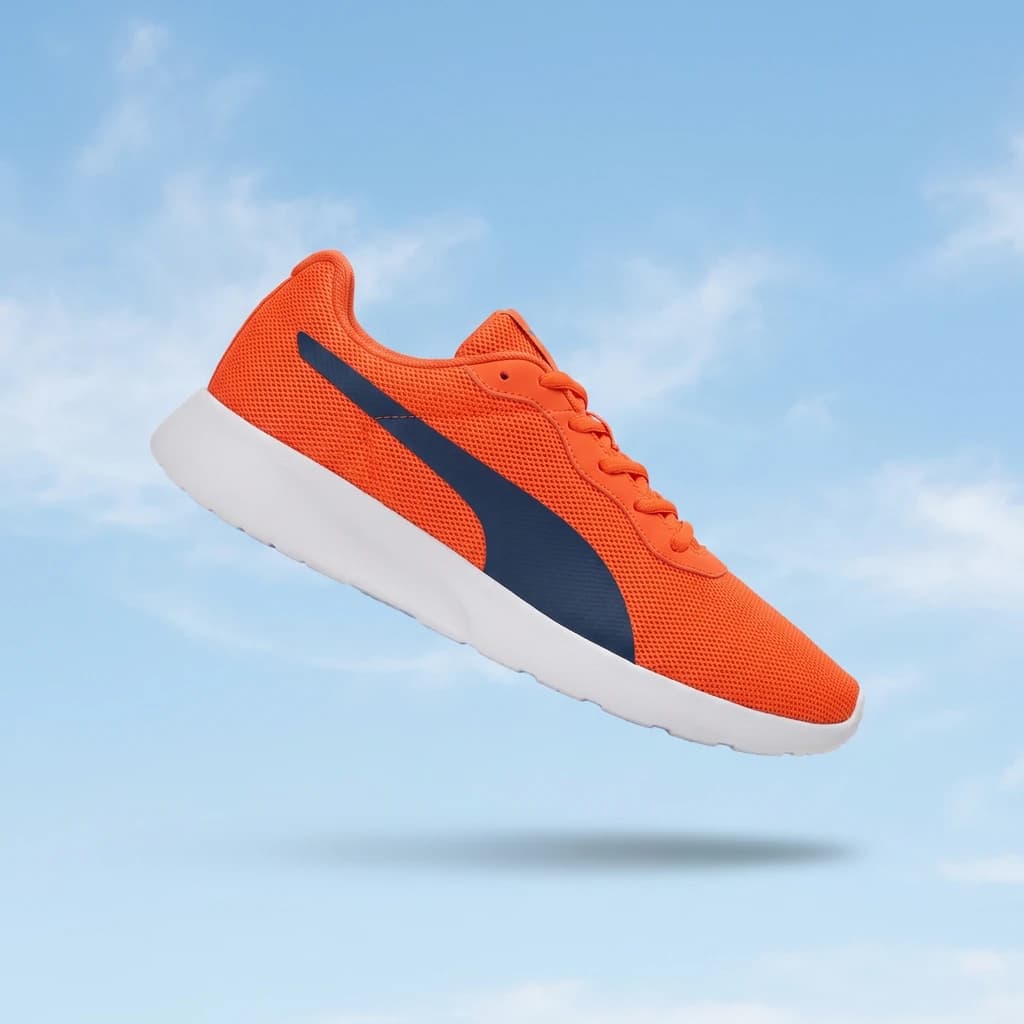
Remove the background and keep the shoe with a soft natural shadow.
Remove a backgroundRuns on animx credits · 200 free credits on sign-up · Commercial use on paid plans