Prompt
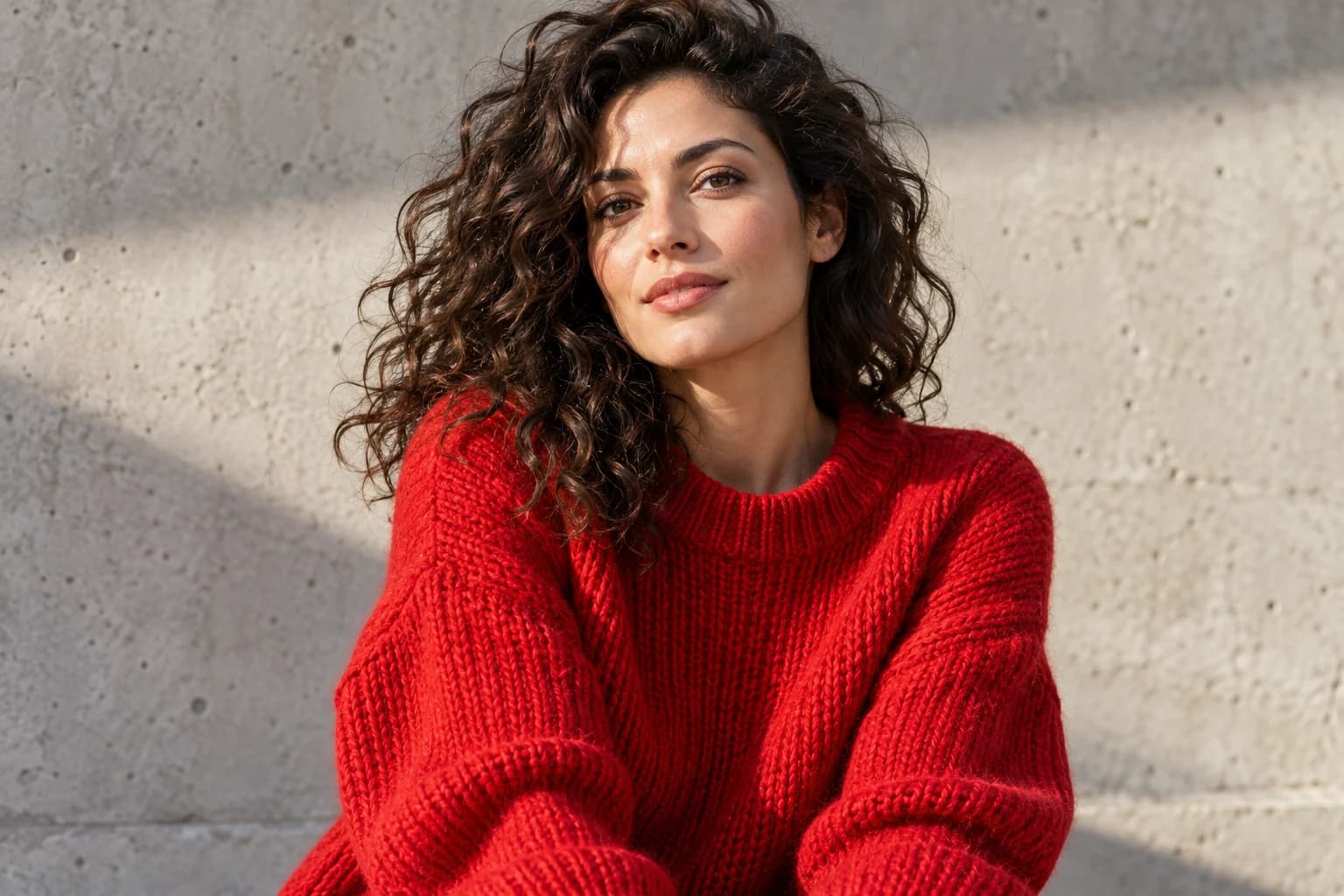
A stylish woman in a red sweater
Nano Banana ProFashion portrait
“A stylish woman in a red sweater”
Turn text into images in seconds. Describe a product shot, character, poster or social post, pick one of 20+ AI models — Nano Banana Pro, GPT Image 2, FLUX.2 or Seedream — and get photoreal or stylized pictures up to 4K. No design skills required.
No credit card required
Every top AI image model in one place
Every image here was made on animx with a simple text prompt. Hover over a picture to see the prompt and the model behind it.
A stylish woman in a red sweater
Nano Banana Pro“A stylish woman in a red sweater”
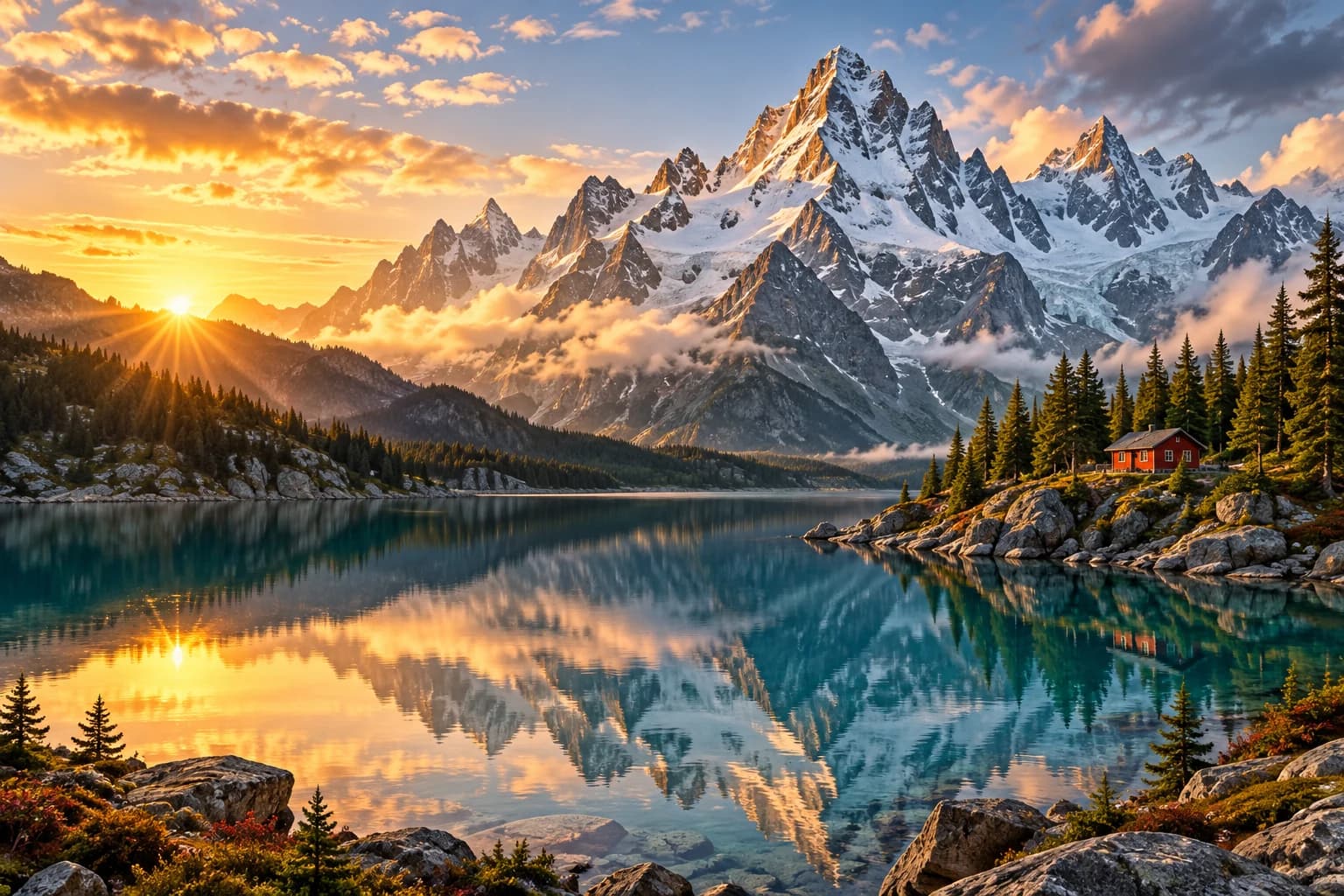
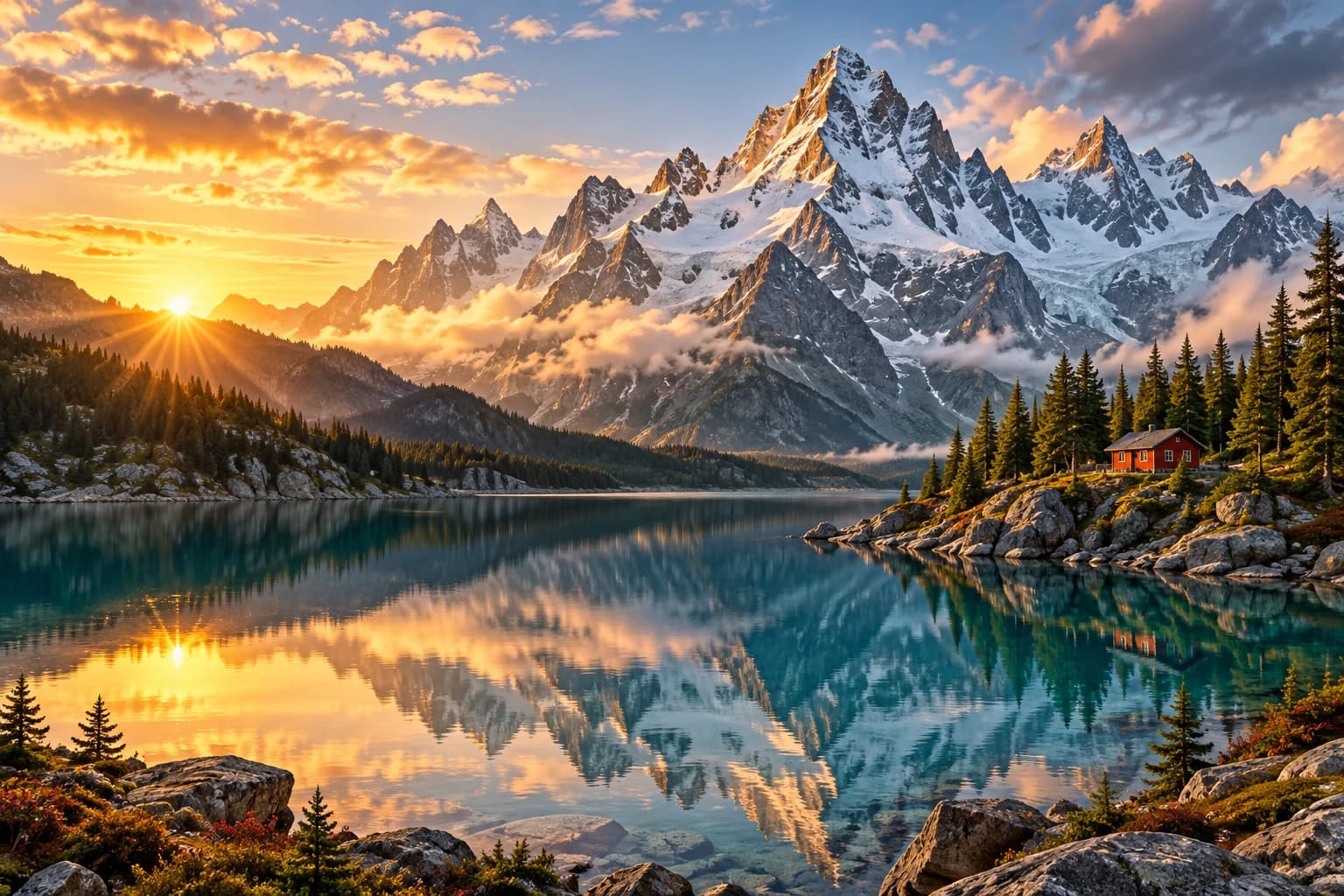
Snowy mountains with a lake at sunset
FLUX.2 Max“Snowy mountains with a lake at sunset”
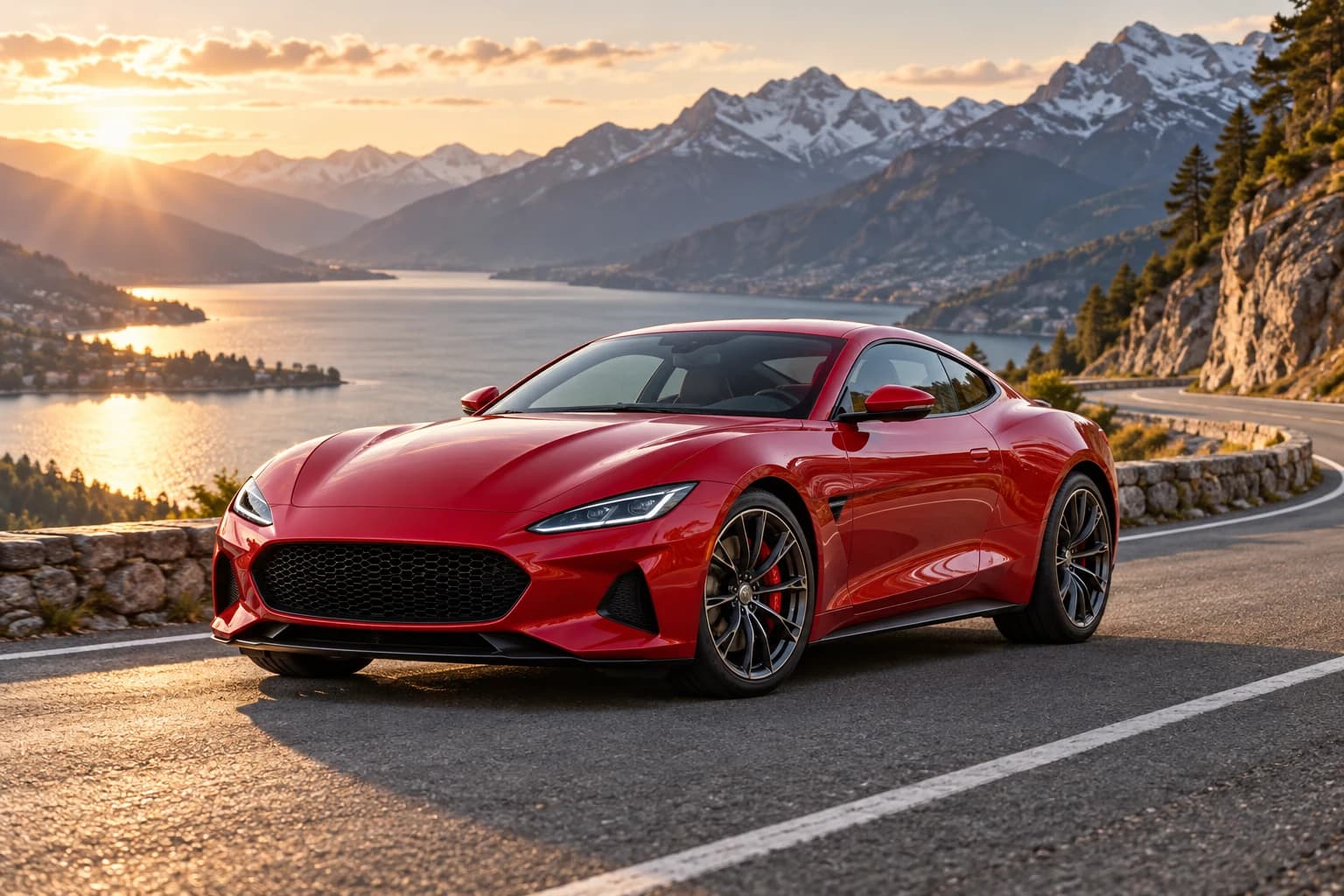
A red sports car on a mountain road
FLUX.2 Max“A red sports car on a mountain road”
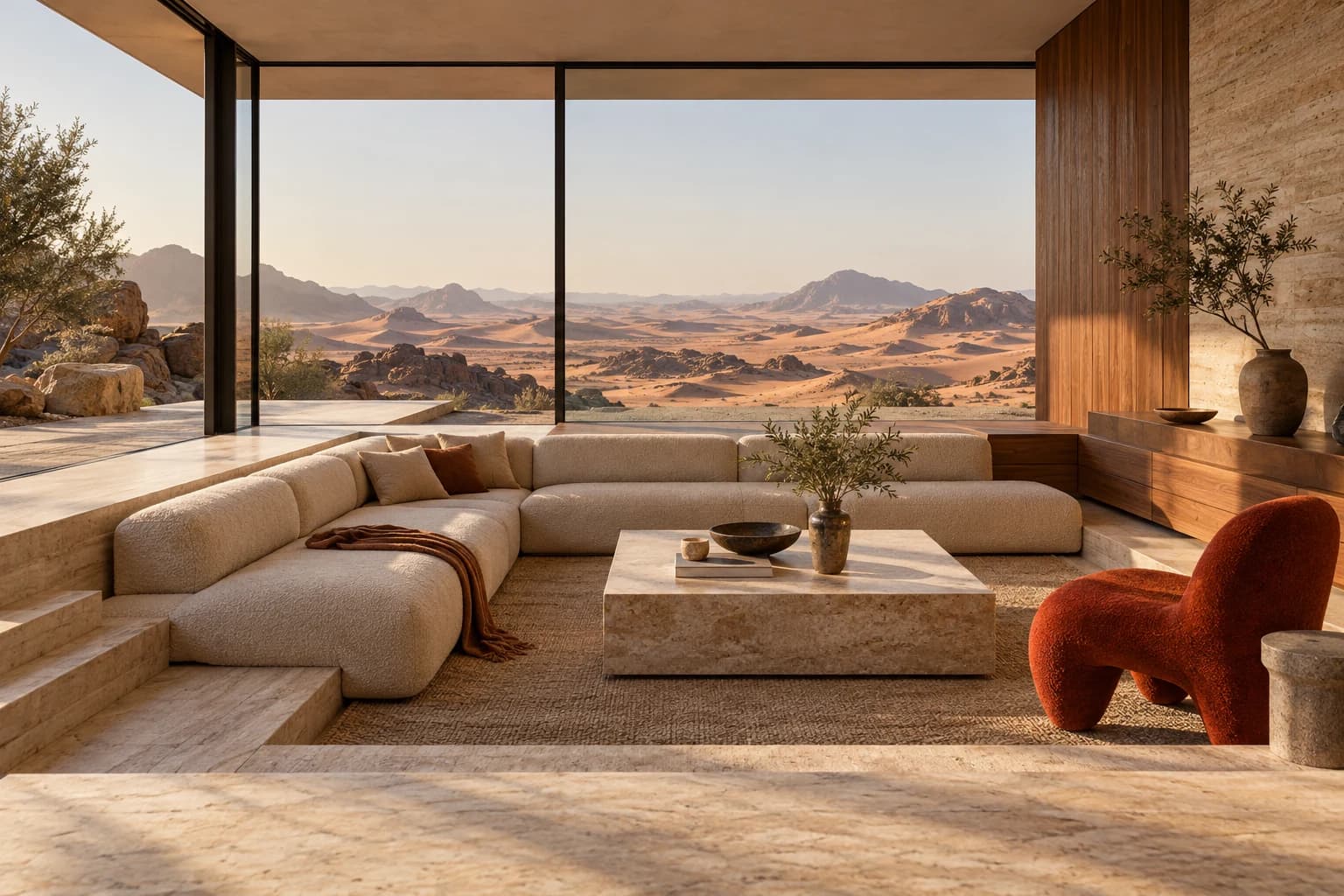
A modern minimalist living room
Nano Banana Pro“A modern minimalist living room”
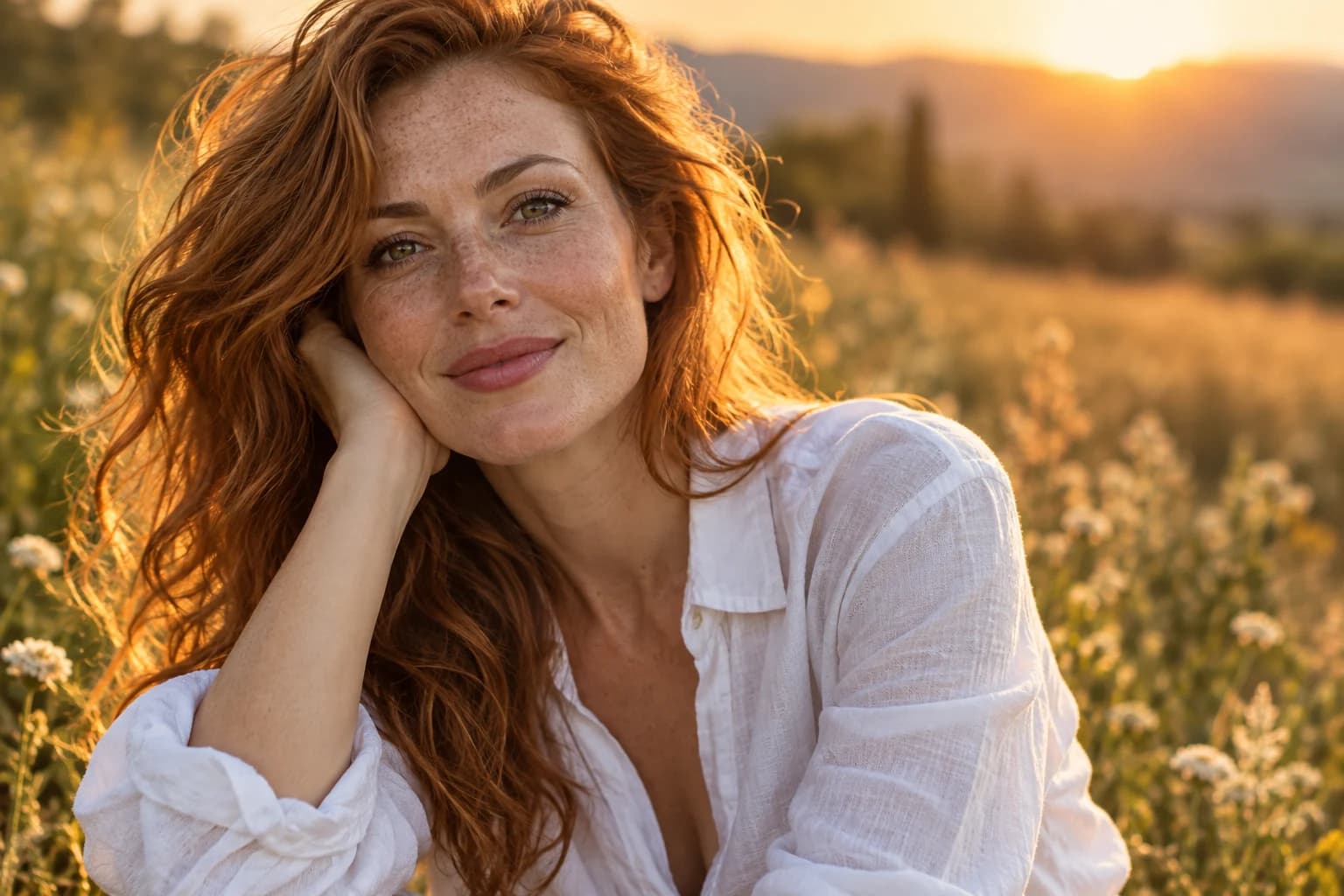
A young woman in golden light
Nano Banana Pro“A young woman in golden light”
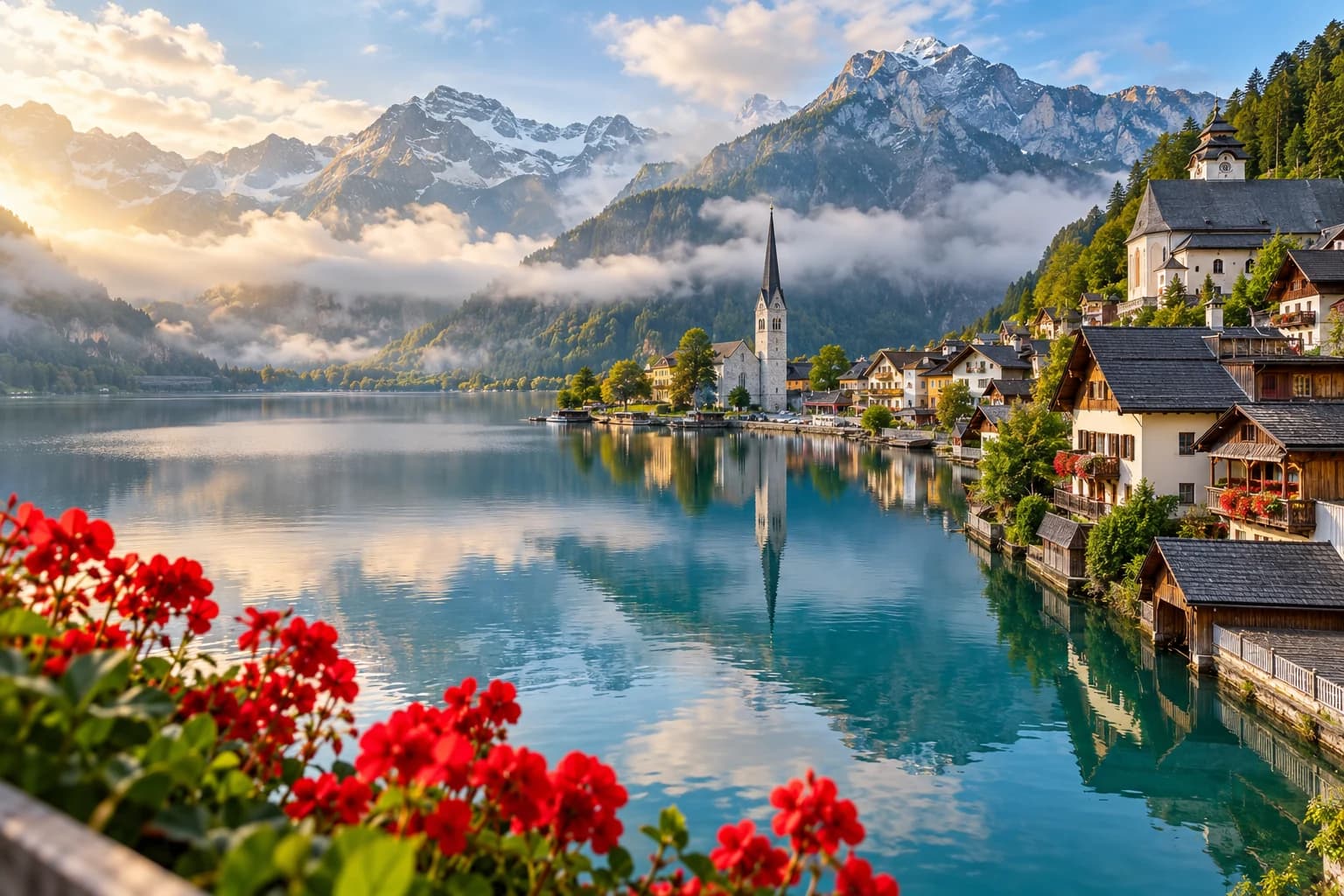
A village by an alpine lake
Seedream 4.5“A village by an alpine lake”
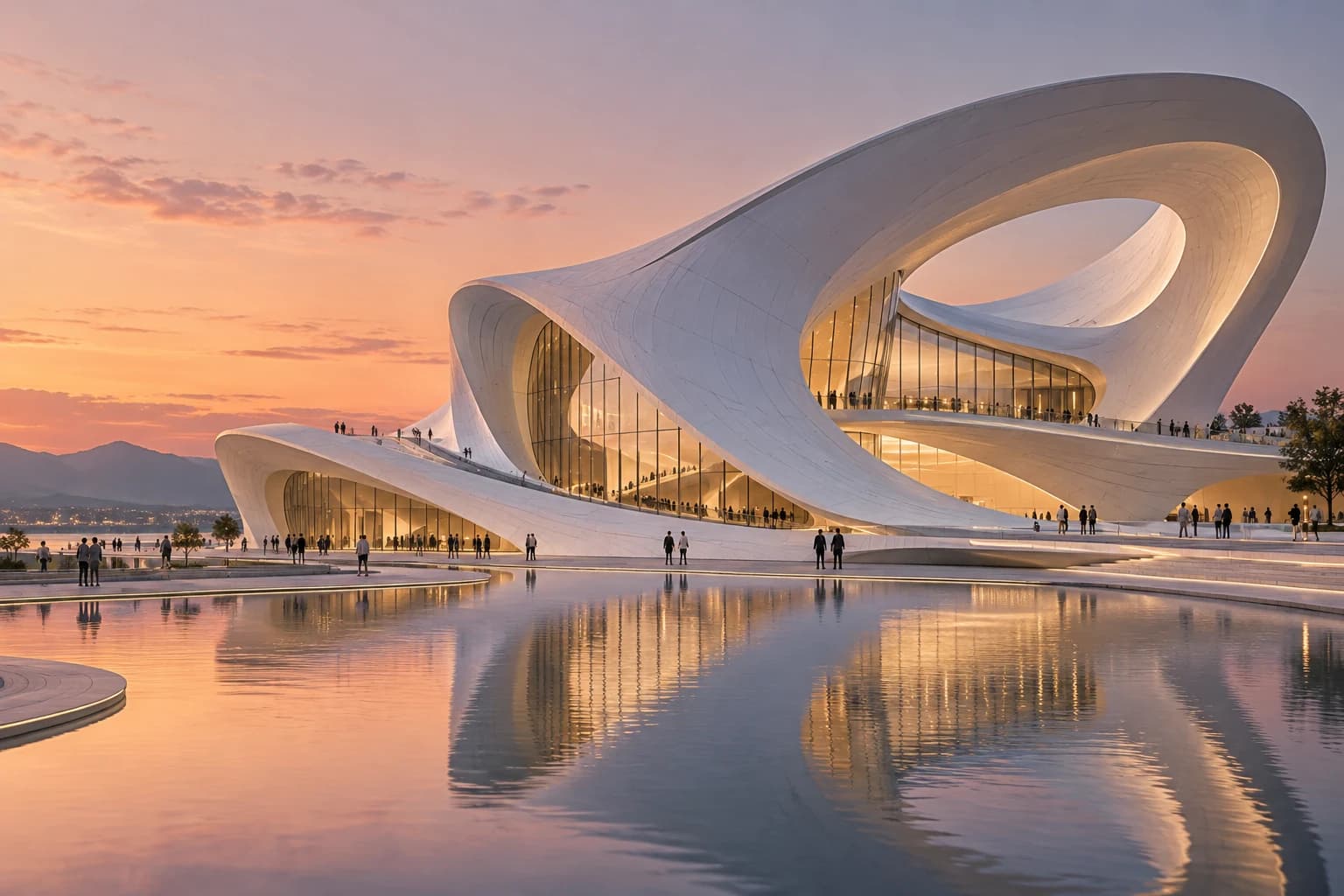
A flowing white building at dusk
Grok Imagine“A flowing white building at dusk”
A stylish woman in a red sweater
Nano Banana Pro“A stylish woman in a red sweater”
Snowy mountains with a lake at sunset
FLUX.2 Max“Snowy mountains with a lake at sunset”
A red sports car on a mountain road
FLUX.2 Max“A red sports car on a mountain road”
A modern minimalist living room
Nano Banana Pro“A modern minimalist living room”
A young woman in golden light
Nano Banana Pro“A young woman in golden light”
A village by an alpine lake
Seedream 4.5“A village by an alpine lake”
A flowing white building at dusk
Grok Imagine“A flowing white building at dusk”
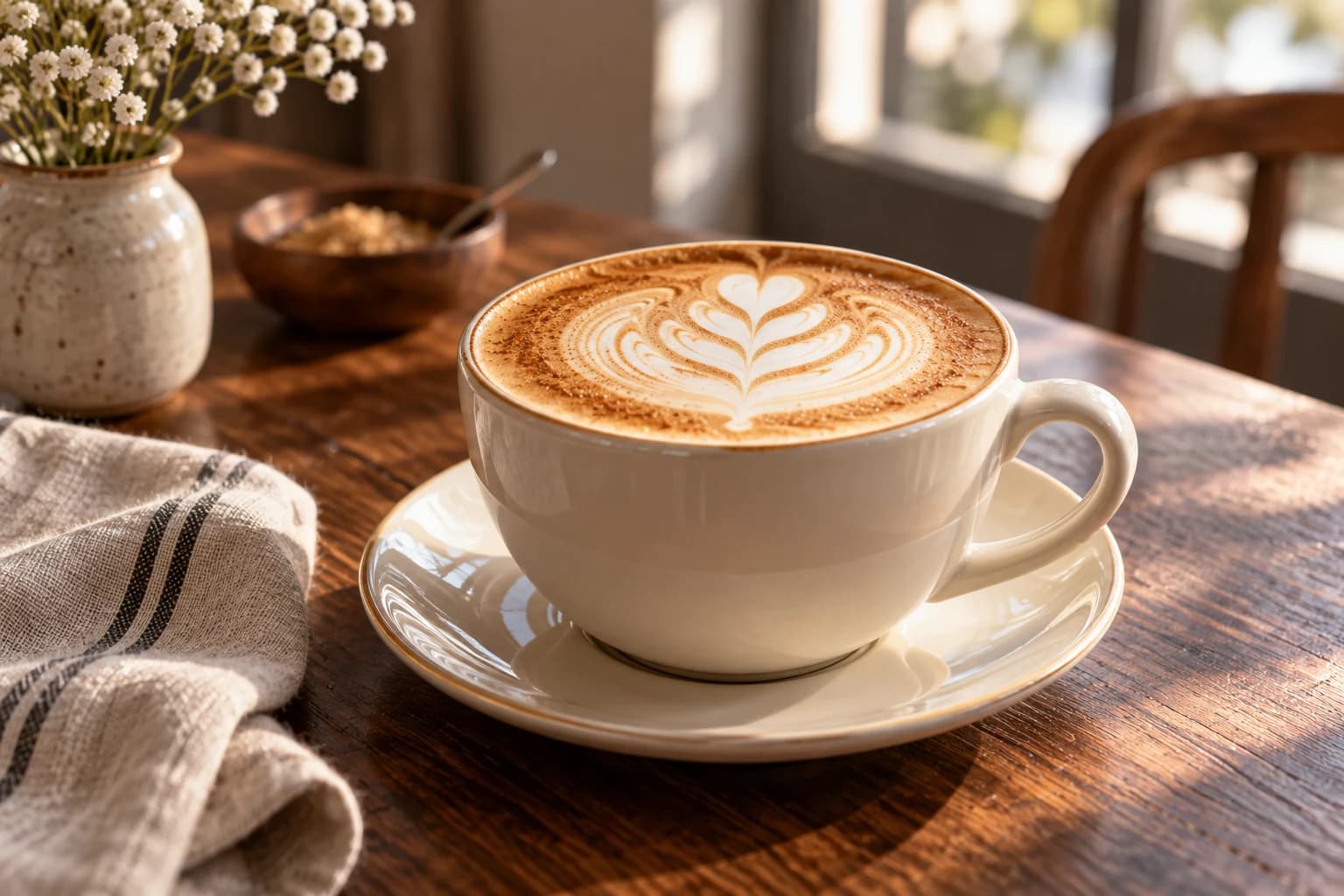
A ceramic cup of latte on a wooden table
Seedream 4.5“A ceramic cup of latte on a wooden table”
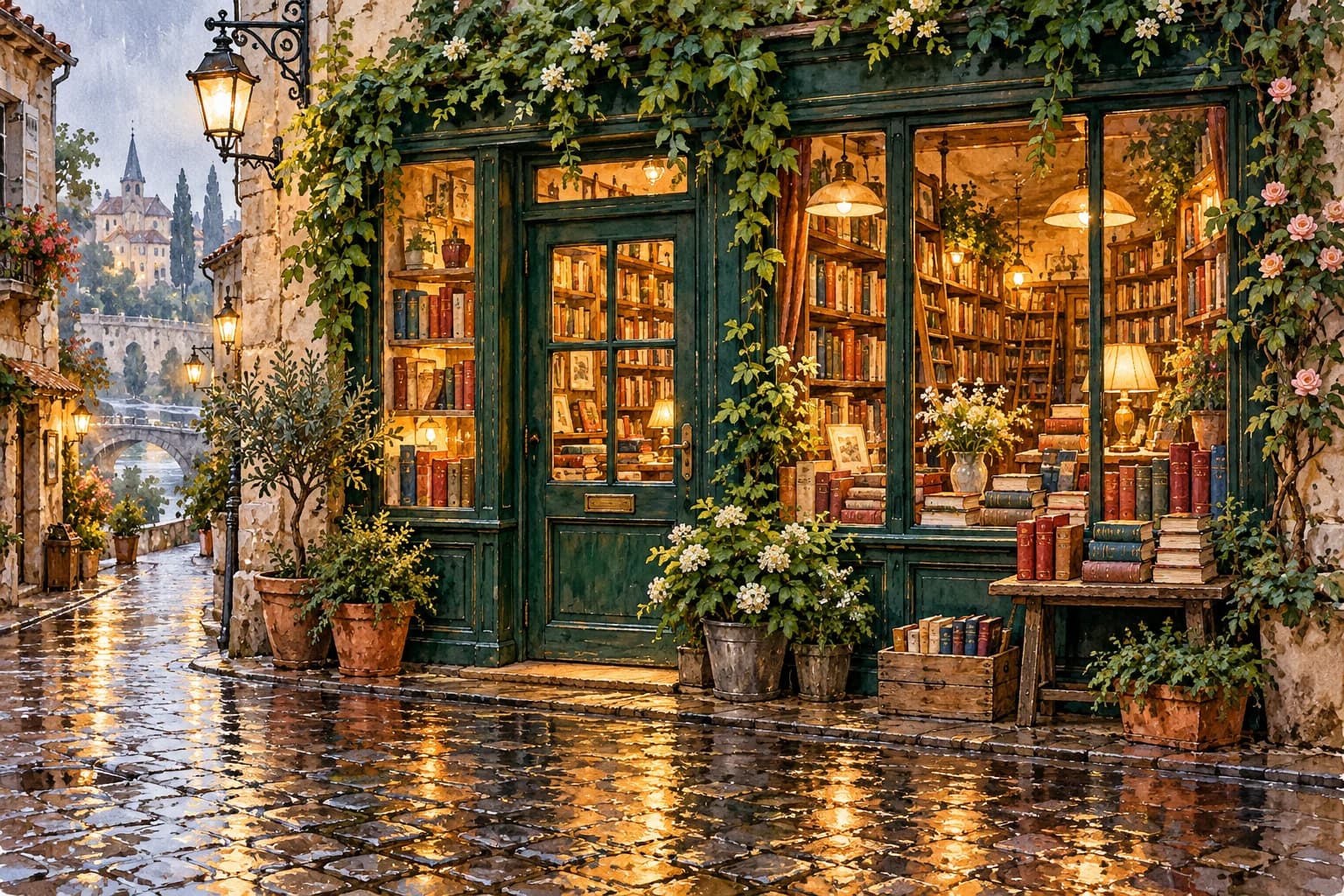
A cozy bookshop in watercolor style, warm evening light
Seedream 4.5“A cozy bookshop in watercolor style, warm evening light”
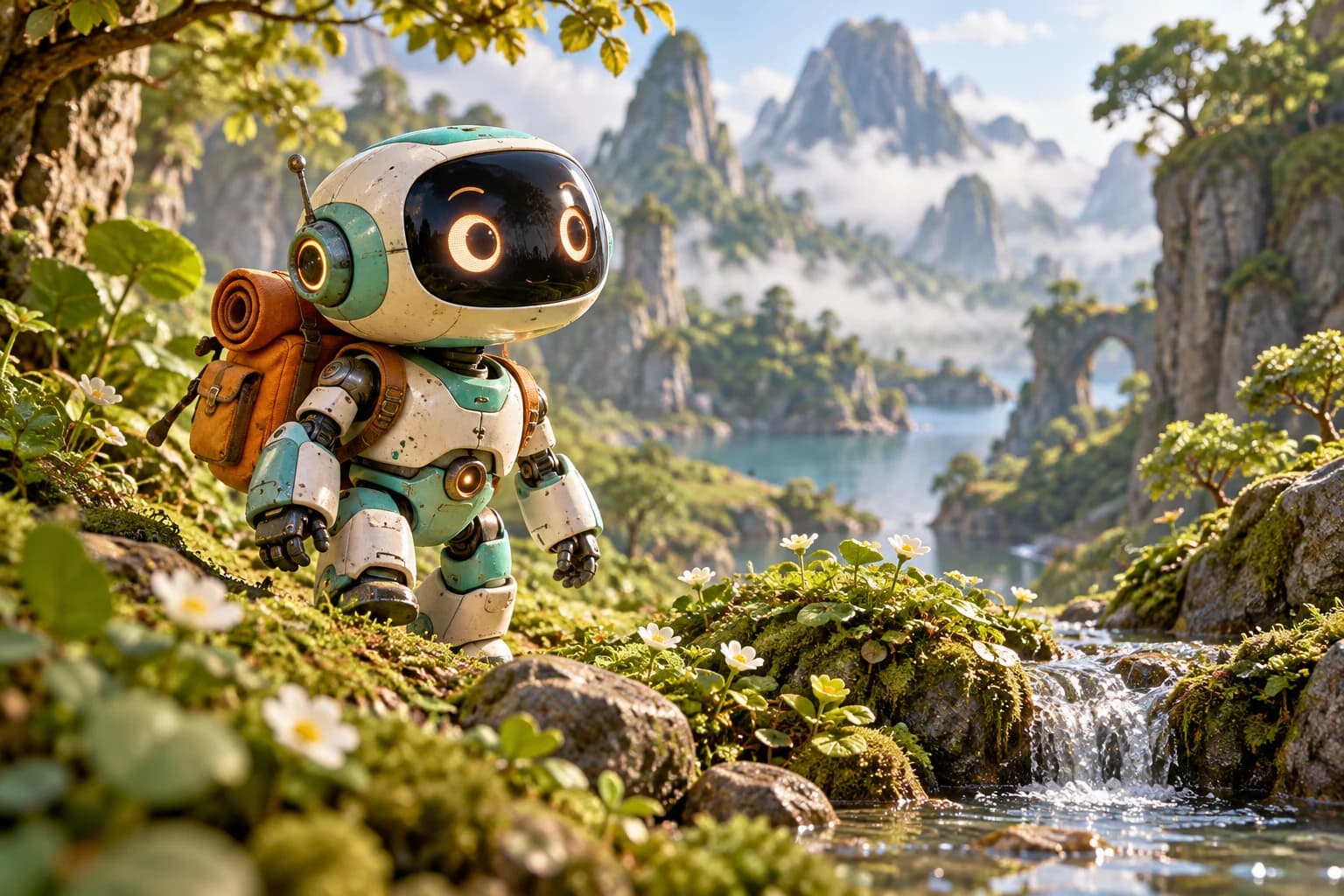
A cute teal robot character
GPT Image 2“A cute teal robot character”
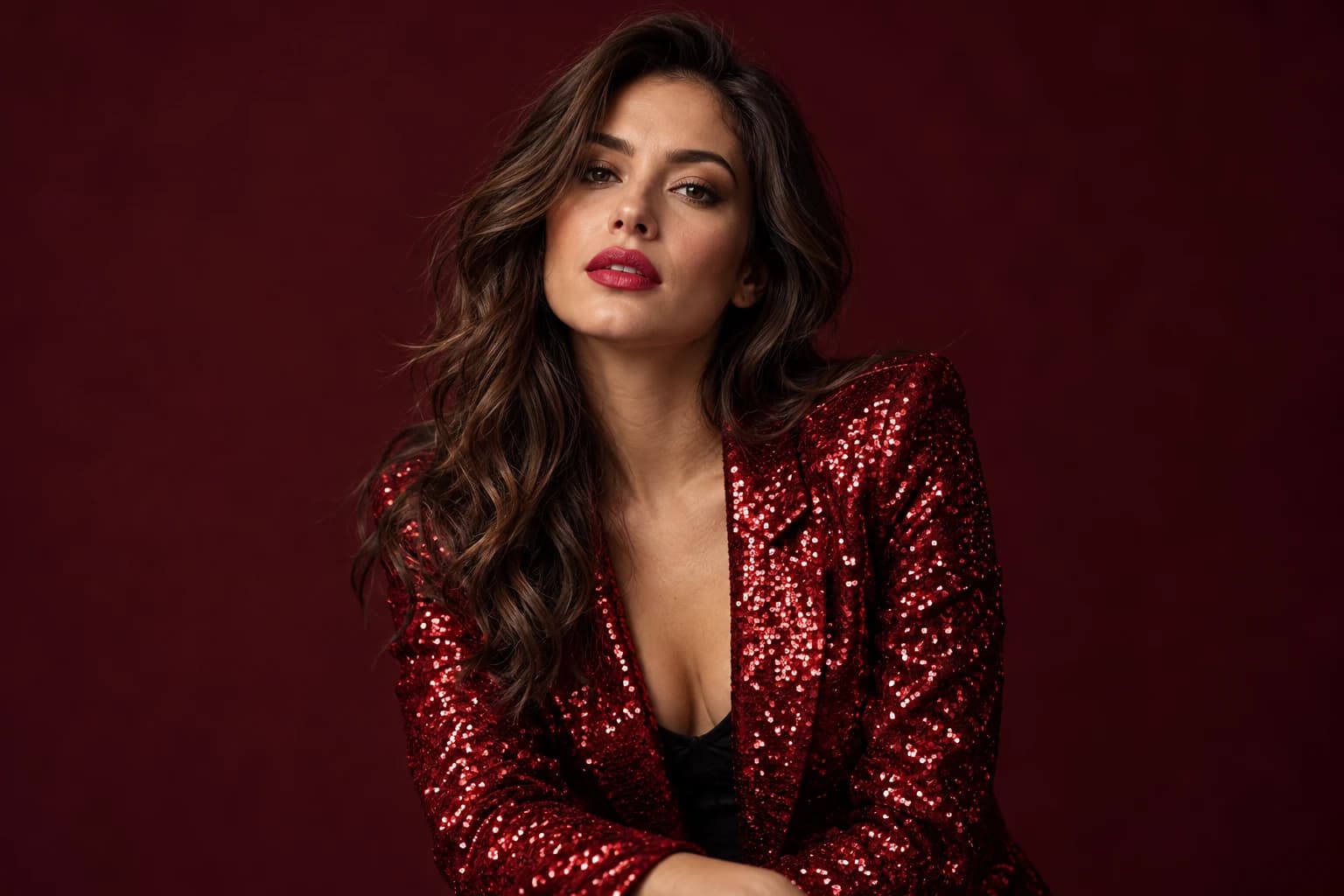
A woman in a red sequin jacket
Seedream 5.0 lite“A woman in a red sequin jacket”
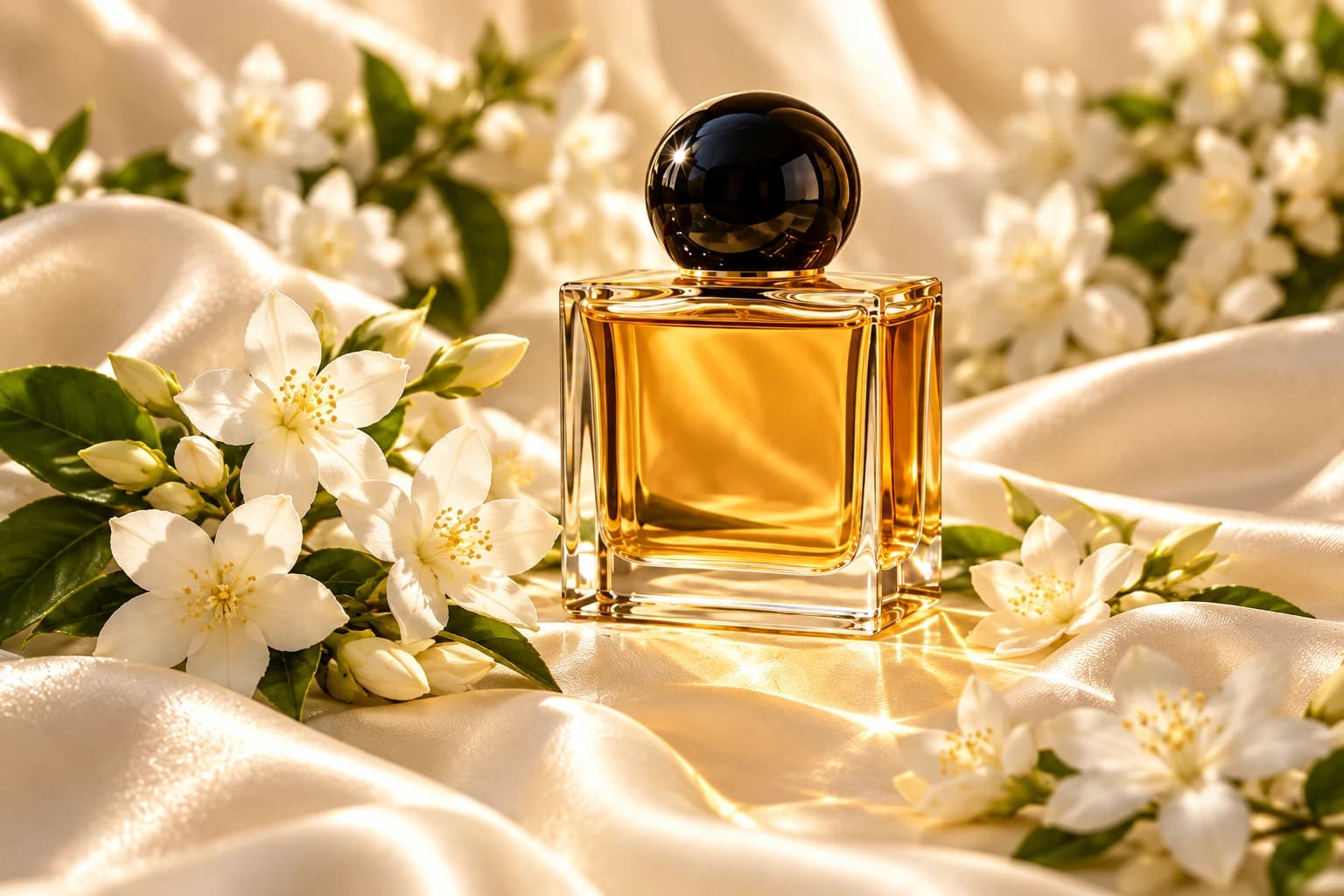
A perfume bottle with white flowers
GPT Image 2“A perfume bottle with white flowers”
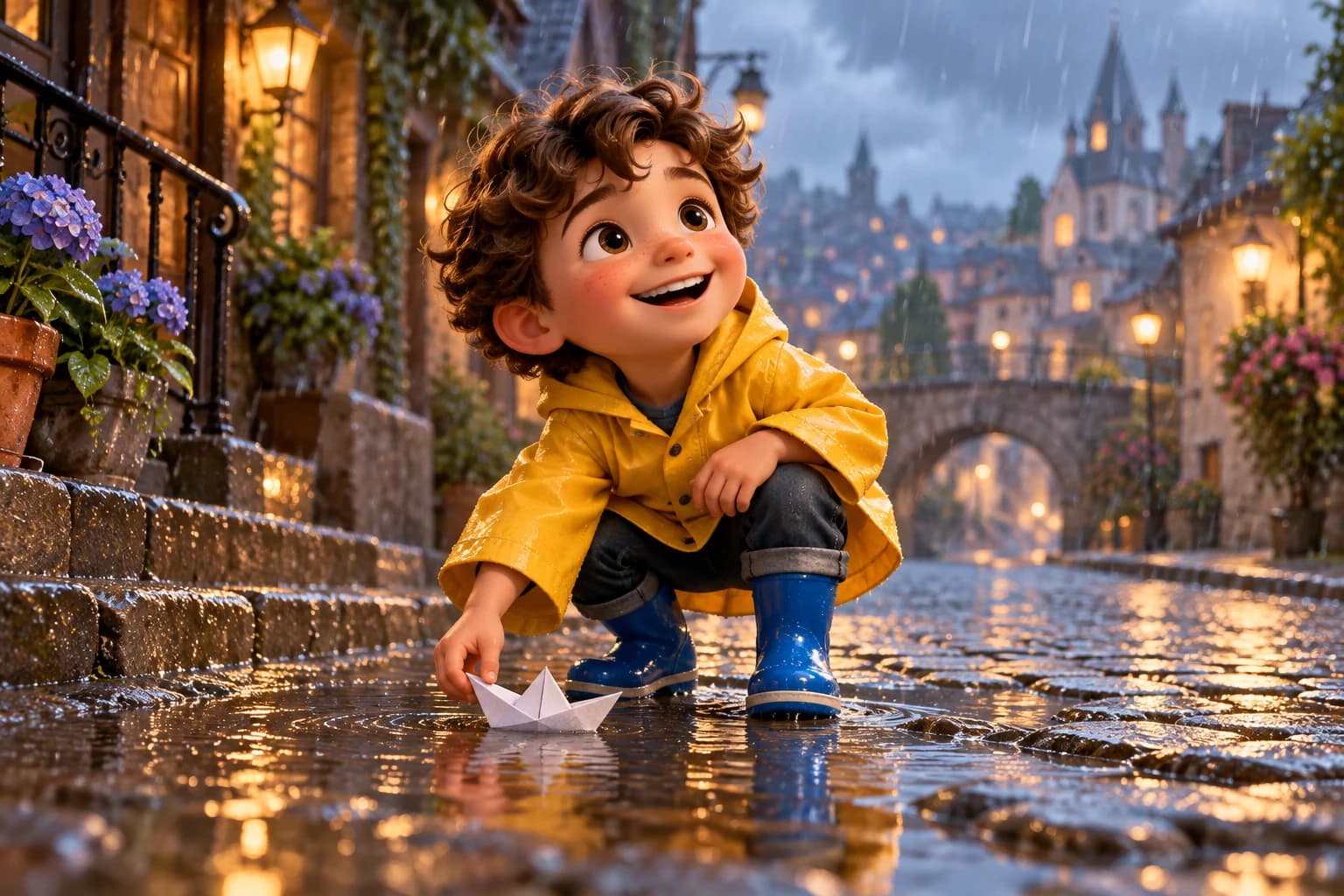
A cheerful 3D boy in a yellow jacket
Seedream 4“A cheerful 3D boy in a yellow jacket”
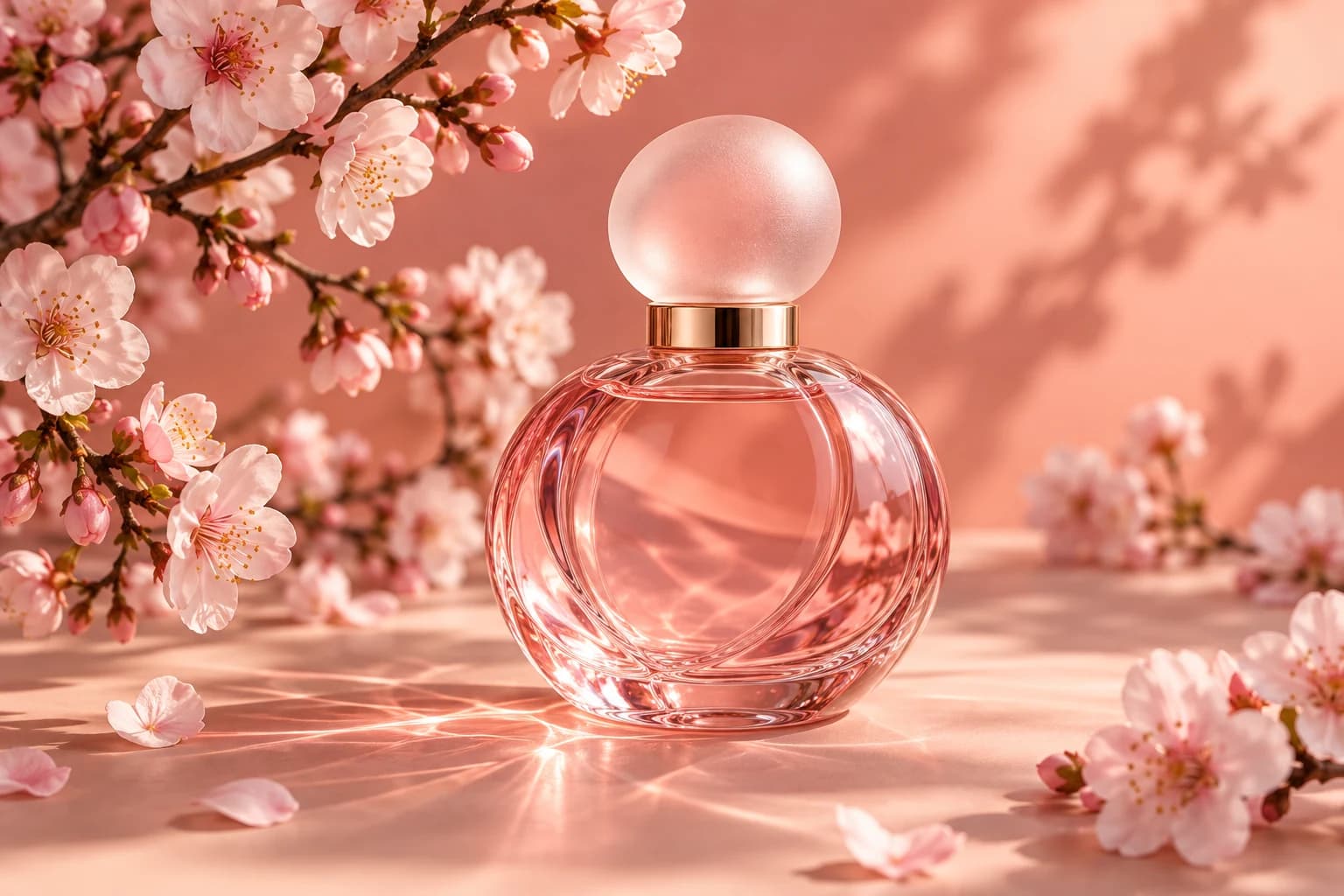
A pink perfume with cherry blossoms
Kling O1“A pink perfume with cherry blossoms”
A ceramic cup of latte on a wooden table
Seedream 4.5“A ceramic cup of latte on a wooden table”
A cozy bookshop in watercolor style, warm evening light
Seedream 4.5“A cozy bookshop in watercolor style, warm evening light”
A cute teal robot character
GPT Image 2“A cute teal robot character”
A woman in a red sequin jacket
Seedream 5.0 lite“A woman in a red sequin jacket”
A perfume bottle with white flowers
GPT Image 2“A perfume bottle with white flowers”
A cheerful 3D boy in a yellow jacket
Seedream 4“A cheerful 3D boy in a yellow jacket”
A pink perfume with cherry blossoms
Kling O1“A pink perfume with cherry blossoms”
Upload a photo and the AI image generator uses it as a guide for pose, composition, colors or style. Turn a selfie into an anime character, a sketch into a product shot, or a daytime photo into a night scene.
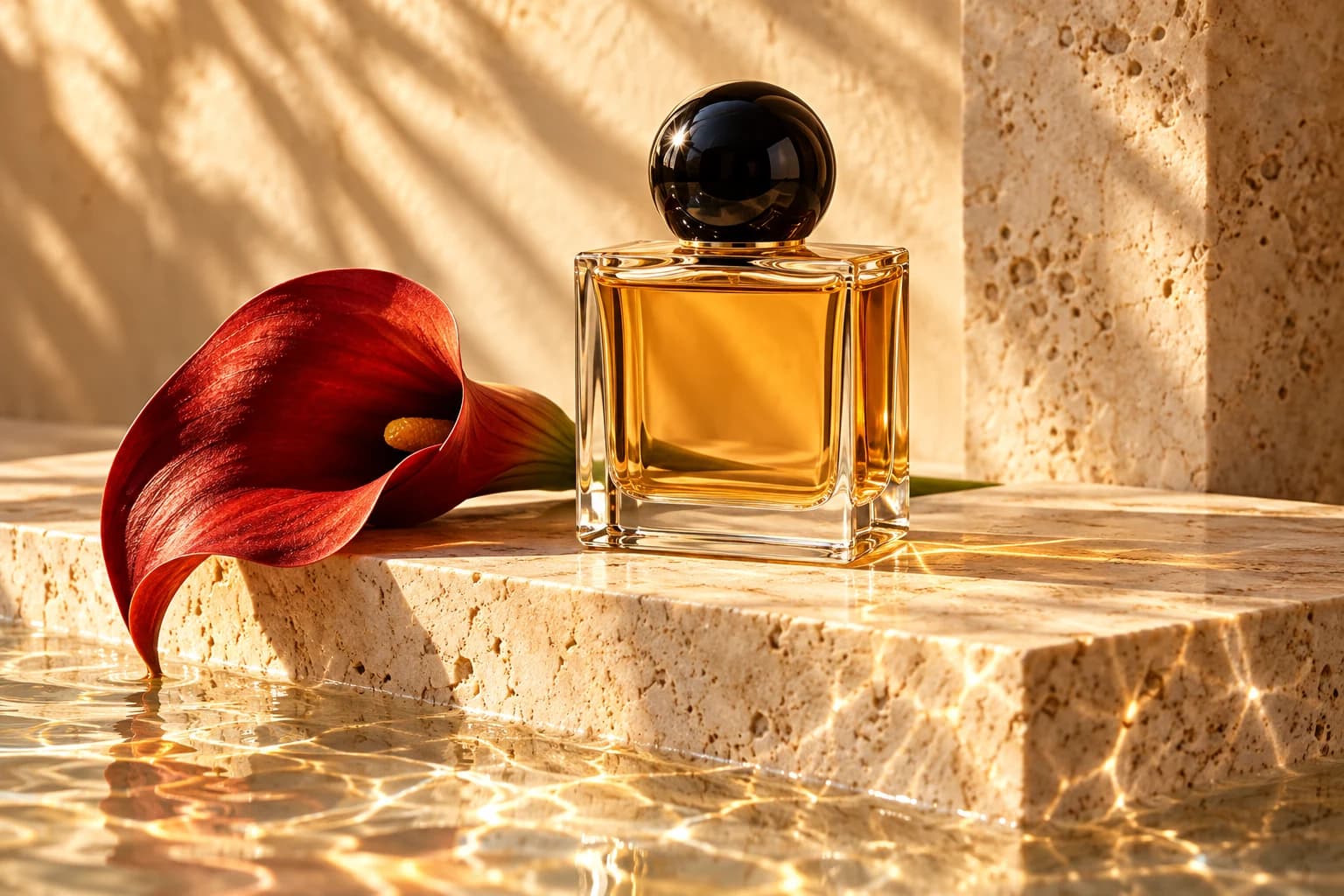
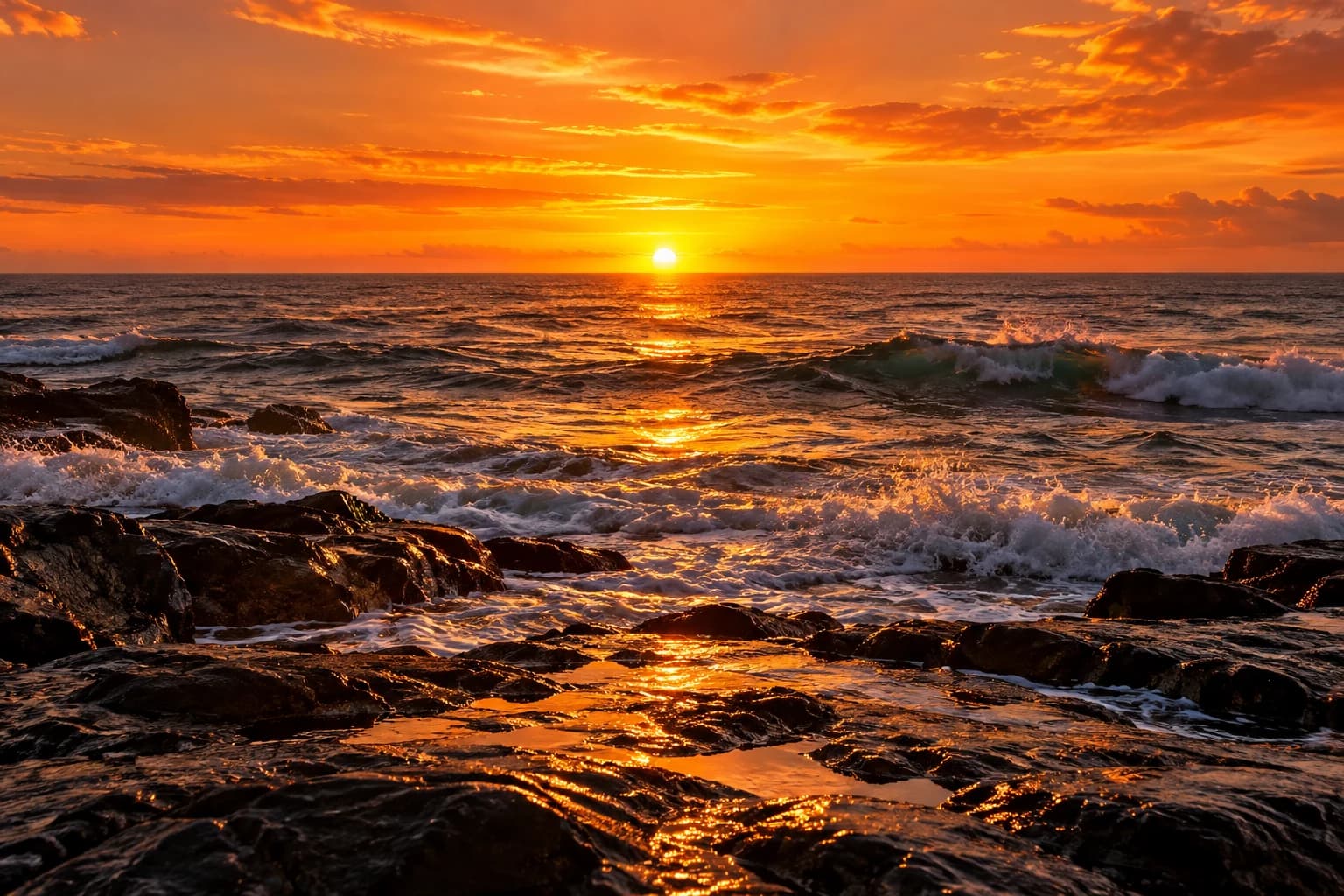
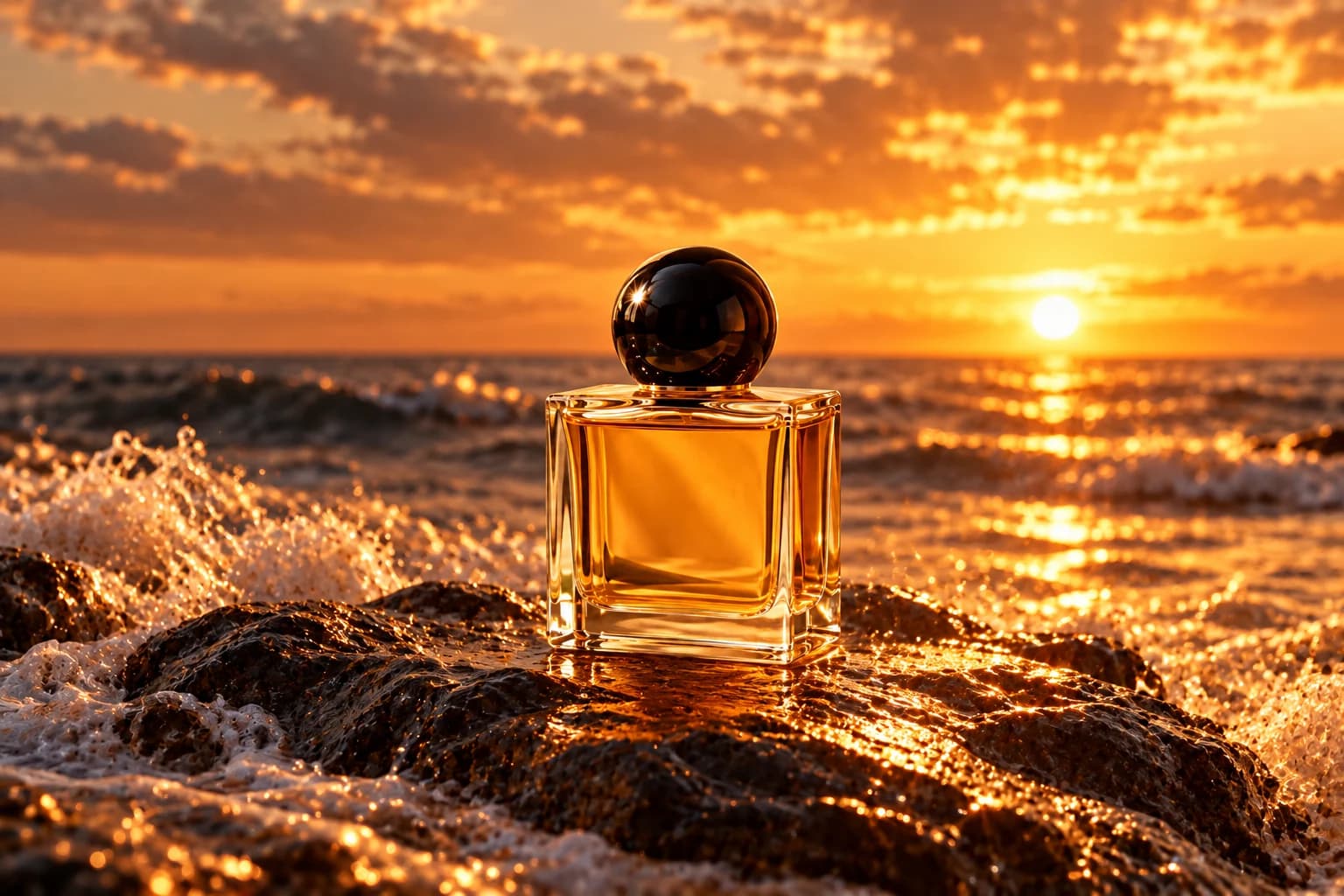
Text-to-image is the heart of an AI image generator: describe a scene in plain English and the model turns your words into a finished picture. Write the subject, setting, style and lighting, then run the same prompt on different models and compare the results.
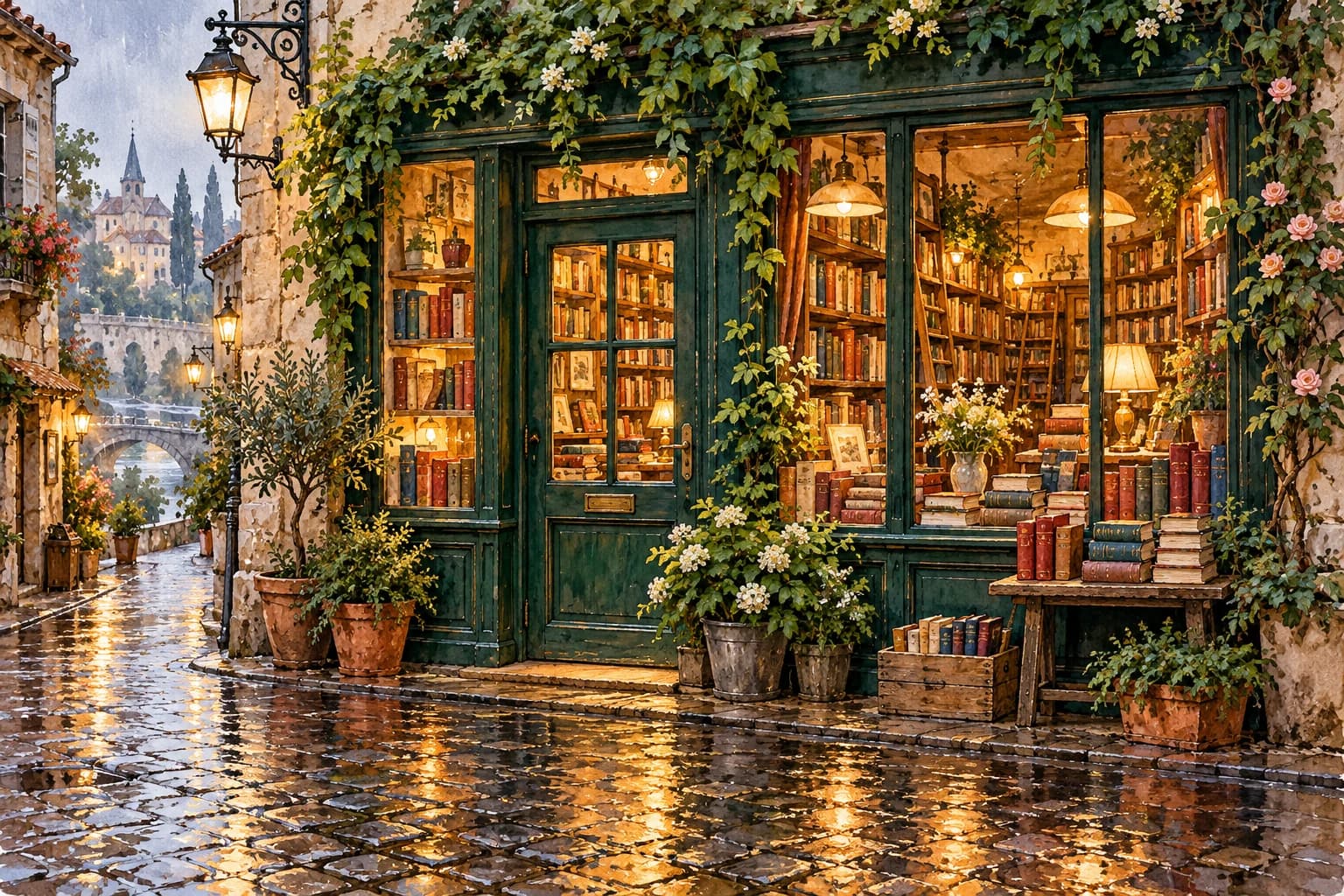
Photoreal, anime, watercolor, oil painting, 3D render, pixel art or flat illustration — name the style in your prompt and the AI follows it. Every model has its own look, so switching models gives you several takes on one idea.
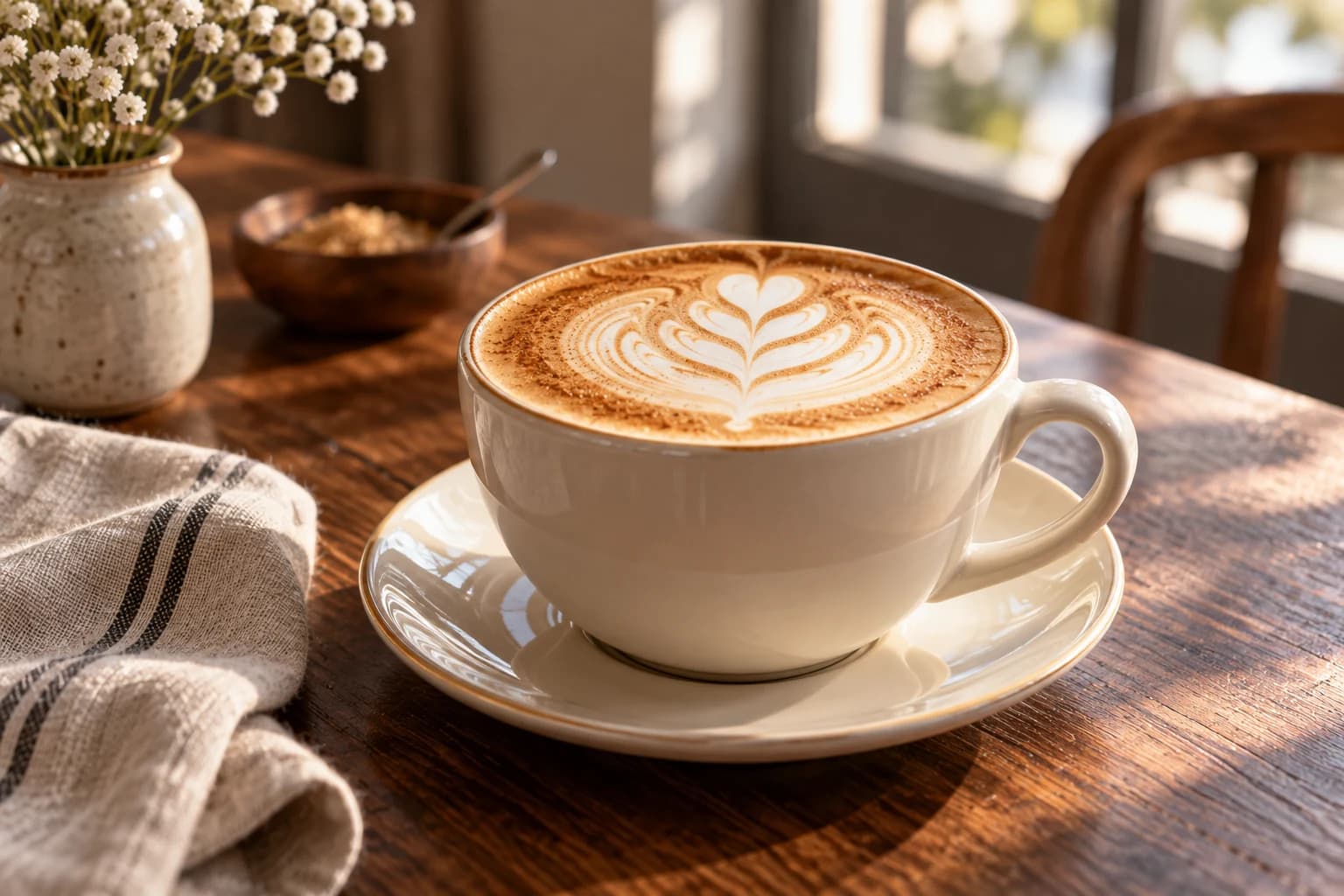
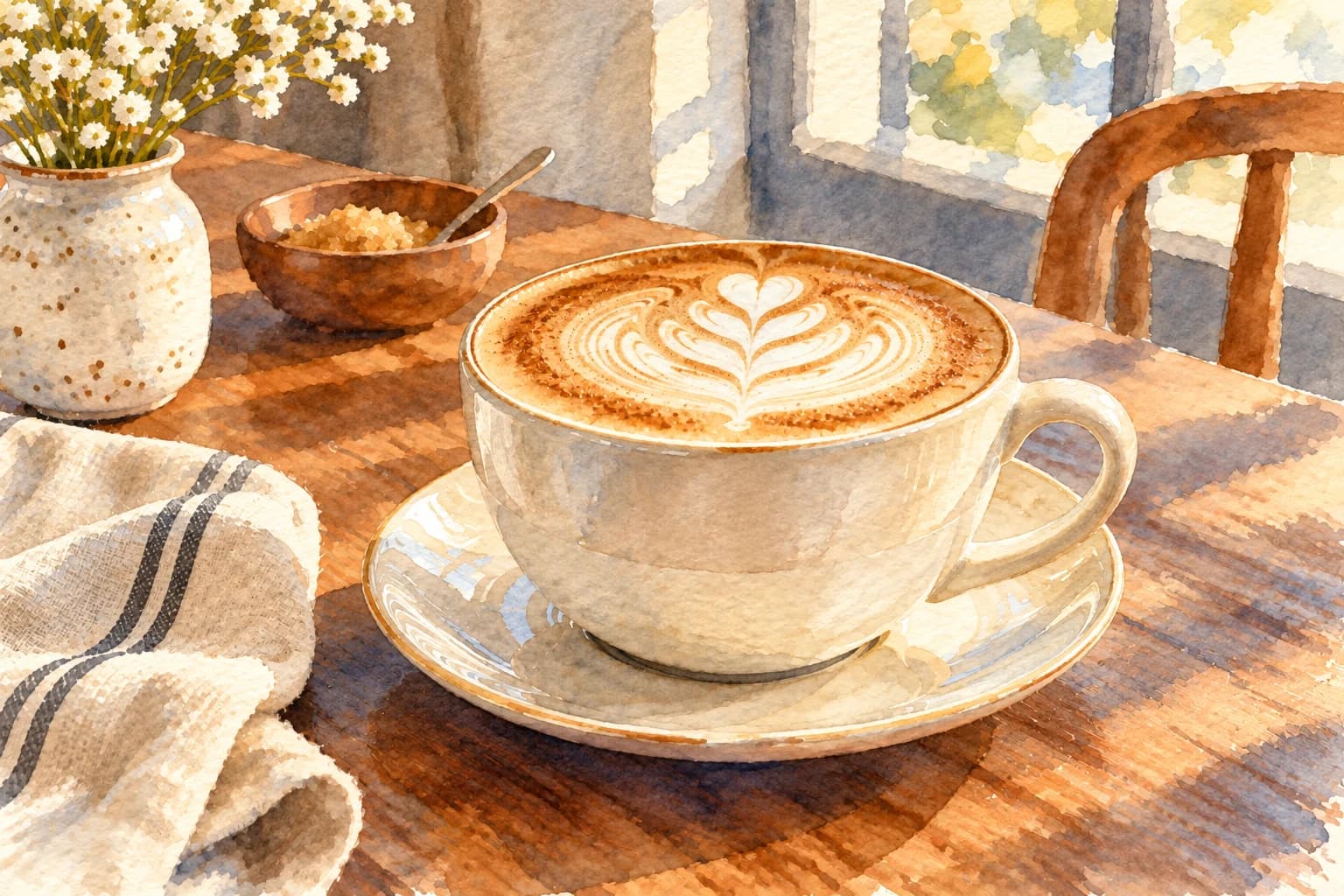
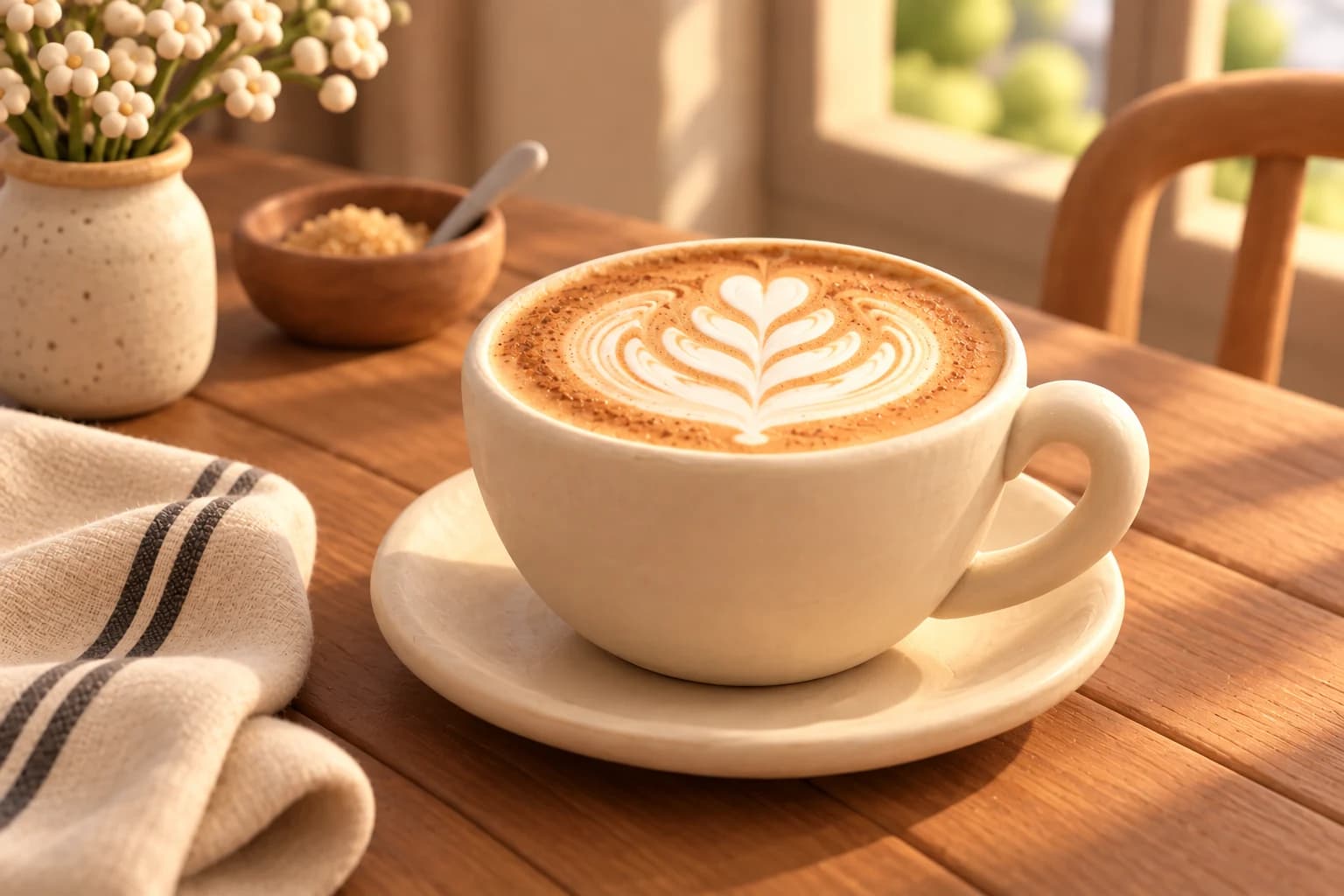
Direct the shot like a photographer. Add “low angle”, “wide shot”, “85mm portrait” or “golden hour” to your prompt, and the model frames and lights the scene the way you describe — perfect for product shots, portraits and cinematic stills.
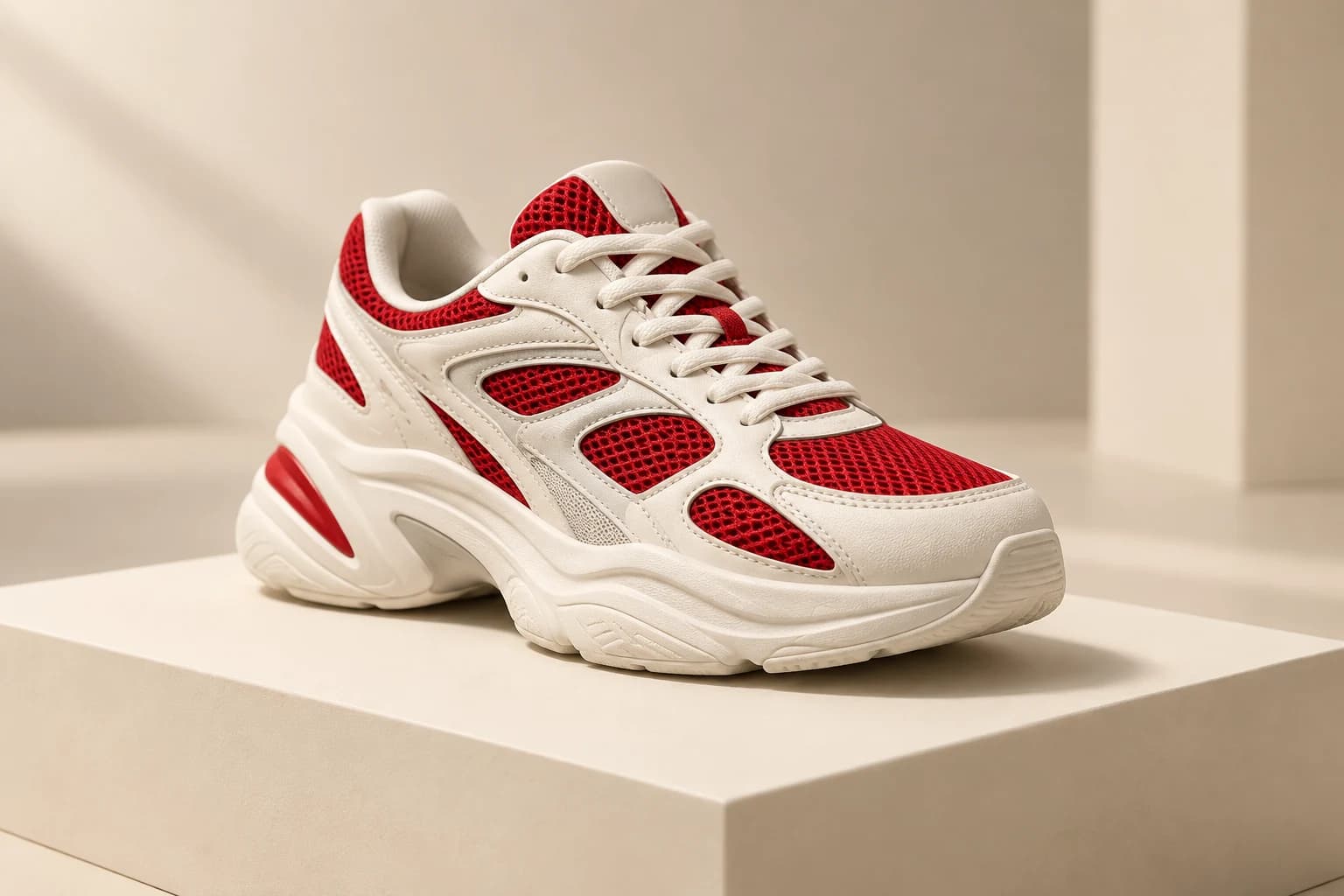
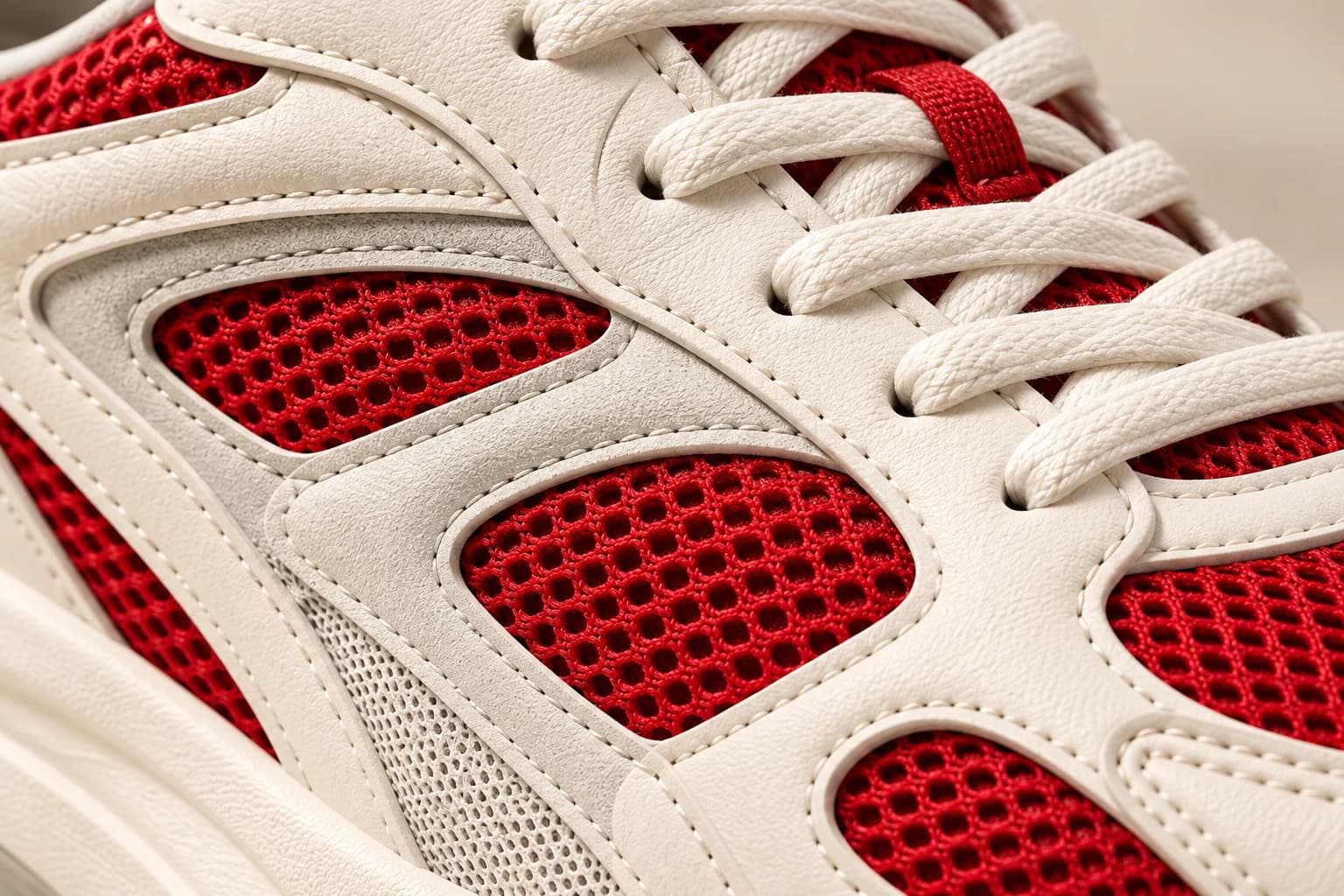
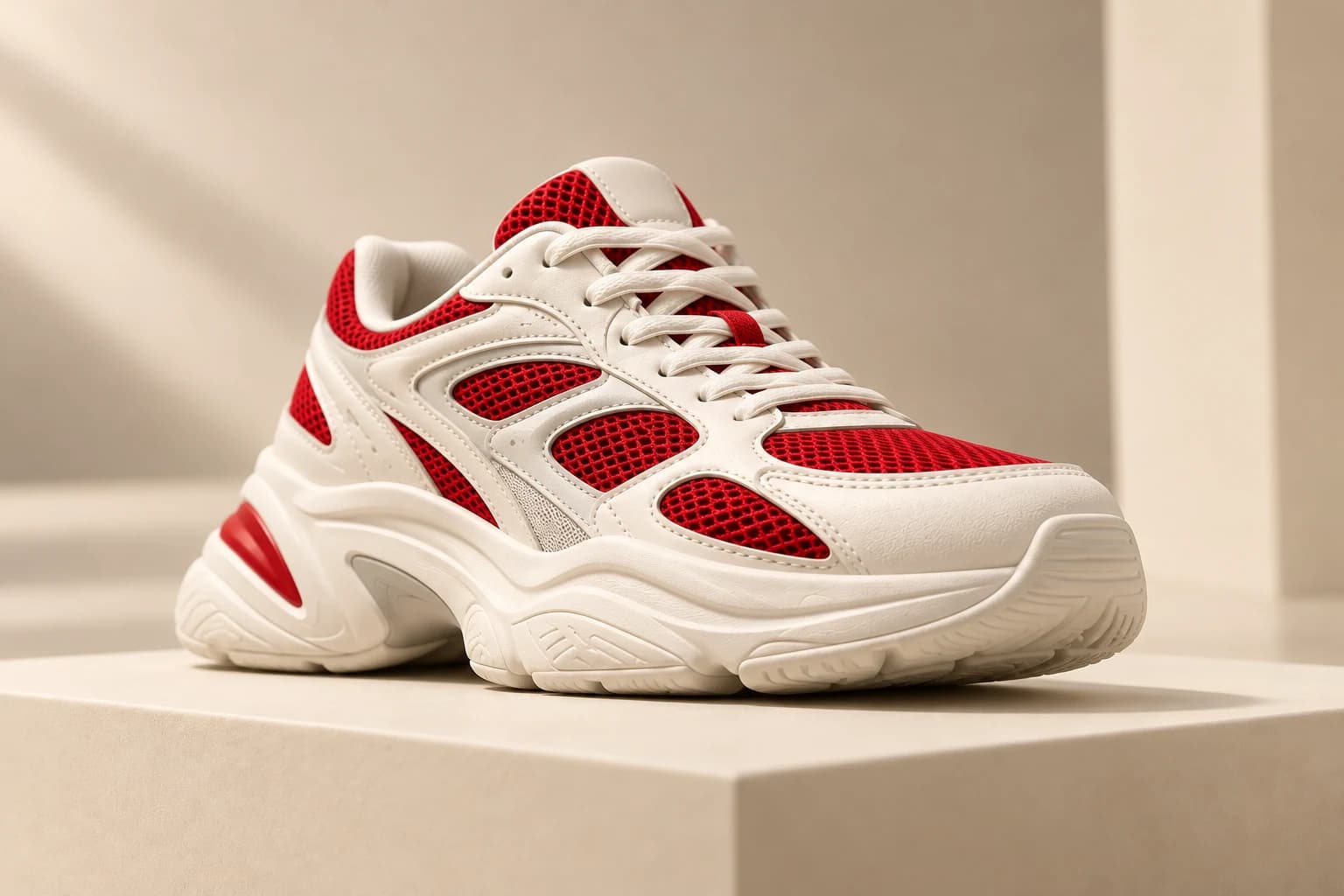
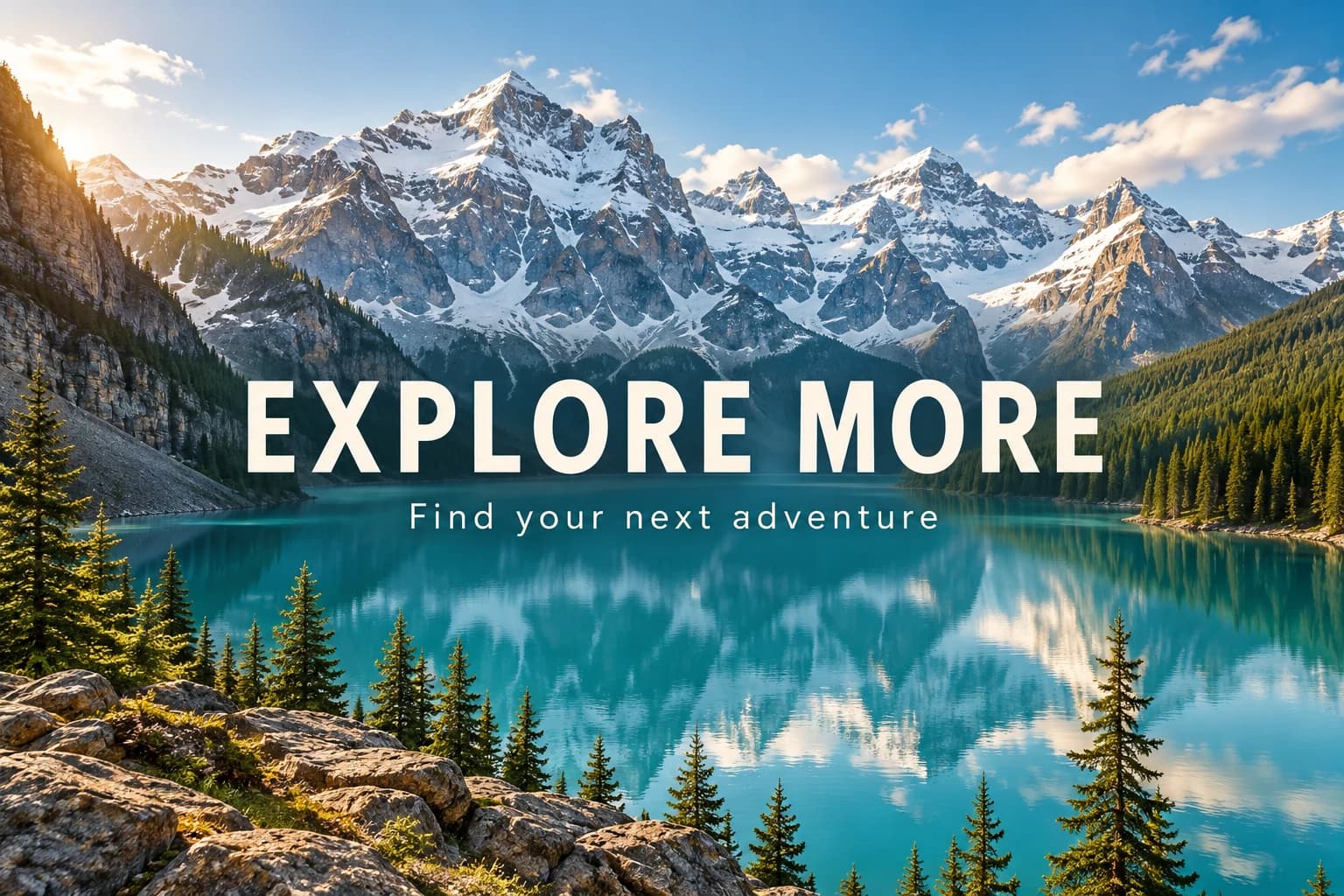
Posters, ads, packaging and thumbnails need words that are spelled right. GPT Image 2 and Nano Banana Pro render headlines, labels and logos clearly — put the exact words in quotes in your prompt and they appear as written.
Most image generator AI tools lock you into one model. animx puts 20+ image models in one place — Nano Banana Pro, GPT Image 2, FLUX.2 Max, Seedream 4.5, Grok Imagine, Kling O1, Higgsfield Soul and Reve. Pick the right one for photorealism, readable text, fine detail or stylized art and switch in one click.
Give the model more than words. Attach up to 10 reference images with Seedream — one for the character, one for the outfit, one for the setting — and get one picture that combines them. It is the easiest way to keep a character, product or brand look consistent.
Nano Banana, GPT Image, FLUX, Seedream, Grok, Kling and more in one subscription.
Describe a scene in words and get finished images in seconds.
Use a photo as a reference for pose, composition, color or style.
Remove objects, swap backgrounds, recolor clothes or fix text with a prompt.
Combine up to 10 reference images in one generation with Seedream.
Nano Banana Pro renders up to 4K for hero images and print.
1:1, 9:16, 16:9, 3:4 and 4:3 for feeds, stories, banners and print.
Generate multiple versions at once and keep the best one.
Compare how different models read one prompt side by side.
Animate any picture with Seedance, Veo, Kling or Wan in one click.
Every paid plan lets you use your images in ads, client work and products.
Subscription credits refill every month; top-up credits never expire.
Type what you want to see — subject, setting, style and light — or upload a reference photo, or both.
Pick Nano Banana Pro for photoreal 4K, GPT Image 2 for readable text, FLUX.2 Max for fine detail or Seedream 4.5 for multi-reference work, then set the aspect ratio.
Your images appear in seconds. Download the best one in up to 4K, edit it, or click Animate to turn it into a video.
Nano Banana Pro for photoreal images with accurate in-image text and consistent characters at up to 4K; Nano Banana 2 for near-Pro quality at higher speed.
Explore modelGPT Image 2 for posters, ads, packaging and UI mockups with readable text; GPT Image 1.5 for precise edits and layouts.
Explore modelFLUX.2 Max for maximum detail and texture; FLUX Kontext Max for precise edits to uploaded photos.
Explore modelSeedream 4.5 for strong prompt adherence and up to 10 reference images; Seedream 5.0 lite for fast stylized visuals.
Explore modelFast, expressive images for social posts and bold concepts at a low credit cost.
Explore modelImage generation and editing from text and references that keeps subjects consistent.
Explore modelRealistic fashion and lifestyle photography with an editorial, social-ready look.
Try modelReve for prompt adherence and clean typography; WAN 2.2 and Z-Image for fast, low-cost drafts.
Try modelGeneration is only the start. Edit any AI image or your own photo with a short instruction — the model changes only what you ask and keeps the rest of the frame.
Before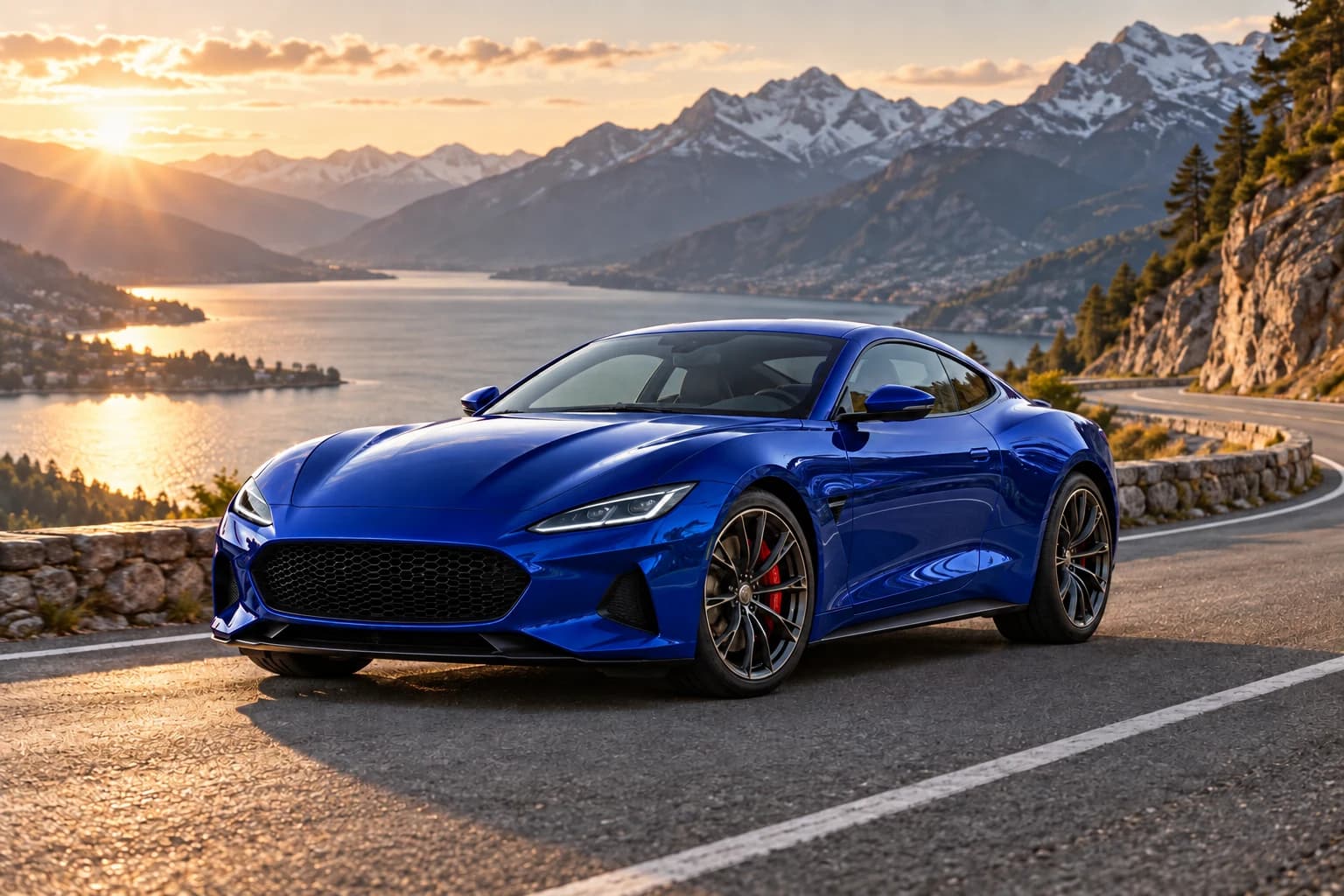 After · “make the car blue”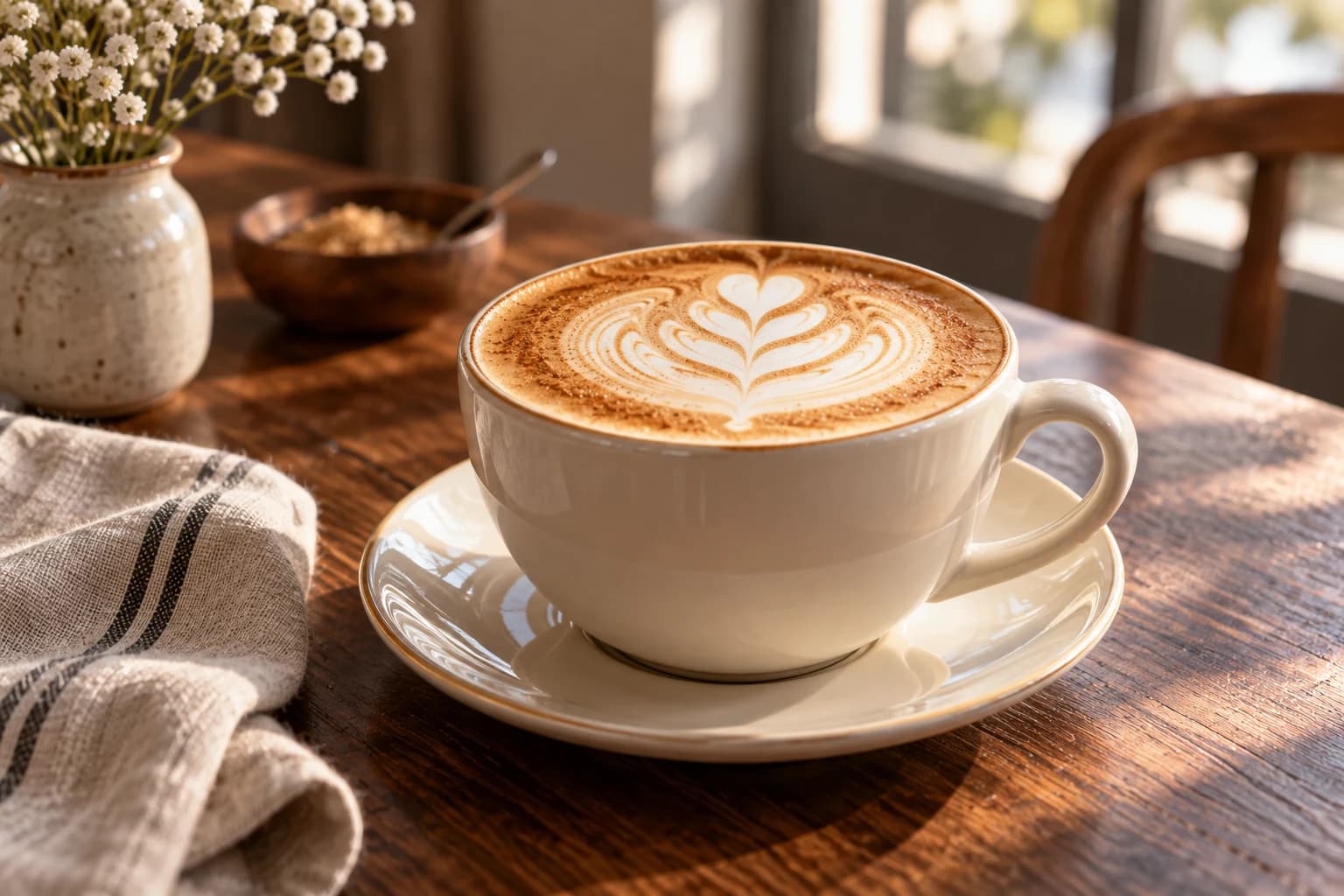
Turn product ideas into ad creatives, banners and email headers without a photoshoot.
Make Ad Creatives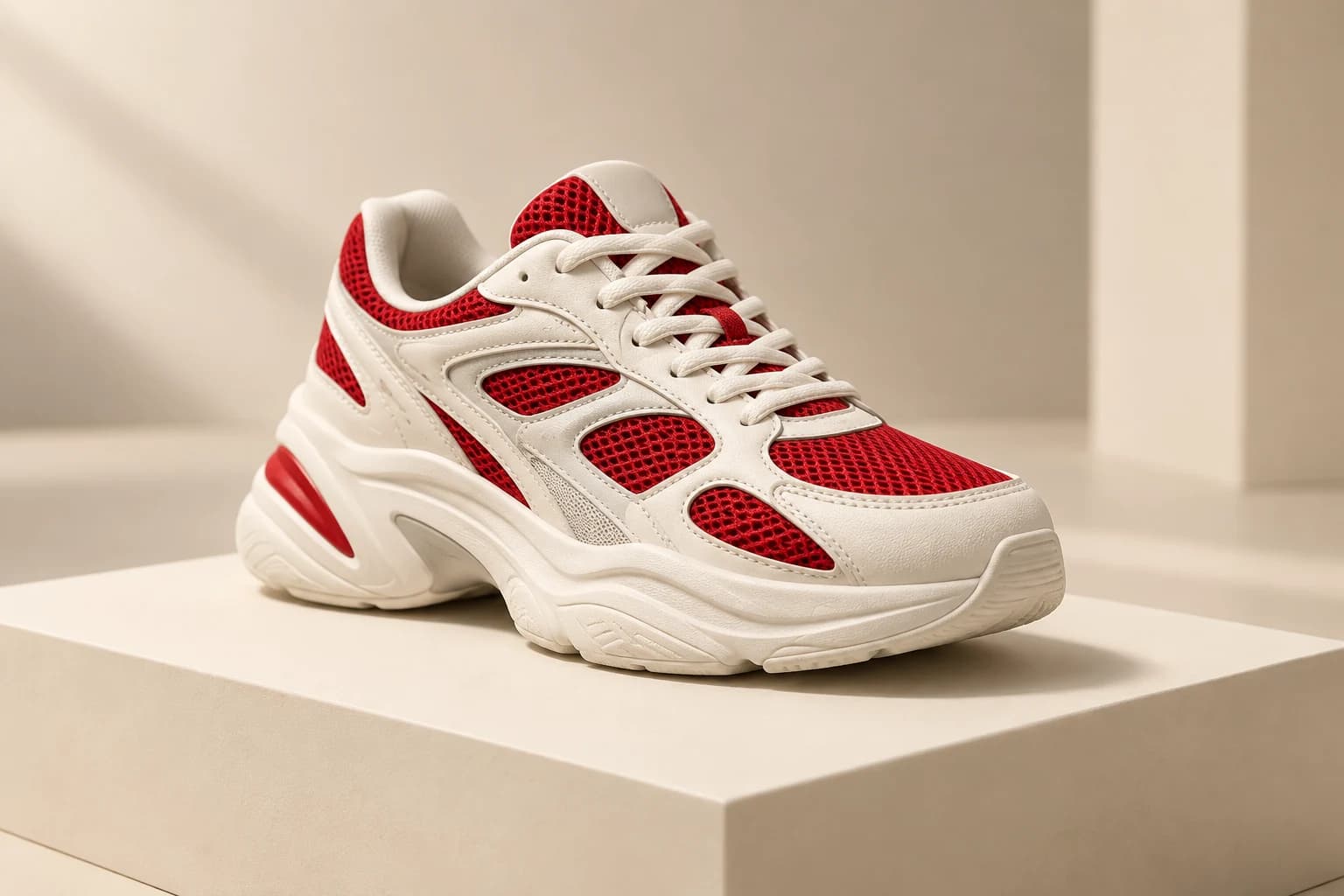
Create posts, stories, thumbnails and covers for Instagram, TikTok, YouTube and X in any style.
Create Social Images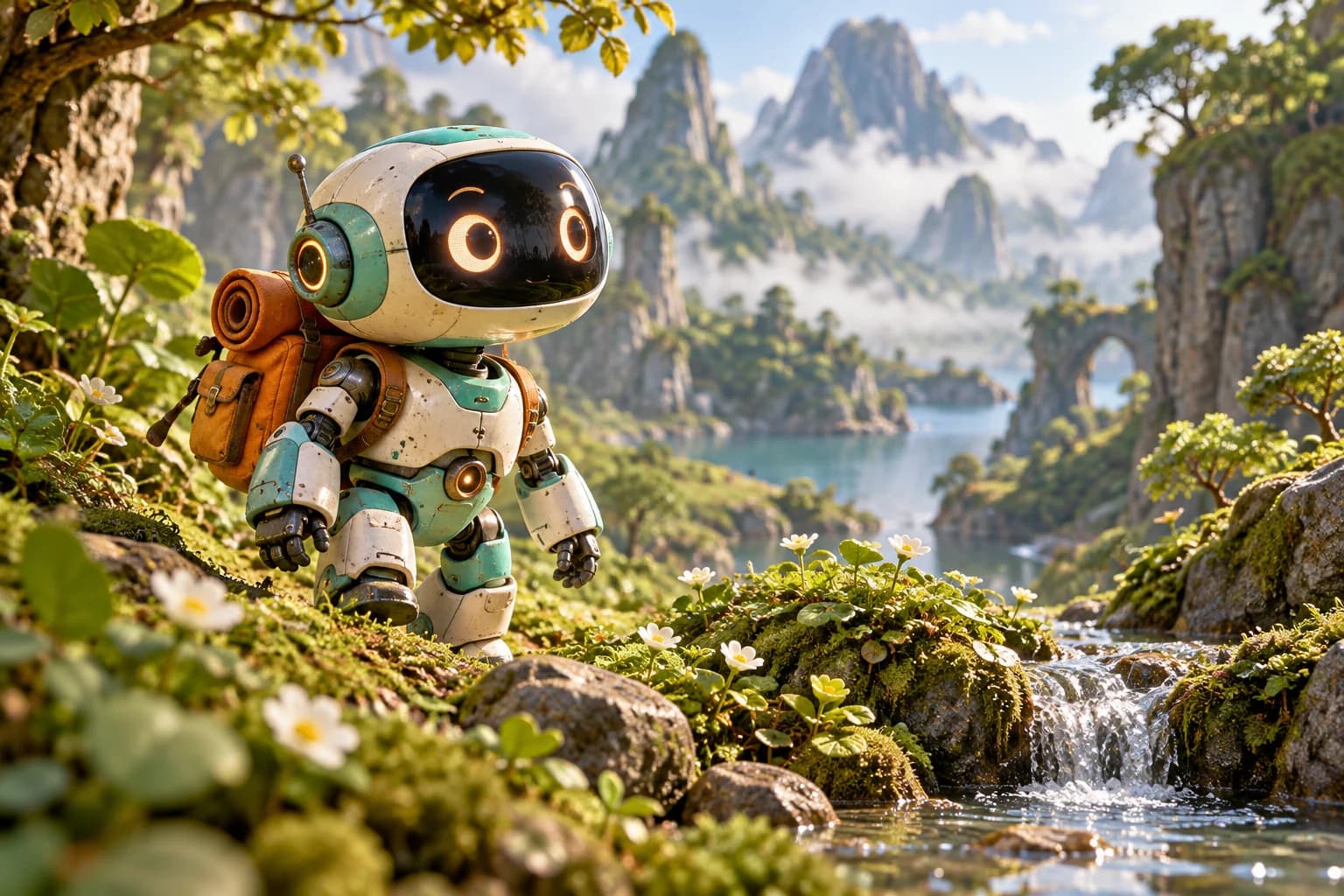
Keep the same character, outfit and style across a series for games, comics and storyboards.
Generate Character ArtStart free with 200 credits on sign-up — no credit card required. Upgrade when you need more: every paid plan includes commercial rights.
I run every campaign visual through animx now. Same prompt, four models, and I know in minutes which one nails the product shot — no more guessing and no more four subscriptions.
Nano Banana Pro's in-image text is why I switched. I can put a real headline on packaging and ship it without a retouch pass.
I generate a hundred concept frames a day. Seedream handles the multi-reference work, FLUX.2 Max does the hero stills, and animx just keeps up.
An AI image generator creates pictures from a text description, a reference photo, or both. animx brings 20+ models — Nano Banana Pro, GPT Image 2, FLUX.2, Seedream and more — into one workspace, so you can make photos, art, posters and product shots without design skills.
Free to start. Every top image model in one workspace, no per-model billing.