AI Image-to-Image Editor
Image to Image AI Photo Editor
Upload any image, describe the change — swap backgrounds, restyle, remix, add elements, retouch details. Every top image-to-image model in one workspace: Nano Banana Pro, Flux Kontext, Seedream, GPT Image 2. No per-model subscriptions.
See what image-to-image can do
Real edits from real inputs — across all four supported models.
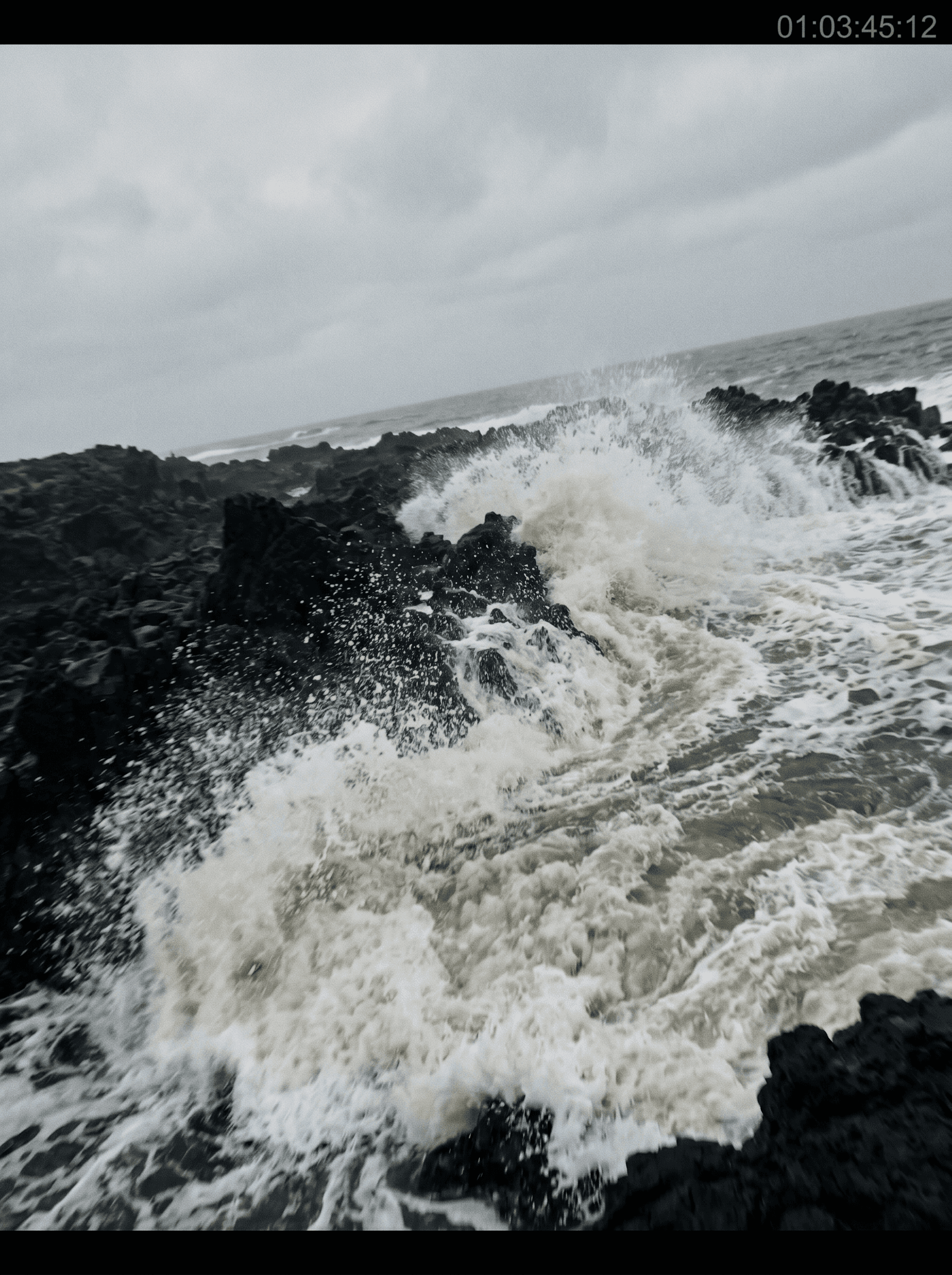

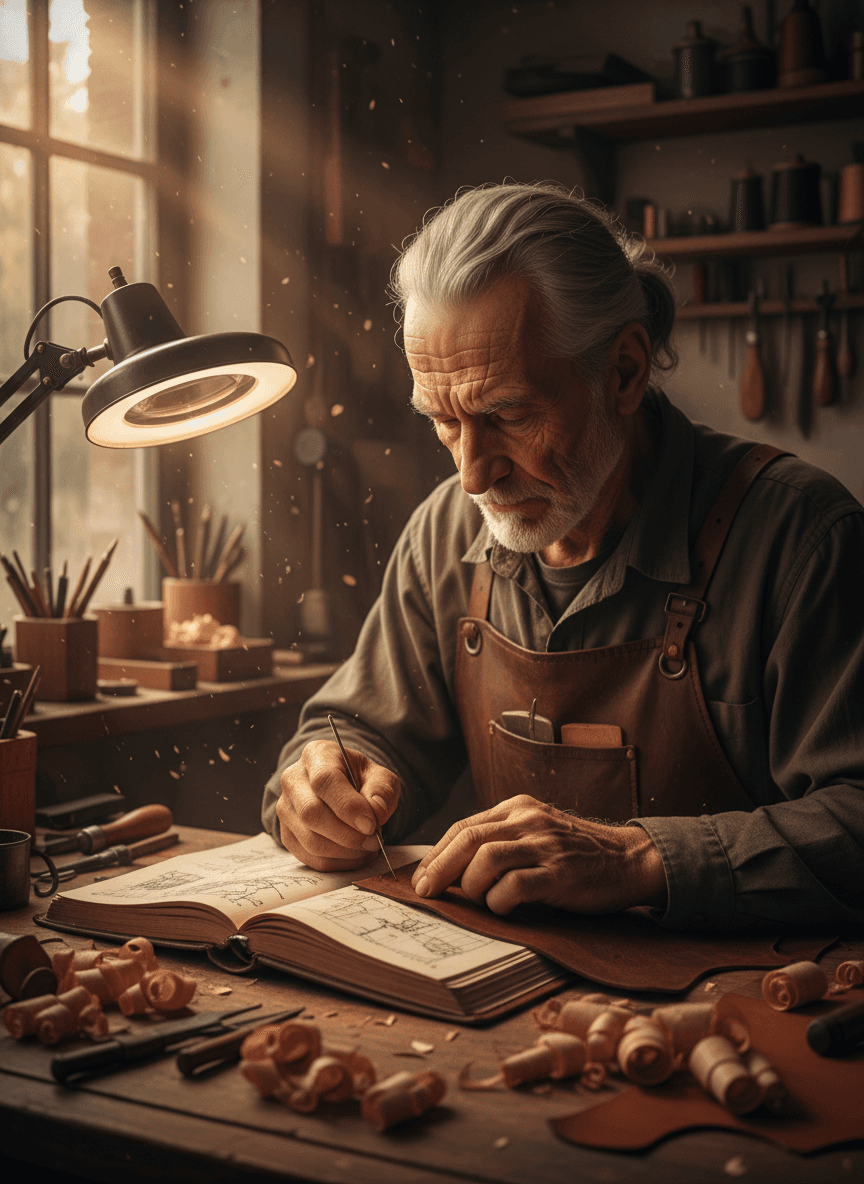

Transform any image with AI
Image-to-image AI takes a photo you already have and reshapes it based on a prompt — swap the background, change clothing, remove objects, restyle the whole scene, or refine a single detail. What used to need Photoshop skills and 30 minutes of masking is now one sentence.
On animx every top image-to-image model lives in one workspace. Upload your photo once, pick the model that matches the job — Nano Banana Pro for photoreal accuracy, Flux Kontext for surgical pixel-level edits, Seedream for multi-reference composition, GPT Image 2 for native text-rendering — and export. All four in your plan, no per-model billing.
How to edit an image with AI
- 01
Upload your image
Drop in a photo, screenshot, or illustration. JPEG, PNG, WebP up to ~20MB.
- 02
Describe the change
Type what you want changed — "change the sky to a sunset", "remove the person on the left", "restyle as watercolor". Attach reference images if you want to guide the look.
- 03
Generate and export
Render in seconds. Keep, iterate with another edit, or send straight to the video workspace to animate the result.
Choose your model
Every top image-to-image model is in your animx subscription. Pick the one that matches the edit — each is tuned for a different kind of transformation.
Edit at pixel precision
The full palette of AI edit types, driven entirely by prompts. No masking, no layers, no plugins.
Background swap
Replace the environment while keeping the subject's lighting and pose intact. Perfect for product shots, portraits, ad creative.
Object removal
Remove people, watermarks, text, or unwanted objects — the model reconstructs what was behind them.
Style transfer
Restyle a photo as watercolor, oil paint, anime, cinematic film — while preserving the original composition.
Multi-reference composition
Attach up to 10 reference images (Seedream). Compose scenes from a subject reference, a style reference, a setting reference — all in one prompt.
Native text rendering
GPT Image 2 renders readable text inside the image — signs, labels, packaging copy — where most models produce gibberish.
Iterate without re-uploading
Chain edits — each result becomes the input for the next prompt. Refine progressively without starting over.
Frequently asked questions
- What image formats work?
- JPEG, PNG, and WebP up to ~20MB. Higher resolution inputs give the model more detail to preserve, but anything from a phone screenshot to a 4K photo works.
- How does image-to-image AI work?
- The model reads your uploaded image, encodes it into a latent representation, then generates a new image conditioned on both that representation and your text prompt. It preserves what you don't mention and changes what you do.
- Do I need separate Nano Banana, Flux, or Seedream subscriptions?
- No. Every image-to-image model on this page is included in your animx plan. Switch between them in one workspace, no per-model billing.
- Can I upload multiple images at once?
- Yes. Seedream accepts up to 10 reference images per generation — use one for the subject, one for the style, one for the setting, and Seedream composes them. Other models accept 1–4 references depending on the endpoint.
- Which model should I pick?
- Nano Banana Pro for photoreal accuracy and prompt fidelity. Flux Kontext Max for surgical pixel-level edits that survive close inspection. Seedream 4 for multi-reference composition. GPT Image 2 when the edit involves rendering readable text inside the image. Try the same edit across all four — they all live in your plan.
- Can I use edited images commercially?
- Yes — your generations are yours to use, subject to the standard animx terms (which cover commercial use on paid plans).
Edit any image — in your browser
Free to start. Every top image-to-image model in one workspace, no per-model billing.