
GPT Image 2 AI Image Generator with Real Text
GPT Image 2 is OpenAI's latest image model — built for photoreal detail and, uniquely, readable text inside the image. Signs, packaging, editorial spreads, product labels — the letters actually spell something. Generate straight in your browser, no ChatGPT Plus needed.
What is GPT Image 2?
GPT Image 2 is OpenAI's flagship image model — the successor to GPT Image 1.5 — tuned for extremely detailed images with fine typography. Where most models produce squiggles when asked to render text, GPT Image 2 renders letters that actually read as letters. That single capability makes it the go-to for posters, packaging mockups, editorial spreads, signage, and any image where the copy inside the frame has to be legible.
On animx you use GPT Image 2 straight in the browser — no ChatGPT Plus subscription, no OpenAI dashboard. Choose the model, write a prompt, generate. GPT Image 2 ships in your subscription alongside Nano Banana, Flux 2 Max, Seedream 4, and every top video model. Generate a poster, then animate it with Veo, Kling, or Seedance — all in the same workspace.
What makes GPT Image 2 different
Real typography
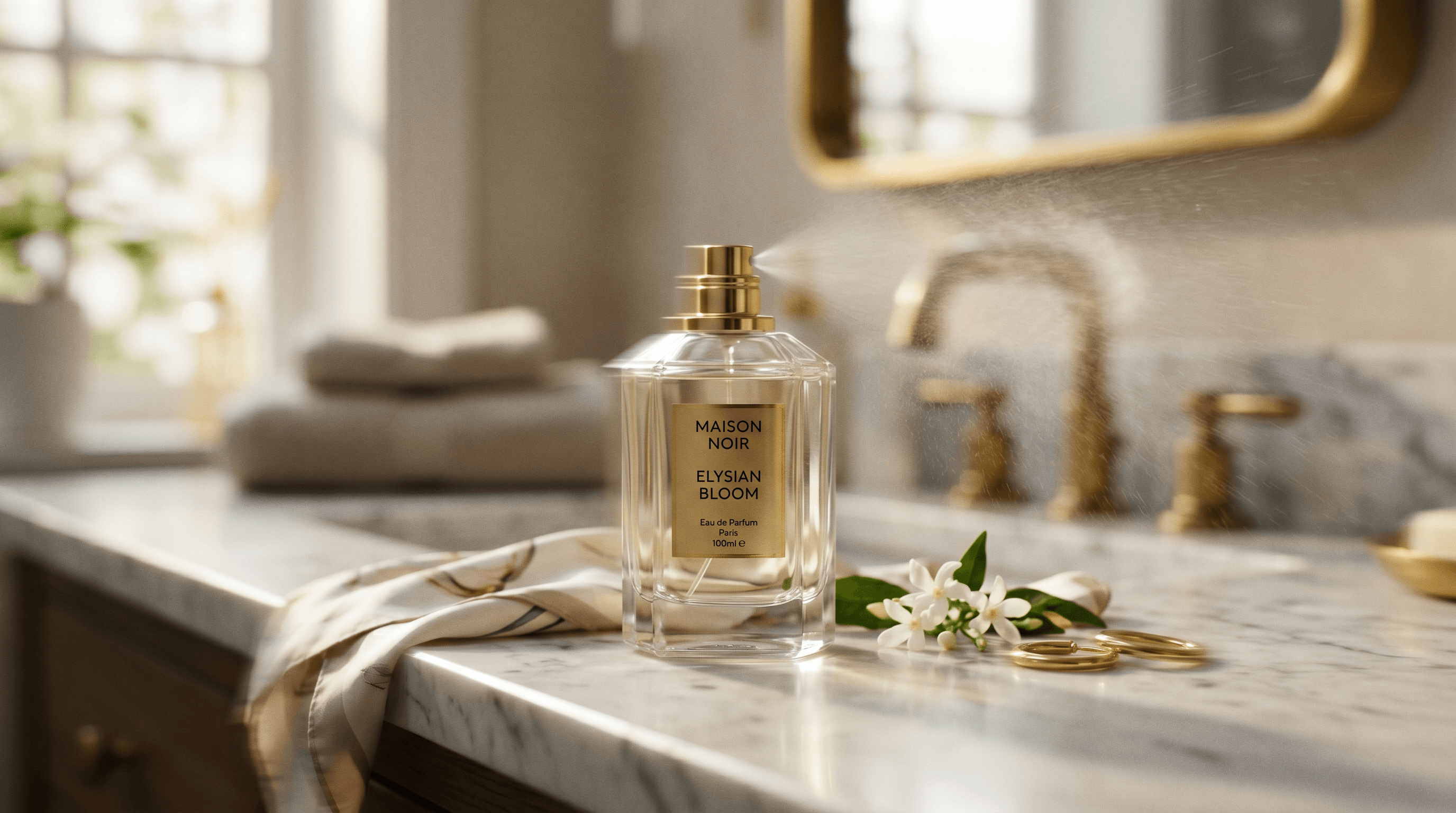
The only model in our lineup that renders readable text inside images reliably. Signs, packaging copy, book covers, editorial headlines — letters spell words instead of glyph-shaped noise.
Photoreal quality
Believable skin, natural lighting, accurate materials. Holds up on product macro, portraits, and editorial shots that need to read as photography, not illustration.
Both generate and edit
Same model handles text-to-image AND image-to-image edits. Generate a poster, then edit the tagline, swap the background, or restyle — all through prompts, no separate tool.
Discover what GPT Image 2 can create

How GPT Image 2 works
- 01
Choose GPT Image 2
Open the animx image workspace and pick GPT Image 2 in the model selector.
- 02
Write your prompt
Describe the scene naturally — subject, style, lighting, and (if you need it) the exact text that should appear in the image. Wrap on-image copy in quotes so the model treats it as literal text.
- 03
Generate, edit, or animate
Render in seconds. Keep it, open in edit mode to change one element, or send it to the video workspace to animate with Veo, Kling, or Seedance.
Get inspired with GPT Image 2
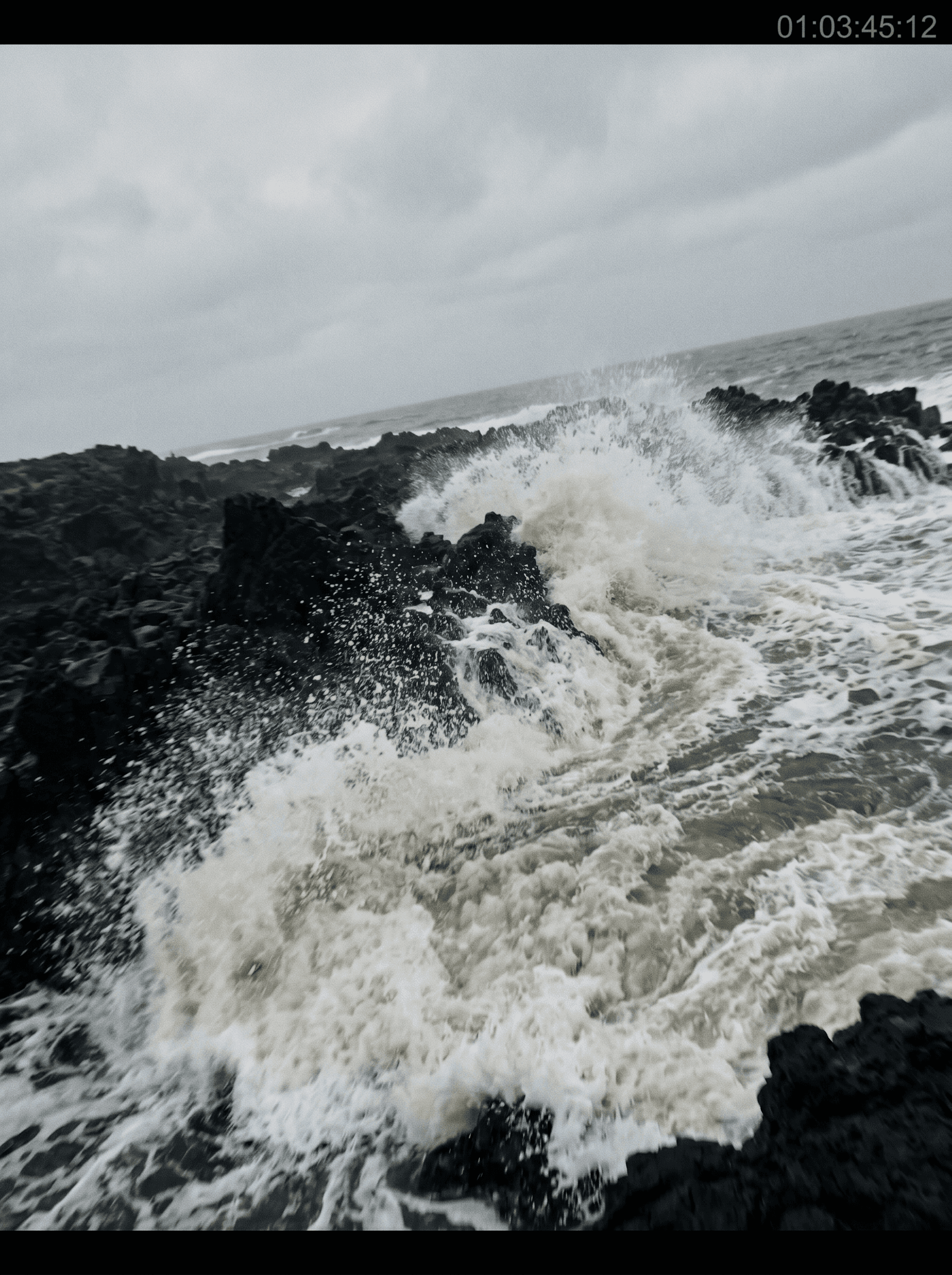
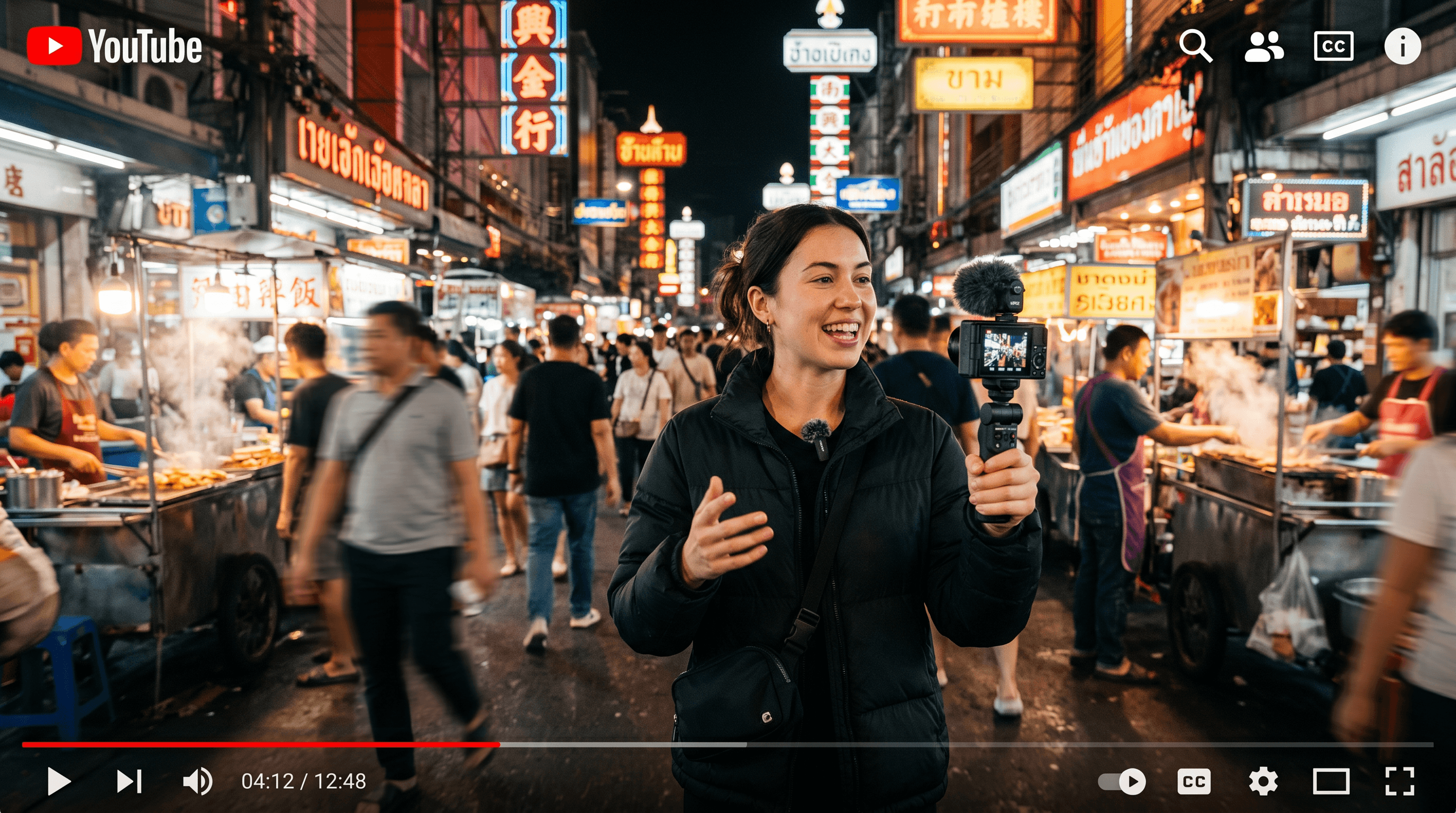
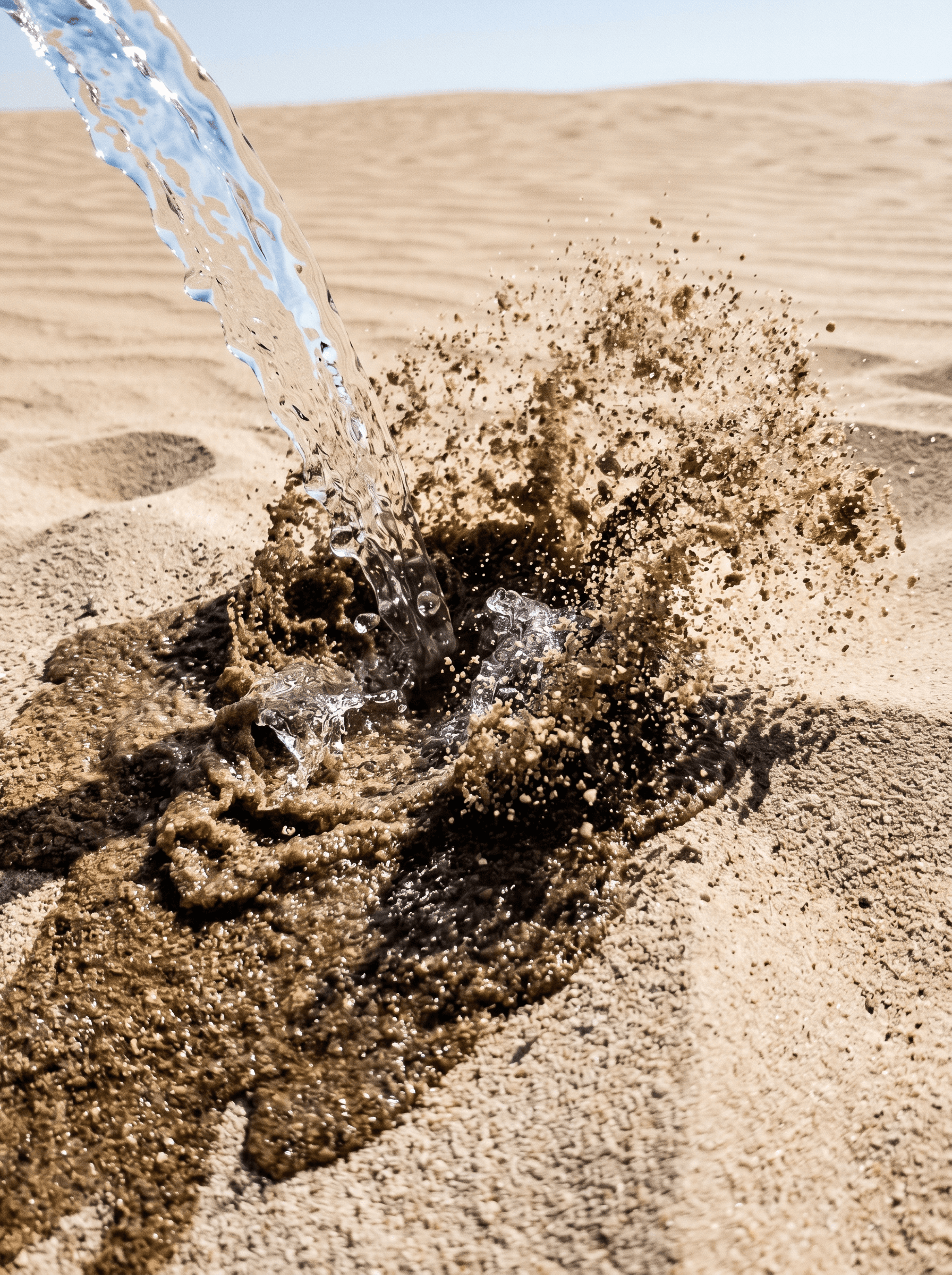
See what GPT Image 2 produces. These stills highlight the photoreal quality, compositional accuracy, and text-rendering that set it apart from the rest of the roster.



Who GPT Image 2 is built for
From design teams to marketing agencies to product studios — GPT Image 2 fits any workflow where the image needs to read as production-ready and, often, needs to say something.
Design teams
UI mockups, brand-comp posters, concept boards, and packaging visuals with realistic detail and — crucially — labels that read correctly. Kill the "placeholder Lorem ipsum + Photoshop compositing" round-trip; GPT Image 2 puts the real copy in the frame on generation one.
Marketing agencies
Campaign visuals, ads, and branded content at scale where headlines, taglines, and product names have to appear inside the image. High-volume creative iteration where each frame needs specific copy — no more regenerating hoping the letters land.
Product and creative studios
High-resolution concepts, prototype visuals, and editorial pieces that fit seamlessly into professional production pipelines. Photoreal detail plus legible text means the output goes into the deck or the layout, not the "needs a redo" pile.
Native text rendering
Readable letters inside images — the differentiator no other model on animx matches.
Photoreal quality
Believable materials, natural lighting, accurate skin — production-grade output on first try.
Multiple sizes up to 4K-class
Up to 3840px per edge with flexible aspect ratios — square, landscape, portrait, ultrawide.
Quality tiers
Auto, low, medium, or high — dial output quality to match the job's speed / detail tradeoff.
Edit as well as generate
Same model handles image-to-image edits — swap elements, restyle, change on-image text, all via prompt.
Hand-off to video
Generate an image, then animate it with Veo, Kling, or Seedance — all in the same animx workspace.
When to use GPT Image 2
Pick GPT Image 2 when the image needs to say something legible — posters, packaging, editorial, signage, book covers, ad creative with headlines inside the frame. It's the only model in the lineup that renders text reliably.
For pure photoreal prompts without text-in-image, reach for Nano Banana (Gemini backbone, faithful composition). For maximum per-pixel detail on print-destined images, Flux 2 Max. For multi-reference composition from up to 10 inputs, Seedream 4. On animx you switch between all four in one workspace — no extra subscriptions.
GPT Image 2 + every top model in one subscription
You don't need a separate GPT Image 2 subscription — it's included with animx alongside every other top model. Switch between them in one workspace, on one plan.
Frequently asked questions
- What is GPT Image 2 best at?
- Rendering readable text inside images. Posters, packaging mockups, editorial spreads, signage, book covers — anywhere the copy inside the frame has to be legible, GPT Image 2 is the strongest pick on animx.
- How is GPT Image 2 different from GPT Image 1.5?
- Sharper detail, more accurate typography, and better composition on complex prompts. 1.5 was a solid first pass at photoreal + text; 2 is the version production teams can actually ship from.
- Do I need a ChatGPT Plus or OpenAI subscription for GPT Image 2?
- No. GPT Image 2 is included in animx alongside Nano Banana, Flux 2 Max, Seedream 4, and every top video model — one plan covers everything, no OpenAI plan required.
- Can GPT Image 2 edit an existing image?
- Yes. Upload an image and describe the change — swap a background, edit the on-image text, restyle a scene. GPT Image 2's edit endpoint is available in the same workspace as the create flow.
- Can I use GPT Image 2 outputs commercially?
- Yes — your generations are yours to use, subject to the standard animx terms (which cover commercial use on paid plans). Perfect for client work, ad creative, editorial, and print.
Start creating with GPT Image 2
Free to start — GPT Image 2 plus every other top model in one subscription.