
Flux 2 Max AI Image Generator
Flux 2 Max is Black Forest Labs' flagship AI image model — built for surgical detail, photoreal quality, and pixel-level fidelity. The model professionals reach for when the brief leaves no room for almost-right.
What is Flux 2 Max?
Flux 2 Max is the top-tier image model from Black Forest Labs — the team behind the SD3 + Flux family that redefined open-weight image generation. Where most models trade detail for speed, Flux 2 Max keeps both: surgical detail in textures, hair, fabric, materials, and lighting, with photoreal fidelity that survives close-up crops and print work.
On animx you use Flux 2 Max alongside Nano Banana and Seedream in the same workspace. Pick Flux 2 Max when the per-pixel quality has to land — hero shots, brand work, anything destined for print or 4K crops. Bundled with every top video model on a single subscription, so you can hand off a Flux 2 Max image straight into Veo, Kling, or Seedance to animate it.
What makes Flux 2 Max different
Surgical detail
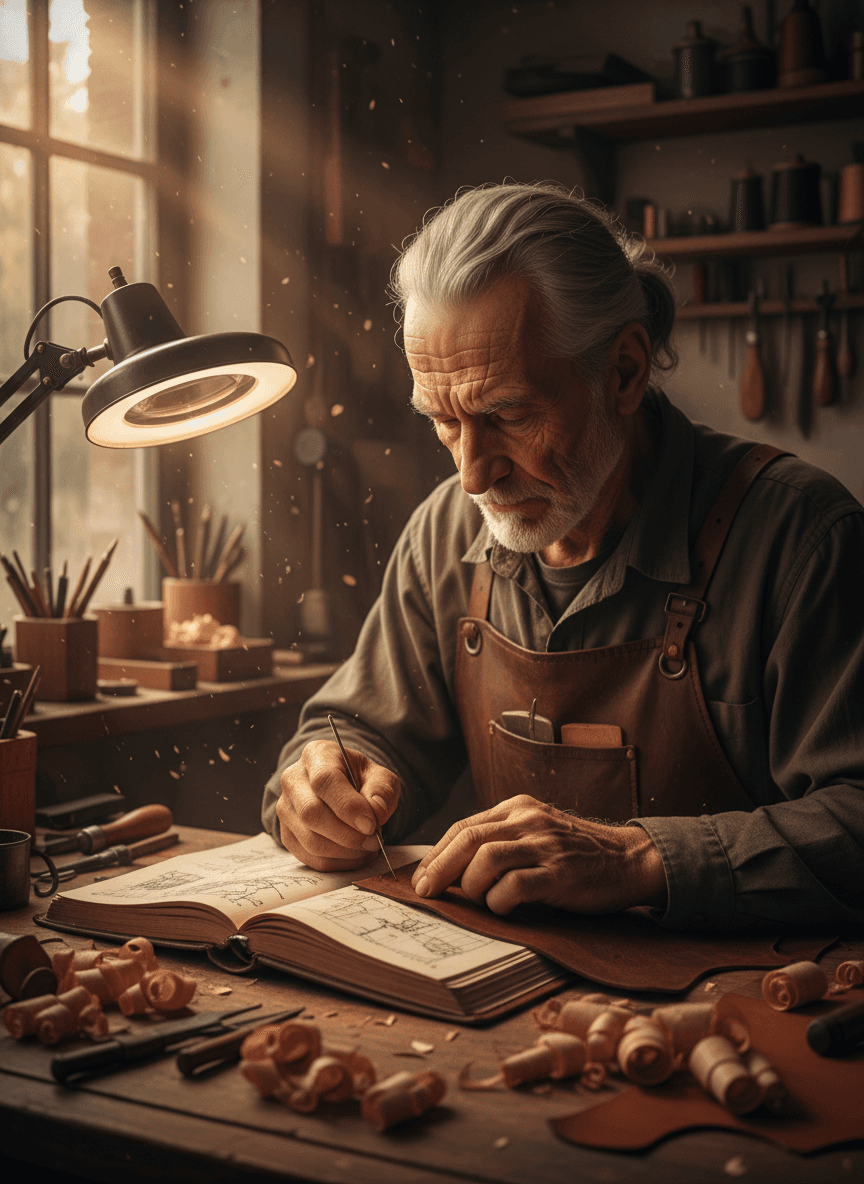
Per-pixel fidelity on textures, hair, fabric, and product materials. The kind of image where you can crop in to 200% and the detail is still there instead of mushy.
Photoreal quality
Realistic skin, natural lighting, believable physics. Strong on product macro, portraiture, and any image where the picture has to read as photography, not illustration.
Pixel-level editing via Kontext
The Flux Kontext Max sibling handles surgical edits on existing images — swap a background, change clothing, retouch lighting — with the same fidelity that makes Flux 2 Max stand out on generation.
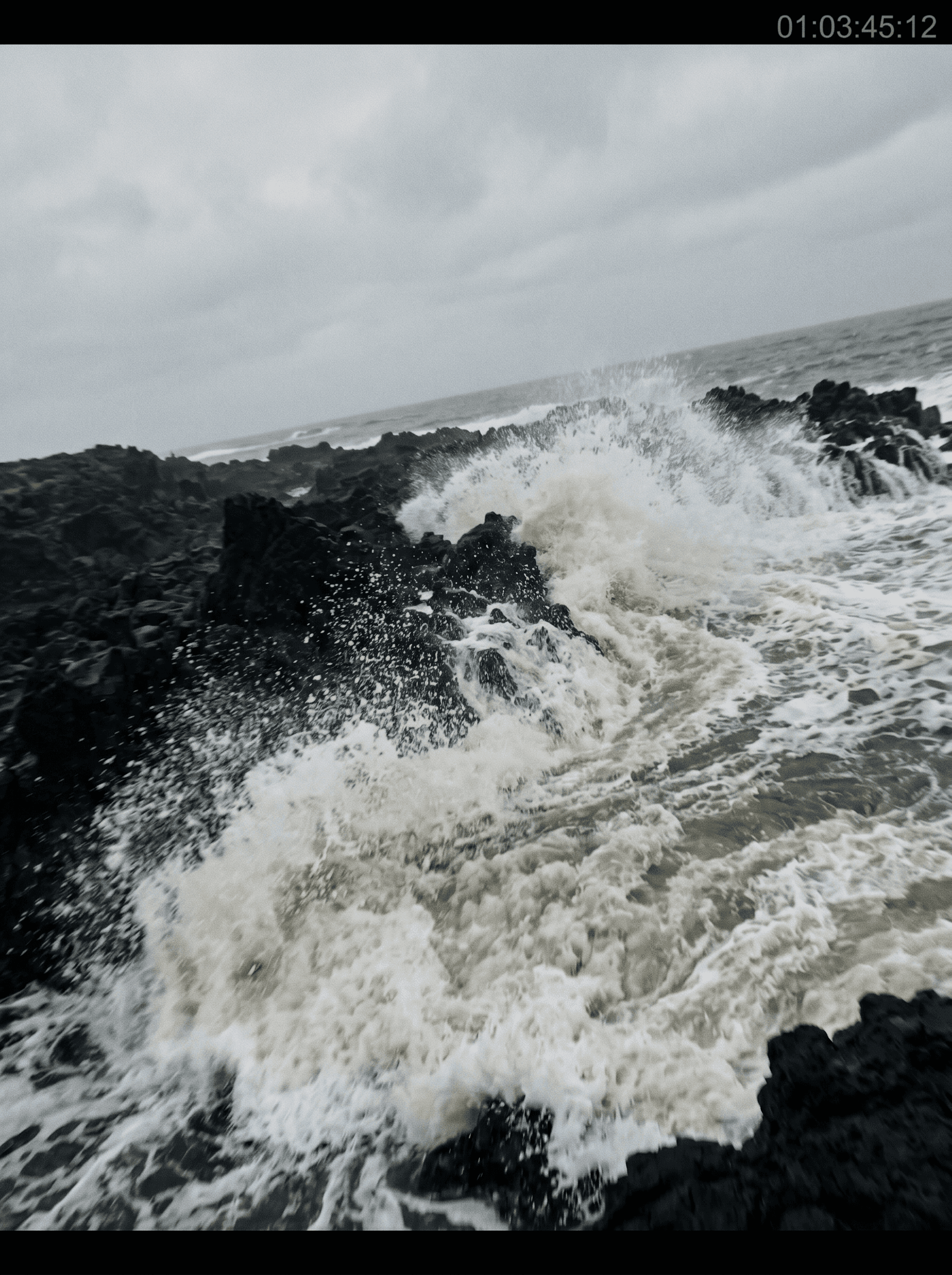
Discover what Flux 2 Max can create
How Flux 2 Max works
- 01
Choose Flux 2 Max
Open the animx image workspace and pick Flux 2 Max in the model selector.
- 02
Write your prompt
Describe the subject, scene, lighting, and style. Flux responds well to specific, concrete prompts — fewer adjectives, more nouns.
- 03
Generate, edit, or animate
Render in seconds. Keep the image, or open it in Flux Kontext for surgical edits — or send it to the video workspace to animate.
Get inspired with Flux 2 Max
See what Flux 2 Max produces. These stills highlight the per-pixel detail, photoreal quality, and material fidelity that set Flux 2 Max apart.



Who Flux 2 Max is built for
From pro designers to brand photographers to concept artists — Flux 2 Max fits any workflow where the image has to survive close inspection.
Pro designers and creative directors
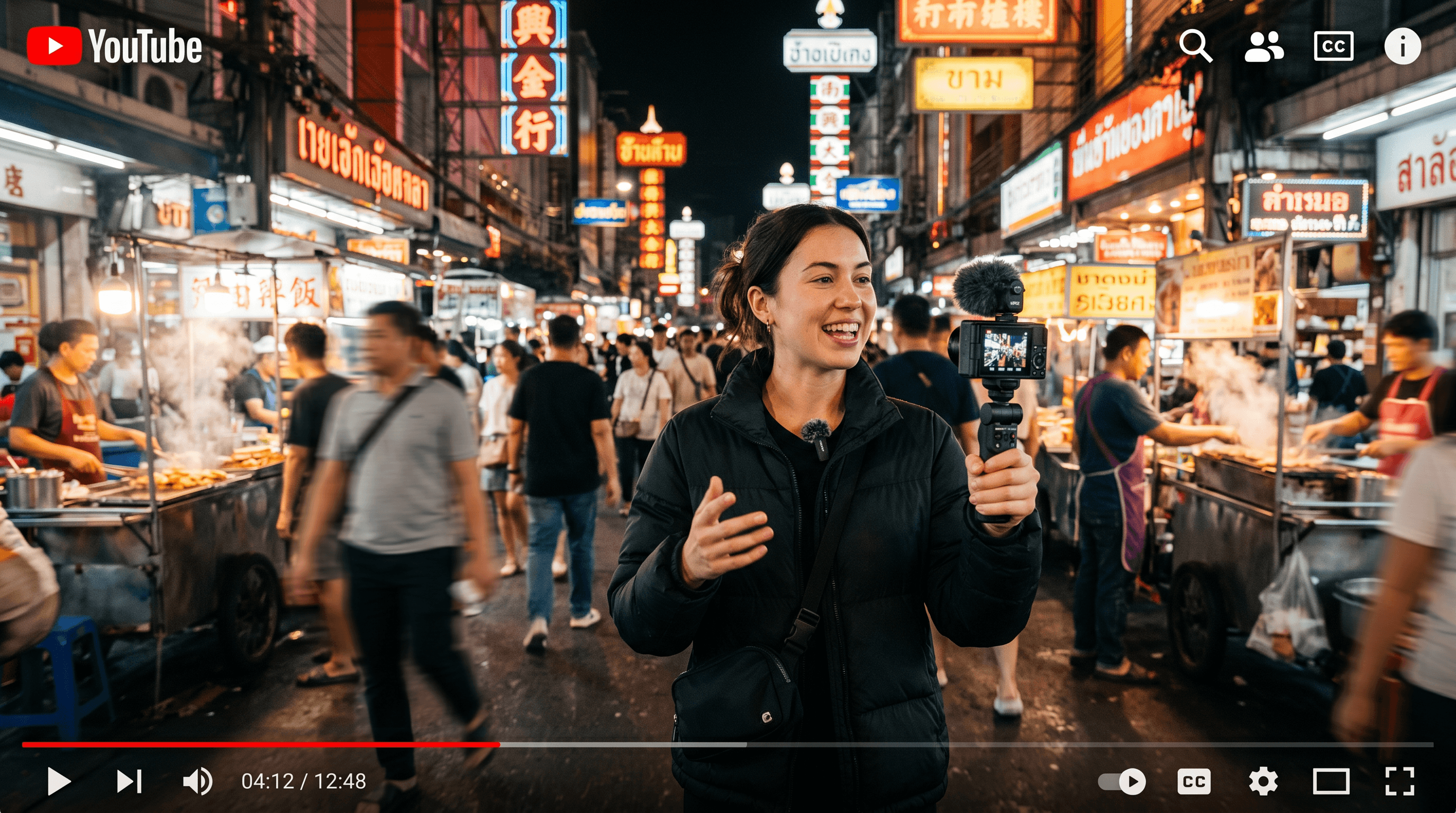
Hero shots, brand visuals, ad creative — work where the image has to read as professional, not AI-generated. Flux 2 Max's detail fidelity and photoreal output kill the tell-tale signs that bounce stakeholders.
Brand and product photographers
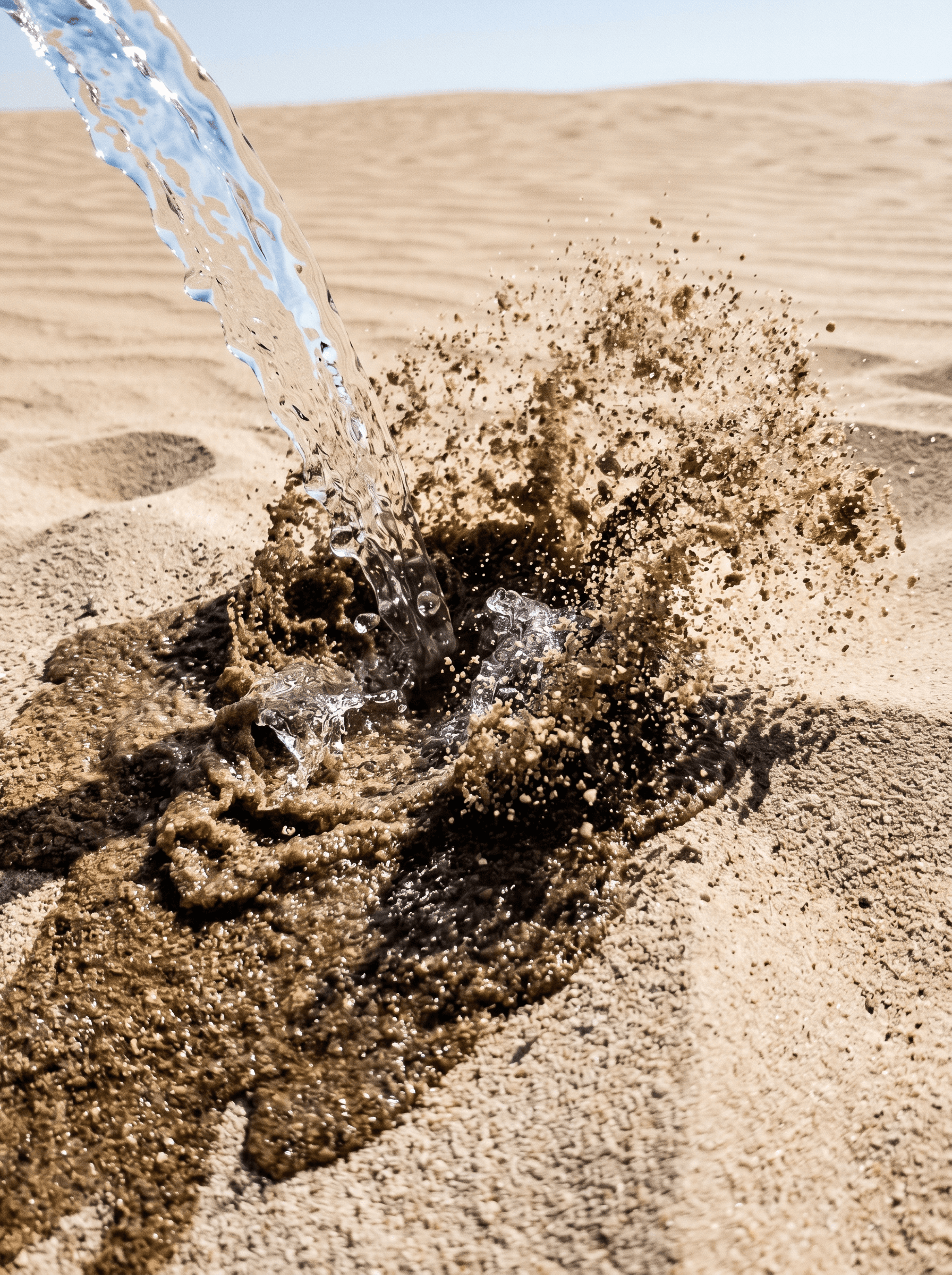
Product macro, packaging shots, lifestyle images where every reflective surface and texture detail matters. Crop in to 4K and the detail is still there — the kind of image that prints clean.
Concept artists at high fidelity
Pre-vis frames and finished concept art where the composition has to survive director-level scrutiny. Flux's detail bandwidth lets you ship a single finished frame instead of "a concept that the artist will polish."
Surgical detail
Per-pixel fidelity on textures, hair, fabric — image survives close crops without softening.
Photoreal quality
Realistic skin, natural lighting, believable materials — strong on portraiture and product.
Multiple aspect ratios
Square for feed, 9:16 for stories, 16:9 for cinematic, 3:4 / 4:3 for portrait/landscape.
Pixel-level editing via Kontext
Sibling Flux Kontext Max handles surgical edits on existing images with the same fidelity.
Hand-off to video
Generate a Flux 2 Max image, then animate with Veo, Kling, or Seedance in the same workspace.
One subscription
Bundled with Nano Banana, Seedream, and every top video model — no separate Flux plan.
When to use Flux 2 Max
Pick Flux 2 Max when surgical detail and photoreal fidelity matter — hero shots, brand work, print-destined images, anything where the picture has to survive close inspection.
Reach for Nano Banana when prompt fidelity matters more than per-pixel detail (Google's Gemini backbone reads complex prompts more literally). Reach for Seedream when you're composing from multiple reference images, or when real-photo edits are the core need. All three live in one workspace on animx.
Flux 2 Max + every top model in one subscription
You don't need a separate Flux 2 Max subscription — it's included with animx alongside every other top model. Switch between them in one workspace, on one plan.
Frequently asked questions
- What is Flux 2 Max best at?
- Surgical detail and photoreal quality. Flux 2 Max is the strongest pick for hero shots, brand visuals, product macro, and any image where the result has to survive close inspection or print.
- Do I need a separate Black Forest Labs subscription?
- No. Flux 2 Max is included in animx alongside Nano Banana, Seedream, and every top video model — one plan covers everything.
- What's the difference between Flux 2 Max and Flux Kontext Max?
- Flux 2 Max is the generation model — text-to-image and image-to-image at maximum quality. Flux Kontext Max is the editing sibling — surgical pixel-level edits on existing images. Both ship in animx and you switch between them in the same workspace.
- Can I turn a Flux 2 Max image into a video?
- Yes — generate the image, then send it directly to Veo, Kling, or Seedance for image-to-video in the same animx workspace. No re-uploading.
- Can I use Flux 2 Max images commercially?
- Yes — your generations are yours to use, subject to the standard animx terms (which cover commercial use on paid plans).
Start creating with Flux 2 Max
Free to start — Flux 2 Max plus every other top model in one subscription.