Veo 3.1 AI Video Generator with Native Audio
Veo 3.1 is Google's flagship AI video model — built for cinematic realism, natural motion, and native synced audio. Generate dialogue-ready scenes from a prompt or a single image, straight in your browser.
What is Veo 3.1?
Veo 3.1 is Google's flagship AI video model, built for photoreal cinematic clips with synced, native audio. Dialogue, ambient sound, and effects are generated from the same prompt that drives the picture — no separate audio pass.
On animx you use Veo 3.1 straight in the browser — no waitlist, no separate plan. Choose the model, write a prompt or upload a reference image, and export. Veo ships in your subscription alongside Seedance, Kling, Wan, and the rest of the top models.
What makes Veo 3.1 different
Native synced audio
Veo generates sound — dialogue, ambient noise, foley, music cues — together with the picture. One prompt, one pass, talkable scenes.
Cinematic realism
Photoreal textures, physics-accurate motion, natural lighting. Veo 3.1 nails the look that other models still approximate.
Long, coherent shots
Up to 8 seconds at 1080p with consistent subjects, stable framing, and a single cohesive style across the whole clip.
Discover what Veo 3.1 can create
How Veo 3.1 works
- 01
Choose Veo 3.1
Open the animx video workspace and pick Veo 3.1 in the model selector.
- 02
Write a prompt or upload an image
Describe the scene — sound included — or upload a starting frame for image-to-video.
- 03
Generate and export
Render in seconds, then download the clip or share it straight to social.
Get inspired with Veo 3.1
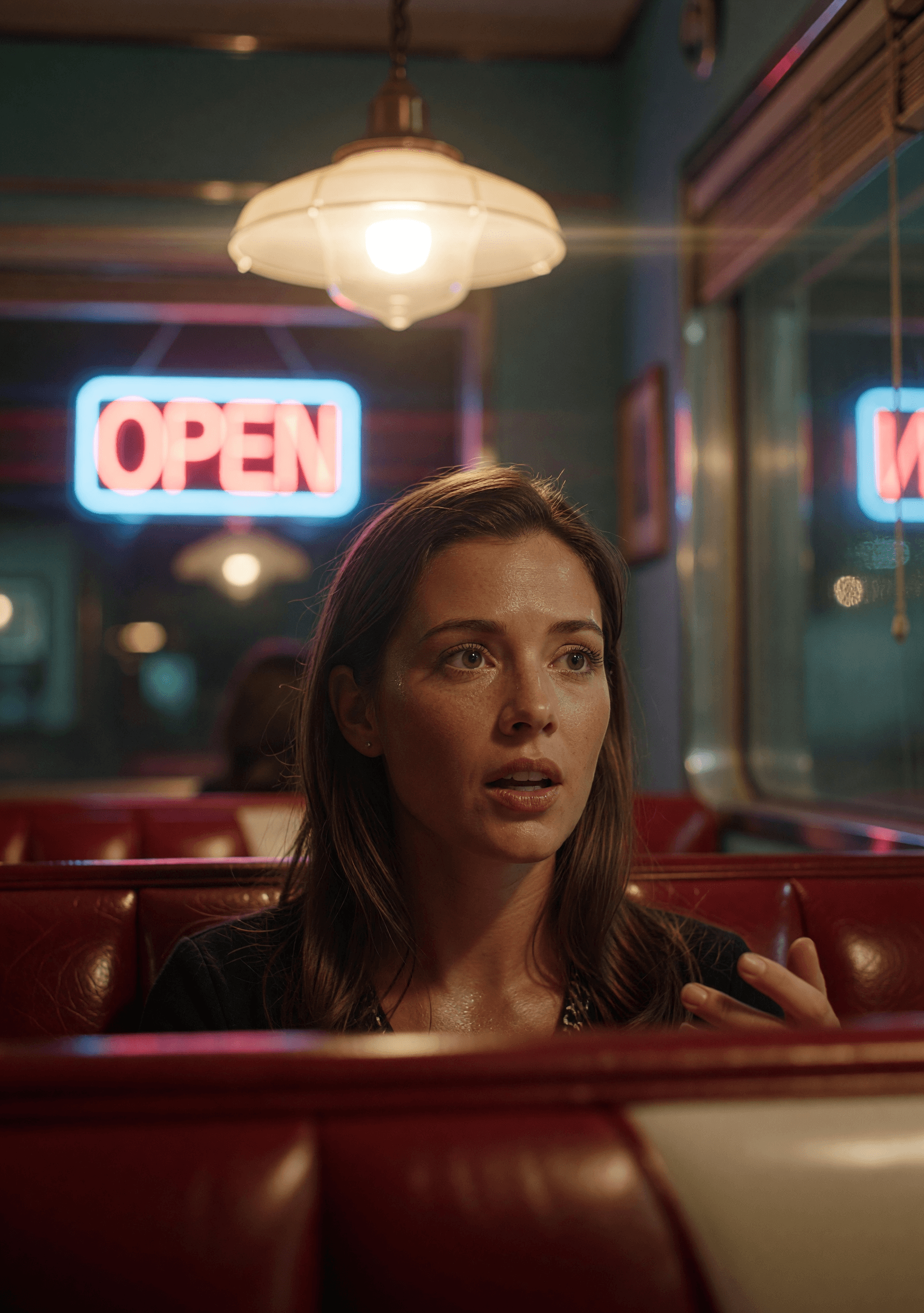
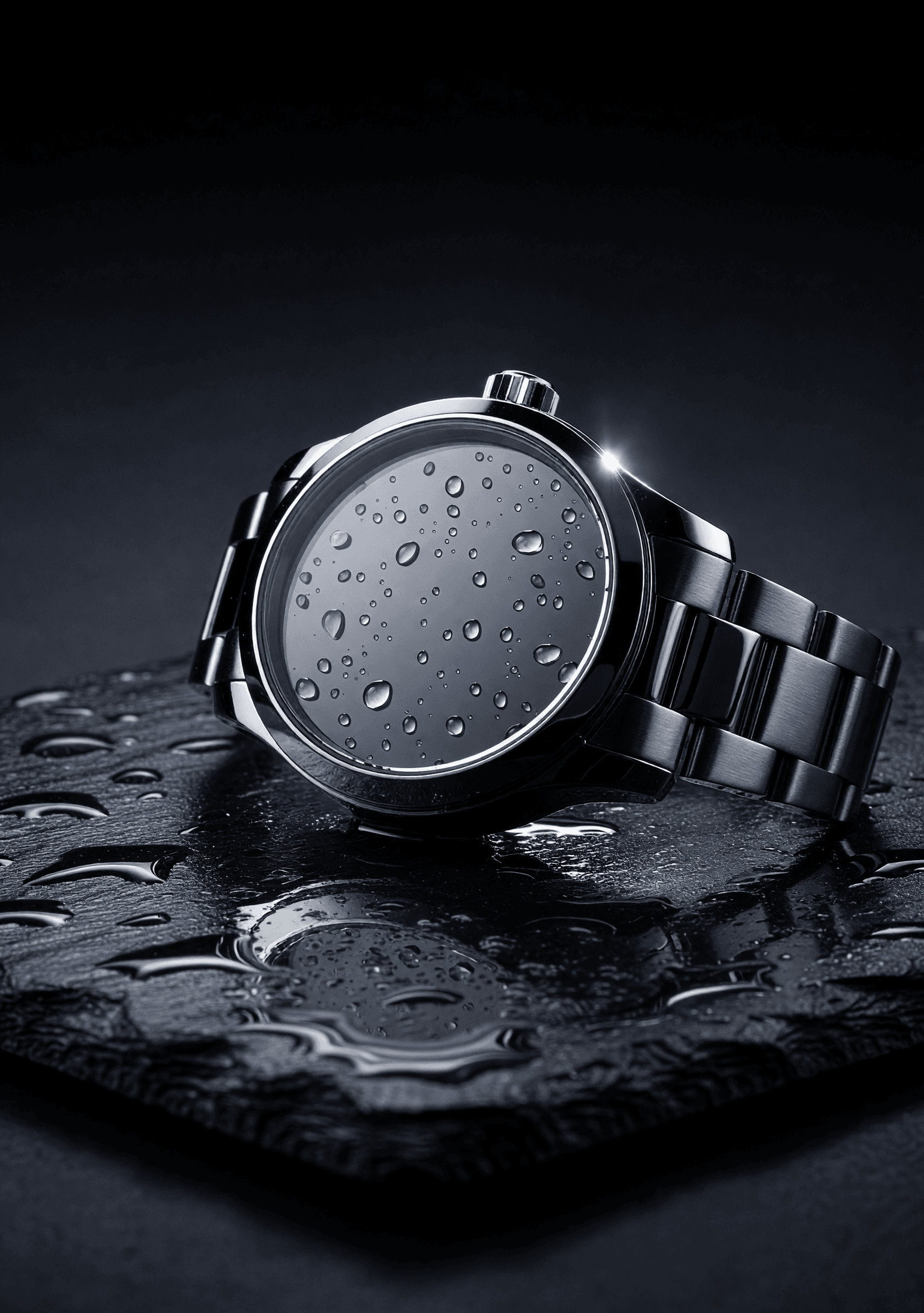
See what Veo 3.1 produces. These clips highlight the cinematic realism, motion accuracy, and native audio that set Veo apart.


Who Veo 3.1 is built for
From ad teams to dialogue-driven creators to filmmakers — Veo 3.1 fits any workflow where the audio has to land with the picture.
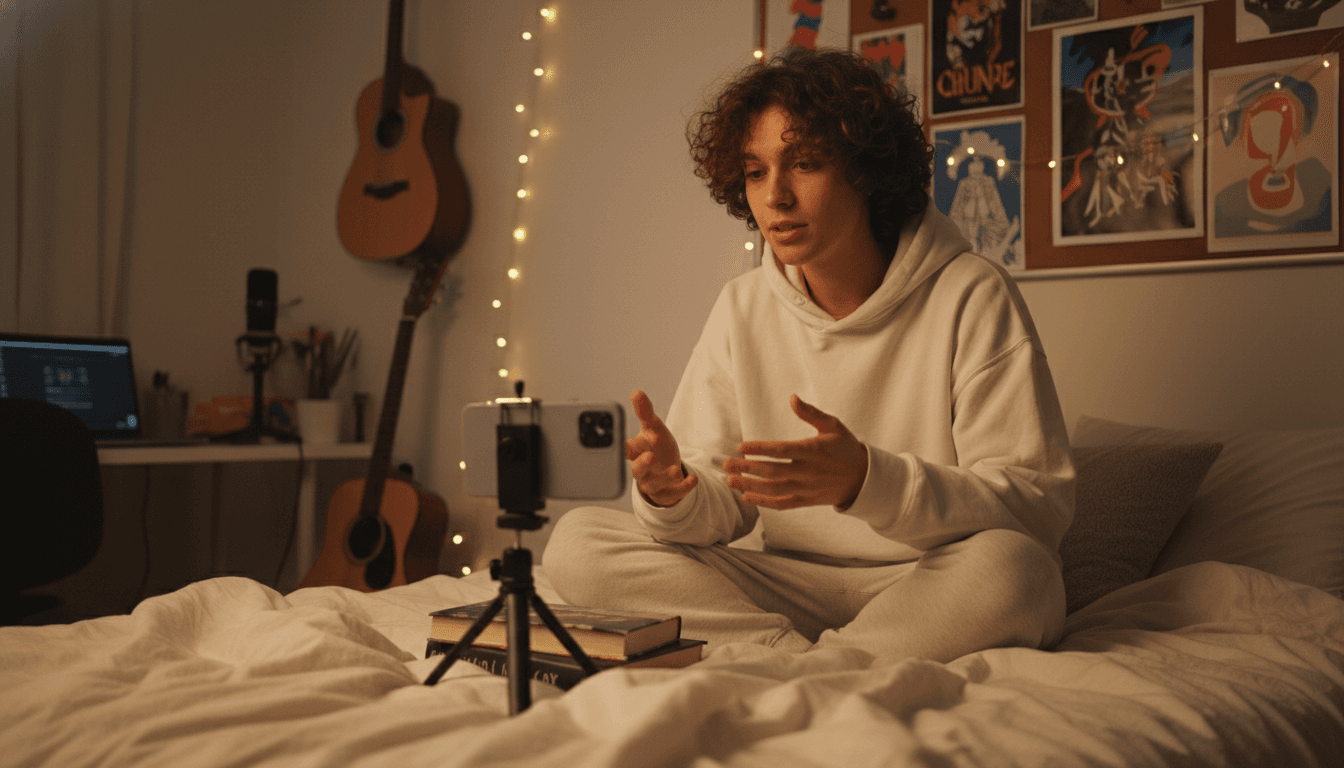
Brand advertisers and ad teams
Ship product spots and dialogue-driven ads where the voiceover, ambient, and SFX land in one render — no separate sound-design pass, no version-tracking headaches between picture and audio.
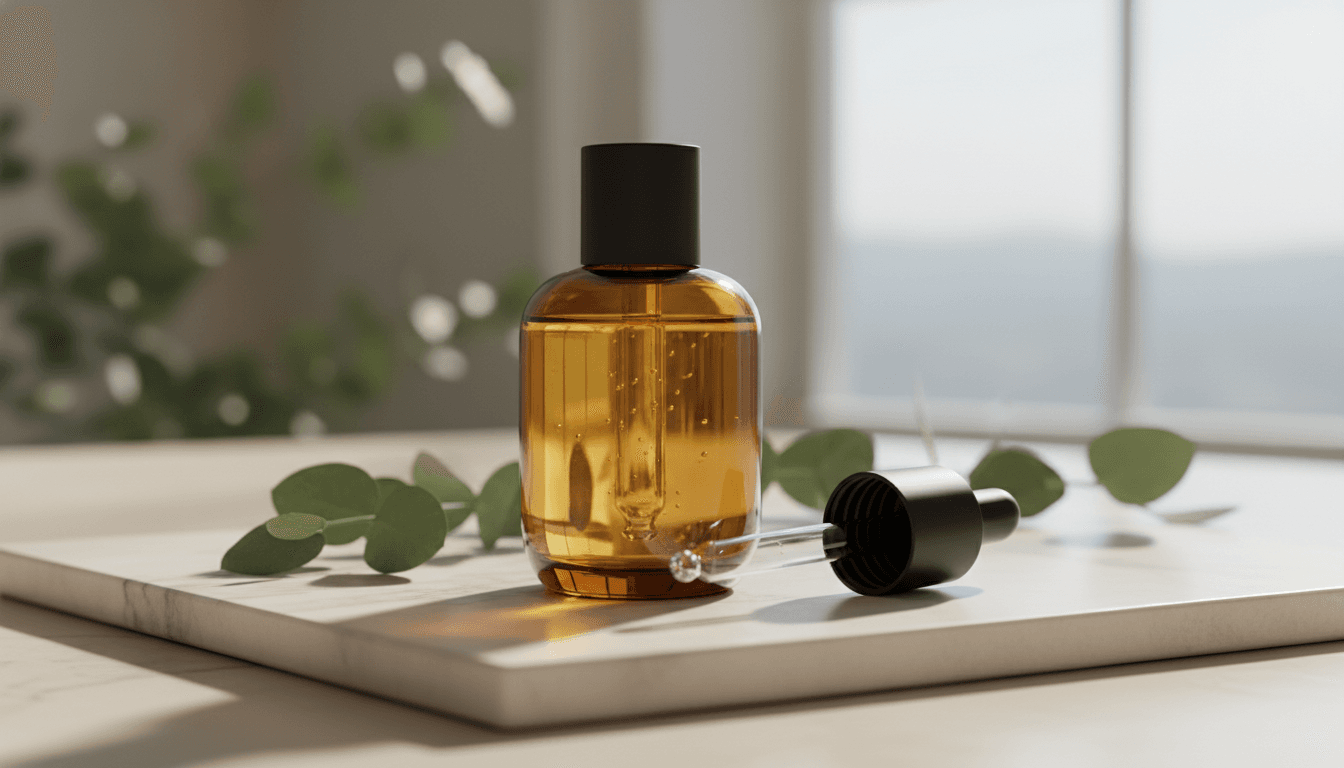
Talking-head creators and explainers
Monologues, narrated explainers, and dialogue-driven shorts with native lip sync — what used to be "shoot picture, sync audio later, hope it matches" is one prompt.
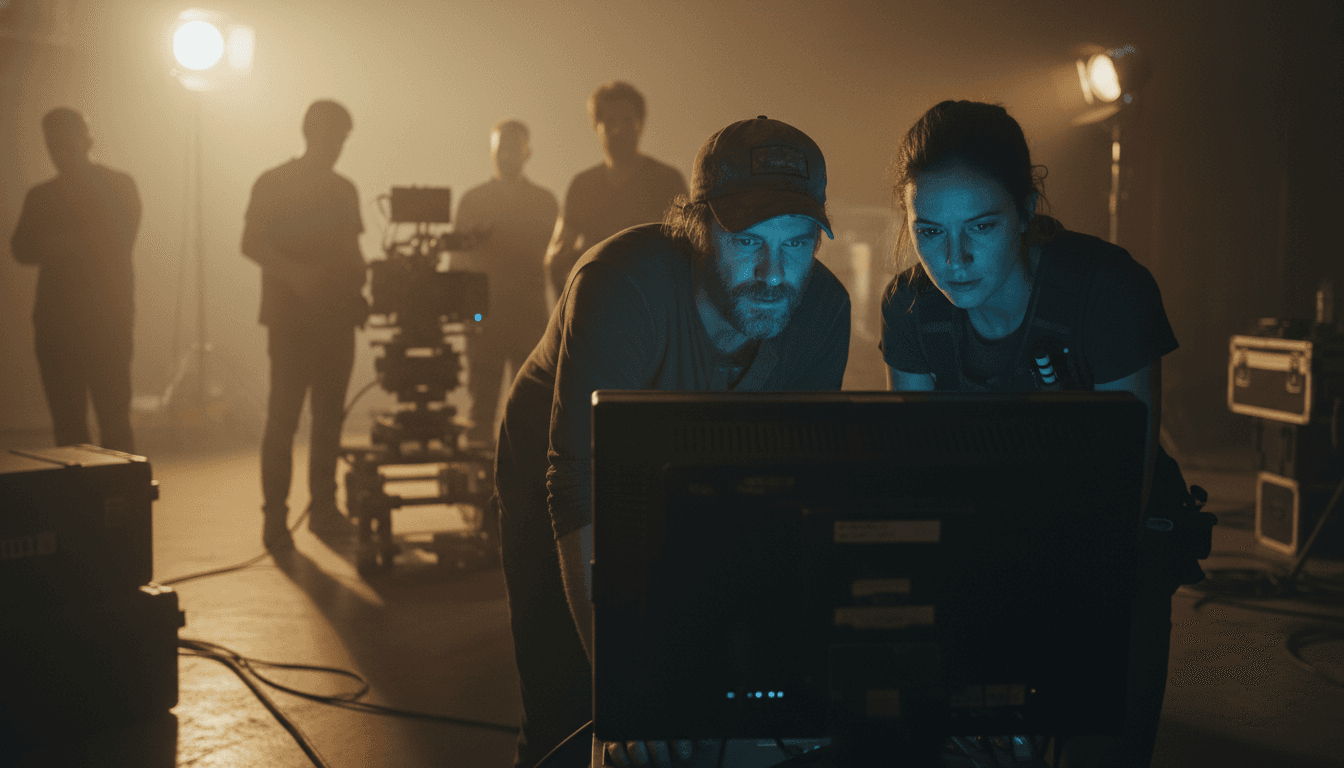
Filmmakers and pre-vis artists
Cinematic shots with production-grade synced audio — pitch decks and tone-of-the-room reels that read like the finished film, not concept slides.
Native audio
Synced dialogue, effects, and ambience from the same prompt — no separate audio model.
1080p output
Full-HD clips that go straight to YouTube, ad platforms, and client decks.
Text-to-video and image-to-video
Start from a prompt or animate a single starting frame.
Clips up to 8 seconds
Long enough for a full dialogue beat or a complete cinematic shot.
Cinematic realism
Photoreal textures, physics-accurate motion, lighting that reads like a real camera.
Reference image support
Anchor the look with a reference frame — character, product, or environment.
When to use Veo 3.1
Pick Veo 3.1 when audio matters — talking heads, dialogue scenes, ads with foley, or any cinematic spot where sound design is part of the shot.
For stylized motion and image-to-video, reach for Seedance 2.0; for natural real-world motion, Kling 3.0; for precise camera control, Wan 2.7. On animx you switch between them in one workspace and compare results — no extra subscriptions.
Veo 3.1 + every top model in one subscription
You don't need a separate Veo 3.1 subscription — it's included with animx alongside every other top model. Switch between them in one workspace, on one plan.
Frequently asked questions
- What is Veo 3.1 best at?
- Cinematic realism with native synced audio. Veo 3.1 is the strongest pick for talking heads, dialogue scenes, and any spot where sound design is part of the shot.
- Do I need a separate Google AI subscription for Veo 3.1?
- No. Veo 3.1 is included in animx alongside Seedance, Kling, Wan, and the rest of the top models — one plan covers everything.
- Does Veo 3.1 really generate audio?
- Yes — dialogue, ambient sound, foley, and music cues are generated together with the picture from the same prompt.
- How long can Veo 3.1 clips be?
- Up to 8 seconds at 1080p — long enough for a full dialogue beat or a complete cinematic shot.
- Does Veo 3.1 support image-to-video?
- Yes — upload a starting image and Veo animates it into a cinematic clip with synced audio.
Start creating with Veo 3.1
Free to start — Veo 3.1 plus every other top model in one subscription.