AI Image-to-Video Generator
Image to Video AI Generator
Animate any photo into a video — pick your model, add motion and camera controls, and export. No editing skills, no separate subscriptions. Every top image-to-video model in one workspace.
See what image-to-video can do
Real outputs from real images — across all four models, all four aspect ratios.
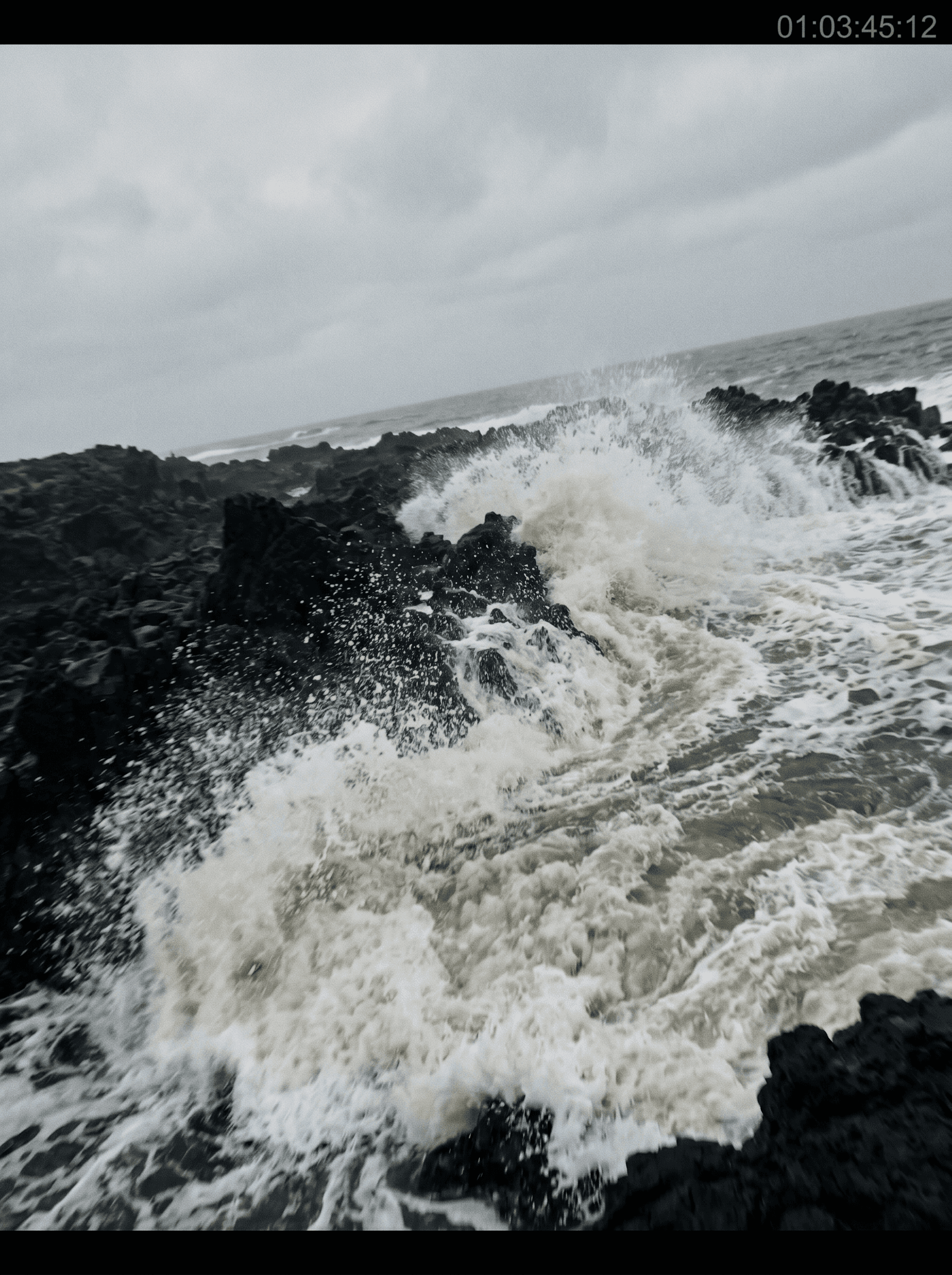

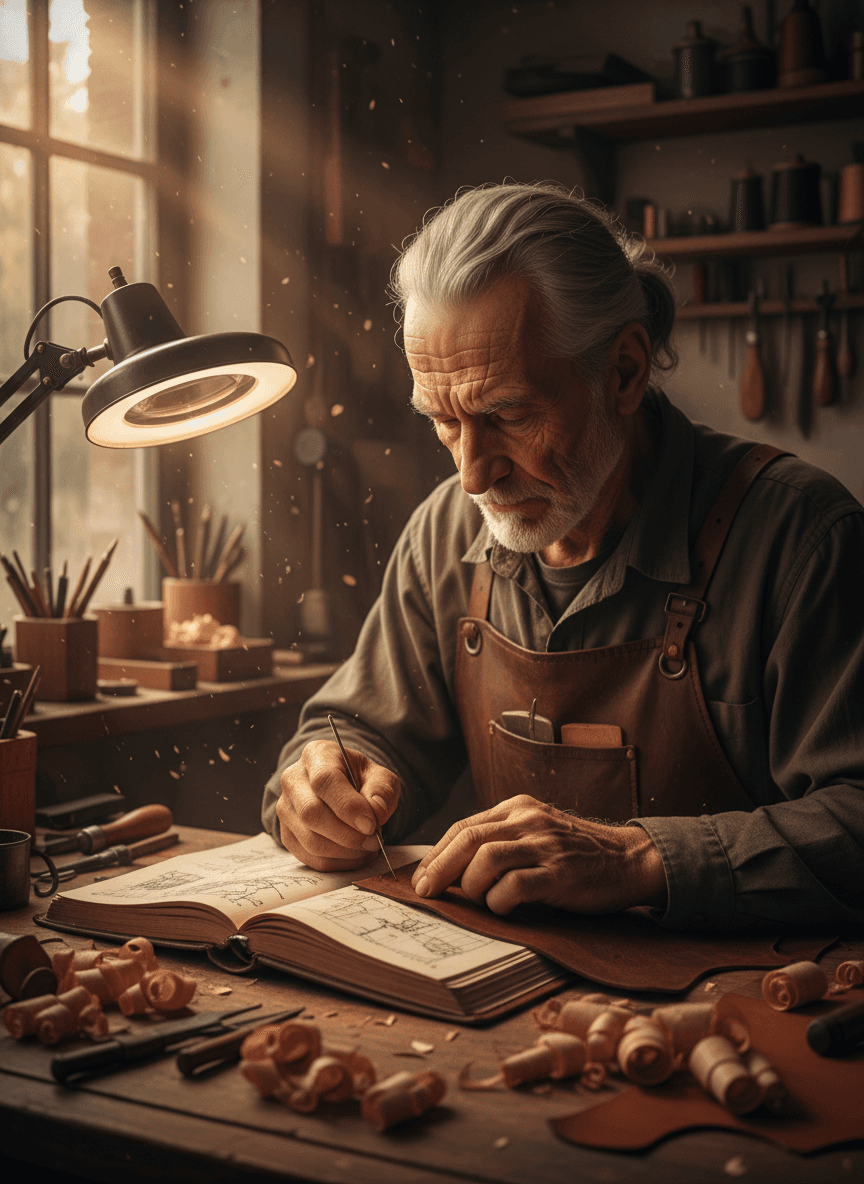

Animate any image into a clip
Image-to-video is the simplest AI video workflow: upload a starting frame, describe the motion (or let the model invent it), and the AI brings the image to life — characters move, environments breathe, cameras drift, fabric ripples. What used to need a full After Effects rig is now one prompt.
On animx you don't pick a tool, then pick a separate model, then pay for a third subscription. Upload your image once, pick whichever model fits the look you want — Seedance for stylized motion, Veo for cinematic realism with audio, Kling for grounded real-world motion, Wan for precise camera control — and export. All four are in your plan.
How to convert an image to a video
- 01
Upload your image
Drop in a photo, illustration, screenshot, or any starting frame. PNG, JPG, WebP up to ~20MB.
- 02
Pick your model + prompt the motion
Choose Seedance, Veo, Kling, or Wan based on the look. Describe the motion — or just let the model interpret.
- 03
Generate and export
Render in seconds to a couple of minutes. Download the MP4, or send straight to social.
Choose your model
Every top image-to-video model lives in your animx subscription. Pick the one that matches the look — each is tuned for a different kind of motion.
Motion, camera, and control
All the levers you'd reach for in After Effects, but driven by a prompt.
Motion direction and intensity
Describe what should move and how much — subtle ambient drift, full-body action, or anything between.
Camera moves
Pan, dolly, zoom, orbit, parallax — describe the move in plain language and the model interprets.
Multiple aspect ratios
16:9 for landscape, 9:16 for vertical social, 1:1 for square feed — generate in the format your destination needs.
Reference frames
Anchor the look with up to 4 reference images (Kling) or use your source image as the only anchor — your call.
Native synced audio
Pick Veo, Seedance or Happy Horse to get dialogue, ambient sound, and SFX rendered together with the picture — no separate audio pass.
Switch models without re-uploading
Try the same image across Seedance, Veo, Kling, and Wan in one workspace — compare outputs side by side.
Frequently asked questions
- What image formats work?
- PNG, JPG, and WebP are supported up to ~20MB. Higher resolution generally gives the model more detail to animate, but anything from a 512px thumbnail to a 4K still works.
- How long does generation take?
- Most clips render in 30 seconds to 2 minutes depending on the model, length, and resolution. Veo, Seedance and Happy Horse are slightly slower because they generate synced audio at the same time.
- Do I need a separate Seedance or Veo subscription?
- No. Every image-to-video model on the page — Seedance, Veo, Kling, Wan — is included in your animx plan. Switch between them in one workspace, no per-model billing.
- Can I control the motion or do I just upload and hope?
- Both. Type a prompt to direct the motion explicitly (camera move, subject action, mood) — or upload and let the model interpret. Some models (Kling) also accept up to 4 reference frames to anchor the look.
- Which model should I pick?
- Seedance for smooth stylized motion + image-to-video specifically (it's tuned for this). Veo for cinematic realism + native synced audio. Kling for natural real-world motion. Wan for precise camera control. Try the same image across all four — they all live in your plan.
Animate any image — in your browser
Free to start. Every top image-to-video model in one workspace, no per-model billing.