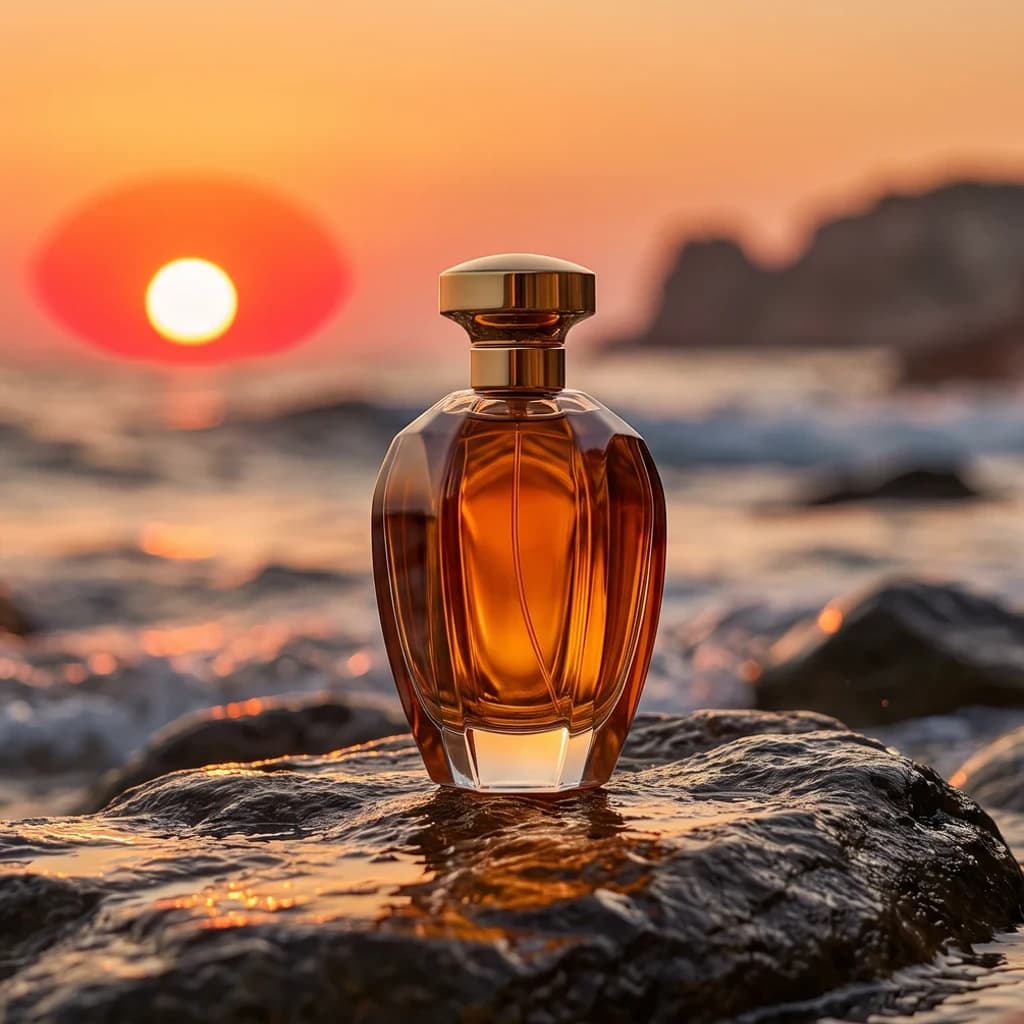
Change the aspect ratio
Go from 1:1 to 16:9, 9:16 or 4:5 without cropping anything out.
Expand a photo beyond its edges
Upload an image and choose the new shape. animx fills the added area so it matches the original — same light, same style, no visible seam — and leaves your photo untouched.
aurora_square.jpg
1:1 · 1024 × 1024
≈90
credits
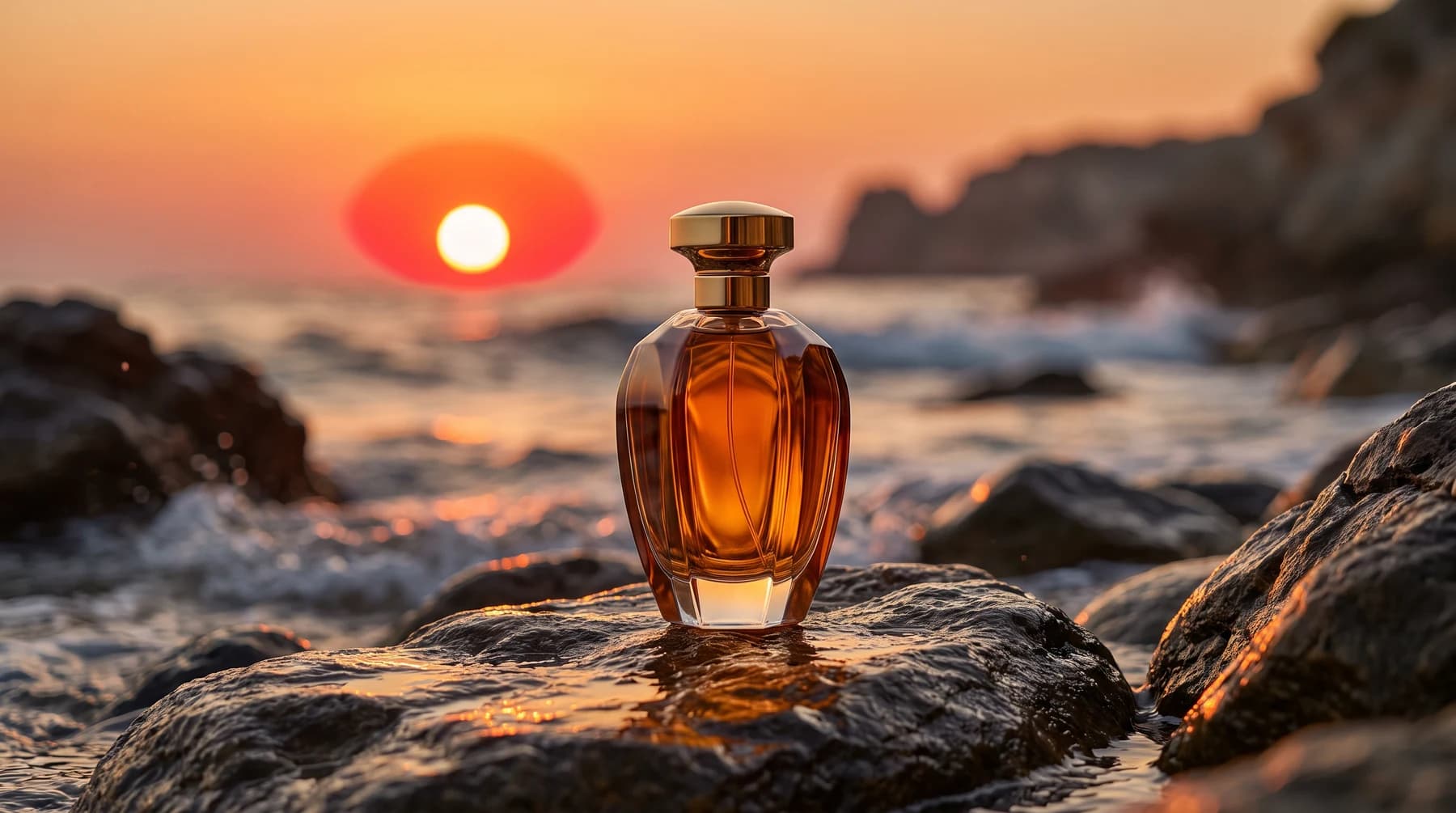 Original · 1:1AI-extendedAI-extended
Any ratio
16:9, 9:16, 4:5, 21:9, custom
4 sides
extend one or all
4K
top output size
Prompt
optional: say what to add
18
credits per image and up
An AI image extender — also called outpainting or AI expand — makes a picture bigger by generating what lies beyond its edges. Instead of stretching or cropping, the model reads the light, perspective and style of your image and continues the scene. Use it to turn a square product shot into a wide banner, a landscape photo into a vertical story, or a tight portrait into one with room for text.
Go from 1:1 to 16:9, 9:16 or 4:5 without cropping anything out.
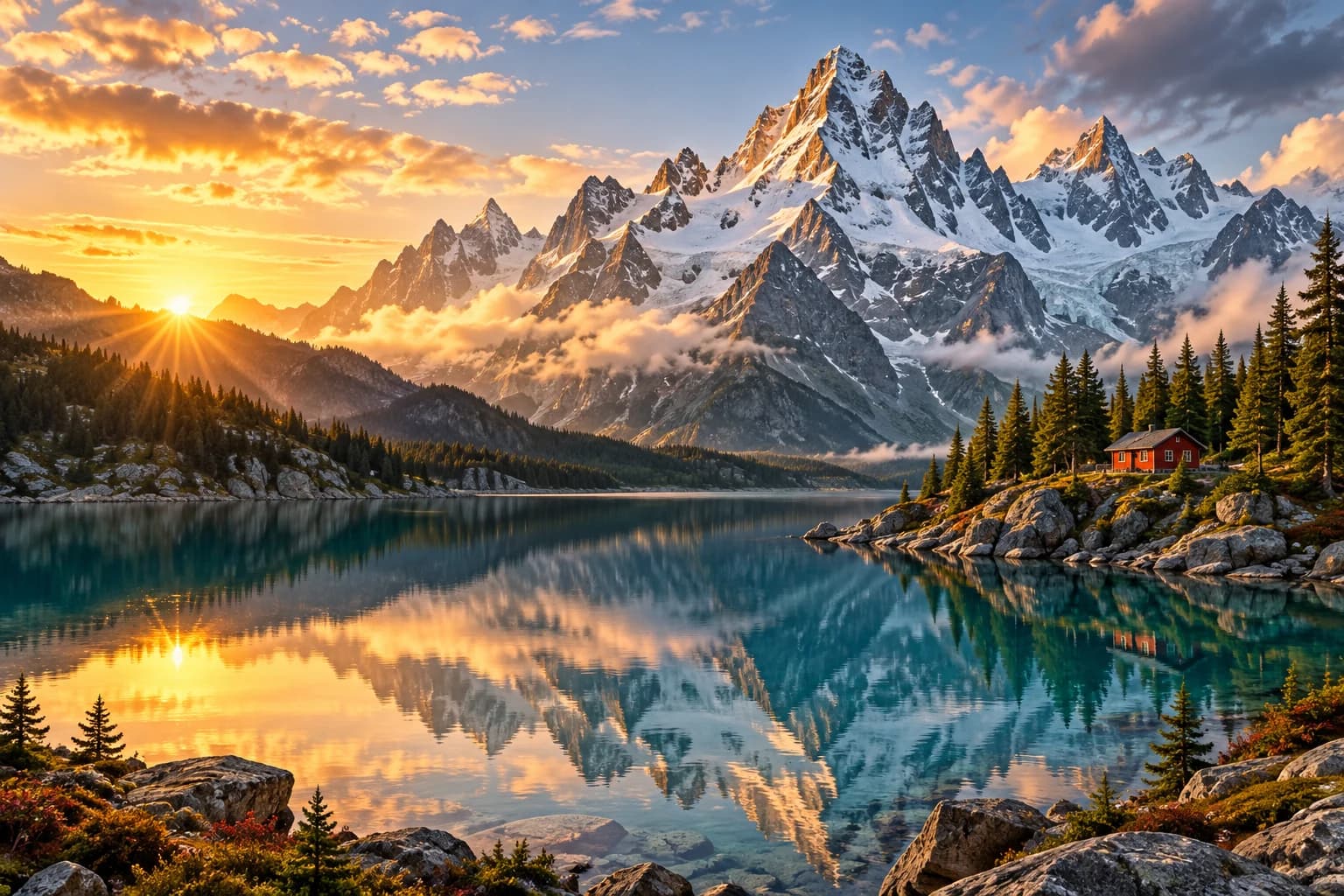
New areas match the light, depth and texture of the original.
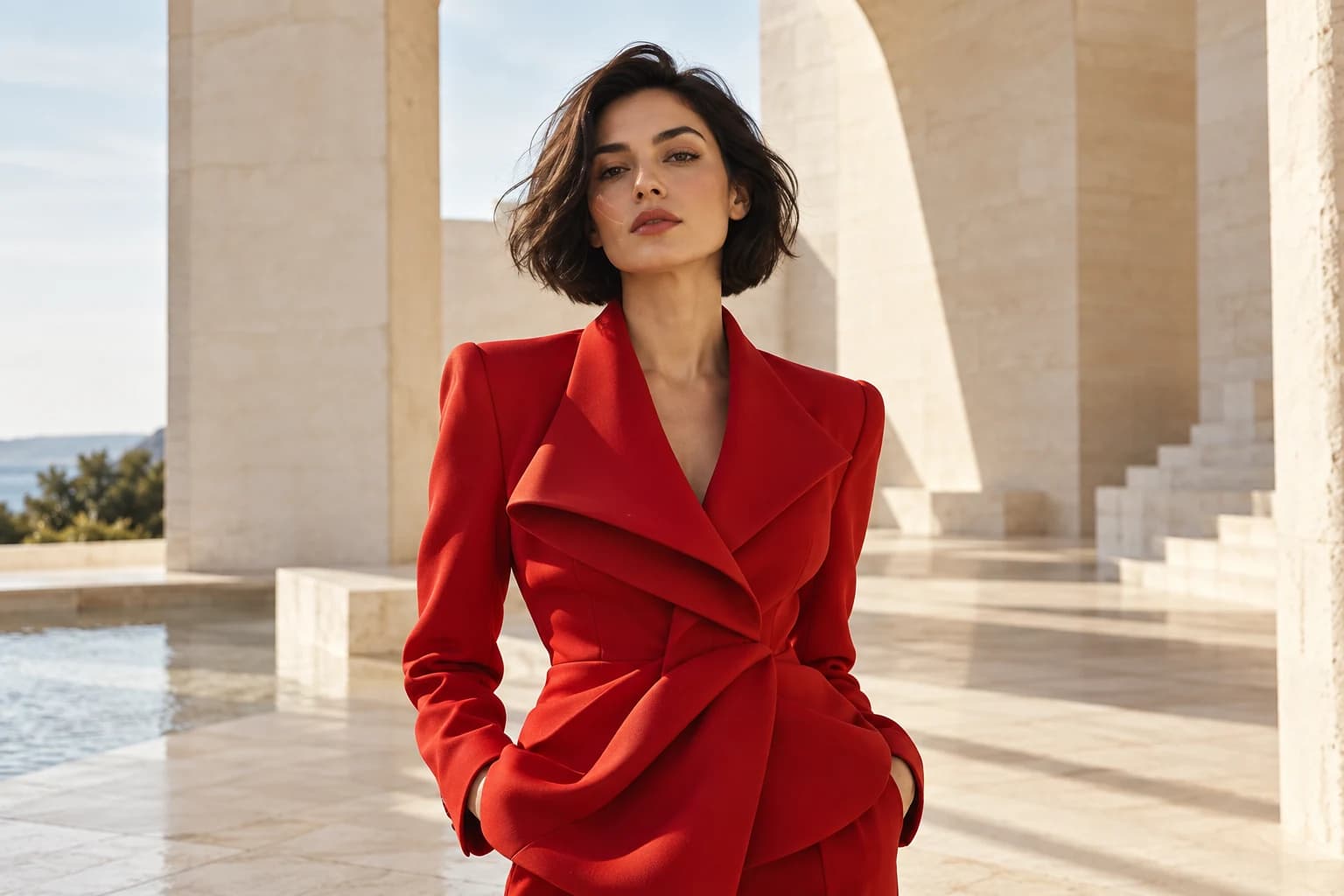
Add clean space to the side of a portrait or product for a headline.
Say what should appear in the new area, or leave it empty and let the model continue the scene.
01
JPG, PNG or WebP. Photos, illustrations and AI images all work.
02
Pick a ratio or drag the edges. Choose which sides to extend.
03
Add a short prompt if you want something specific in the new area. Make a few versions and keep the best.
Each example shows the change of shape, the prompt and the cost of one 1K image.
1:1 → 16:9Nano Banana ProPrompt
Extend to 16:9: more sea and rocks on both sides, same sunset light. Keep the bottle unchanged.
4:5 → 16:9GPT Image 2Prompt
Extend left and right: continue the lake shore and the pine forest, keep the mountain reflection.
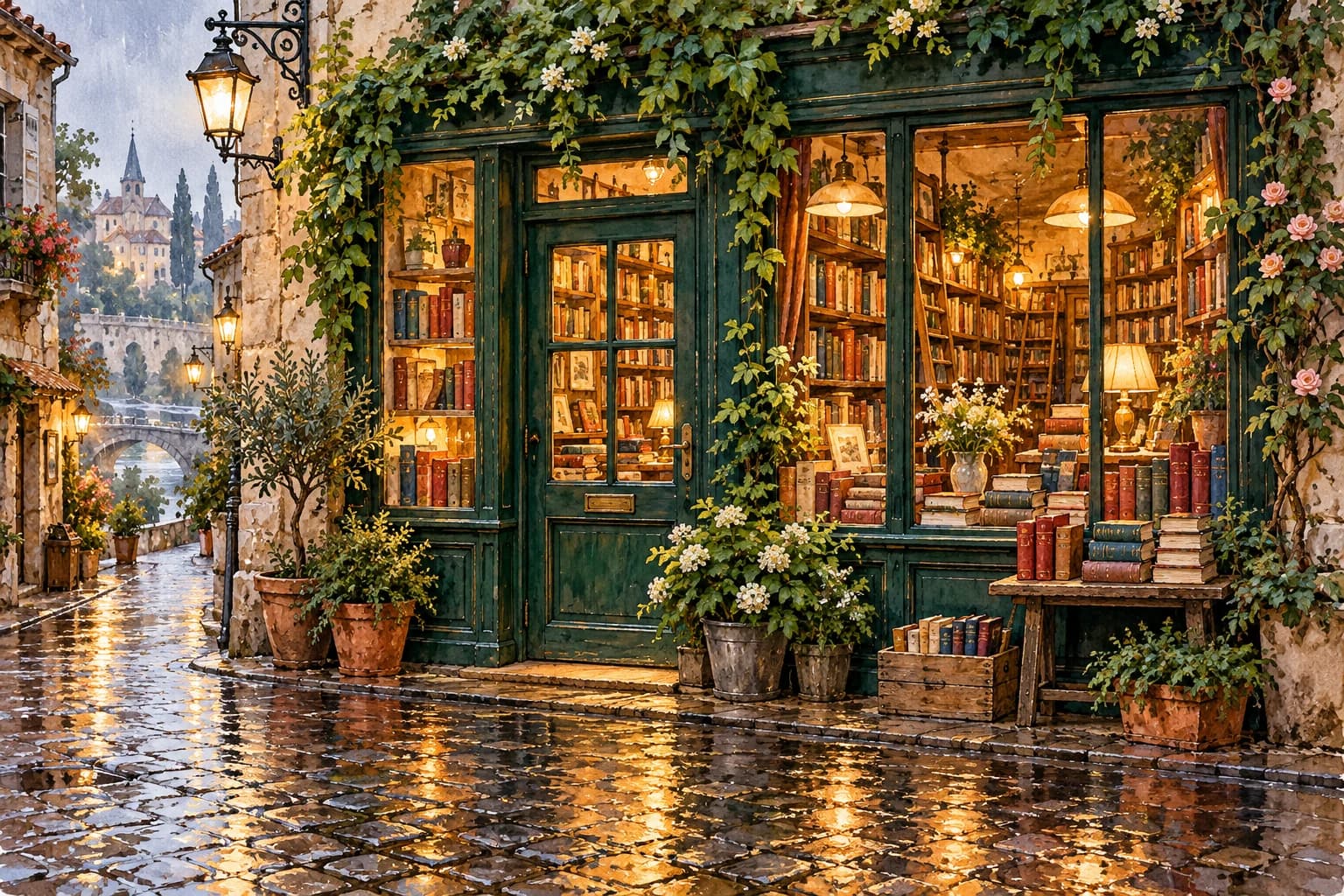
1:1 → 21:9Seedream 4.5Prompt
Extend to a wide street view: more wet pavement, street lamps and shop windows on both sides, same evening rain.
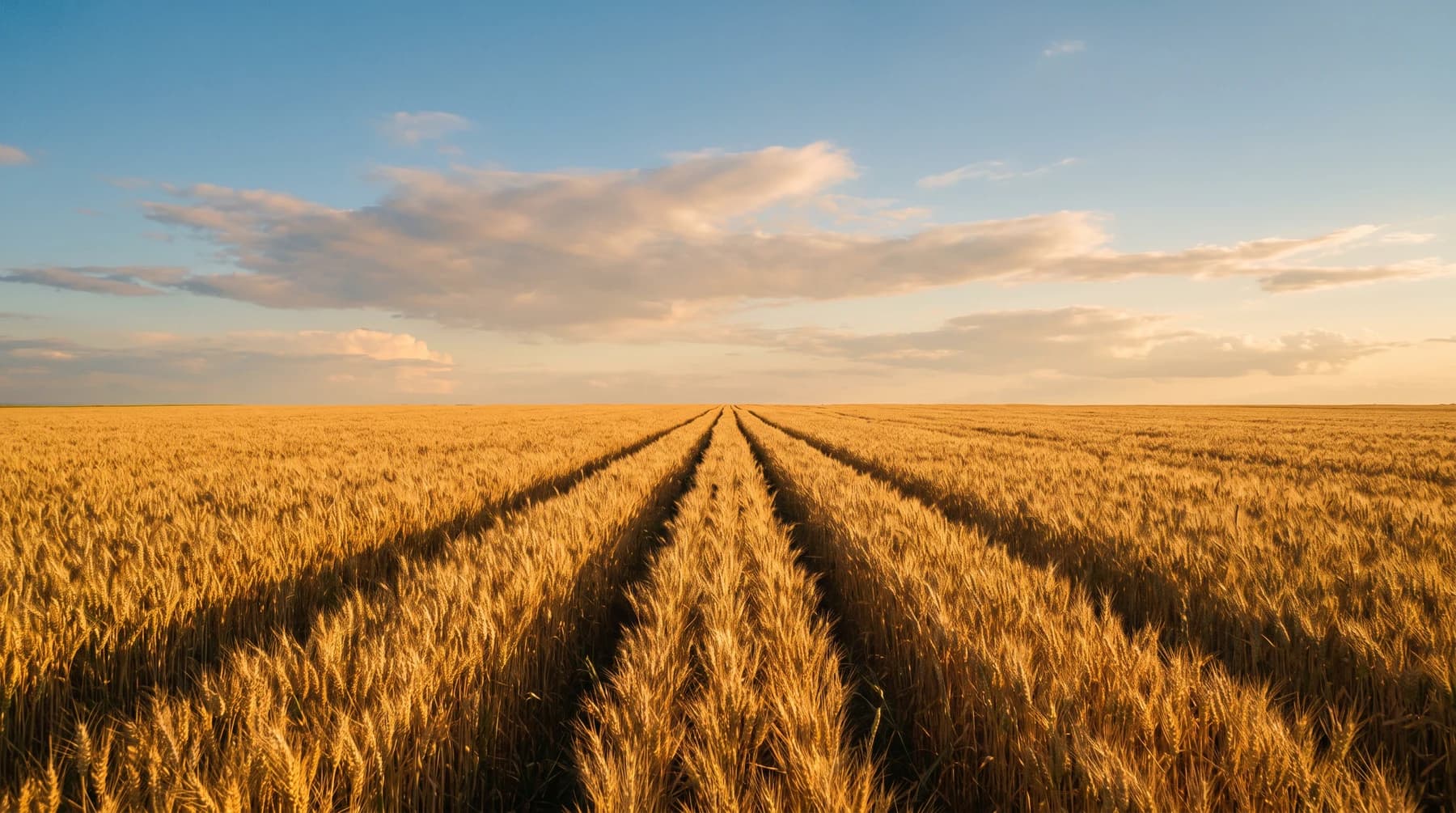 16:9 → 9:16Nano Banana Pro
Prompt
Extend up and down: more sky with soft clouds above, more rows of the field below.
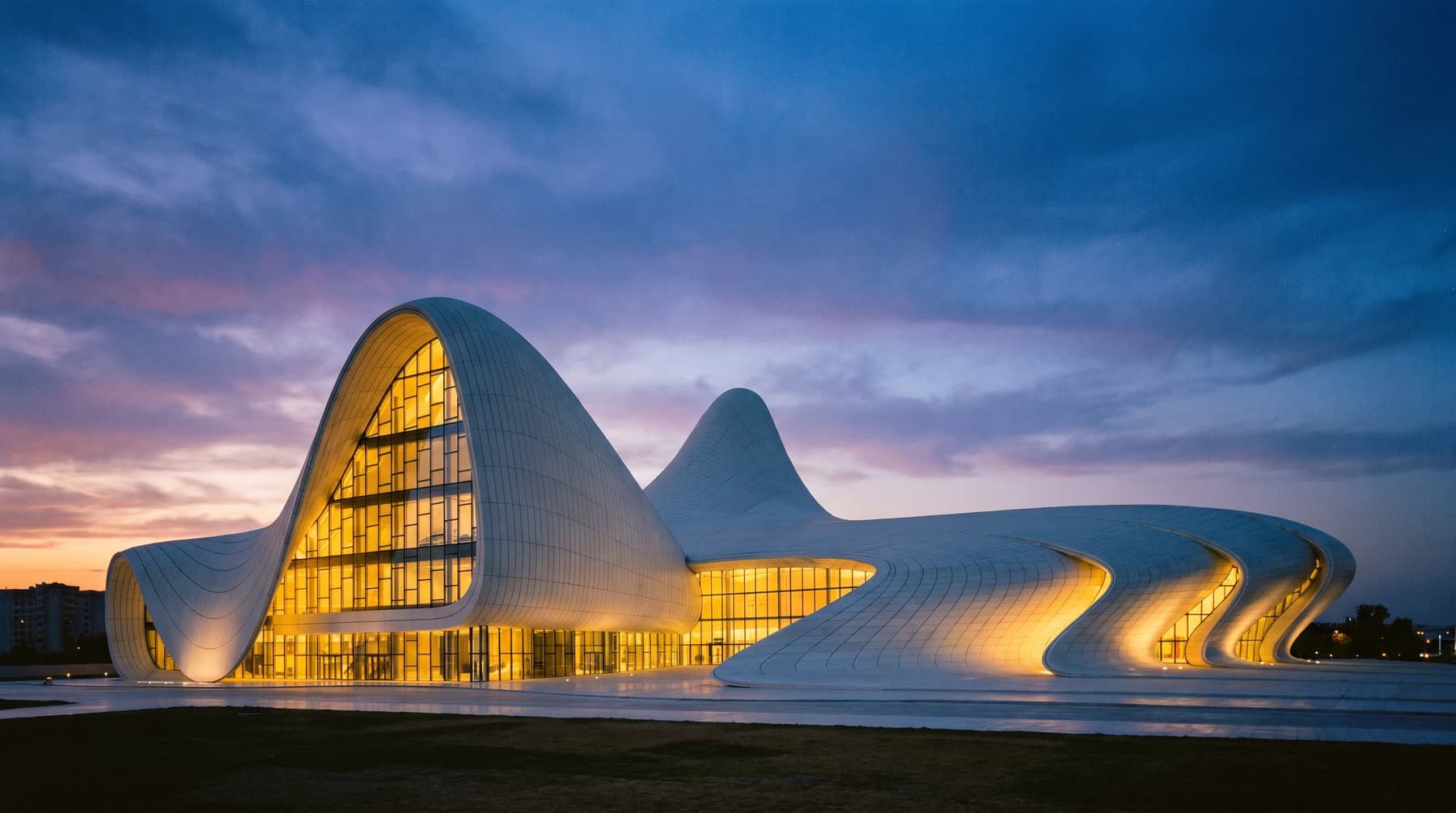 BannerFLUX.2 Max
Prompt
Extend to the right with open dusk sky to leave space for a headline.
WallpaperRevePrompt
Extend to 16:9 for a desktop wallpaper: wider field and more open sky on each side.
Credits from the animx price list, November 2026. Longer clips and higher resolutions cost more; the exact cost shows next to Generate.
One image, every format
Extend a single key visual to 16:9 for YouTube, 9:16 for stories and 4:5 for the feed.
Extend an imageGood fit
Keep in mind
An extension costs the same as one image from the chosen model; 2K and 4K cost more. The exact cost shows before you generate.
$39 / month, billed yearly
$49 month to month
New here? 200 free credits on sign-up, no card needed. Need more? Ultra: 30,000 credits for $99 a month billed yearly.
An AI image extender, or outpainting tool, enlarges an image by generating new content beyond its edges so that it matches the original.
No. The pixels inside your original frame stay as they are; the model only adds new area around the edges. Compare the result before you export.
16:9, 9:16, 4:5, 21:9, 1:1, 3:2, 2:3 and custom ratios, depending on the model. Pick a preset or set the edges yourself.
No. Leave it empty and the model continues the scene. A short prompt helps when you want something specific in the new area, like more sea, open sky or room for a headline.
Yes. Any JPG, PNG or WebP works, including images made with an AI generator.
An extension costs the same as one image from the chosen model: 18 credits with Reve, 24 with Seedream 4.5, 30 with GPT Image 2 and 90 with Nano Banana Pro. Higher resolutions cost more; the exact cost shows before you generate.
Upload a picture, pick the new shape and let the model fill the rest.
Extend to 16:9: more sea and rocks on both sides, same sunset light.
Extend an imageRuns on animx credits · 200 free credits on sign-up · Commercial use on paid plans