
Kinetic titles
Type that slides, scales and writes itself on for launch films, trailers and social hooks.
Motion graphics from a prompt or your own design
Describe the title, poster or logo sting and animx animates the type and layers — 5 to 30 seconds, 16:9, 9:16 or 1:1, exported as MP4.
≈471
credits
Maya Chen
Creative director
2 ways
prompt or your own design
5–30 s
per motion clip
3 formats
16:9, 9:16 and 1:1
MP4
clean export, no watermark
300
credits per 5-second clip and up
An AI motion designer turns a written idea or a still frame into moving graphics. You describe the type, the layers and how they should move; the model animates the composition and returns a video clip you can cut into a launch film, an ad or a social post. On animx you can start from text or upload a poster, title card or logo frame and animate that.
Type that slides, scales and writes itself on for launch films, trailers and social hooks.

Turn a still poster into a moving composition: layers, grain, light and camera drift.
Orbit, light sweeps and end cards around a product, with typography timed to the beat.
Seamless abstract motion for title beds, lower thirds and looping social backgrounds.
Generated motion is video, not an editable After Effects project. Text can warp on fast moves; for precise logos and copy, design the frame first and animate it, or check the frame before you publish.
01
Start from a prompt, or upload a finished title card, poster or logo frame. A clean frame with the text already placed gives you the most control.
02
Name the entrance, the camera move and the timing: slide up, scale in, wipe, morph, hold for two seconds. Short, physical directions work best.
03
Pick 16:9 for films, 9:16 for social or 1:1 for feeds. Generate a few takes, then use the last frame to chain the next shot.
Each example shows the prompt, model and cost. Open one in the generator, swap in your own frame, and adjust the motion.
Prompt
“LAUNCH DAY” slams in as bold white type over a dark red gradient, a thin line sweeps underneath, camera pushes in slowly, cinematic, 5 seconds.
Prompt
A white ring logo slowly rotates and settles on a dusk-blue background, a soft glow sweeps around the circle, tiny particles drift, the ANIMX wordmark fades in, premium logo sting, smooth motion.
Prompt
A fashion portrait in a red knit sweater; bold color blocks slide and rotate behind her while she stays still, poster energy, slow push in.
Prompt
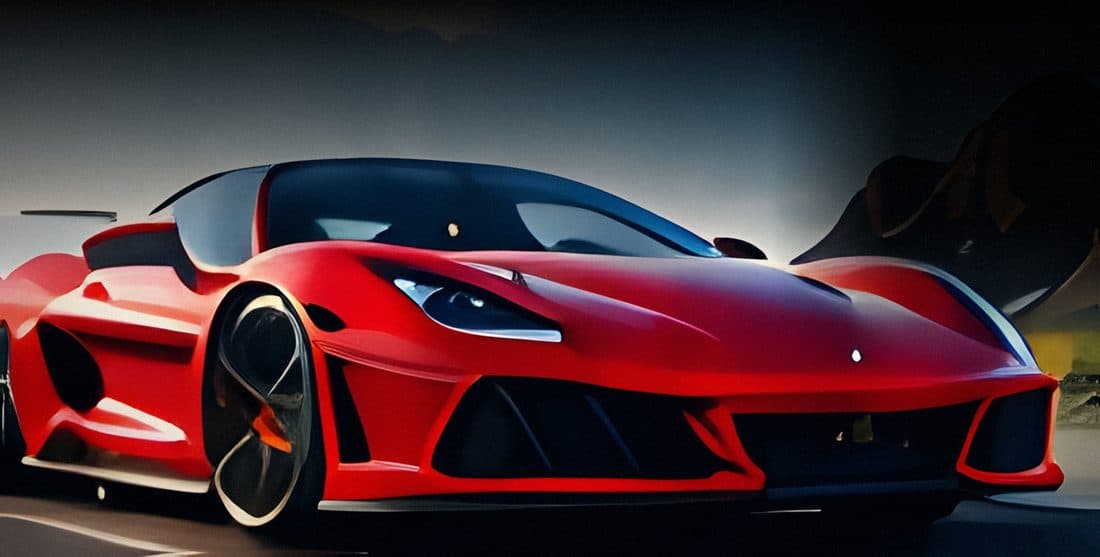
Slow orbit around the red sports car, a light sweep runs along the body, and the title NEW SEASON appears at the bottom.
Prompt
A slow push in on a portrait in golden light; a large thin title SUMMER TOUR 2027 appears across the bottom of the frame.
Prompt
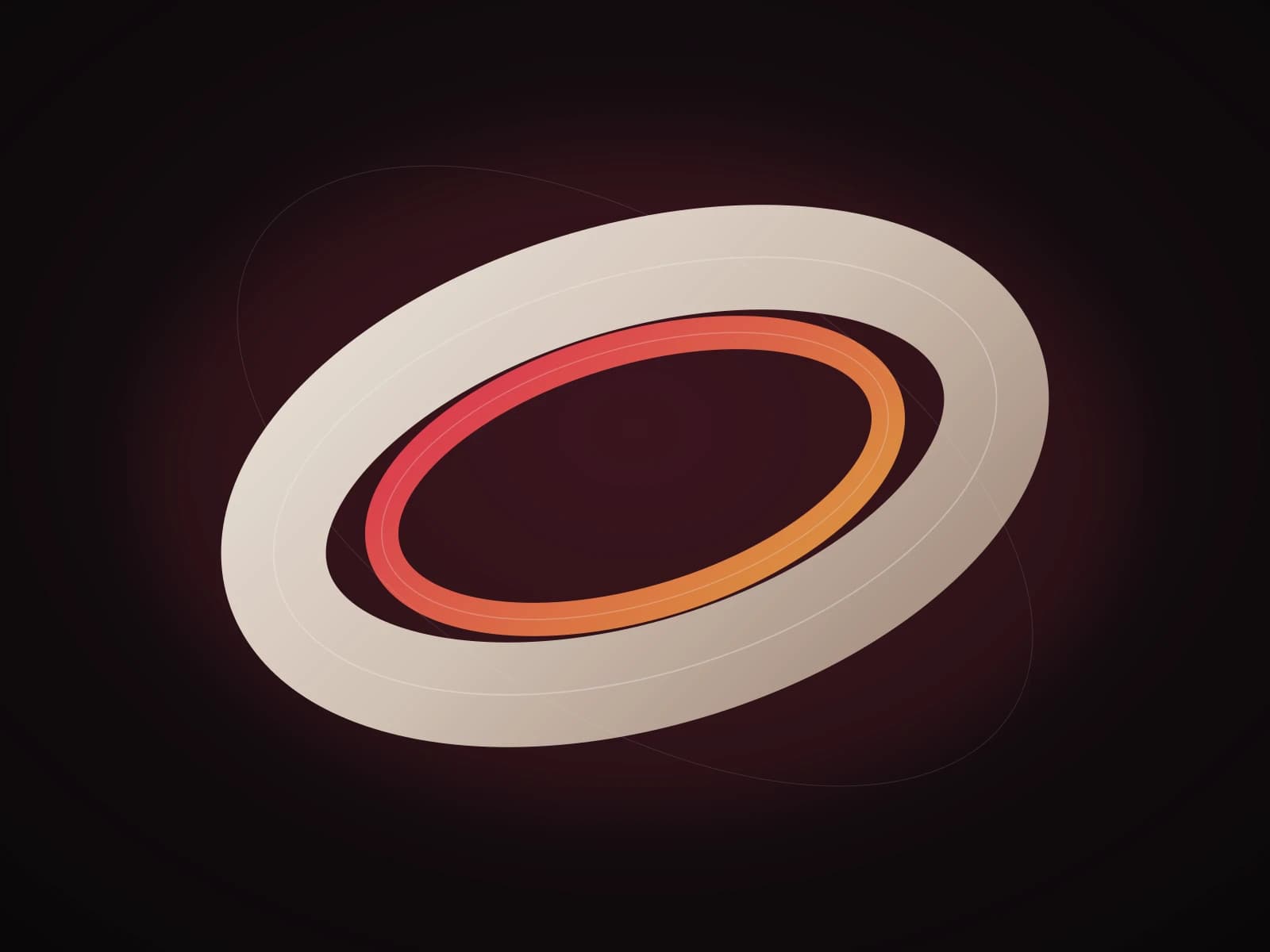
A cream and orange ring slowly rotates over a dark warm background, light catching the edges; seamless loop.
Credits from the animx price list, November 2026. Cost depends on model, duration and resolution; the exact cost appears next to Generate.
Text has to be exact?
Generate a still title card with GPT Image 2 or Nano Banana Pro, then send it to a video model as the first frame. The type stays sharp and the motion model only has to move it.
Open the image generatorGood fit
Not the right tool
Video prices are per 5-second clip at 720p; longer or higher-resolution renders cost more. Image price is per 1K frame. Exact cost appears before you generate.
$39 / month, billed yearly
$49 month to month
New here? 200 free credits when you sign up, no card needed. Need more? Ultra: 30,000 credits for $99 per month, billed yearly.
An AI motion designer turns a prompt or a still frame into a short motion graphics clip. It animates type, layers and camera moves; you use the result as a title, logo sting, poster or product promo.
Yes. Upload a finished frame as the first image and describe the motion. This is the most reliable way to keep a logo or exact type intact. Very complex layouts may still need a real motion designer.
Text is the weak point of video models. For brand names, legal lines and small type, design the frame as a still first, then animate it. Check every frame before publishing.
Clips run 5 to 30 seconds depending on the model, in 16:9, 9:16, 1:1 and some vertical ratios. Export is MP4 without a watermark; paid plans include commercial use.
A 5-second 720p clip costs 300 credits on Wan 3.0, 471 on Kling 4.0 and 554 on Seedance 2.5. Longer or higher-resolution renders cost more; the exact cost appears before you generate.
Yes, paid plans include commercial use. Don't use AI motion to imitate another brand's logo or copyrighted title sequence, and check any platform-specific ad rules.
Describe the words, the entrance and the camera. Generate a five-second take, then use its last frame to build the next shot.
“LAUNCH DAY” slams in as bold white type over a dark red gradient, a thin line sweeps underneath, camera pushes in slowly, cinematic, 6 seconds.
Open the motion generatorRuns on animx credits · 200 free credits when you sign up · Commercial use on paid plans