AI Relight
AI Relight — change the lighting in any photo
Upload a photo and relight it with a sentence: golden hour, studio light, neon night. The subject, the pose, the background — all untouched. Only the light moves.
 BeforeAfter
The light lab
Pick a photo. Pick a light.
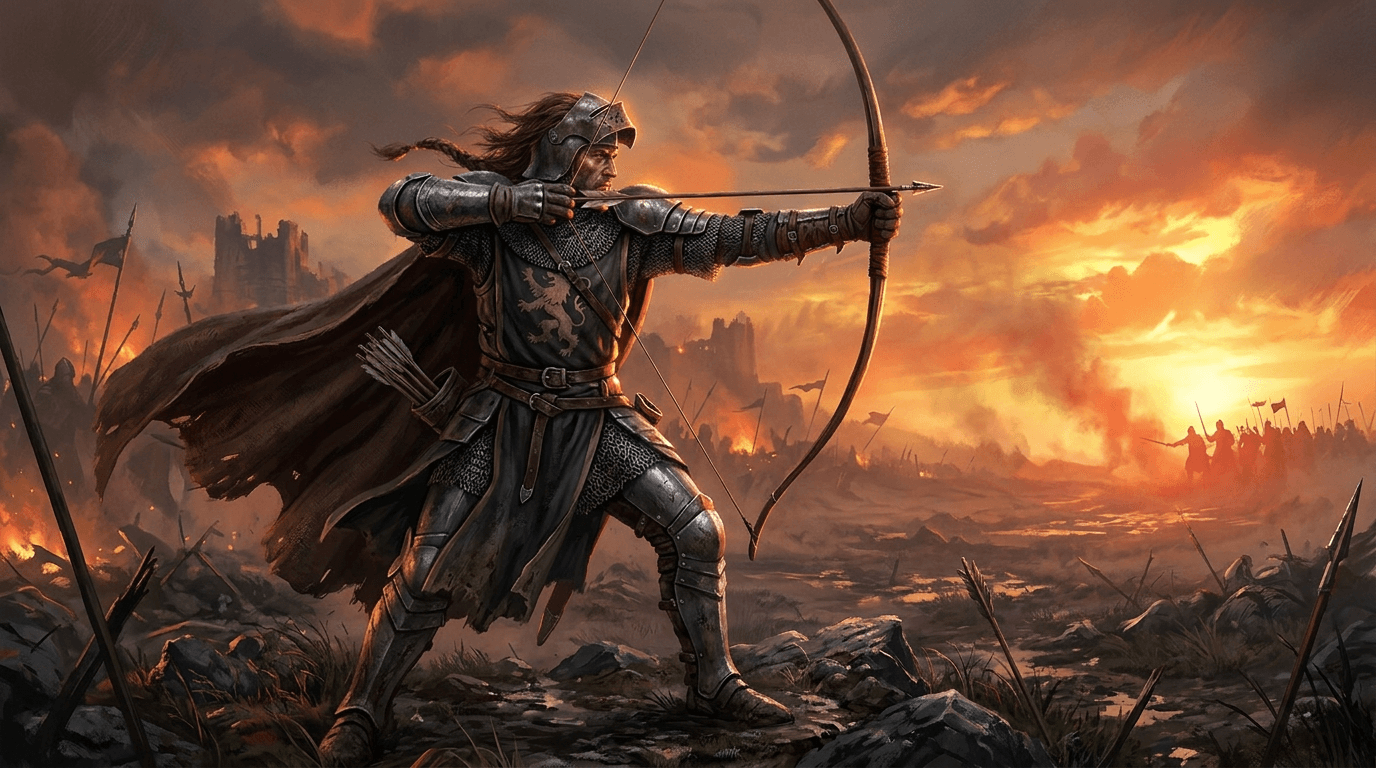
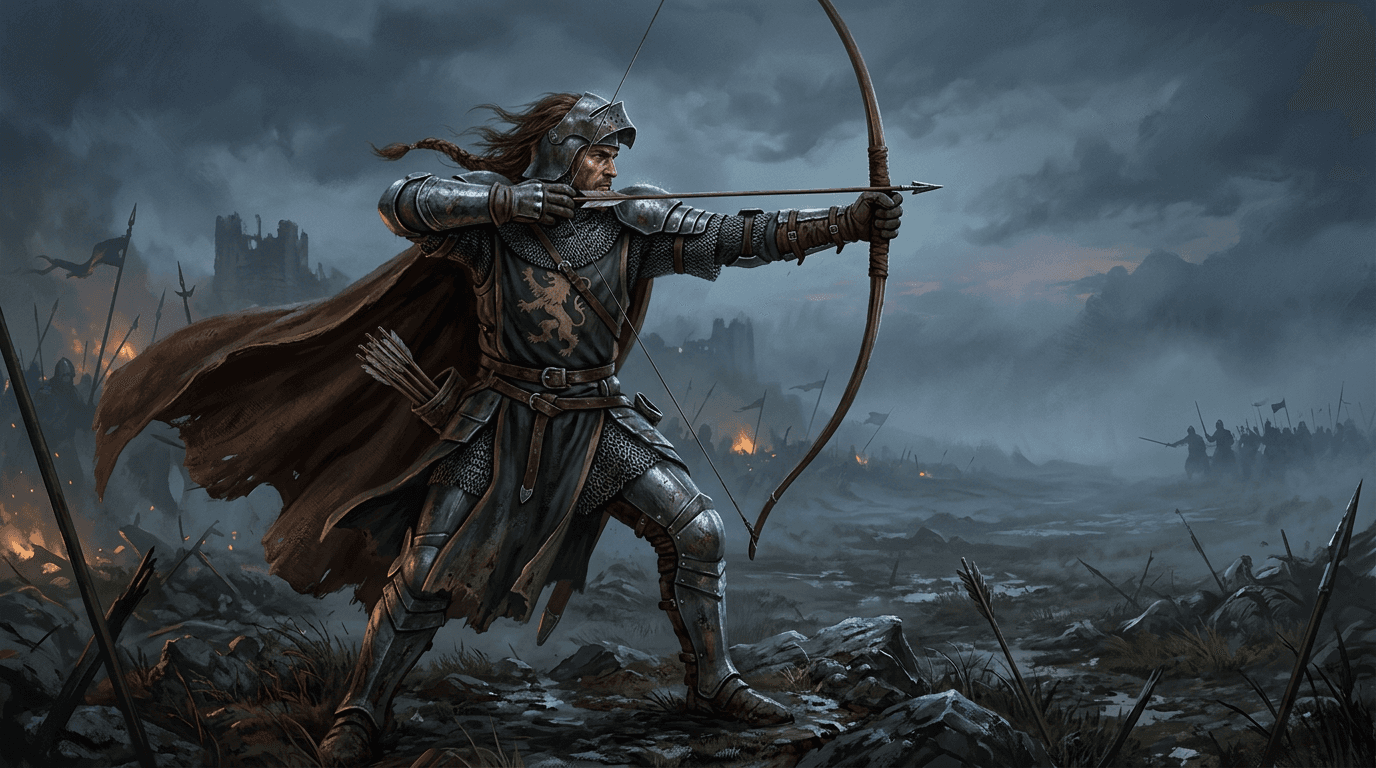
Every pairing below is one prompt on the same photo. Drag the handle — the subject stays exactly who they are, the light changes everything else.
 BeforeAfter
Relit on animx
One photo. Every light.

From rainy night to sunny morning
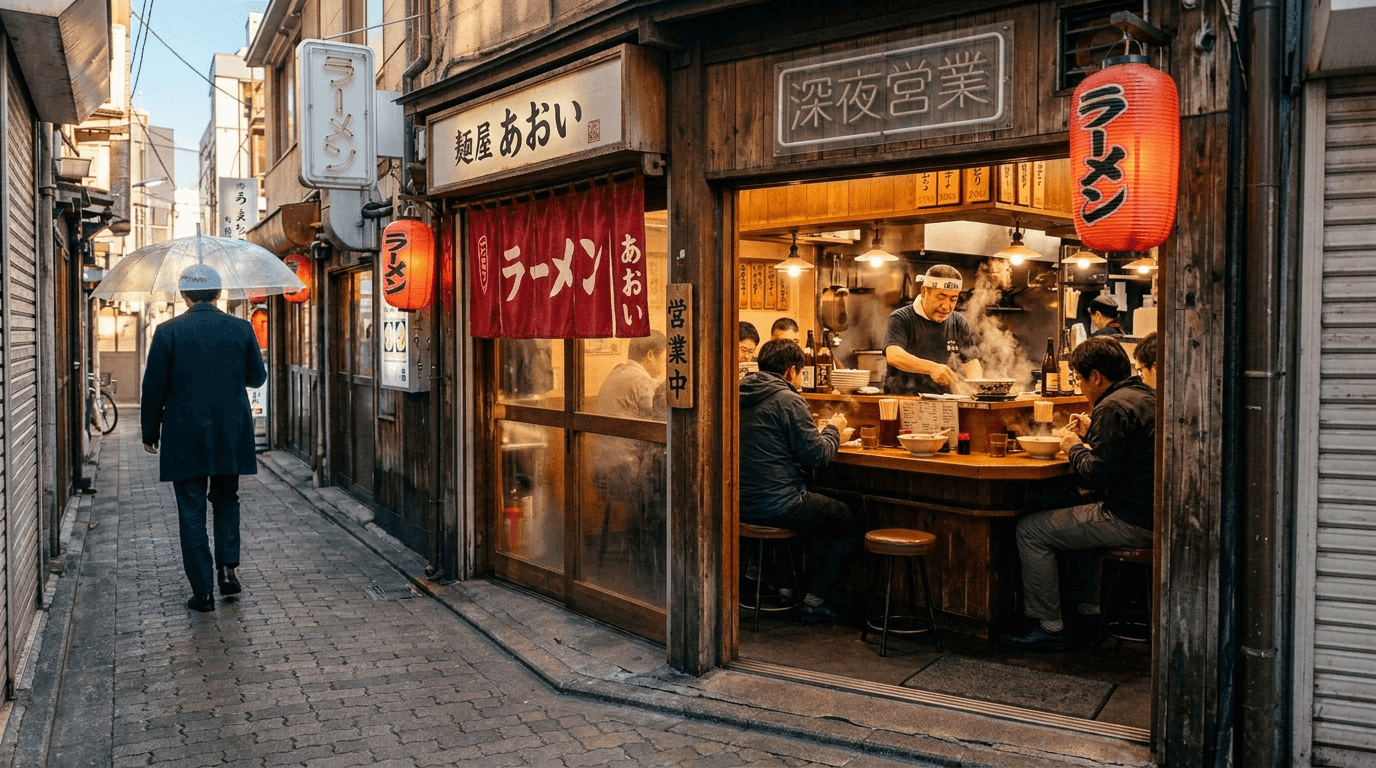
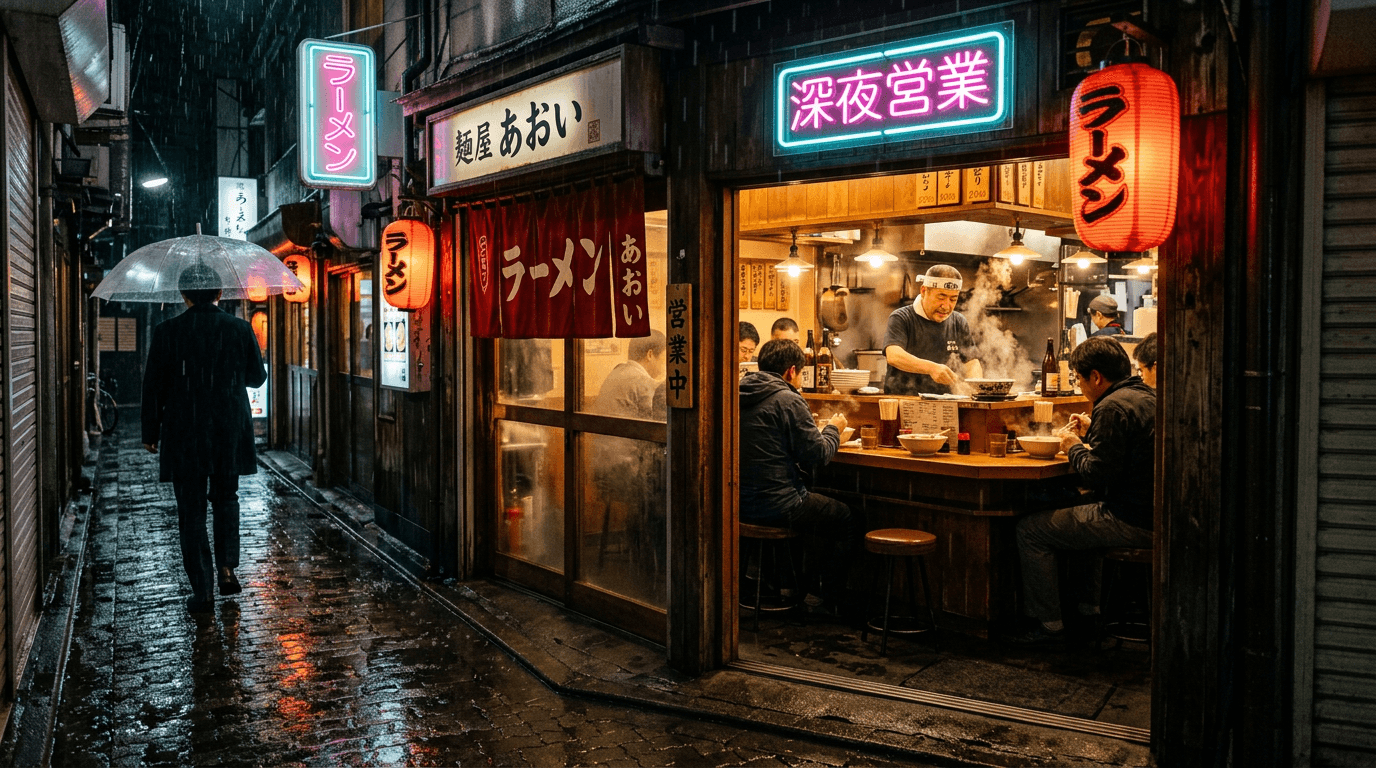
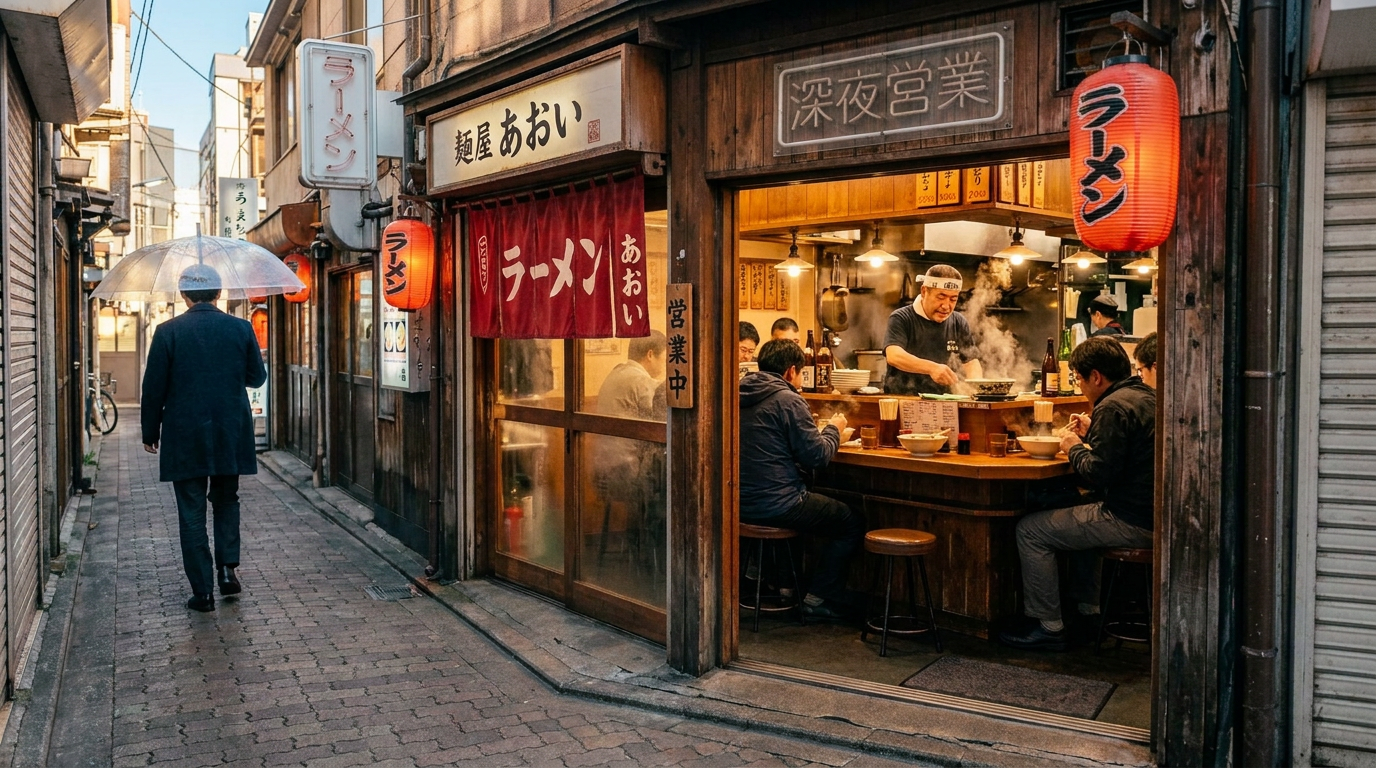
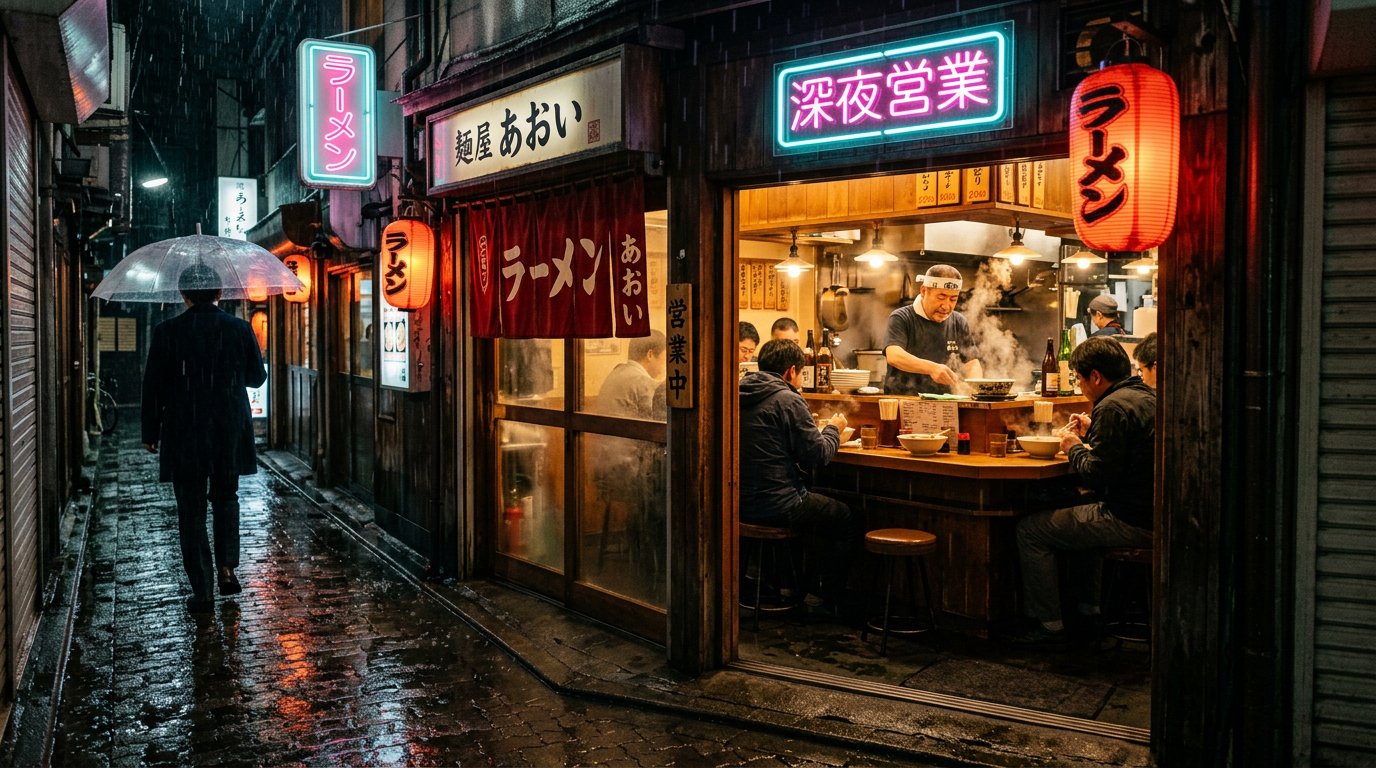
The same Tokyo alley — relit from a rainy night to bright morning light: dry pavement, warm sun, the neon signs off. One prompt moves the whole scene from one time of day to another.
“Bright sunny morning — dry pavement, warm sunlight, no rain, the neon signs off — keep the ramen shop and everyone in it identical”
Studio light from a dim room
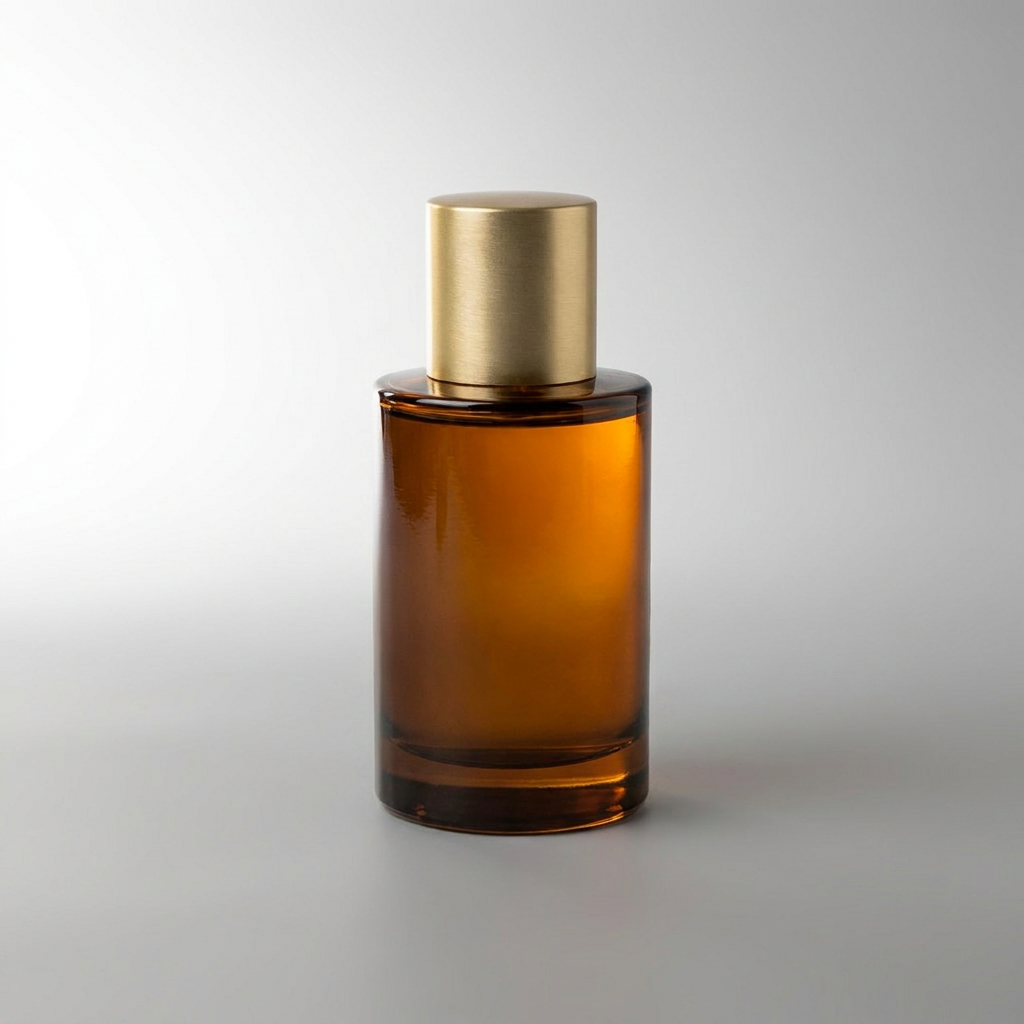
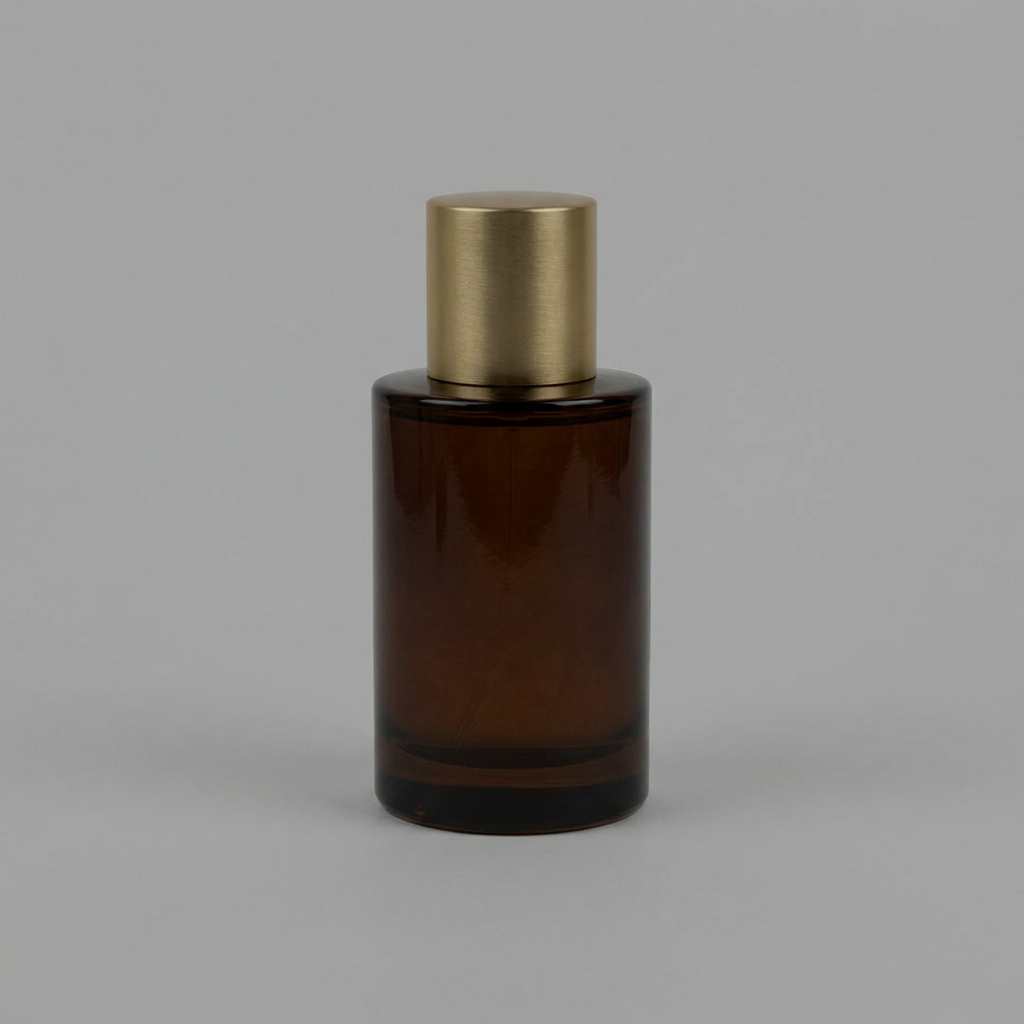
A dull product snap becomes a premium studio shot: key light from the upper left, crisp specular highlights along the glass, a clean gradient falling off the background.
“Professional studio lighting: key light upper left, specular highlights on the glass edges, soft gradient background — keep the bottle identical”
Neon night, rain included
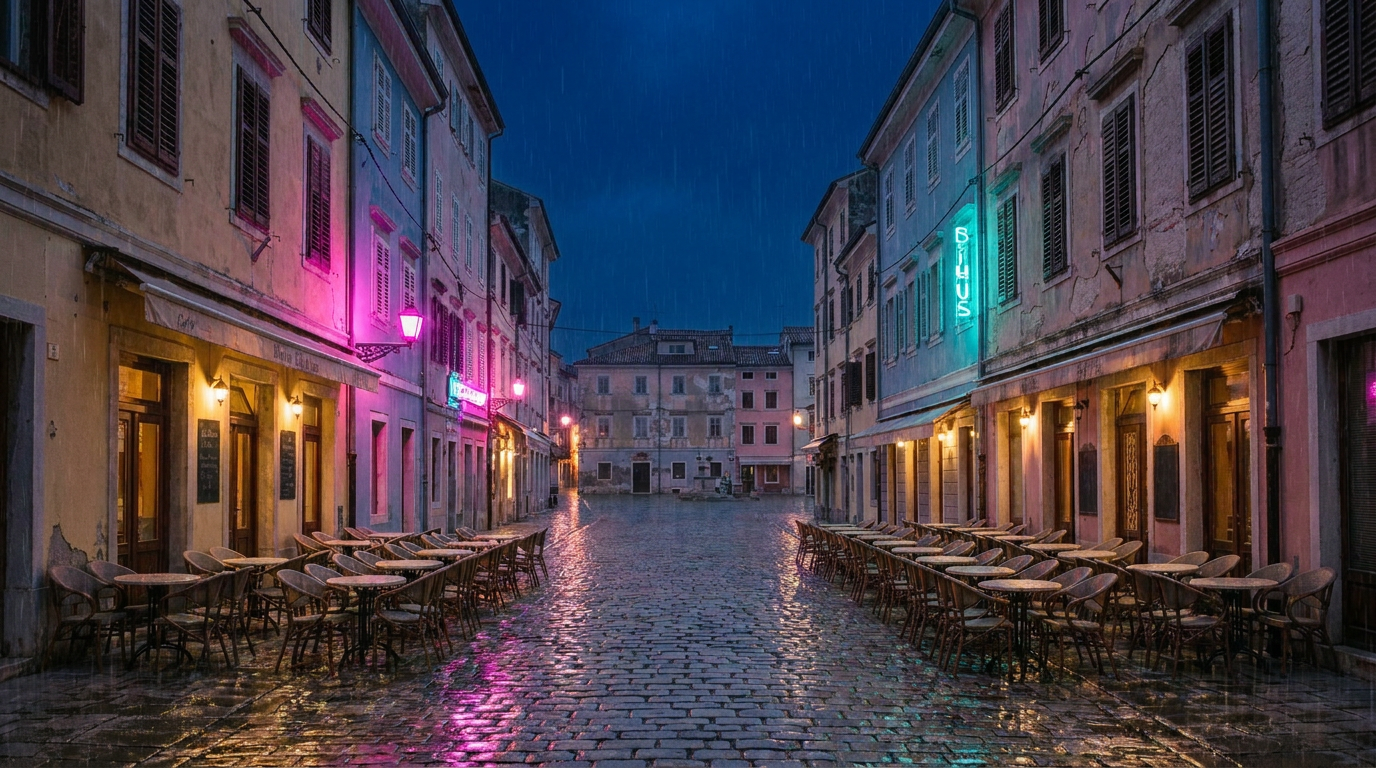
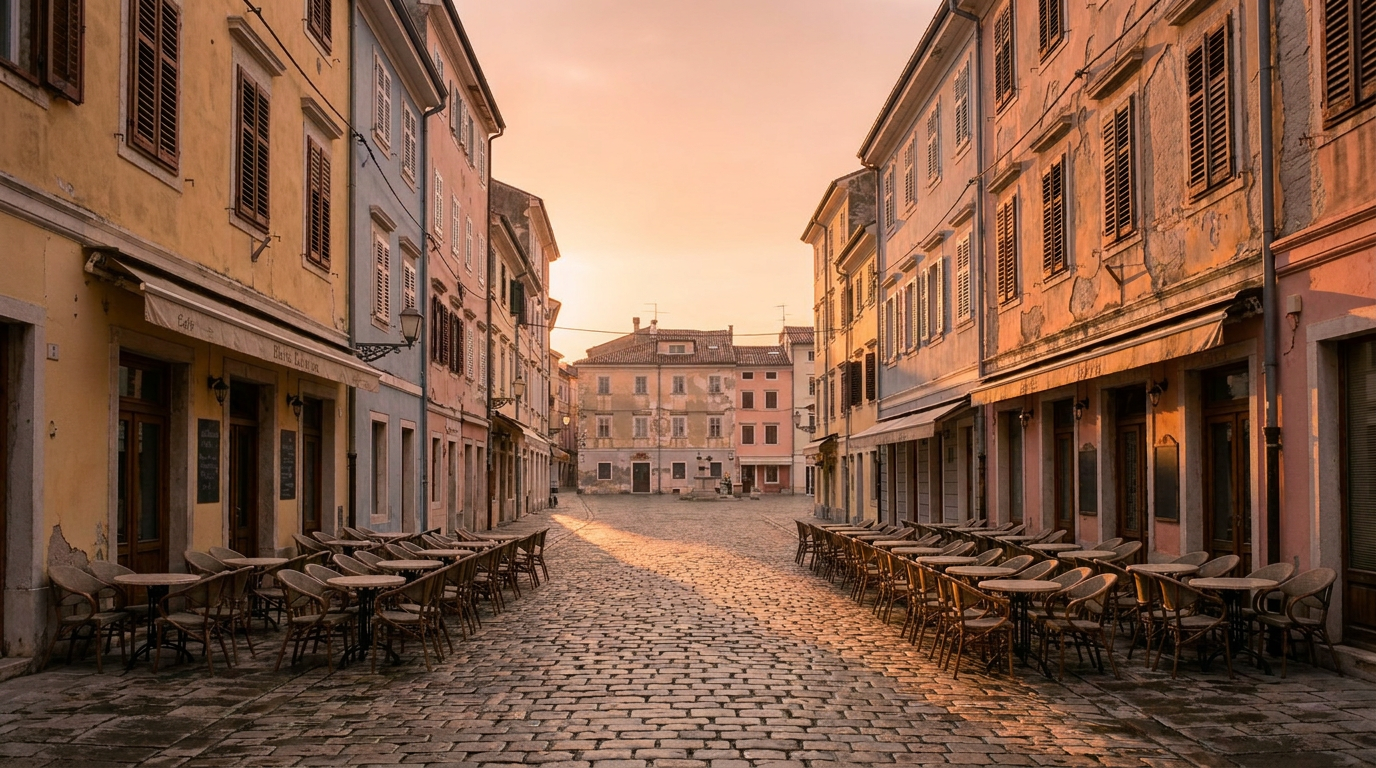
Drop the same street into a rainy night lit by signs: magenta and cyan neon reflecting on wet cobblestones, the sky going deep blue, warm light pooling under the awnings.
“Neon signs magenta and cyan, reflections on wet cobblestones, dark blue night sky, warm light under the awnings — keep the street identical”
Change the angle
See your subject from a different angle
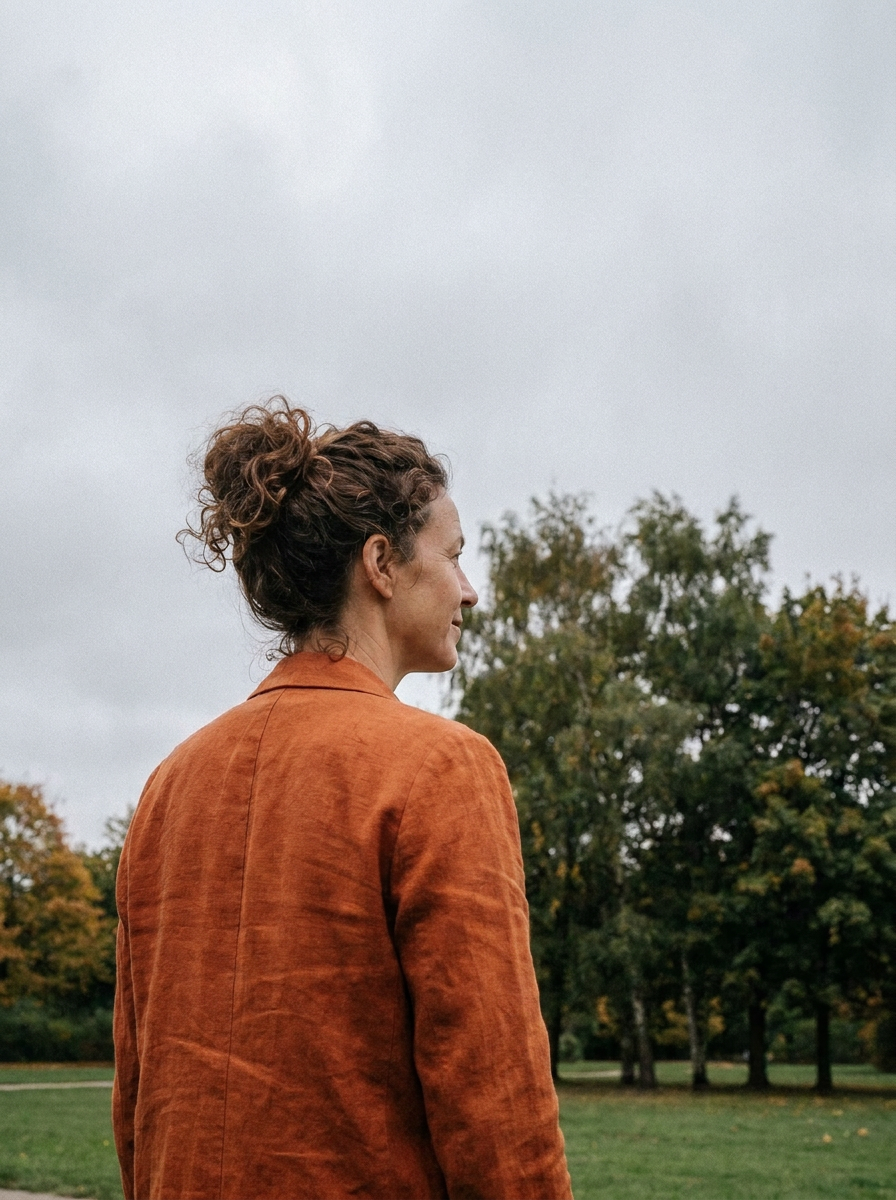
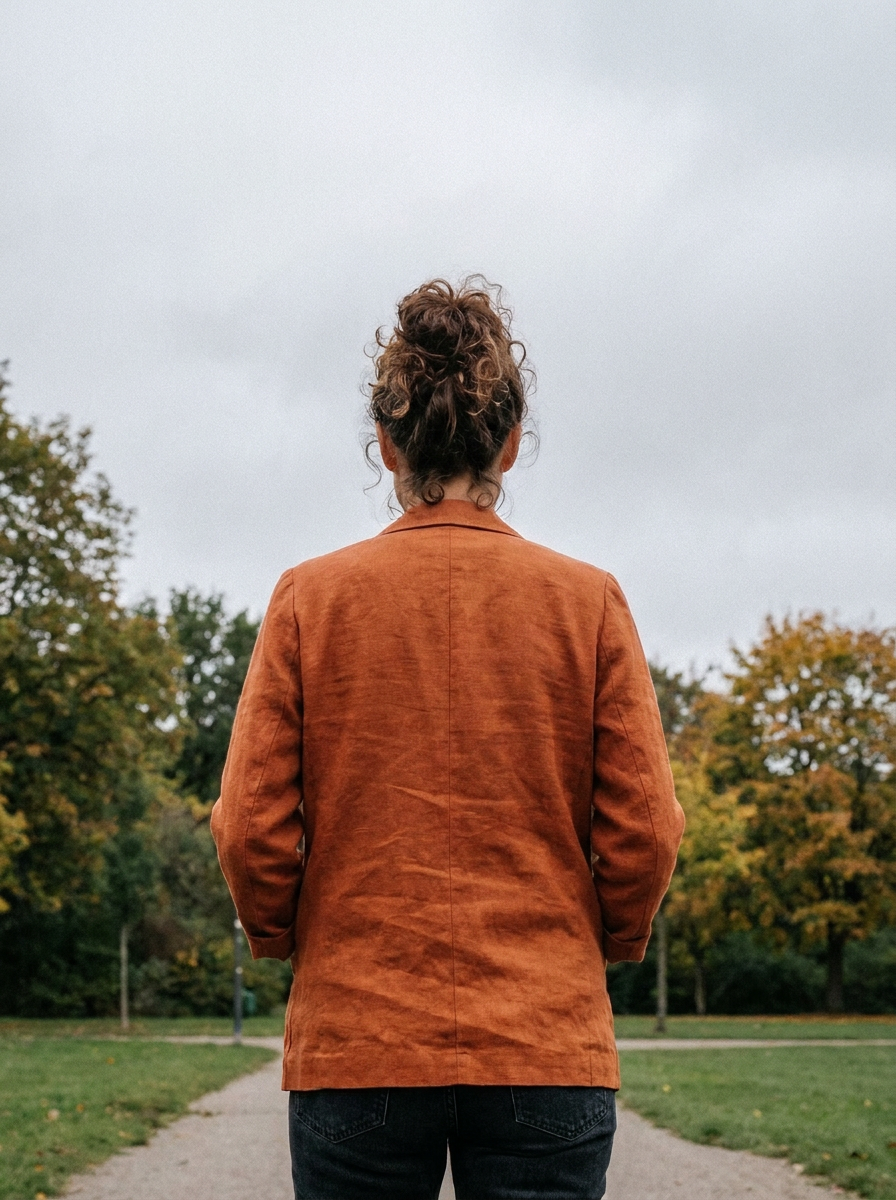
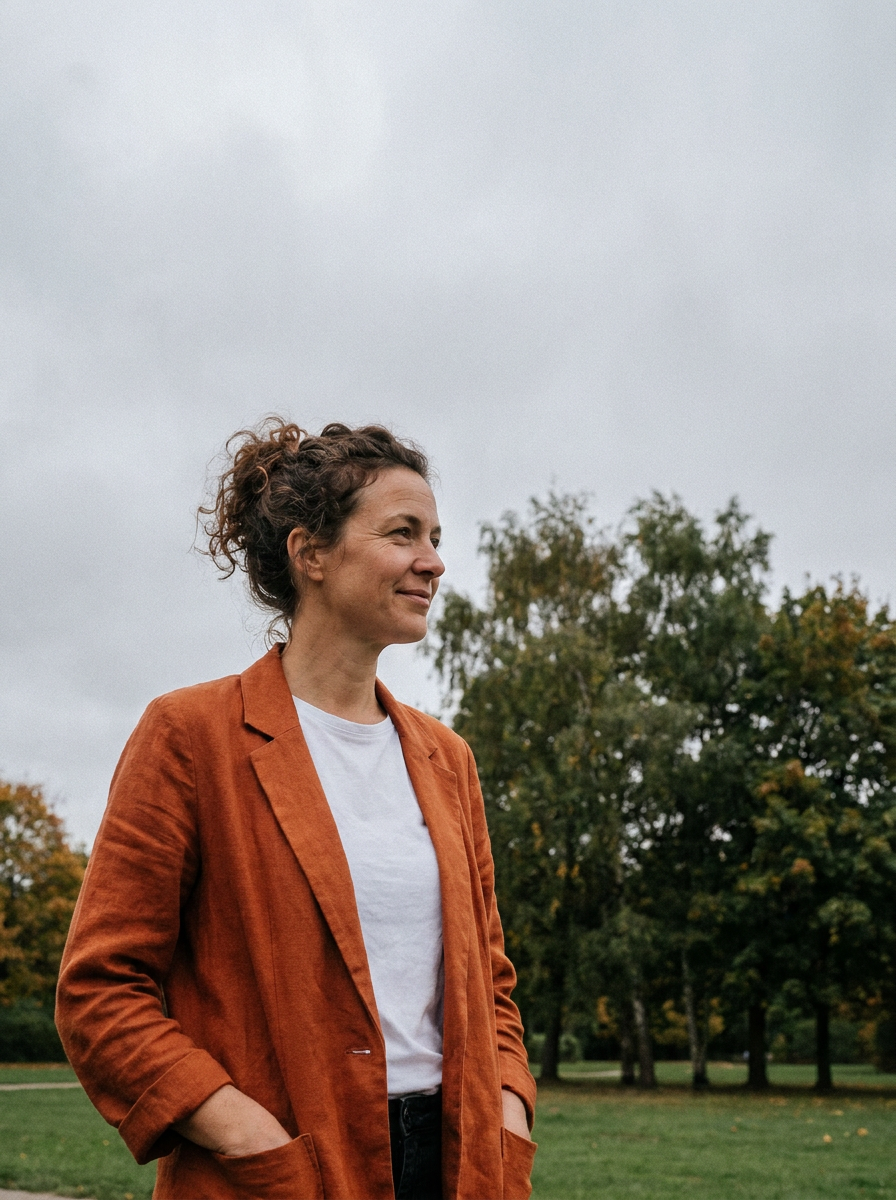
Relighting isn't only light: name a new viewpoint and the same woman, outfit and park turn with you. Combine it with any lighting preset below.
How to relight a photo
Upload your photo
Any portrait, product shot or scene. The flatter the light you start with, the more dramatic the relight looks.
Describe the light
Pick a feel: golden hour, studio, neon, blue hour. Name the direction — “warm sun from the left” — and say what must stay the same.
Generate and download
The relit photo renders in seconds. Download it, or keep pushing the light until the mood is right.
Four relight engines, one subscription
Switch between them on the same photo and keep the best take.
AI relight FAQ
What is AI relighting?+
It's an AI edit that changes the lighting of a photo — the direction, color and quality of the light — while leaving the subject and scene themselves untouched. You describe the light you want, the model re-renders the photo under it.
How do I relight a photo with AI?+
Upload the photo to the animx image editor, pick a model, and describe the light: “golden-hour sunlight from the left”, “studio light on a grey background”, “neon night with wet reflections”. The relit version renders in seconds.
Can it fix a photo that's too dark?+
Yes — that's the most common job. Describe the light the shot was missing (“bright, even window light”) and the model relights the scene instead of just brightening pixels, which keeps skin and surfaces looking natural.
Can I change the time of day?+
Yes. Overcast noon can become golden hour, blue hour or a neon night — the presets on this page are all one-prompt relights of the same three photos.
Will it change my face or my product?+
No — the models are tuned for surgical edits: the subject, pose and background stay identical, only the light moves. Nano Banana Pro and FLUX Kontext Max are the strongest at holding the rest of the frame pixel-stable.
Which models can relight photos?+
All four edit labs on animx: Nano Banana Pro, Seedream 4.5, FLUX Kontext Max and GPT Image 2. They're included in one subscription — switch between them on the same photo and keep the best relight.
Can I animate a relit photo?+
Yes — send the relit image straight to image-to-video and the new light comes alive: drifting sunset light, flickering neon, moving cloud shadows.
How much does relighting cost?+
New accounts start with 200 free credits — enough to relight a handful of photos. Paid plans start at $5 a month, and every relight shows its credit cost before you generate.
Point the light wherever you want it
Golden hour, studio, neon night — upload a photo and relight it in seconds. Every top edit model in one workspace.