GPT Image 2.6: AI Image Generator & Editor
Create new images or edit your own with GPT Image 2.6, OpenAI's newest image model. Pick Flare for speed or Sunburst for depth, choose a quality level up to 4K and get clean text, sharp textures and precise edits in your browser.
- Flare for speed, Sunburst for depth
- Quality up to 4K
- Edit images with a prompt
- 10 aspect ratios
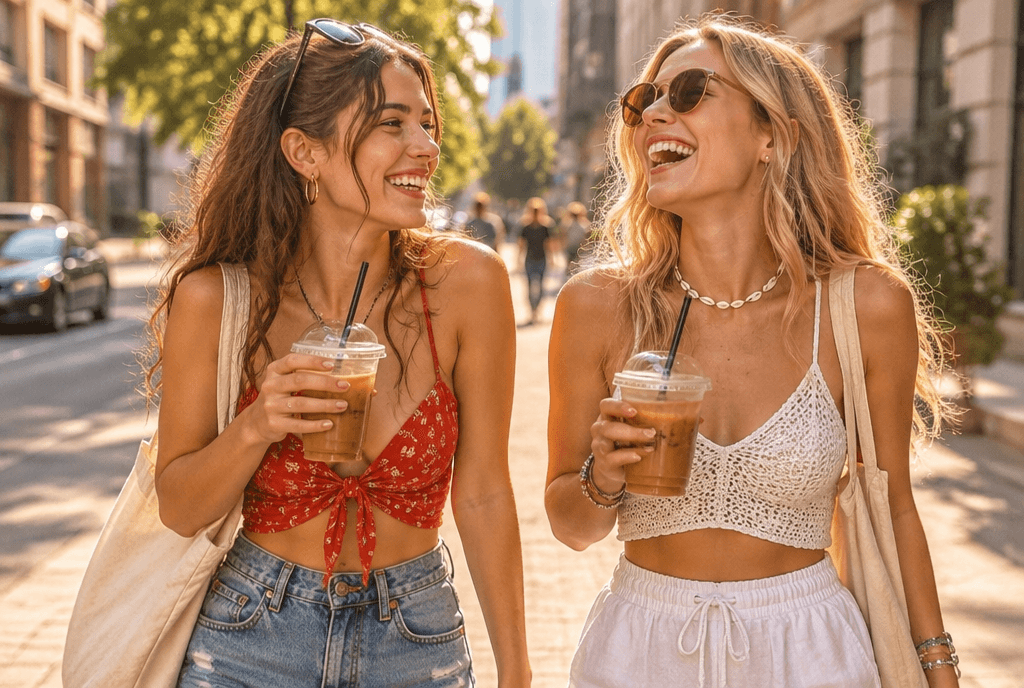
Key features of GPT Image 2.6
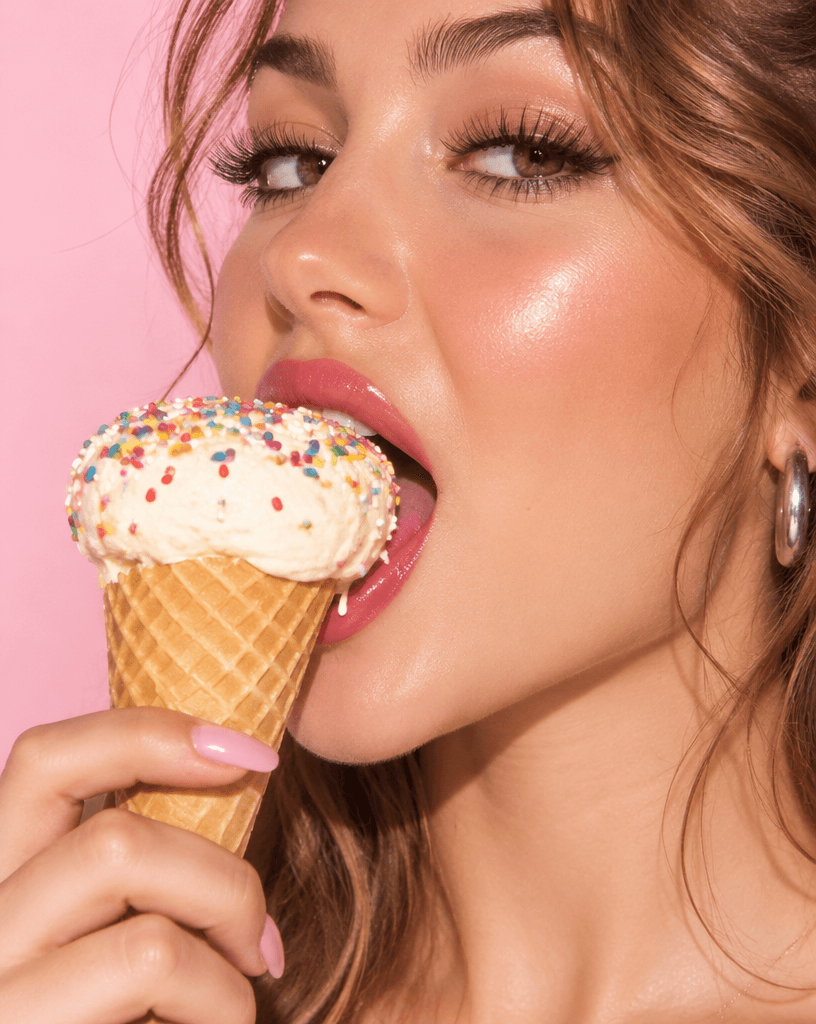

Flare for speed and Sunburst for depth
GPT Image 2.6 comes in two modes. Flare is the fast default: use it to test ideas, make many variations and create everyday social content. Sunburst spends more time on each image for dense detail and tight control, so use it for the final version of a product photo, an editorial shot or a text-heavy layout. Both modes cost the same number of credits.

Make precise edits
Upload an image and describe the change in a short prompt: swap the background, change a color, replace a product or update the headline. GPT Image 2.6 changes what you ask for and keeps the rest of the image, so you don't have to start over for one small fix.
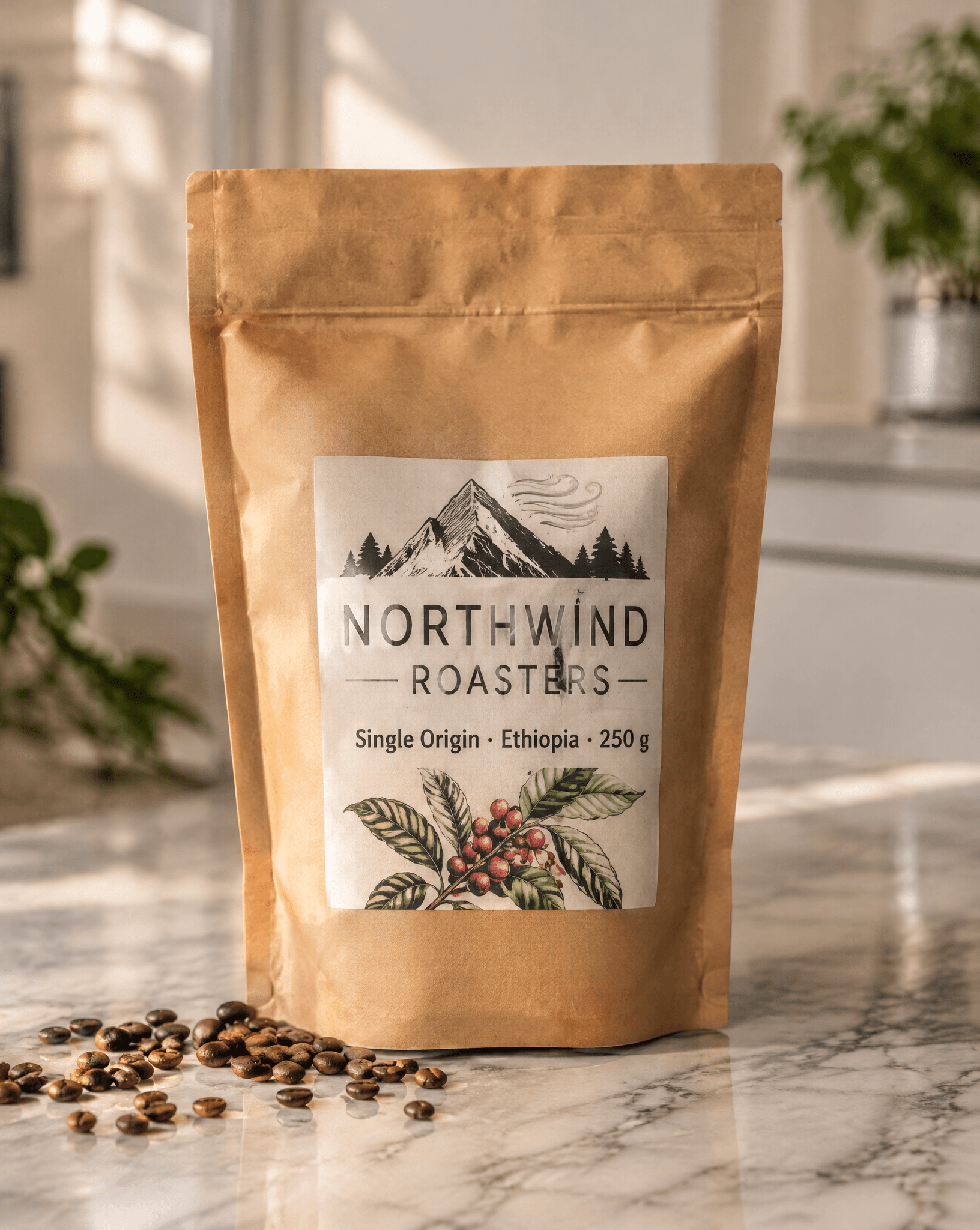
Set your quality level
Choose how much detail each image gets. 1K uses low quality for quick drafts and variations, 2K uses medium quality for everyday content, and 4K uses high quality for finals, print, infographics and posters with a lot of text.
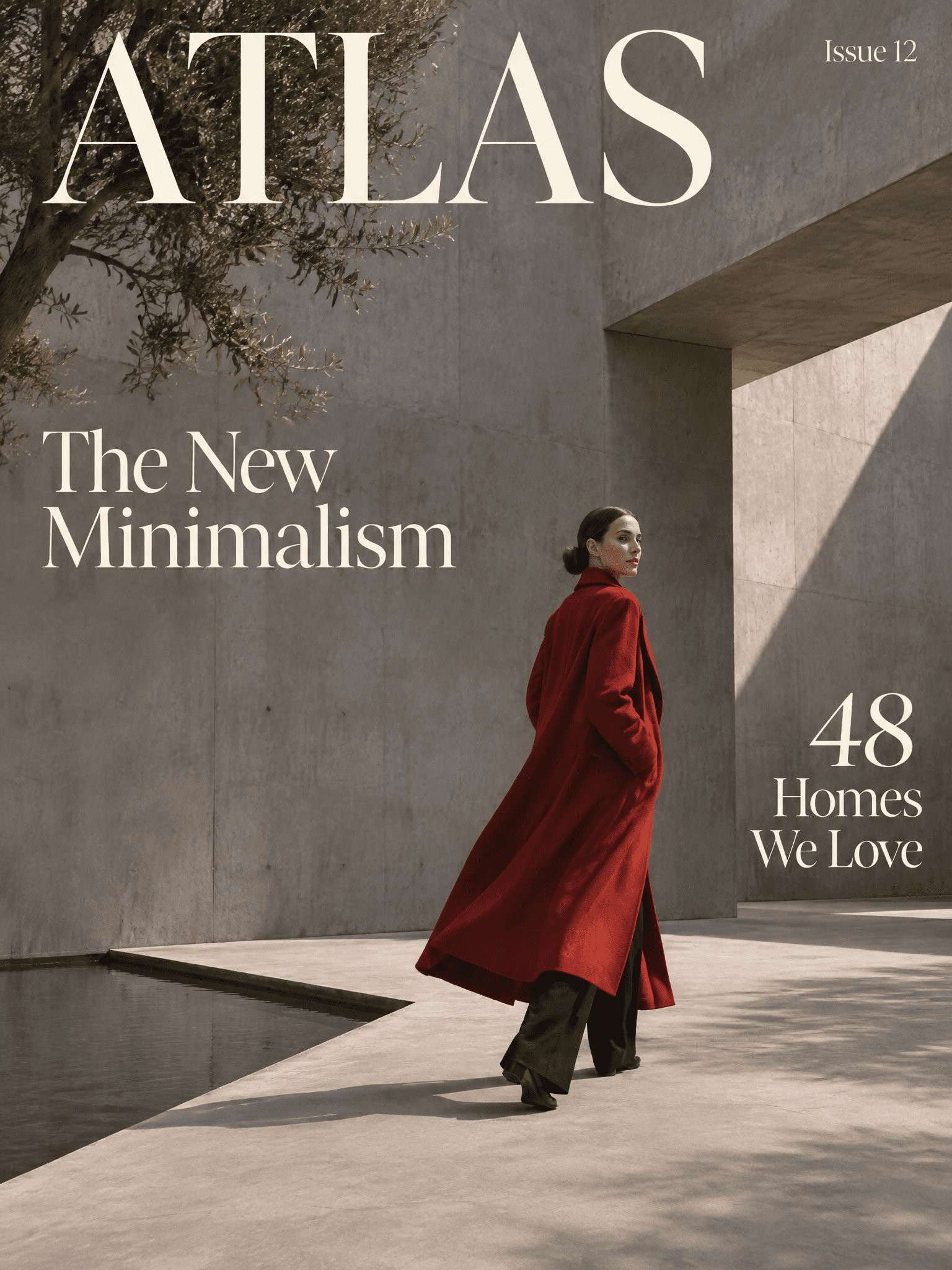
Clean text inside images
Headlines, labels, signs and magazine covers come out as real, readable words more often than with earlier GPT Image versions. Write the exact text in quotes, keep it short, and always check the spelling before you publish.
How to use GPT Image 2.6
- 1
Pick your model and mode
Open the Animx image workspace and choose GPT Image 2.6 Flare for speed or GPT Image 2.6 Sunburst for detail.
- 2
Start from a prompt or an image
Describe the image you want, or upload a photo and write what to change. Put any words that should appear in the image in quotes.
- 3
Configure and generate
Choose the aspect ratio and a 1K, 2K or 4K quality level, then generate. Refine with a follow-up prompt or send the result to the video workspace to animate it.
Best use cases for GPT Image 2.6

Make the changes a client asked for
Upload the approved image and describe each change: a new headline, a different color or a cleaner background. GPT Image 2.6 edits only what you ask, so you skip a full redesign and send the new version in minutes.

Refresh your product photos for each season
Keep the product and change the setting: autumn leaves, winter lights or a summer table. One product shot becomes a seasonal set for your store, ads and social posts, without a new photo shoot.

Edit one specific thing in each ad version
Make one ad, then change a single element for each version: the headline, the color or the call to action. Everything else stays the same, so you can test which version works best.

Plan film shots with still frames
Turn a script into cinematic stills in widescreen 21:9 to test lighting, framing and mood before the shoot. Then animate the best frames with a video model in the same Animx workspace.
Made with GPT Image 2.6
Images made with GPT Image 2.6 on Animx: beauty and lifestyle shots, product photos, film stills, posters and packaging with clean, readable text.


Frequently asked questions
GPT Image 2.6 is OpenAI's newest image model. It creates images from text and edits existing images, with cleaner typography and sharper textures than earlier GPT Image versions. On Animx it comes in two modes, Flare and Sunburst.
Yes. New Animx accounts get 200 free credits, and one GPT Image 2.6 image costs 40 credits, so you can create several images before choosing a plan.
Start creating with GPT Image 2.6
New accounts get 200 free credits. One GPT Image 2.6 image costs 40 credits, in Flare or Sunburst.