
Seedream 4.0 Multi-Reference AI Image Generator
Seedream 4 is ByteDance's flagship AI image model — built for strong prompt adherence, multi-input composition, and a wide style range. The model creators reach for when one prompt needs to honor three different references at once.
What is Seedream 4?
Seedream 4 is ByteDance's top-tier AI image model — the family behind Doubao and Jimeng, tuned for the same multi-subject, multi-reference workflows that Chinese creator platforms have iterated on at massive scale. Where other models accept one or two reference images, Seedream takes up to ten — one for the subject, one for the style, one for the setting, one for the prop, all composed together in a single generation.
On animx you use Seedream 4 alongside Nano Banana and Flux in the same workspace. Pick Seedream when you're working from references rather than from scratch — character composition, brand-consistent variants, multi-element scenes that other models can't hold together. Bundled with every top video model on a single subscription, so any Seedream image can be animated with Veo, Kling, or Seedance without re-uploading.
What makes Seedream 4 different
Multi-reference composition
Up to 10 input images per generation, composed coherently. Use one for the subject, one for the style, one for the setting — Seedream blends them into a single scene where each reference's intent shows through.
Strong prompt adherence
Tuned for fidelity to long, structured prompts. Multi-subject scenes hold together — spatial relationships, named characters, and prop positions land instead of drifting between regenerations.
Wide style range
Photoreal one prompt, stylized illustration the next, anime-adjacent the next. Seedream's training breadth means style cues in the prompt actually steer the output instead of producing the same generic look.
Discover what Seedream 4 can create

How Seedream 4 works
- 01
Choose Seedream 4
Open the animx image workspace and pick Seedream 4 in the model selector.
- 02
Attach references (optional) and prompt
Drop in up to 10 reference images — subject, style, setting, props. Describe what you want in the prompt; reference each image with @ if you want to direct it explicitly.
- 03
Generate, edit, or animate
Render in seconds. Keep the image, refine with another reference, or send it to the video workspace to animate.
Get inspired with Seedream 4
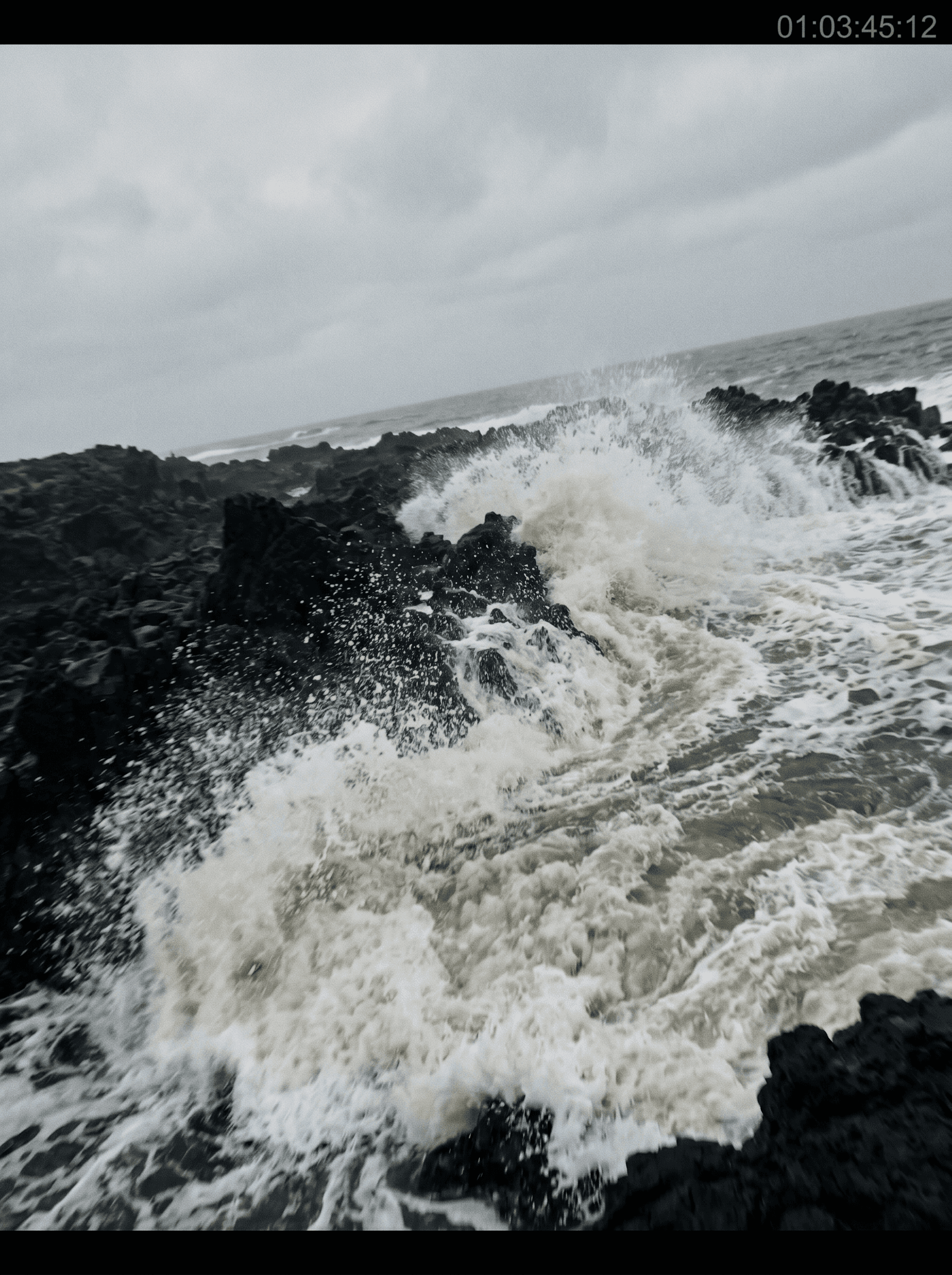
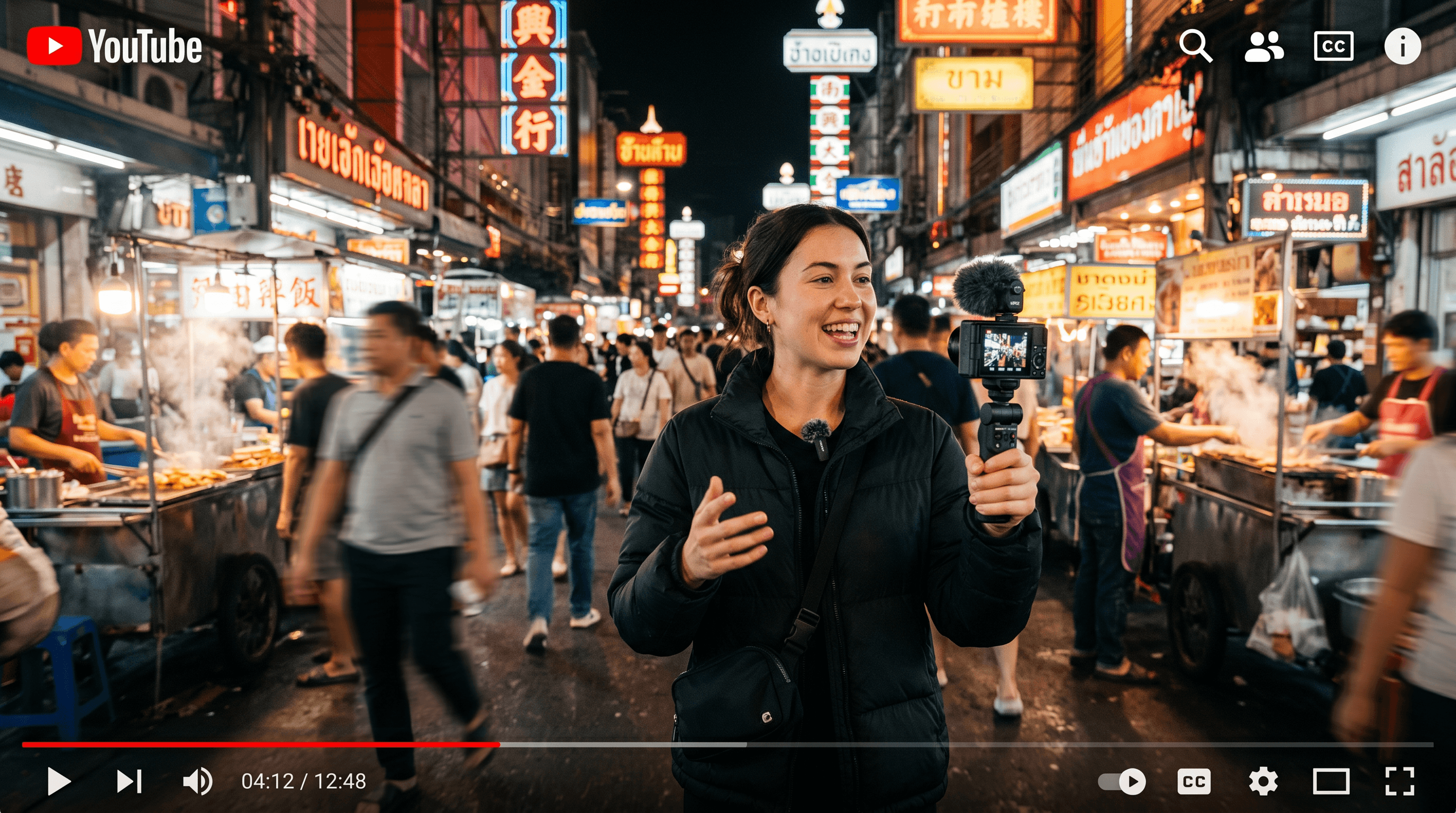
See what Seedream 4 produces. These stills highlight the multi-reference composition, style range, and prompt adherence that set Seedream apart.



Who Seedream 4 is built for
From editors working from references to creators composing multi-element scenes — Seedream 4 fits any workflow where the brief is built from existing visual material.

Editors and retouchers
Reference-driven work where the brief comes with example images — match this character, in this style, with this setting. Seedream's multi-input composition is purpose-built for the workflow.
Content creators composing scenes
Story panels, character sheets, lookbook variants where each frame needs to land specific elements. Pull in a subject reference, a style reference, and a setting reference — Seedream composes the scene.
Brand teams building variant sets
One brief, many variants — same character, different backgrounds; same product, different lighting setups. Seedream's reference-driven composition makes "keep this consistent, change only that" a single prompt instead of a regenerate-until-it-matches loop.
Up to 10 reference images
Subject, style, setting, props — all composed in a single generation.
Strong prompt adherence
Tuned for long, structured prompts — multi-subject scenes hold together.
Wide style range
Photoreal, stylized, illustrated, anime-adjacent — style cues actually steer the output.
Multi-subject composition
Spatial relationships and named characters land where the prompt places them.
Hand-off to video
Generate a Seedream image, then animate with Veo, Kling, or Seedance in the same workspace.
One subscription
Bundled with Nano Banana, Flux, and every top video model — no separate Seedream plan.
When to use Seedream 4
Pick Seedream 4 when you're working from references — multi-input composition, character consistency across variants, multi-element scenes where each piece comes from a different source image.
Reach for Nano Banana for highest prompt fidelity on single-prompt generations (Google's Gemini backbone). Reach for Flux 2 Max when surgical per-pixel detail matters more than reference composition. All three live in one workspace on animx.
Seedream 4 + every top model in one subscription
You don't need a separate Seedream 4 subscription — it's included with animx alongside every other top model. Switch between them in one workspace, on one plan.
Frequently asked questions
- What is Seedream 4 best at?
- Multi-reference composition. Seedream is the strongest pick when you're building an image from several reference inputs — a character, a style, a setting, a prop — composed into a single coherent scene.
- How many reference images can I attach to one generation?
- Up to 10. Each reference can play a different role — subject, style, setting, prop — and Seedream composes them together.
- Do I need a separate ByteDance or Doubao subscription?
- No. Seedream 4 is included in animx alongside Nano Banana, Flux, and every top video model — one plan covers everything.
- Can I turn a Seedream image into a video?
- Yes — generate the image, then send it directly to Veo, Kling, or Seedance for image-to-video in the same animx workspace. No re-uploading.
- Can I use Seedream 4 images commercially?
- Yes — your generations are yours to use, subject to the standard animx terms (which cover commercial use on paid plans).
Start creating with Seedream 4
Free to start — Seedream 4 plus every other top model in one subscription.