AI Text-to-Video Generator
Text to Video AI Generator
Type a scene, get a video. Pick your model, add camera moves and motion direction, and export. Every top text-to-video model — Veo, Seedance, Kling, Wan — in one workspace. No per-model subscriptions.
See what text-to-video can do
Real outputs from text prompts — across all four models, all four aspect ratios.
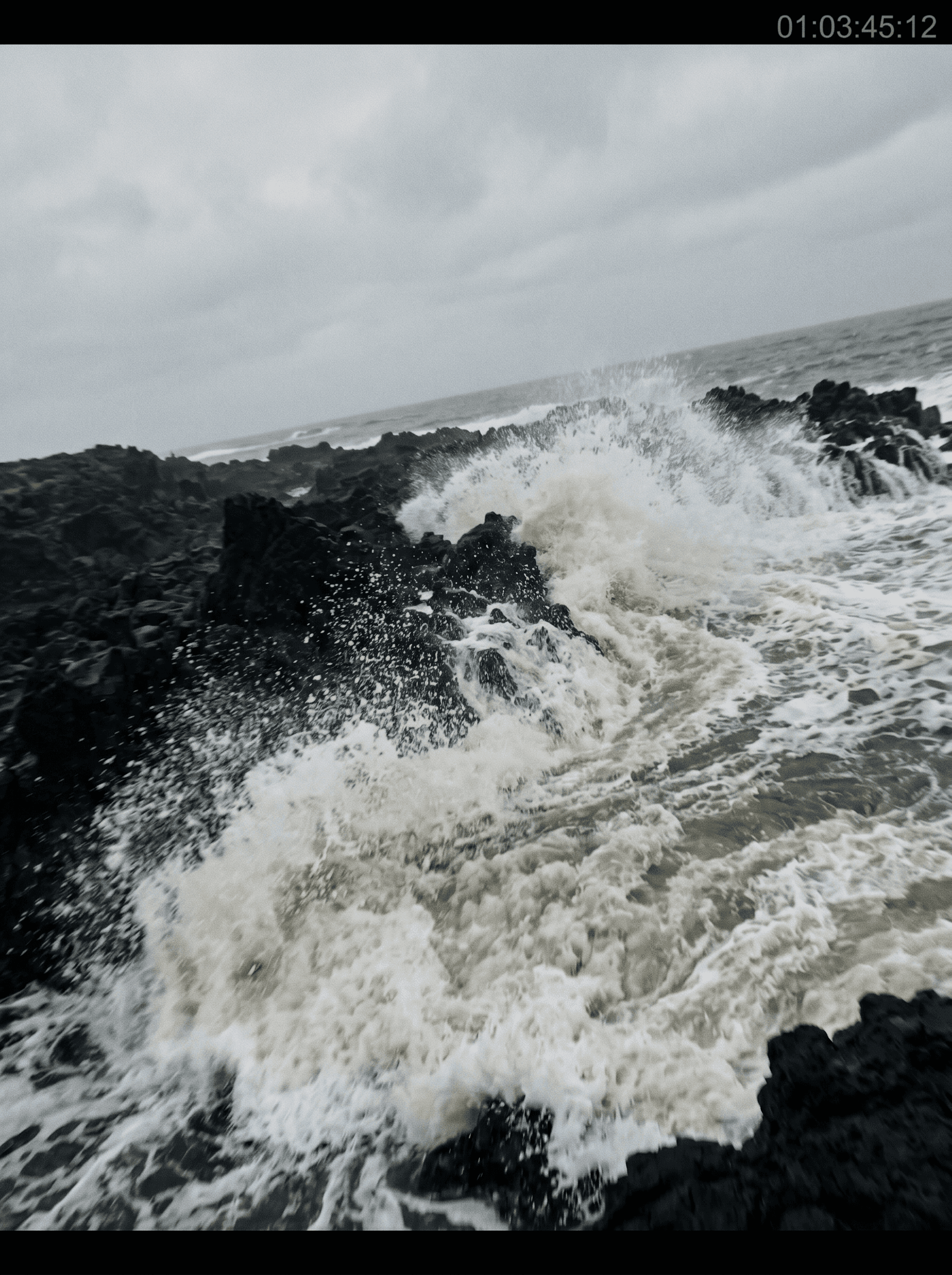



Generate video from a prompt
Text-to-video is the fastest AI video workflow there is: write what you want to see, hit generate, get a clip. No upload, no editing pass, no starting frame to source. The model invents the scene, the motion, the lighting — and increasingly, the audio — straight from a few sentences of description.
On animx every top text-to-video model lives in one workspace. Write a prompt once, then test it across Veo for cinematic realism + native synced audio, Wan for precise camera control, Kling for grounded real-world motion, or Seedance for stylized cinematic motion. Same prompt, four interpretations, one subscription — no per-model billing.
How to generate video from text
- 01
Write your prompt
Describe the scene, the action, the camera move, the mood. Concrete nouns + clear motion verbs work best — "a barista pours espresso in slow motion, steam rising, golden hour light through a window".
- 02
Pick your model and settings
Choose Veo, Seedance, Kling, or Wan based on the look. Set duration, aspect ratio, and turn on native audio if your model supports it.
- 03
Generate and export
Render in seconds to a couple of minutes. Download the MP4, share, or send straight to social.
Pick the right model for your scene
Every top text-to-video model is in your animx subscription. Pick the one that matches your scene — each is tuned for a different kind of generation.
Camera, motion, and audio control
Direct your scene like a cinematographer — entirely through the prompt.
Camera moves
Pan, dolly, zoom, orbit, parallax, push-in — describe the move in plain language and the model interprets. No keyframes.
Motion direction
Tell the model exactly what should move and how — subject action, ambient drift, atmospheric weather. Match the energy of the scene.
Native synced audio
Veo, Seedance and Happy Horse generate dialogue, ambient sound, and SFX rendered together with the picture — no separate audio pass.
Multi-shot scenes
Seedance and Happy Horse chain multiple shots from a single prompt — cut a complete storytelling beat without re-rendering.
Multiple aspect ratios
16:9 for landscape, 9:16 for vertical social, 1:1 for square feed — generate in the format your destination needs.
Switch models on the same prompt
Test your prompt across Veo, Kling, Wan, and Seedance in one workspace — compare interpretations side by side without retyping.
Frequently asked questions
- How long should my prompt be?
- A few sentences usually beats a paragraph. Lead with the subject and action, then add camera move, lighting, and mood. Concrete nouns and clear verbs outperform abstract language. Most successful prompts land in the 20–60 word range.
- Which model is best for text-to-video?
- Veo for cinematic realism + native synced audio. Wan for precise camera control on long takes. Kling for grounded real-world motion and longer clips. Seedance for stylized cinematic motion. Try the same prompt across all four — they all live in your animx plan.
- Do I need separate Veo, Kling, Seedance, or Wan subscriptions?
- No. Every text-to-video model on this page is included in your animx plan. Switch between them in one workspace, no per-model billing.
- How long does generation take?
- Most clips render in 30 seconds to 2 minutes depending on the model, length, and resolution. Veo, Seedance and Happy Horse are slightly slower because they generate synced audio at the same time.
- Can I control the camera and motion explicitly?
- Yes. Describe the camera move (pan, dolly, push-in, orbit), the subject action, and the mood directly in the prompt — the model interprets each one. For finer control, some models also accept reference frames to anchor the look.
Type your scene — get a video
Free to start. Every top text-to-video model in one workspace, no per-model billing.