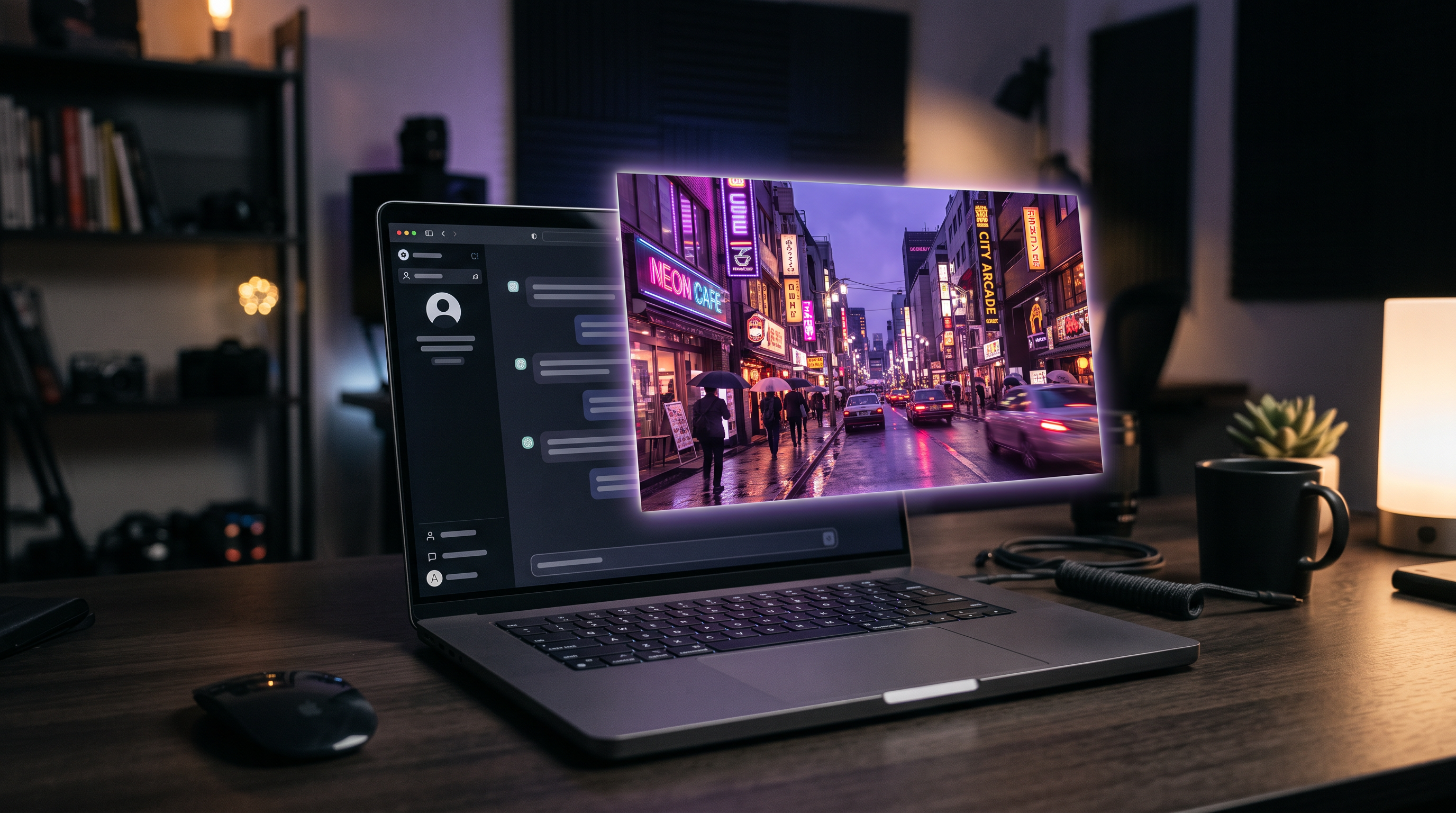
Can Claude generate images? On its own, no: Claude has no built-in image or video model. But Animx is now available as a Claude connector, so you can describe a picture or a video in any Claude chat and get the finished file back in the same conversation. Setup takes about a minute, needs no API key, and works on free and paid Claude plans.
This post explains what changes, how to connect Animx to Claude, what you can make, and the prompts we used to create the images in this article from a Claude chat.
Animx in Claude at a glance
| What it adds | AI image and video generation inside Claude |
| Where it works | claude.ai, Claude Desktop, Claude mobile, Cowork and Claude Code |
| Setup | Settings → Connectors → Add custom connector → paste one URL → sign in |
| Connector URL | https://animx.ai/api/mcp-claude |
| API key needed | No |
| Claude plan | Free and paid accounts |
| Cost | Animx credits, the same as in the Animx app |
| Tools | Generate image · Generate video · Check generation |
Why Claude needed this
Claude is excellent at writing, reasoning and planning, and it can read and analyse images you upload. What it does not have is its own image or video model: Anthropic’s help center says Claude doesn’t generate photos or illustrations the way image-generation tools do.
That gap used to mean switching tabs: brainstorm a concept in Claude, copy the prompt, open an image tool, paste, wait, download, come back. With the Animx connector, Claude calls the image or video model for you and the result appears right under its reply.
Why it matters: Claude is very good at turning a vague idea into a precise visual prompt. Now that prompt goes straight to a model like Nano Banana 2 or Seedance without leaving the chat.
How to connect Animx to Claude
- Copy the connector URL:
https://animx.ai/api/mcp-claude - In Claude, open Settings → Connectors → Add custom connector and paste the URL.
- Sign in with your Animx account when Claude opens the sign-in window (OAuth). The connector only reads and creates your own generations.
- Ask for an image or a video in any chat. The first time, Claude asks for permission to use the Animx tools.
That is the whole setup. There is no API key to copy and nothing to install. Full details live on our Claude connector page.
Tip: once connected, you can turn the connector on or off per chat from the tools menu, so it is only active when you need it.
What you can make
The connector adds three tools that Claude chooses automatically from your request.
1. Images from text
Describe a scene and Claude sends it to the image model. By default Animx uses Nano Banana 2; ask for another model by name, for example Seedream or Grok Imagine. You can also choose:
- the aspect ratio, such as 1:1, 16:9 or 9:16;
- the resolution, 1K, 2K or 4K on models that support it;
- a source image to edit or extend, and up to four reference images to keep a character or style consistent.
Images usually finish in under a minute.
2. Videos from text or from an image
Ask for a clip and describe the subject, motion and camera. You can set the length from 2 to 30 seconds (8 by default), the aspect ratio and the resolution from 480p up to 4K, depending on the model. Give Claude an image to animate it as the first frame. Videos usually take 30–90 seconds, longer when the queue is busy.
3. Status and download links
Claude can check any generation, or simply “my last generation”, and return the progress or the finished download link.
The media card
Every result appears in an Animx media card inside the chat: the image or video, an Open button, a Copy link button and the direct URL. The card updates on its own while the file renders, so you don’t need to ask for status; just wait for it to fill in. It also follows your light or dark theme.
Made in Claude: real examples
Every image below was generated from a Claude conversation using the Animx connector, with no other tool involved. We asked Claude for trend-style thumbnails for an app mockup, and it wrote and sent these prompts:
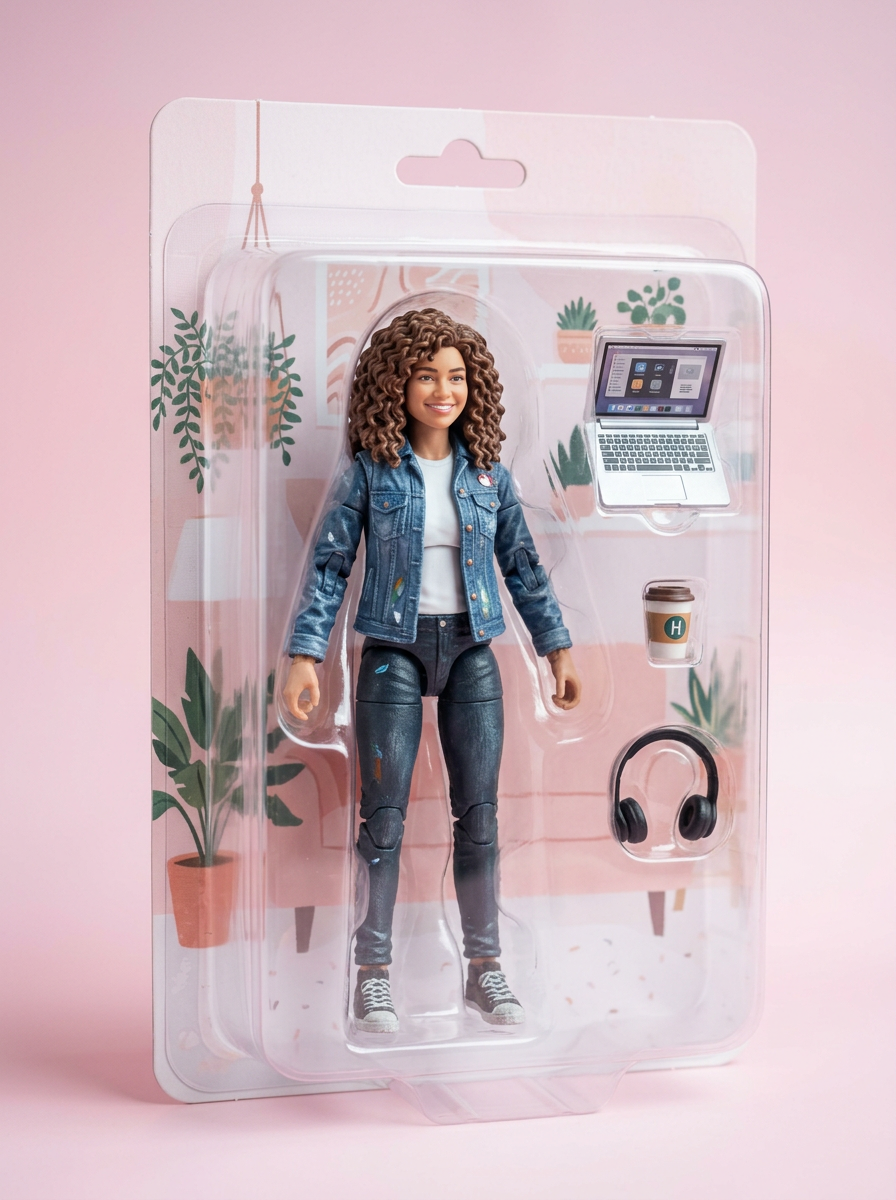
Collectible action figure of a smiling young woman with curly hair in a denim jacket, sealed in a toy blister pack with small accessories, studio product photo, pastel pink background.

1990s high school yearbook portrait, laser blue backdrop, soft focus, film grain, slightly faded colors.
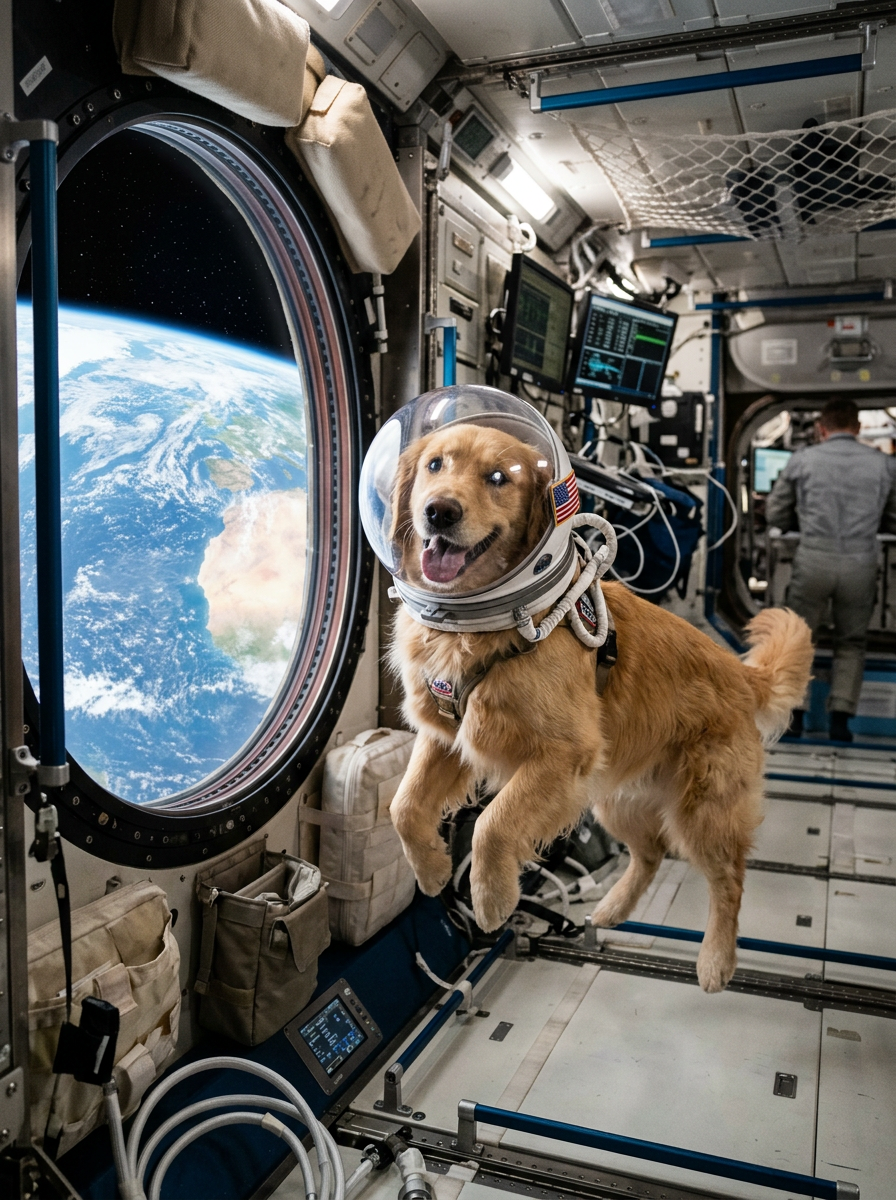
Friendly golden retriever wearing a tiny astronaut helmet floating inside a spaceship cabin, Earth visible through the window, photorealistic.
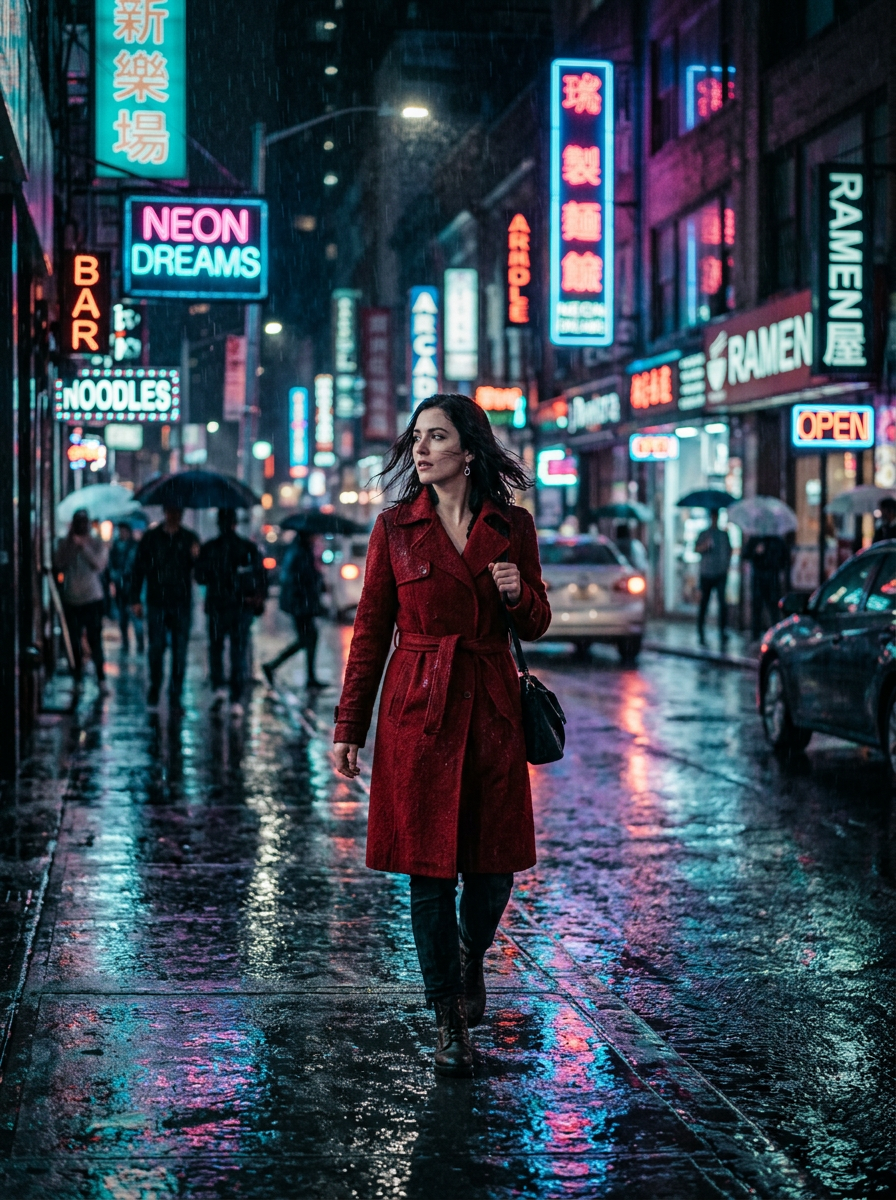
Cinematic portrait of a woman in a red coat on a rainy neon street at night, reflections on wet asphalt, moody teal and magenta lighting.
The hero image at the top of this post was made the same way, in the same chat where this article was planned.
Five ways to use Animx in Claude
- Blog and social images while you write. Draft a post with Claude, then ask: “Make a 16:9 header image for this article, no text.”
- Ad and product creative. Paste a product description and ask for three visual concepts, then generate the one you like in 1:1 and 9:16.
- Storyboards to video. Ask Claude to split a 30-second ad into shots, generate a key frame for each, then animate the best frame with an image-to-video request.
- Consistent characters. Generate a character once, then pass that image as a reference for new scenes.
- Inside Claude Code and Cowork. Generate assets for a website, app or presentation while Claude builds it, and drop the links straight into the project.
Prompts that work well
Claude already writes strong prompts, but these patterns help:
- Name the format first: “16:9 cinematic still” or “9:16 vertical video, 8 seconds”.
- Describe light and camera: “golden hour, shallow depth of field, slow push-in”.
- Say what you don’t want: “no text, no logos”.
- Iterate in the same chat: “same scene, but at night” keeps context, so Claude adjusts the last prompt instead of starting over.
- Ask Claude to suggest the model: “Which Animx model is best for a realistic product video?”
Credits, limits and privacy
- Credits: each generation uses credits from your Animx account, exactly as in the Animx app, and your plan’s usual limits apply. New accounts start with free credits; see pricing.
- Failed jobs: a generation that is never picked up is marked as failed after 25 minutes and its credits are refunded automatically.
- Privacy: Animx receives your prompt, any image links you share and your Animx sign-in, over HTTPS. Results are stored in your Animx account; no API keys are stored by the connector. See our privacy policy for details.
- Your rights: all paid Animx plans include commercial rights to what you create. Only upload photos of yourself or of people who agreed.
Also in ChatGPT
Prefer ChatGPT? Animx is also available there as a published plugin. Both connections are explained on our Animx in your chat page.
What this means for you
If you already plan, write or code with Claude, you no longer need a separate tab for visuals. Connect Animx once, describe what you want, and the image or video arrives in the conversation where the idea started. Connect Animx to Claude and try your first prompt: it takes about a minute.